
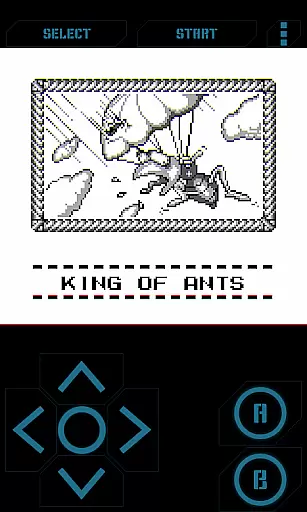
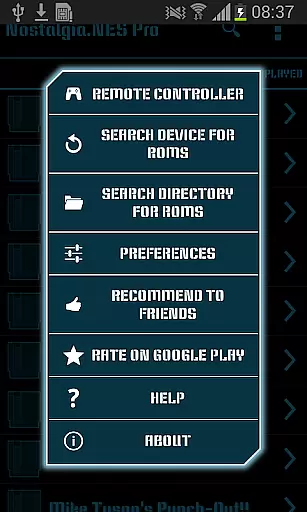
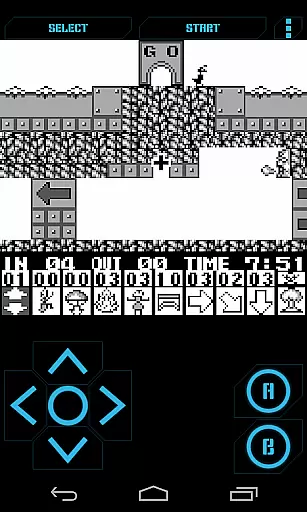
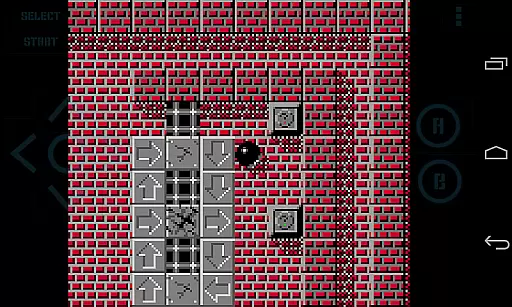
Nostalgia.GBC Pro is a premium Game Boy Color emulator that offers an ad-free experience for retro gaming enthusiasts. Built on the latest revision of the renowned gambatte emulation core, this app delivers high-quality graphics and accurate gameplay.
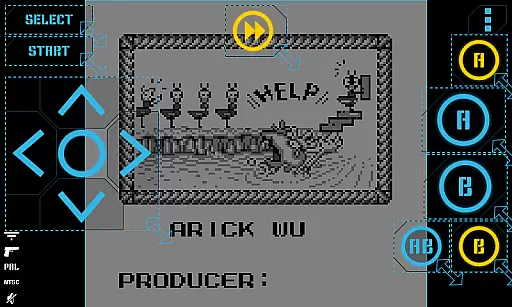
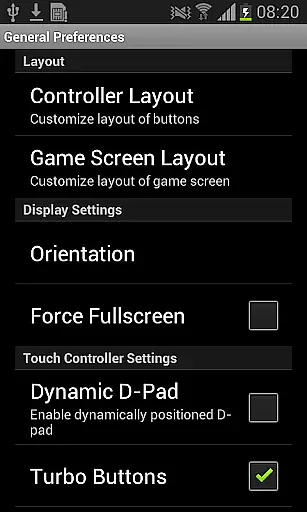
The emulator features a modern, sleek interface with customizable controls, allowing users to adjust button sizes and positions. It supports save states with screenshots, rewinding functionality, turbo buttons, and hardware-accelerated graphics through OpenGL ES. Additionally, it is compatible with HID Bluetooth gamepads and hardware keyboards, making it versatile for various gaming setups.
Perfect for nostalgic gamers who want to relive classic titles on their mobile devices, Nostalgia.GBC Pro provides a seamless blend of vintage gaming with modern convenience.
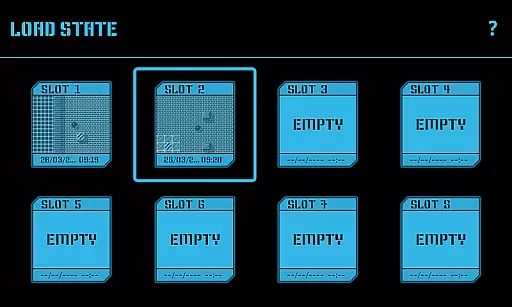
Nostalgia.GBC Pro stands out with its highly customizable virtual controller, enabling users to tailor the gaming interface to their preferences. The app includes 8 manual save slots with screenshots and an autosave feature, allowing easy sharing of game states across devices via Bluetooth, email, or other methods.
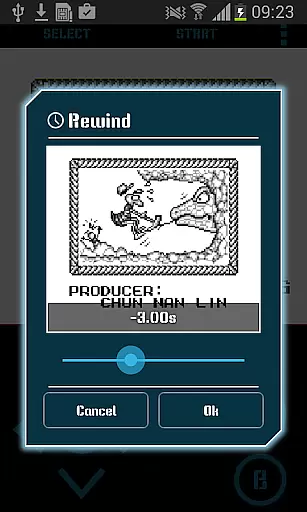
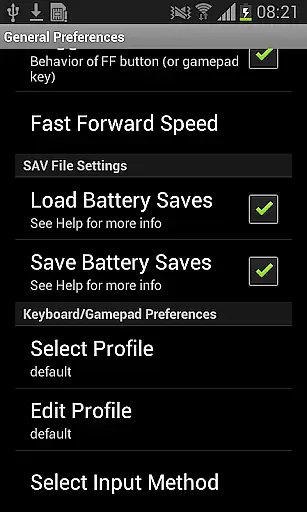
One of the key highlights is the rewinding feature, which lets players reverse time by a few seconds to correct mistakes. The inclusion of turbo buttons and an A+B combination button enhances gameplay speed and control. Furthermore, the app supports taking screenshots during gameplay and using cheat codes to enrich the gaming experience.
With support for GB, GBC, and ZIP files, Nostalgia.GBC Pro ensures compatibility with a wide range of games. Its open-source nature under GPLv3 licensing also invites community contributions, ensuring continuous improvement and transparency.
Arcade authenticity and nostalgia are essential elements for any retro gaming experience. Nostalgia.GBC Pro delivers this by emulating the classic Game Boy Color system with precision. The app is based on the latest revision of the renowned gambatte emulator, ensuring that each gaming session mirrors the original hardware's performance.
Players can relive the excitement of arcade-style gaming with features like rewinding, which allows them to go back a few seconds in the game after a mistake or an unexpected challenge. This function not only enhances the gameplay experience but also adds a layer of forgiveness that was often missing from original arcade games.
The emulator supports GB, GBC, and ZIP file formats, making it versatile for various game collections. With no ROMs included, users must provide their own, just like the old days when gamers would collect physical cartridges, further enhancing the nostalgic journey.
By offering customizable controls and supporting HID Bluetooth gamepads, Nostalgia.GBC Pro bridges the gap between past and present gaming technologies, allowing users to enjoy the best of both worlds.
Control responsiveness is crucial for an immersive and enjoyable gaming experience. Nostalgia.GBC Pro addresses this need by providing highly customizable virtual controllers. Players can adjust the size and position of each button to fit their playstyle, ensuring that every interaction with the game feels natural and intuitive.
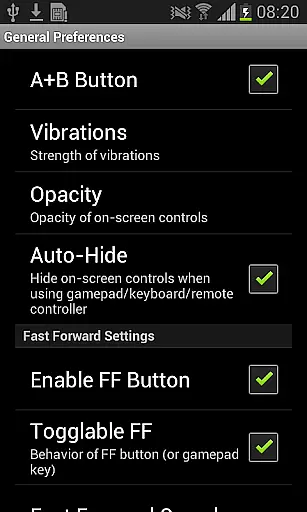
In addition to customizable controls, the app offers turbo buttons and an A+B button combination, enabling more complex commands and faster actions within games. These features enhance the control scheme, making it more responsive than ever before.
Hardware acceleration through OpenGL ES ensures that the graphics rendering is smooth and efficient, contributing to overall control fluidity. This technical advantage means that even the most demanding games run seamlessly, without input lag or graphical glitches.
Furthermore, support for hardware keyboards and HID Bluetooth gamepads caters to different preferences and setups, guaranteeing that all players can achieve optimal control responsiveness tailored to their individual needs.
High-quality emulation
Customizable controls
Save state functionality
Rewind feature
Supports cheats
No games included
Requires ROMs
Paid version
Complex setup
Limited platform

Snake Legacy, sans pub, repensé pour une expérience fluide et élégante.
 4.1
4.1
Use superpower in your magic hands. Defeat the enemies in a fun elemental game.
4.50
Granny keeps you locked in her house.
4.30
PC Engine/TurboGrafx-16 Emulator
4.50
Shoot the web, jump and teleport! Be a stickman hero and destroy your enemies!
4.50
This is an emulator for a certain 64 bit console with online cloud backup.
4.80
A fast, full-featured GBA emulator with link cable emulation.
3.90
Jump and fly your way through danger in this rythm-based action platformer!
4.70
Merge bowmasters to win the bow and arrow war! Play the fun archery game!
4.60
Local offline 2 3 4 player multiplayer minigames - race, tanks, football
4.60
Venture into the galaxy to fight against the invasion of space invaders.
4.60
Suck the other’s blood and be the longest surviving mosquito!
4.40
Relax and catch fish for your aquarium while earning rewards in these tank games
4.40
NES Emulator
4.40
Get into your tractor to cut grass and harvest the crops in our mowing simulator
4.10
NEOGEO's masterpiece game is now available in the app!
4.10
Monster Run its a game for relax.
4.4
Fast reflexes, glowing obstacles, endless action.
4.3
Reach high, and shine in the neon world in 3D!
4.5


User Reviews