
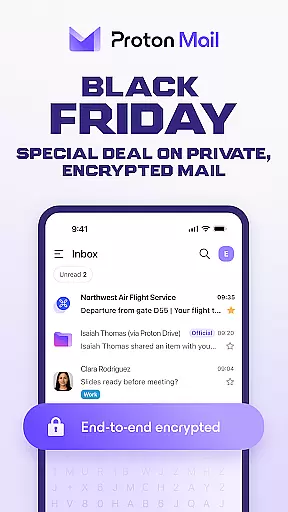
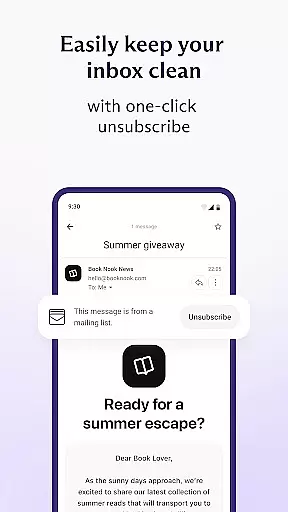
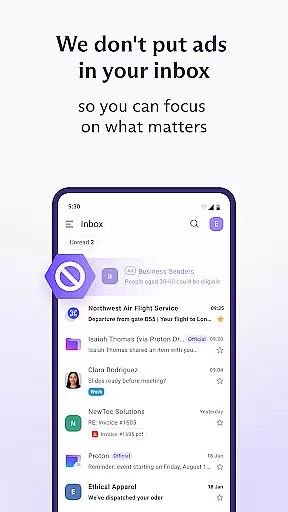
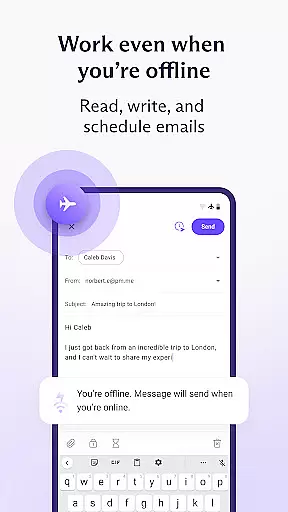
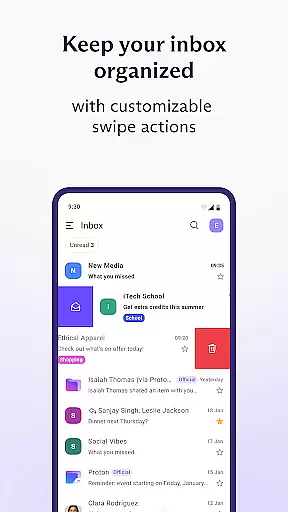

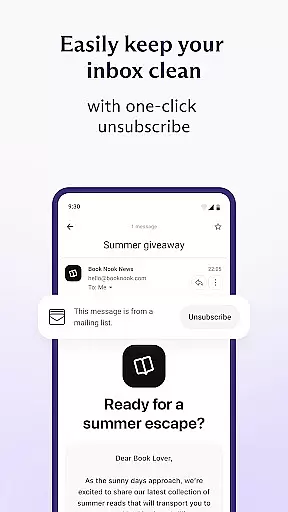
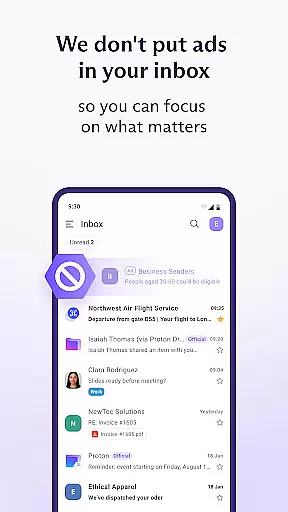
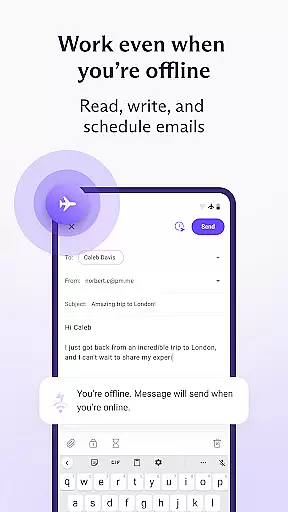
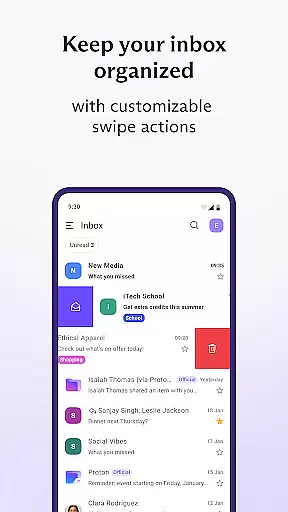
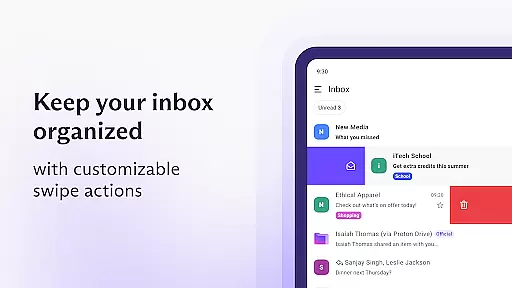
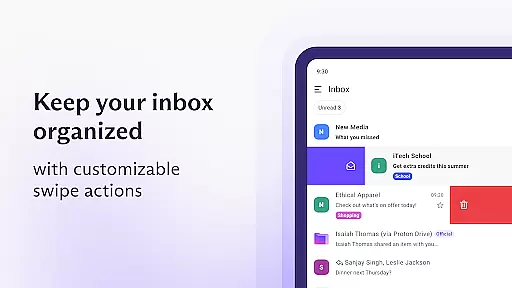
Proton Mail is a cutting-edge encrypted email application designed to provide users with a secure and private communication platform. The app allows you to create a @proton.me or @protonmail.com email address, send and receive encrypted emails and attachments, and manage multiple accounts seamlessly. With features like folders, labels, and swipe gestures, maintaining an organized inbox has never been easier.
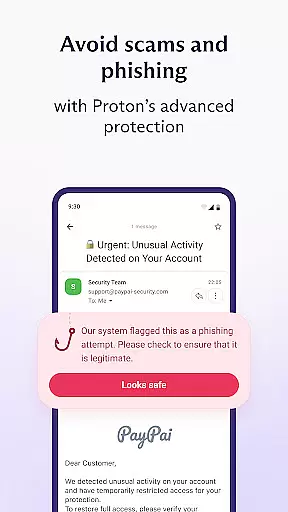
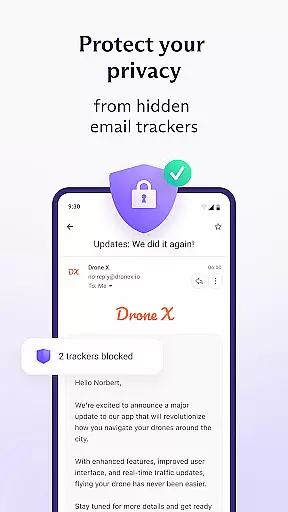
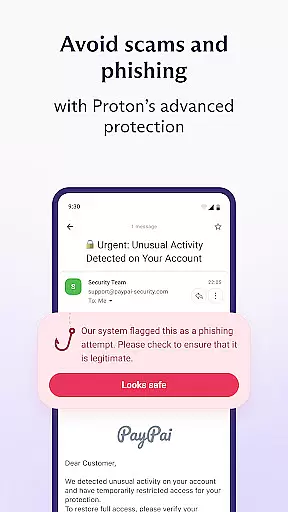
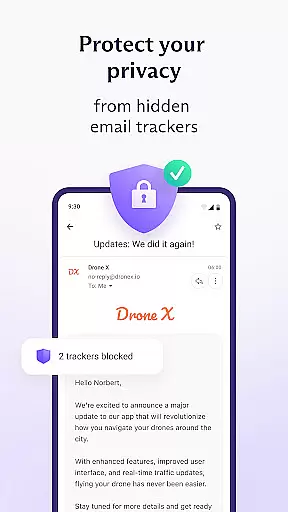
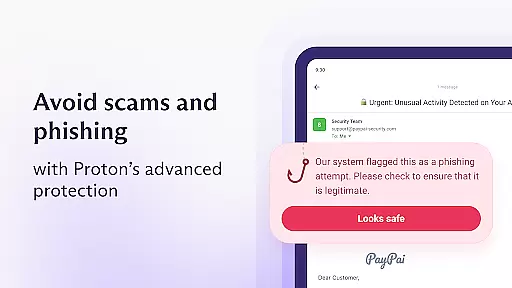
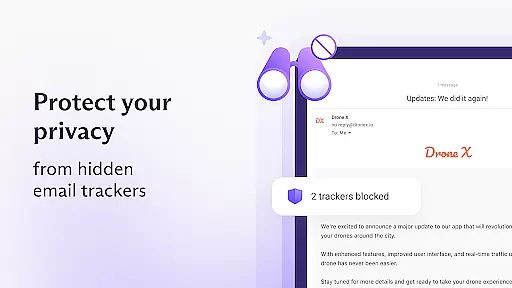
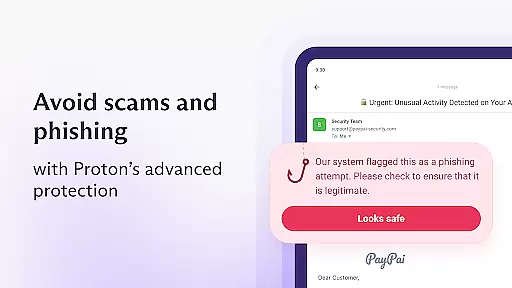
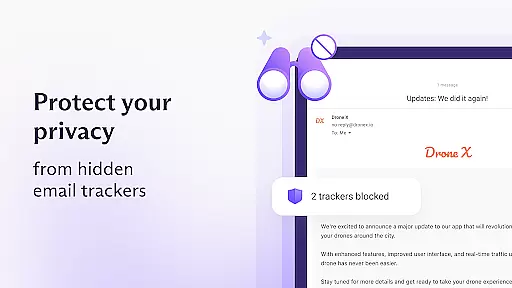
Beyond basic email functionality, Proton Mail offers advanced security measures such as end-to-end encryption, zero-access architecture, and protection against phishing, spam, and tracking. These features ensure that your communications remain confidential and free from unauthorized access. Whether you're an individual seeking privacy or a business needing secure correspondence, Proton Mail delivers a robust solution tailored to protect sensitive information.
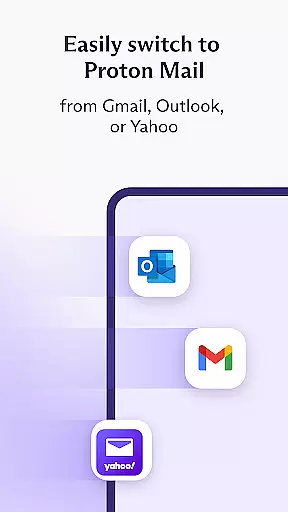
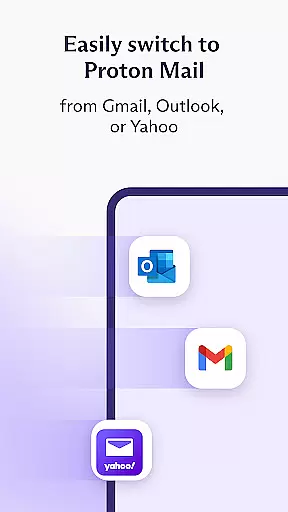
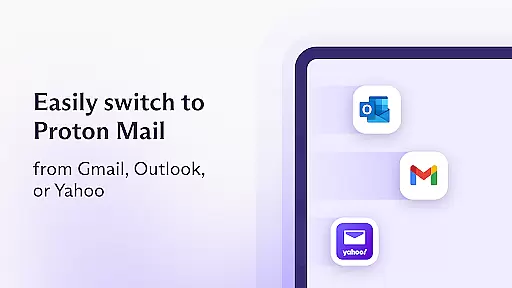
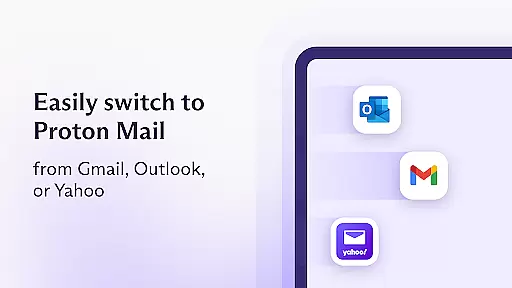
The app also supports dark mode for comfortable reading and includes tools like Proton Easy Switch and Gmail Auto-forwarding, making the transition from other email services smooth and hassle-free. By combining rigorous encryption standards with user-friendly design, Proton Mail stands out as a reliable choice for safeguarding digital communications.
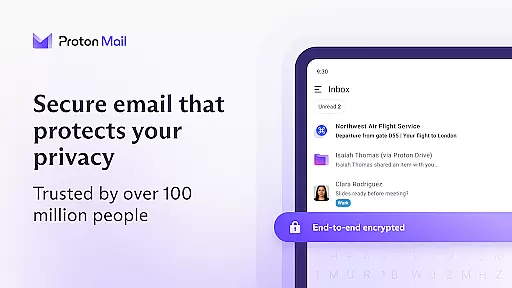
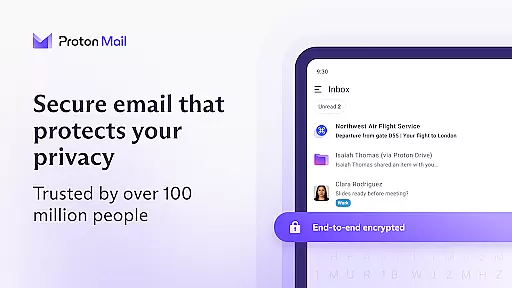
Proton Mail distinguishes itself through its comprehensive suite of security features and user-centric functionalities. One of its standout capabilities is end-to-end encryption, ensuring that messages are secured on Proton's servers and during transmission between devices. This minimizes the risk of interception and unauthorized access, providing peace of mind for users handling sensitive data.
In addition to encryption, Proton Mail employs a zero-access architecture where data is encrypted on the client side using keys that Proton does not possess. This guarantees that even Proton cannot decrypt your messages, reinforcing the app's commitment to privacy. Furthermore, the use of open-source cryptography ensures transparency and trust, as security experts worldwide have vetted the implementations of AES, RSA, and OpenPGP protocols.
Usability enhancements include Proton Easy Switch, which simplifies migration from services like Gmail and Outlook, and Gmail Auto-forwarding, allowing users to consolidate emails into their Proton Mail inbox while maintaining convenience and adding privacy. These innovations underscore Proton Mail's dedication to delivering both security and ease of use in one comprehensive package.
Real-time messaging speed and reliability are crucial for effective communication in today's fast-paced world. Proton Mail ensures that your messages are delivered instantly and reliably, without delays or interruptions. This is particularly important for time-sensitive communications where every second counts.
The app achieves this through a combination of advanced server infrastructure and optimized data transmission protocols. Proton Mail's servers are strategically located to minimize latency, ensuring that your messages reach their destination as quickly as possible. Additionally, the app uses secure and efficient data transmission methods to maintain a stable connection, even in areas with poor network coverage.
For users, this means you can trust Proton Mail to deliver your important messages on time, every time. Whether you're sending an urgent work email or coordinating with family, the peace of mind that comes from knowing your message will be delivered promptly is invaluable.
Moreover, Proton Mail's commitment to reliability extends beyond just message delivery. The app also provides robust notification features, ensuring you never miss an important message. With real-time notifications, you can stay connected and respond to messages promptly, enhancing your overall communication experience.
Media sharing support is an essential feature for modern communication apps, allowing users to easily exchange photos, videos, and documents. Proton Mail offers comprehensive media sharing capabilities, enabling users to send and receive various types of files securely and efficiently. This functionality enhances the user experience by facilitating richer and more engaging conversations.
The app supports a wide range of file formats, ensuring compatibility with most media types. Whether you need to share high-resolution images, lengthy video clips, or complex documents, Proton Mail has you covered. The app's intuitive interface makes it easy to attach and send files, streamlining the sharing process and saving you time.
Security is a top priority for Proton Mail, and this extends to media sharing as well. All shared media is encrypted using industry-leading encryption standards, protecting your files from unauthorized access during transmission. This ensures that your private photos and sensitive documents remain confidential, giving you peace of mind when sharing important files.
In addition to secure file sharing, Proton Mail also offers generous attachment size limits, allowing you to send large files without hassle. This is particularly useful for professionals who need to share large presentations or creatives who work with high-resolution media. With Proton Mail, you can enjoy seamless and secure media sharing, enhancing both your personal and professional communications.
End-to-end encryption
Zero-access architecture
User-friendly interface
Open-source software
Strong anti-phishing measures
Limited free storage
Paid features required
Occasional sync issues
No native calendar
Learning curve for new users

Pure modern IRC experience for Android
 3.70
3.70
Use this Dialer app alone or as a TREK: Total Interface companion.
4.70
Messenger for SMS - texting message app, faster, simpler & safer, for you.
4.70
Fast and mini browser with Ad Blocker,Video Downloader and Video Player
4.40
Fast Dialer & Contact Manager with Caller ID and Spam Protection
4.00
Bringing the functionality of Winlink to your Android device
4.2
Measure BHP, Torque & 0-60 Clear car OBD faults View engine data in Google Earth
4.00
Stay in touch with the people who matter most.
4.60
Share the moment!
4.10
Welcome to the future of phone service.
4.60
Smart and simple anti-wiring application - IMSI-catchers catcher
4.40
Group Chat That’s Fun & Games
4.30
Messenger app for faster and simpler SMS text messaging, and personalized themes
4.10
Messages: Fast, simple SMS app with scheduling and smart features.
4.00
Message and video call your family and friends in HD!
3.80
Quickly and easily identify and block unknown callers
3.70
Call & Text Anywhere With A Canadian Number.
3.60
At select facilities, you now have an easy way to video visit your loved ones!
3.30
Comprehensive and powerful scan tool app with enhanced functions
3.00


User Reviews