
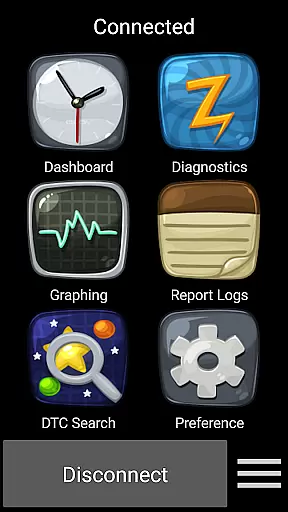
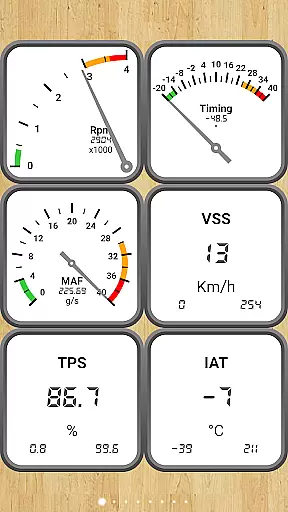
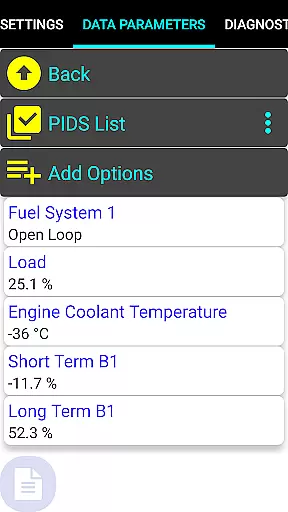
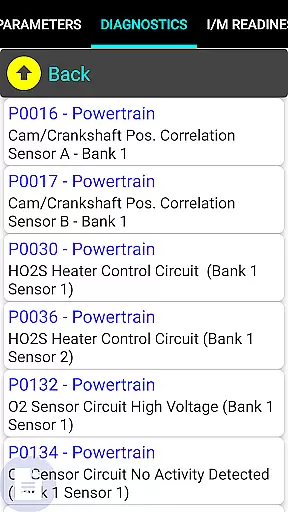
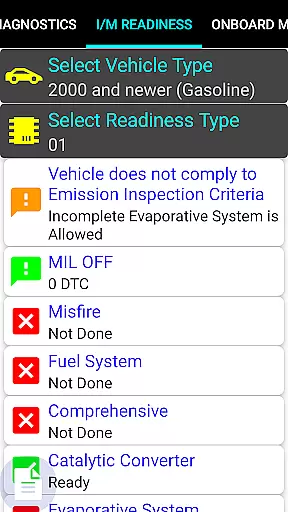
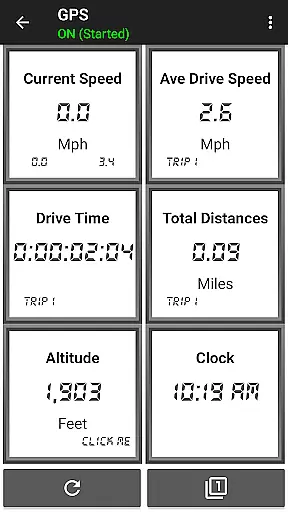
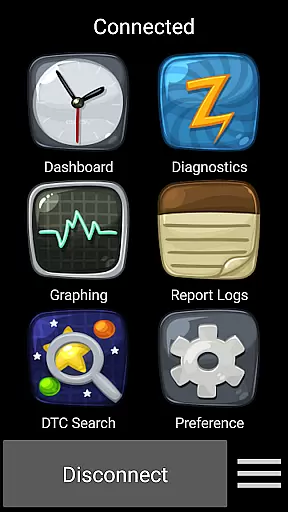
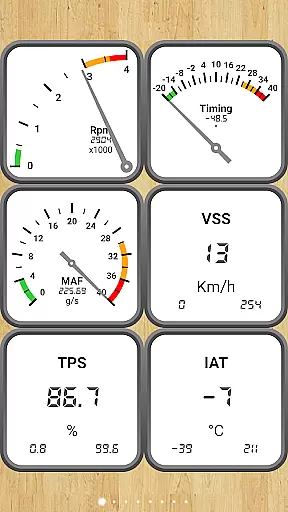
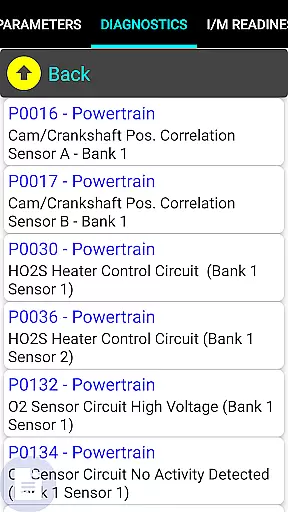
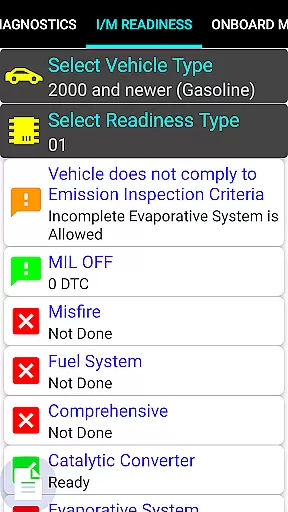
Car Gauge Pro (OBD2 + Enhance) is a comprehensive diagnostic tool designed for OBD2 compliant vehicles, offering both generic and enhanced functionalities. The app specializes in Ford and Nissan vehicles, providing professional-level data similar to factory scan tools. It connects via a 16-pin OBD2 port using an Elm 327 or STN Bluetooth adapter, enabling users to access critical vehicle information.
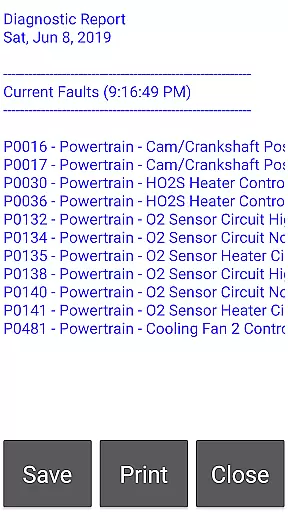
The application supports a wide range of diagnostic functions including reading and clearing fault codes, performing sensor tests, and retrieving emission test results. Its specialized features for Ford and Nissan models allow advanced testing and adjustments typically only available through dealership tools. Whether you need to diagnose engine issues or prepare for emissions inspections, Car Gauge Pro delivers the necessary data to maintain your vehicle's performance.
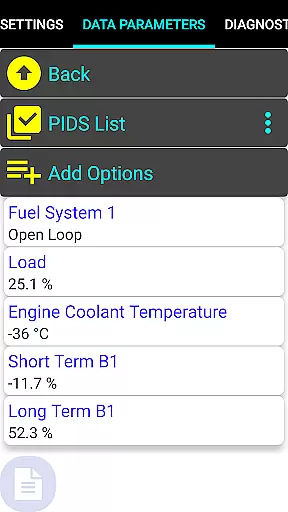
Car Gauge Pro stands out with its extensive diagnostic capabilities across multiple vehicle brands. For all OBD2 compliant cars, it provides standard Mode 1-9 functions such as real-time data parameters, freeze frame information, and VIN retrieval. The app goes beyond basic diagnostics by incorporating specialized enhanced functions for specific manufacturers like Ford, Nissan, GM, Toyota, and KIA.
For Ford and Nissan vehicles, users can perform advanced tests including ignition timing adjustments, active testing, and accessing over 2200 PIDS of enhanced data. These features are comparable to those found in official dealership diagnostic tools. The app also supports unique functions for other brands, making it a versatile solution for mechanics and car enthusiasts who work with multiple vehicle types.
Real-time messaging speed and reliability are crucial for any communication app, especially in the automotive context where Car Gauge Pro operates. This app ensures that data between your vehicle's onboard diagnostics system and your mobile device is transmitted without delay.
The app uses advanced protocols to maintain a stable connection with the vehicle's OBD2 system through an Elm 327 or STN Bluetooth device. This guarantees that real-time data such as engine performance, sensor readings, and fault codes are relayed instantly to the user.
For users, this means they can rely on Car Gauge Pro to provide up-to-the-second information about their vehicle's status. Whether monitoring engine parameters on the go or diagnosing issues when a check engine light appears, the immediacy of data delivery allows for prompt and informed decisions.
Ultimately, the speed and reliability of messaging within Car Gauge Pro enhance the overall user experience by ensuring that critical vehicle data is accessible precisely when needed, making it an invaluable tool for both everyday drivers and automotive professionals.
Media sharing support in Car Gauge Pro refers to the app's ability to handle various types of diagnostic data and share them across platforms or devices. While primarily a diagnostic tool, the ability to export and share complex vehicle data becomes essential for comprehensive analysis or consulting with professionals.
Car Gauge Pro supports multiple formats of diagnostic reports, which can include text logs, freeze frame data, and even screenshots of dashboard readouts. These can be shared via email, cloud services, or direct transfer to another device, facilitating easy collaboration with mechanics or car enthusiasts.
For users, this feature simplifies the process of getting expert opinions or second opinions on vehicle diagnostics. Instead of needing physical access to the vehicle, a mechanic or friend can review the shared data remotely, offering advice or interpretations of the diagnostic information.
This media sharing capability not only adds convenience but also enhances the collaborative potential of Car Gauge Pro, making it more than just a diagnostic reader but a versatile tool in maintaining and understanding vehicle health.
User-friendly interface
Comprehensive diagnostic data
Supports multiple vehicle brands
Advanced testing capabilities
Real-time parameter display
Requires compatible adapter
Limited to OBD2 vehicles
Some features model-specific
No Mini Elm 327 v2.1 support
Additional hardware purchase needed

Manage your data, talk & text - affordable phone plans & data usage made simple
 4.30
4.30
Fast and mini browser with Ad Blocker,Video Downloader and Video Player
4.40
Messages is Private SMS Messenger 2023 with text message, instant messaging.
4.00
Experience real private browsing without tracking, surveillance, or censorship.
4.50
Faster version of Messages. Messenger for your contacts.
4.50
Manage Phone Calls, call history, and contacts easily with Phone Pro.
4.5
Use this SMS app standalone or as a TREK: Total Interface companion.
4.30
Read OBD2 data and DTCs Create custom dashboards Enhanced diagnostics available
4.70
Threema is the messenger with the most consistent focus on security and privacy.
4.00
An agentic AI browser for Android, built by Perplexity
4.50
Manage your mobile phone plan, check unlimited 5g data usage and track rewards
4.50
Create a secure hotspot on-the-go with Portable WiFi - Mobile hotspot.
4.40
Phone Dialer with Caller ID, Address Book & Contacts Manager.
4.30
Enjoy secure messaging & calling. Safe Messenger: group chats, calls, messages.
4.20
A softphone with crystal clear SIP Calling & Reliable VoIP dialer
4.00
This app enables the phone to receive and send FT8 traffic!
3.80
Fun, free app that lets kids video call and message family and close friends.
3.80
Manage and Fund Calling Accounts and Schedule and Join Video Sessions
3.60
TeamSpeak - Secure Chat for Gaming & Business
3.10


User Reviews