
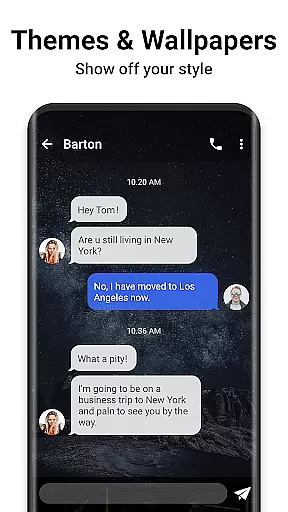
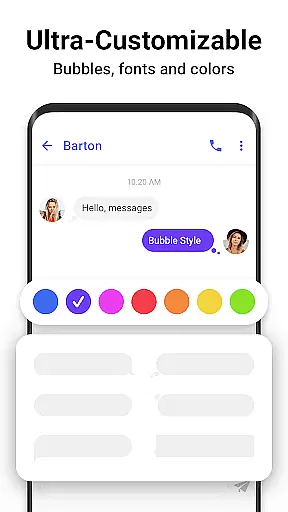

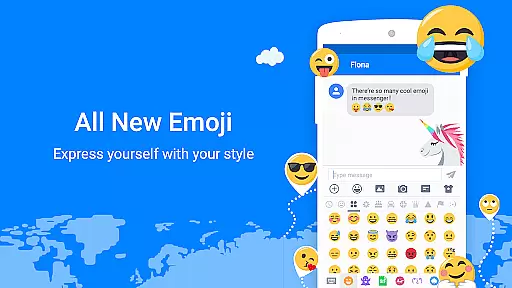

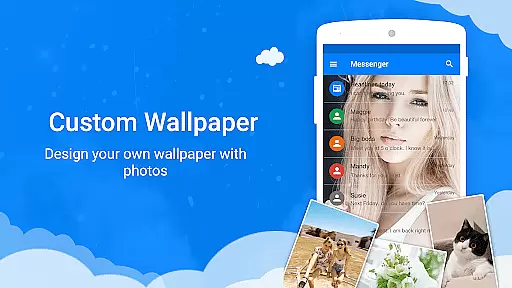
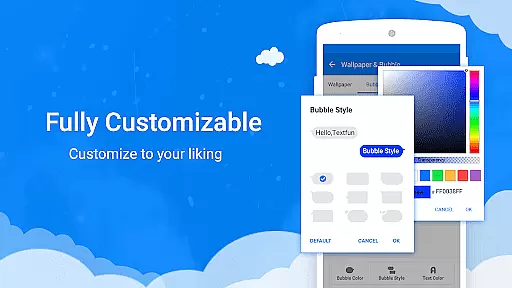


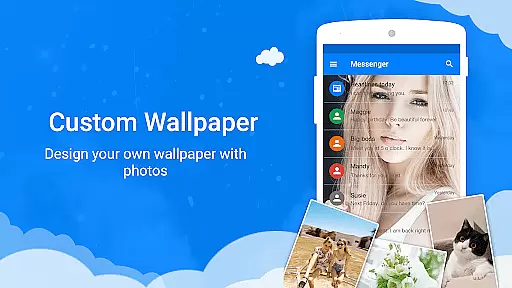
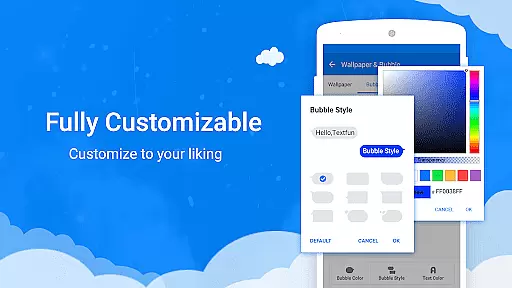
Messenger SMS is a feature-rich communication app that redefines texting by offering an extensive range of customization and privacy options. With over 3000 free emojis, stickers, and GIFs, it enhances the messaging experience with fun and engaging content. The app allows users to personalize their chat themes, fonts, wallpapers, and even texting bubbles, ensuring a unique interaction every time.
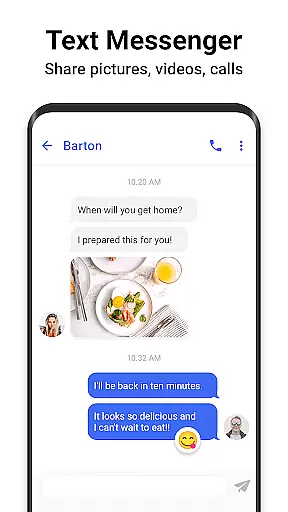
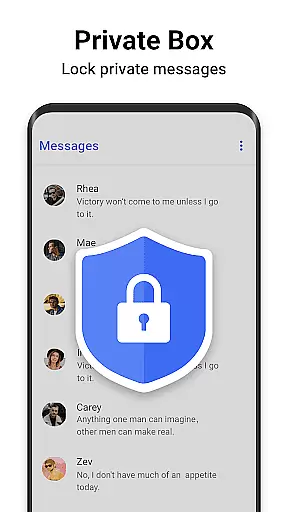
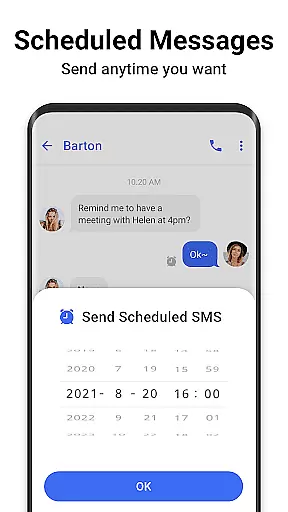
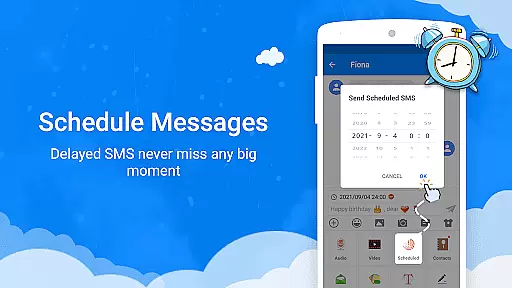
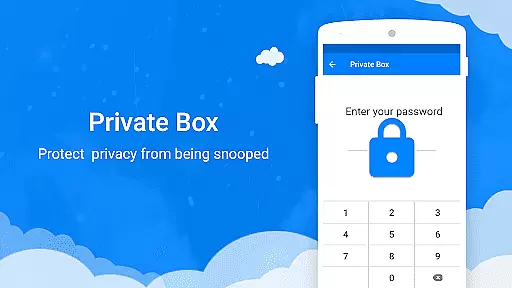
Designed for seamless connectivity, Messenger SMS supports multimedia sharing including pictures, audio, and video messages, along with group chats. It incorporates essential features like a private message box, message blocking, backup and restore capabilities, and scheduled messaging, making it a comprehensive tool for managing personal and private communications effectively.
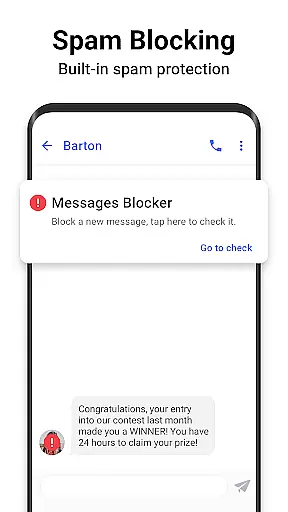
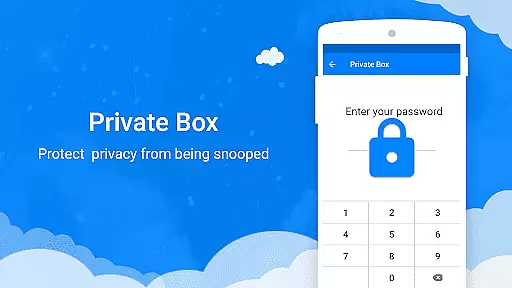
This app is particularly useful for users who prioritize privacy and personalization in their daily communications. By providing advanced features such as encrypted private boxes and spam blocking, Messenger SMS ensures that your conversations remain secure and uninterrupted, adding real value to your messaging needs.
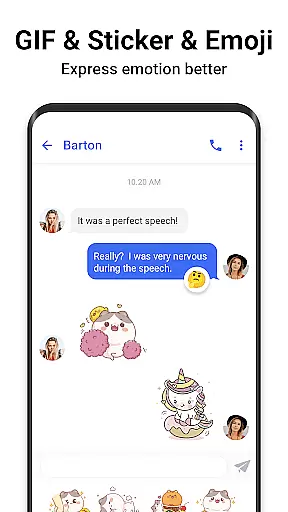
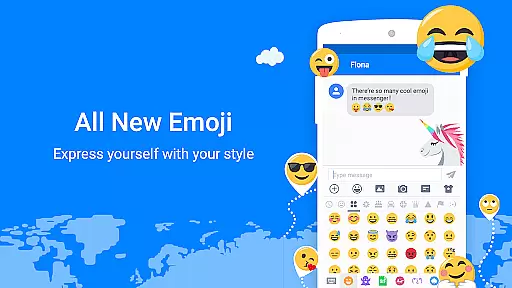
Messenger SMS stands out with its impressive array of features designed to enhance user interaction and privacy. One of the key highlights is the vast library of over 3000 emojis, stickers, and GIFs, which brings a playful element to conversations and helps convey emotions more vividly than plain text.
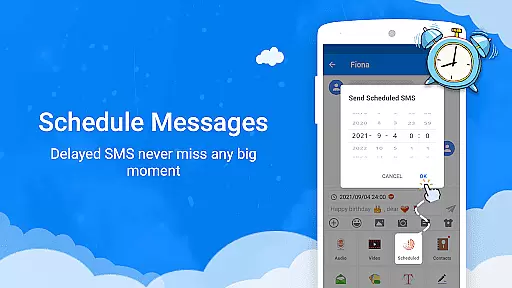
The customization options are exceptional, allowing users to tailor their messaging interface with different themes, fonts, and wallpapers. This flexibility extends to functional customizations like texting bubbles and notification settings, providing a personalized user experience. Additionally, features such as private message encryption, backup and restore functions, and message scheduling demonstrate the app's commitment to security and convenience.
Moreover, Messenger SMS includes practical tools like driving mode, auto-reply, and caller ID services, which collectively improve usability and safety. These innovations not only make the app versatile but also ensure that users can maintain efficient and secure communication across various contexts.
Real-time messaging speed and reliability are crucial for any communication app, ensuring that messages are delivered instantly and consistently. Messenger SMS excels in this area by providing a robust infrastructure that supports rapid message delivery across various network conditions.
The app employs optimized data transmission protocols that minimize latency while maintaining message integrity. This ensures that whether you're sending simple text or multimedia content like images and videos, the delivery happens without noticeable delays. The system is designed to handle high volumes of messages efficiently, making it suitable for both individual and group communications.
Users benefit from this reliable messaging system as it allows them to stay connected with friends and family without worrying about message failures or delays. Important communications, such as urgent notifications or time-sensitive information, reach their recipients promptly, enhancing overall user experience and satisfaction.
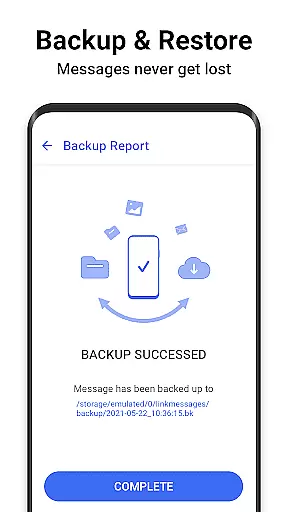
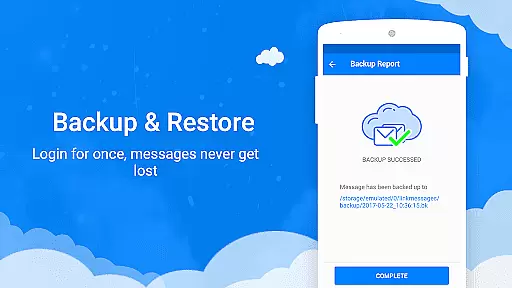
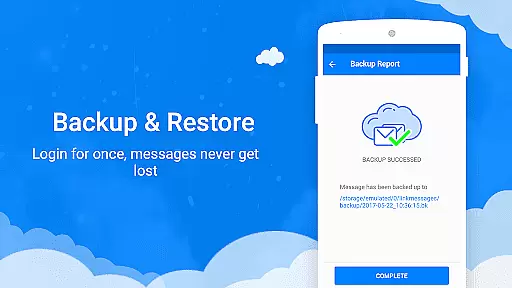
Moreover, the app's reliability extends to its backup and restore features, which guarantee that messages are never lost even if the device encounters issues. This comprehensive approach to messaging speed and reliability makes Messenger SMS a dependable choice for users seeking uninterrupted communication capabilities.
Media sharing support is an essential feature in modern communication apps, enabling users to exchange various types of multimedia content seamlessly. Messenger SMS offers extensive media sharing capabilities that go beyond basic text messages, allowing users to share pictures, audio files, videos, and even GIFs effortlessly.
The app supports multiple file formats and sizes, ensuring compatibility with diverse media types. Whether you want to send high-resolution photos or lengthy video clips, Messenger SMS handles these files efficiently without compromising quality. The integration of popular media platforms further enhances the sharing experience, letting users access and distribute content directly from their preferred sources.
One significant advantage for users is the ability to express themselves more vividly through rich media. Sharing memorable moments becomes more engaging when accompanied by visual or auditory elements. Additionally, the app's support for animated GIFs and emoji art adds a playful dimension to conversations, making interactions more enjoyable and dynamic.
Beyond personal use, these media sharing features also facilitate professional communication by enabling the exchange of important documents and presentations. Overall, Messenger SMS provides a versatile platform for all forms of media sharing, catering to both casual and business-oriented users who value comprehensive communication tools.
User-friendly interface
Extensive customization
Advanced privacy controls
Rich media support
Fun emoji collection
Occasional bugs reported
High storage usage
Limited cross-platform
Ads in free version
Complex settings

WazzapMigrator: transfer your WhatsApp history from iPhone to Android
 4.00
4.00
Experience real private browsing without tracking, surveillance, or censorship.
4.50
Chill zone on your phone: relax with fun reels & hype shorts!
4.20
Bringing the functionality of Winlink to your Android device
4.2
FolderSync enables easy sync of files between cloud storage and Android devices.
4.60
A browser that does more than load page, like keeping your privacy safe.
4.70
Enhance browsing with AI-powered features and Copilot.
4.70
Useful. Social. Expressive.
4.70
Share the moment!
4.10
We’re taking the yada yada out of wireless—now we’ve taken it out of your app.
4.70
An agentic AI browser for Android, built by Perplexity
4.50
Talk & text free with a second phone number plus unlimited 5G data, no fees.
4.50
HD Video Meeting app is a fast & unlimited video conferencing app across world.
4.30
Enjoy secure messaging & calling. Safe Messenger: group chats, calls, messages.
4.20
Call Forwarding is easy and simple application to use.
3.80
Fast, Simple And Secure Application That Provides SMBv3 Server On Your Device
3.30
Official NDI app: turn your phone into a professional live-streaming IP camera.
3.20
A Browser with powerful ad blocker to help focus on what really matters.
3.00
Radio communication simulator for gaming communities
4.1


User Reviews