
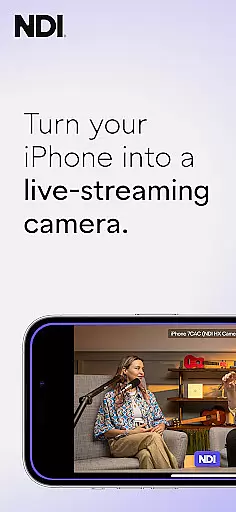
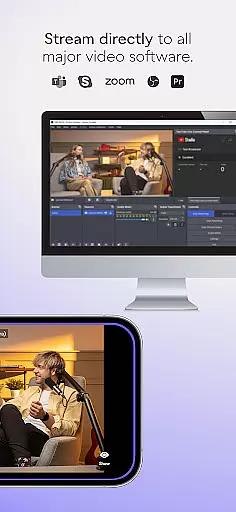
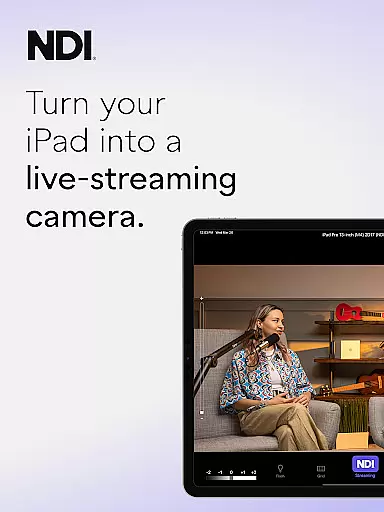
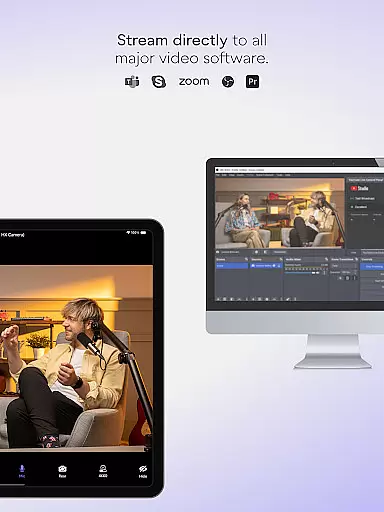
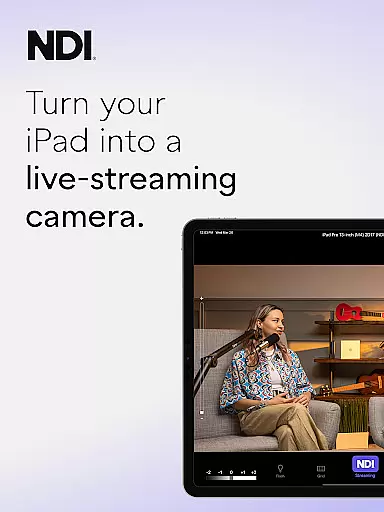
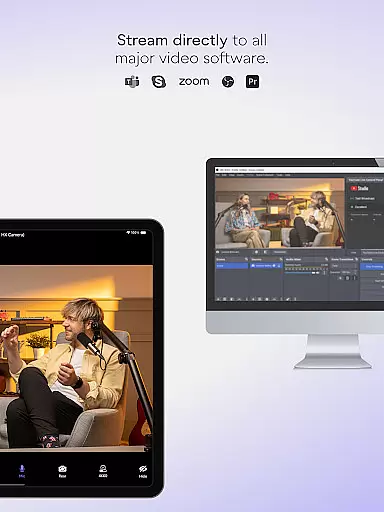
NDI Camera is a professional live-streaming application that transforms your mobile device into a high-quality NDI camera. With its intuitive interface and advanced features, the app allows users to stream low-latency video and audio directly to popular platforms such as MS Teams, Skype, and Zoom. Designed for both amateur and professional use, it offers seamless integration into any live production system.
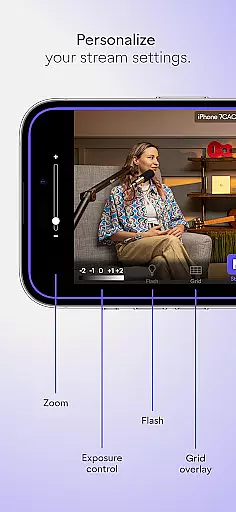
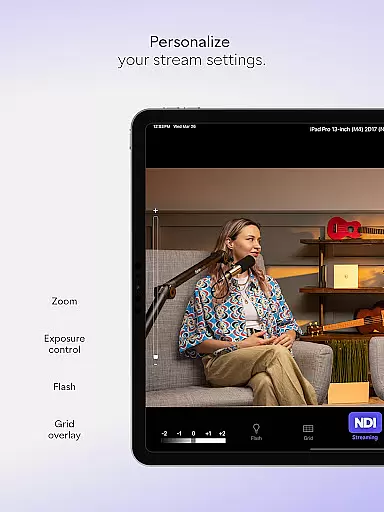
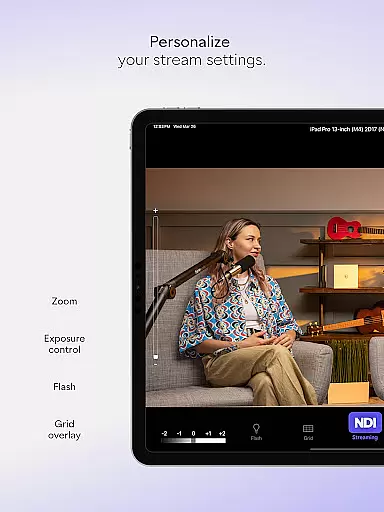
The app provides multiple professional settings including adjustable bandwidth modes, grid overlays, autofocus, and pinchable zoom. Whether you're conducting webcasts, presentations, or live broadcasts, NDI Camera adds new dimensions with flexible camera angles and vantage points. This makes it an essential tool for enhancing your media production capabilities right from your phone.
NDI Camera stands out with its rich feature set tailored for live-streaming professionals. The app boasts a modernized UI for an intuitive user experience, ensuring ease of use even for beginners. One notable feature is the fixed viewfinder that displays the full video height, providing accurate framing and composition during streams.
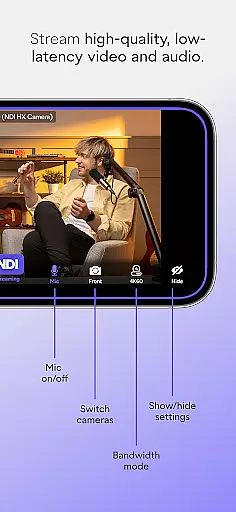
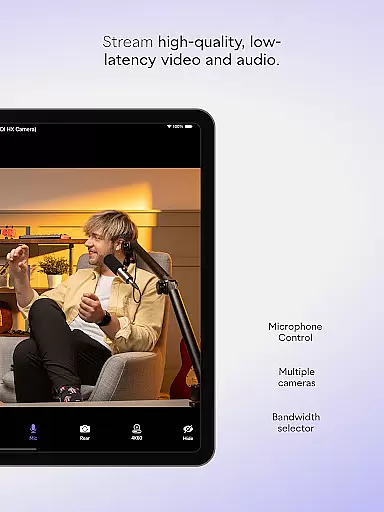
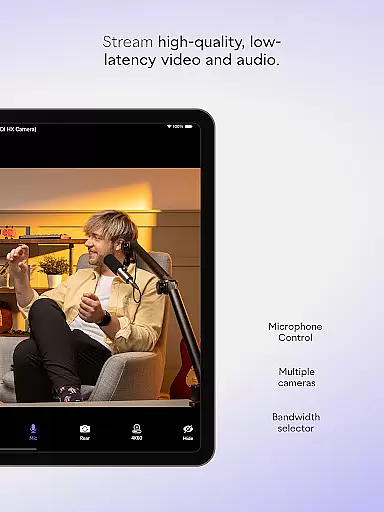
Additional functionalities include a tally light with multiple modes, front and rear camera selection, and an on-screen connection meter. These features collectively ensure that users can maintain high-quality broadcasts with real-time status updates. The optional grid overlay and adjustable bandwidth settings further enhance the streaming experience by offering customization options to fit various network conditions.
Real-time messaging speed and reliability are crucial for seamless communication in live-streaming applications like NDI Camera. This feature ensures that video and audio data are transmitted without noticeable delays or interruptions.
NDI Camera achieves this through its integration with NDI 4 or newer, which allows high-quality, low-latency video streaming. The app optimizes network usage by offering high, medium, and low bandwidth modes, ensuring stable performance across different network conditions.
Users benefit from consistently smooth live streams, making it ideal for professional settings where timing and quality are critical. Whether streaming to platforms like MS Teams, Skype, or Zoom, the real-time capabilities of NDI Camera ensure reliable connectivity and top-notch performance.
Media sharing support in NDI Camera enables users to effortlessly stream high-quality video and audio to various popular platforms such as MS Teams, Skype, and Zoom. This functionality transforms a mobile phone into a professional live-streaming tool, broadening the scope of content delivery.
The app offers multiple features to enhance media sharing, including front and rear camera selection, pinchable zoom, autofocus, and an optional grid overlay. These tools provide users with the flexibility to capture and share video from diverse perspectives and angles, enriching live broadcasts and presentations.
With on-screen connection meters and tally displays for preview and on-air status, users can monitor their streaming quality and status in real time. This comprehensive support ensures that NDI Camera is not just a tool but a complete solution for professionals seeking to integrate mobile sources into their live production systems.
User-friendly interface
High-quality streaming
Multiple platform support
Flexible camera settings
Professional tools available
Requires NDI 4 support
Limited free features
Network dependent
Advanced settings may overwhelm new users
Occasional connectivity issues

Tether to Windows, OS X, Linux PCs or Android tablets. No root. No tether fees.
 3.90
3.90
Phone Dialer with Caller ID, Address Book & Contacts Manager.
4.30
Create a secure hotspot on-the-go with Portable WiFi - Mobile hotspot.
4.40
An app dedicated solely to marriage, not dating, and supported by a rigorous verification mechanism to ensure seriousness.
4.5
A softphone app with seamless SIP calling and an intuitive VoIP dialer
3.50
Read OBD2 data and DTCs Create custom dashboards Enhanced diagnostics available
4.70
Caller ID, Spam Call & SMS Blocker
3.80
Group Chat That’s Fun & Games
4.30
Telegram is a messaging app with a focus on speed and security.
4.00
Save 10% automatically on your first international mobile top up.
4.60
Experience real private browsing without tracking, surveillance, or censorship.
4.50
Faster version of Messages. Messenger for your contacts.
4.50
Fast and mini browser with Ad Blocker,Video Downloader and Video Player
4.40
Simple tool for businesses to talk to their customers.
4.40
RemoteHams.com Android RCForb Client Pre-Release
4.30
SMS Messenger is a lightning-fast messaging app.
4.20
Quickly and easily identify and block unknown callers
3.70
At select facilities, you now have an easy way to video visit your loved ones!
3.30
Auto Reply SMS, Text Messaging, Away SMS Response, Busy SMS messages, Block Text
3.10


User Reviews