
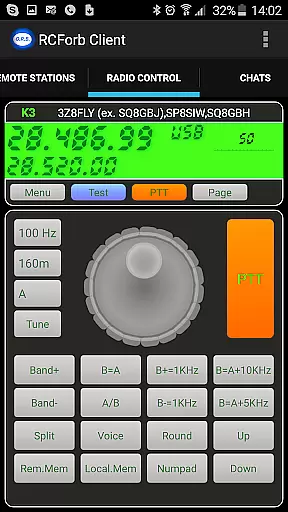
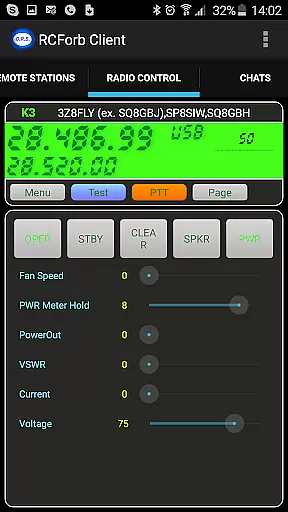
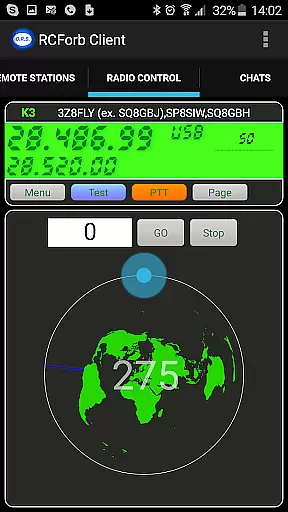
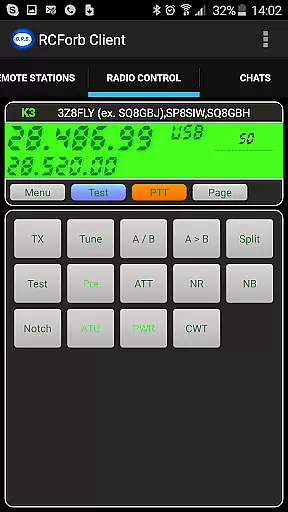
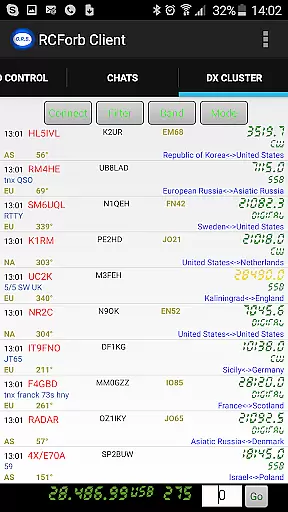
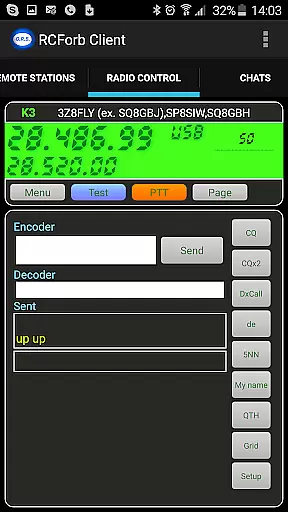
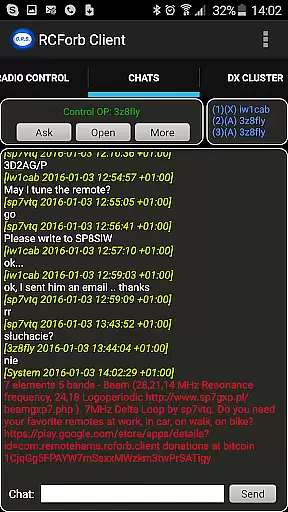
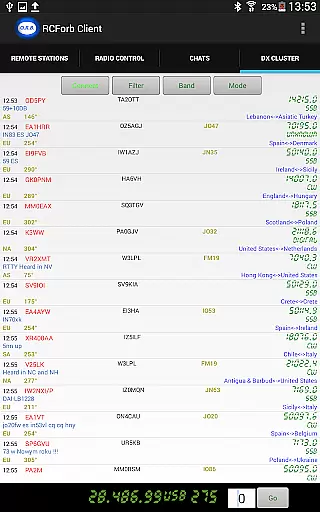
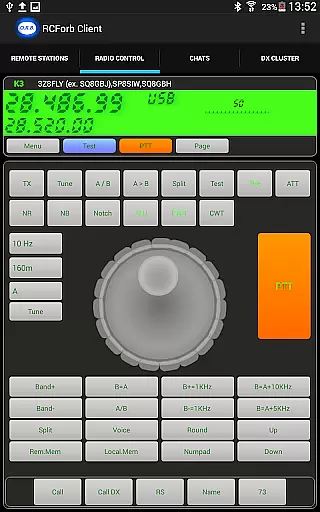
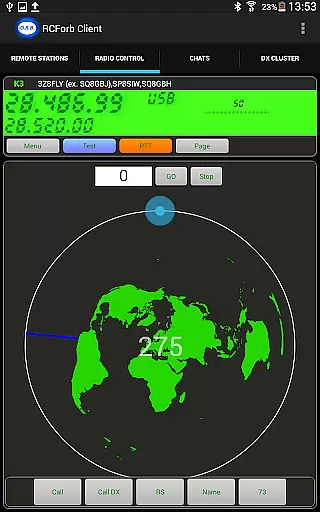
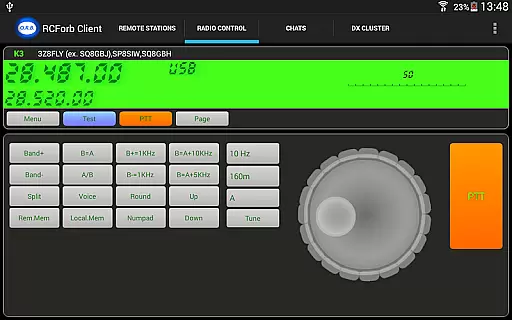
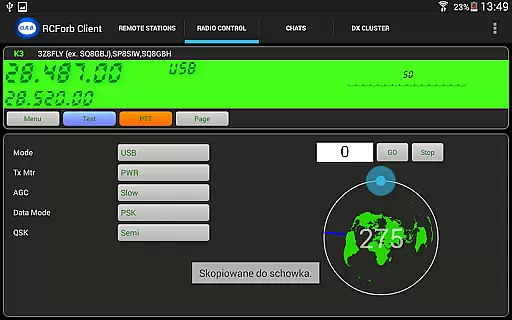
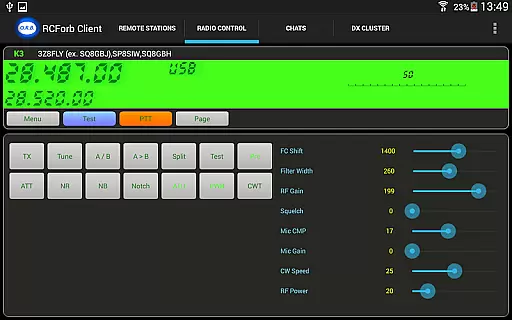
RCForb Client is a specialized communication application designed for amateur radio enthusiasts. This pre-release version allows users to remotely operate transceivers and test signal propagation, making it an essential tool for DXing and contesting.
The app's multiple operator support enables innovative ways of collaboration between RF and remote operators, creating new opportunities for nets and round table discussions. As part of the RemoteHams.com community, users can access rare DX contacts while ensuring they maintain necessary registration and privacy standards.
RCForb Client offers several distinctive features that cater to amateur radio operators. The remote transceiver operation capability lets users control their equipment from anywhere, providing flexibility in station management.
A key feature is the ability to test signal propagation in real-time, allowing operators to verify if their signals are reaching desired DX locations. The multiple operator support system facilitates coordinated operations between local and remote team members, enhancing both contesting efficiency and net control capabilities.
Real-time messaging speed and reliability are crucial for maintaining seamless communication in any application. RCForb Client excels in this area by ensuring messages are delivered instantly and consistently.
The app employs advanced algorithms to optimize data transmission, reducing latency and enhancing the overall user experience. This ensures that users can communicate without delays, even when operating remote amateur transceivers.
Moreover, RCForb Client supports multiple operator interactions, enabling new methods of contesting and collaboration between RF and REMOTE operators. This feature is particularly beneficial for testing signal propagation and engaging in DX activities.
By prioritizing real-time messaging capabilities, RCForb Client provides a dependable platform for both casual and professional communication needs.
Media sharing support is an essential feature for modern communication apps, allowing users to exchange various types of content effortlessly. RCForb Client offers robust media sharing capabilities that enhance user interaction within the RemoteHams.com community.
Users can share images, audio clips, and other media files directly through the app, facilitating richer and more engaging conversations. This functionality is especially valuable for discussing rare DX signals or comparing signal propagation tests.
In addition to basic media sharing, RCForb Client ensures compatibility with a wide range of file formats, making it versatile for different user needs. The app's integration with RemoteHams.com further streamlines the sharing process, providing a cohesive experience across platforms.
Overall, RCForb Client's media sharing support enriches the communication landscape, empowering users to connect and collaborate more effectively.
User-friendly interface
Real-time signal testing
Multiple operator support
DX opportunity access
Remote station control
Limited feature set
Pre-release version
Registration required
Community dependent
Internet connection needed

Identify unknown numbers, block spam calls, customize calls with cool themes.
 4.60
4.60
Use this Dialer app alone or as a TREK: Total Interface companion.
4.70
Save 10% automatically on your first international mobile top up.
4.60
Manage BoostMobile Account
4.60
Send SMS and chat messages easily with a fast text messaging app for Android.
4.10
Weargram is an unofficial Telegram Client for Wear OS.
3.50
Call & Text Anywhere With A Canadian Number.
3.60
Bringing the functionality of Winlink to your Android device
4.3
Enhance browsing with AI-powered features and Copilot.
4.70
We’re taking the yada yada out of wireless—now we’ve taken it out of your app.
4.70
Read OBD2 data and DTCs Create custom dashboards Enhanced diagnostics available
4.70
Browse fast on Opera Mini, with Data Saving, News, Football Scores, and Download
4.60
Stay in touch with the people who matter most.
4.60
Talk & text free with a second phone number plus unlimited 5G data, no fees.
4.50
Our Black Friday sale is here. Unlock special discounts on Proton Mail now.
4.30
BiP is a fast, secure, free messaging and HD video calling app!
4.10
SMS & MMS Messaging App to easily send messages or schedule SMS on Chat
4.10
Official NDI app: turn your phone into a professional live-streaming IP camera.
3.20
TeamSpeak - Secure Chat for Gaming & Business
3.10


User Reviews