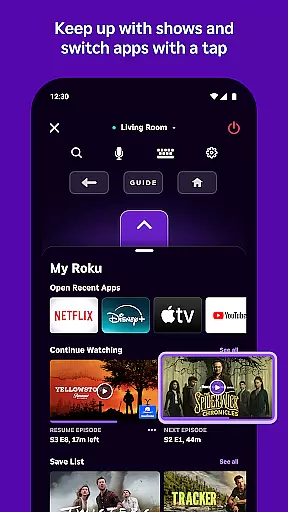
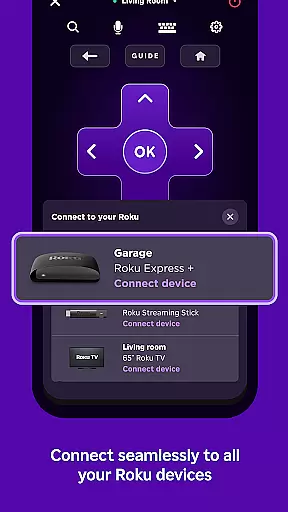
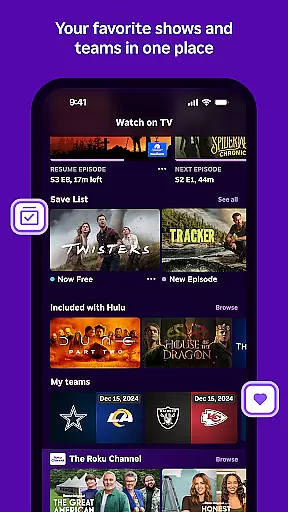
The Roku App is an essential streaming companion that enhances your entertainment experience. It serves as a remote control for Roku devices, allowing users to manage their streaming activities conveniently. With features like voice search and private listening, it offers both ease of use and personalization.
Users can enjoy a wide range of functionalities including streaming free content on the go through The Roku Channel, casting media from their mobile devices, and adding or launching channels on Roku devices. This app bridges the gap between mobile convenience and home entertainment systems, making streaming more accessible and enjoyable.
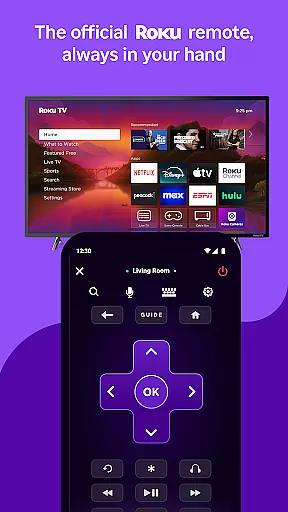
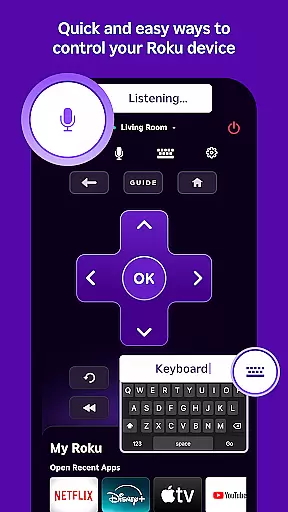
The Roku App boasts a variety of features designed to streamline the streaming process. One standout feature is the ability to control Roku devices directly from your smartphone, providing a seamless user experience. Voice search functionality allows for quick searches in multiple languages, catering to a global audience.
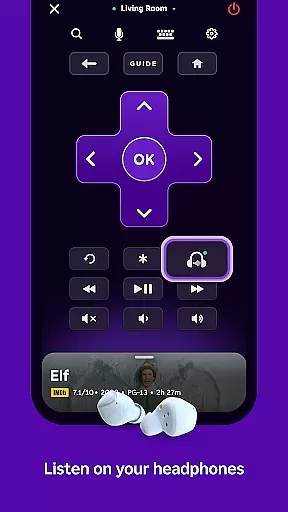
Additionally, the app supports private listening, enabling users to enjoy content without disturbing others. Media casting capabilities let you share videos and photos directly to your TV. These features collectively ensure that users have a versatile and personalized streaming experience at their fingertips.
In the realm of digital entertainment, content diversity is key to user satisfaction. The Roku App excels in this area by offering a wide array of streaming options. Users can access free movies, live TV, and more through The Roku Channel. This ensures that there's always something new and exciting to watch.
Moreover, the app allows for casting media files directly from your mobile device to your TV. Whether it's family photos or personal videos, sharing content on a larger screen enhances the viewing experience. With regular updates and new channels being added, users are guaranteed fresh content tailored to their interests.
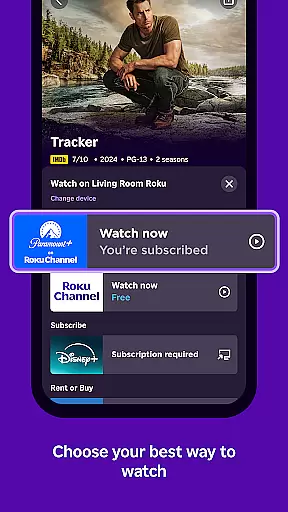
The availability of various channels, some of which may require subscription or purchase, adds another layer of depth to the Roku App's offerings. These channels vary by country, ensuring localized and relevant content for each user. Such an approach not only broadens the app's appeal but also keeps the content library dynamic and engaging.
User engagement is crucial for any entertainment platform, and the Roku App addresses this by providing features that encourage prolonged use. One such feature is the convenient remote control functionality, allowing users to easily navigate and manage their Roku devices. This seamless interaction reduces friction and enhances the overall user experience.
Additionally, the app supports private listening via headphones, catering to users who prefer a more personalized audio experience. By accommodating different viewing preferences, the Roku App fosters a deeper connection with its audience. This flexibility contributes significantly to user retention as individuals find value in these tailored experiences.
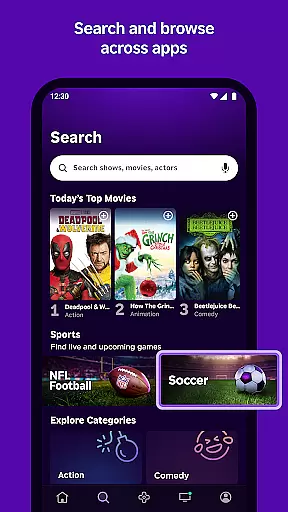
Furthermore, the ability to quickly search for entertainment using voice or keyboard input streamlines content discovery. When users can effortlessly find what they're looking for, they're more likely to spend extended periods interacting with the app. This ease of use, combined with regular content updates, ensures that users remain engaged and committed to the Roku ecosystem.
User-friendly interface
Voice search in multiple languages
Private listening mode
Free content streaming
Media casting support
Limited Roku Channel access
Network connectivity required
Some features need compatible devices
Country-specific restrictions
Account login necessary

Create, chat & bond with AI souls who truly listen.
 4.50
4.50
Binge-worthy short dramas on DramaRush—engaging stories that fit your day.
3.90
Play games. Earn real rewards. Cash out in 3hours via PayPal or gift cards.
4.40
The Xbox app keeps you connected to your gaming community.
4.50
Build and Share AI
4.20
5 funny and lovely ponies waiting for you to style them!
4.80
Premium version to enjoy your favorite anime
4.60
Companion app for Elden Ring to track quests, bosses, progress and more.
4.70
Watch TV shows, movies, and stream Live TV channels without a subscription!
3.80
SpiritWave is paranormal ITC application.
5.00
Time tracking, lap counting and much more for Carrera® Digital 132/124
4.80
Wodfix Air aggregates popular online content for you.
4.80
Scan sets, track your builds, and enjoy intuitive digital instructions.
4.70
Stream Movies & TV Series: Original Shows, Family Movies & New Releases Weekly
4.60
Rain and lightning effects for your Philips Hue lights
4.30
Best of icon for christmas
4.30
Realistic Baby Simulator App
4.00
NFL, NBA, NHL, MLB, local sports coverage, shows, movies & news!
3.20
Neon Christmas Tree Animated: Festive Wear OS watch face with fitness info
4.0


User Reviews