
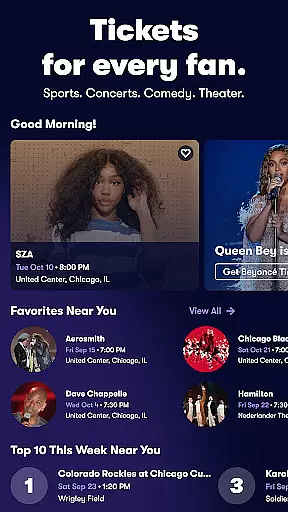
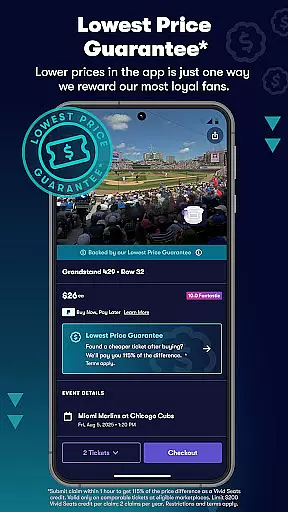
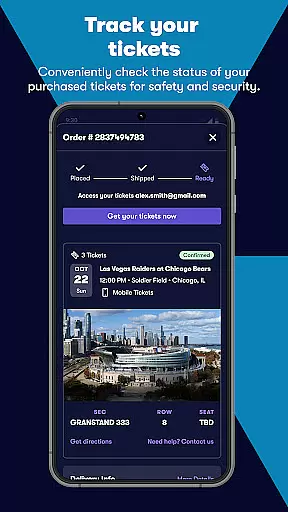
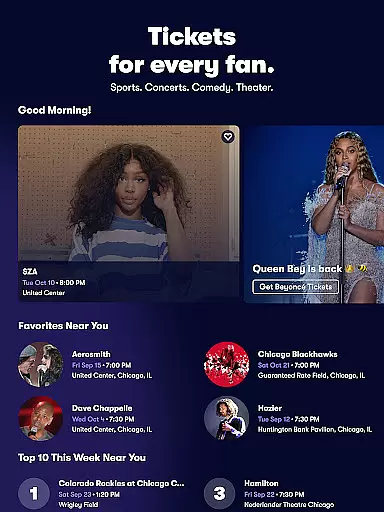
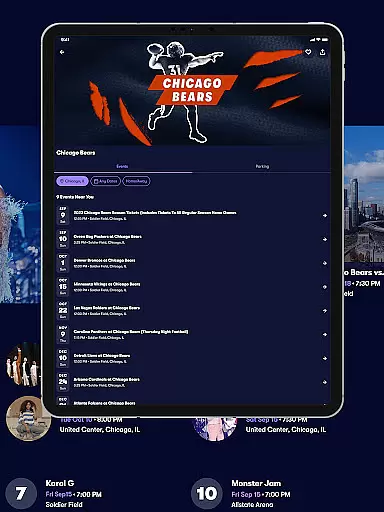
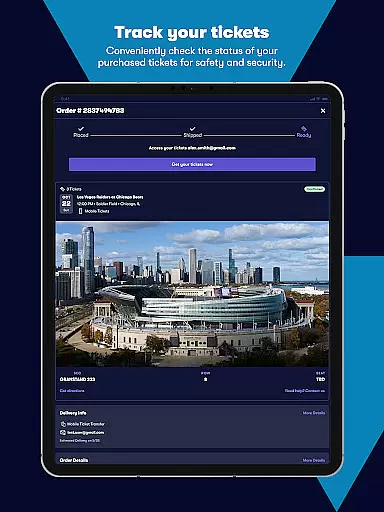
Vivid Seats is a premier mobile ticketing app that empowers fans to access live events and create unforgettable memories. With a user-friendly interface, the app provides a seamless experience for buying and selling tickets to top sports games, concerts, and theater performances.
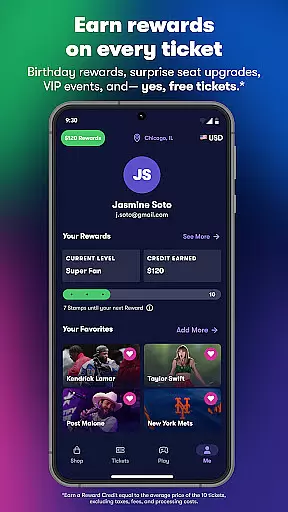
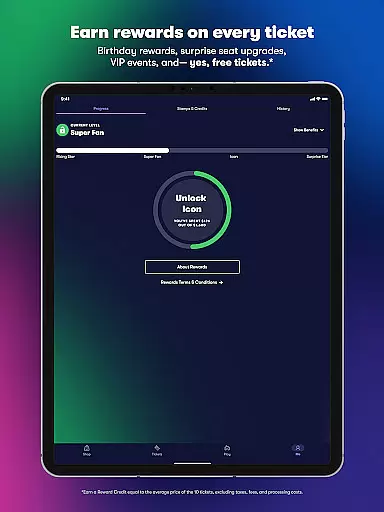
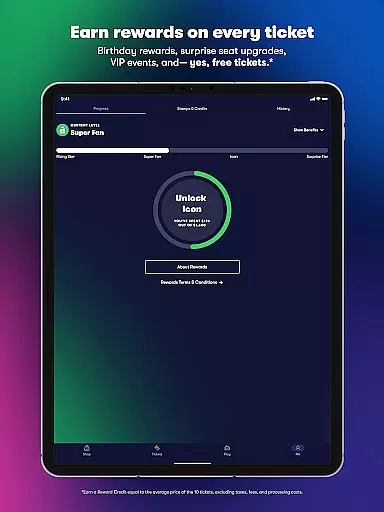
One of the standout features of Vivid Seats is its Rewards program, which incentivizes users to attend more events by earning reward credits with each purchase. Whether you're looking for last-minute tickets or planning ahead, the app's comprehensive marketplace offers a wide selection of tickets across various categories, ensuring you find the perfect seats for your favorite events.
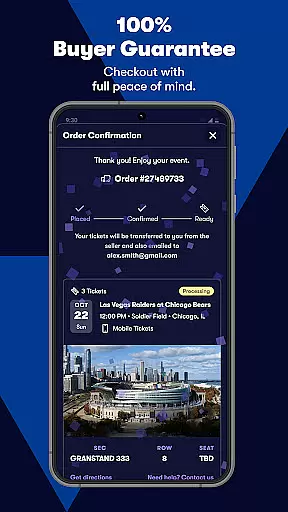
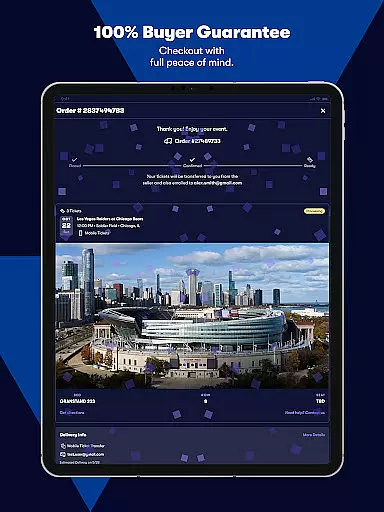
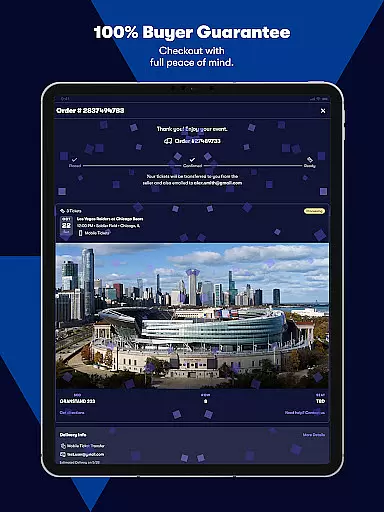
The app also boasts interactive seating maps and Seat View functionality, giving users a clear idea of their view before making a purchase. With secure sign-in, in-app checkout, and a 100% Buyer Guarantee, Vivid Seats ensures a safe and reliable ticket-buying experience for all users.
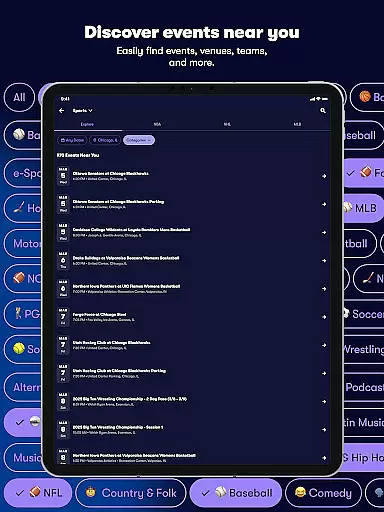
Vivid Seats offers an array of robust features designed to enhance the ticket-buying process. The app's marketplace is extensive, providing users with unique inventory options not available elsewhere. This diversity allows buyers to choose from a range of prices and seating sections, catering to different preferences and budgets.
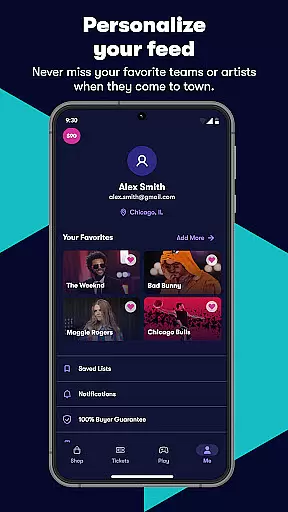
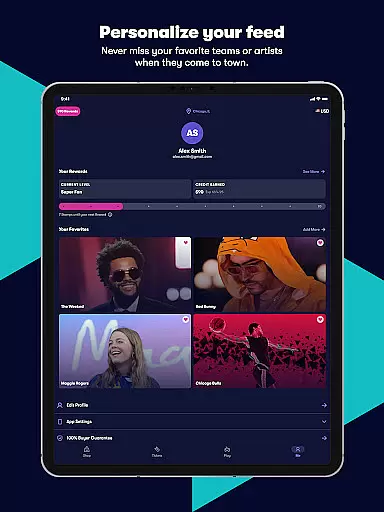
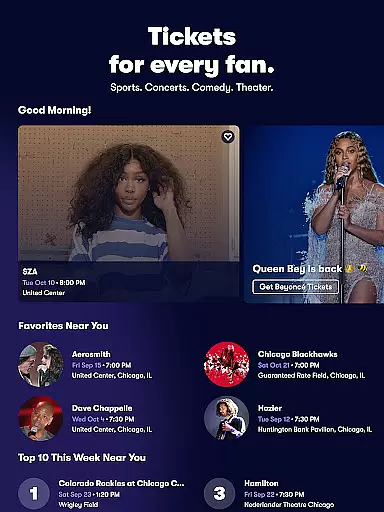
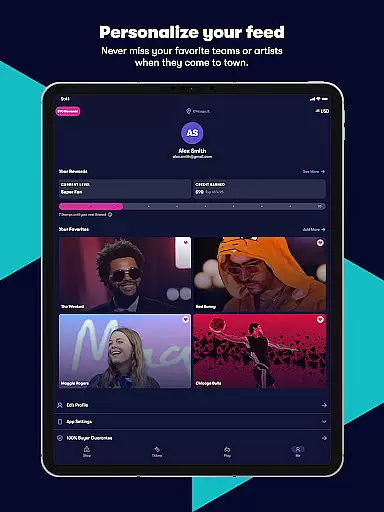
Personalization is at the core of Vivid Seats' functionality. Users can quickly access recently viewed events and receive notifications about favorite performers coming to their area. The Music Scan feature simplifies this by syncing with Spotify to populate a personalized favorites list automatically.
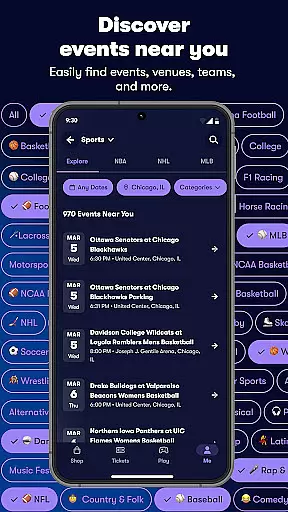
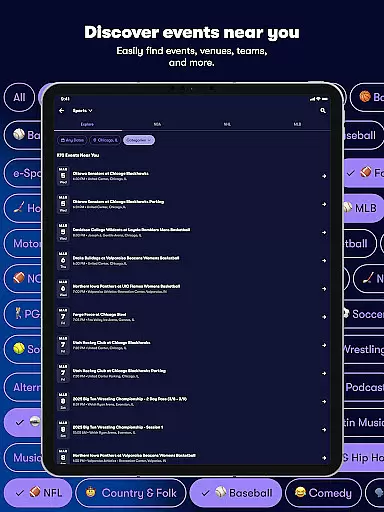
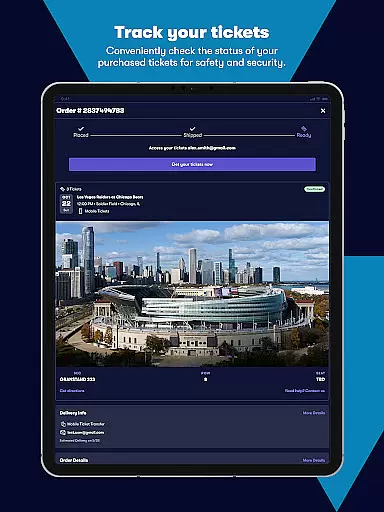
Convenience is further amplified through mobile e-tickets, enabling users to store tickets digitally and avoid the hassle of printing. Additionally, easy-to-use search filters allow for precise ticket selection based on price, section, row, quantity, and date range. These practical tools ensure that every user can efficiently find and secure their ideal tickets for any event nationwide.
Task creation and detail customization are essential features for any event management app. Vivid Seats allows users to effortlessly create tasks related to purchasing tickets for various live events, including concerts, sports games, and theater shows. The app provides a seamless experience by enabling users to customize details such as event type, date, seating preferences, and ticket quantity.
The level of customization available in Vivid Seats ensures that users can tailor their event-going experience according to their specific needs and desires. Whether it's choosing the best seats in the house or finding tickets within a certain budget, the app offers filters for price, section, row, and more. This flexibility empowers fans to attend the events that matter most to them without compromising on their preferences.
By integrating personalization options like recently viewed events and favorites coming to your area, Vivid Seats enhances user engagement. Fans can quickly access information about their favorite performers and teams, making it easier than ever to plan attendance at must-see events. These personalized recommendations save time and effort, ensuring users never miss out on an opportunity to create vivid memories.
Ultimately, the ability to create and customize tasks within Vivid Seats translates into tangible benefits for users. Not only does this feature streamline the ticket-buying process, but it also enriches the overall experience by providing relevant suggestions and easy access to desired events. With these tools at their disposal, fans can focus on enjoying live events rather than worrying about logistics.
Reminder settings play a crucial role in ensuring that users never miss an important event. In the Vivid Seats app, reminder functionalities are designed to keep users informed and prepared for upcoming concerts, sports matches, and theater performances. By setting reminders, users receive timely notifications about their planned activities, allowing them to make necessary arrangements well in advance.
Vivid Seats offers flexible reminder options tailored to individual preferences. Users can set multiple reminders for different stages of the event preparation process, from initial ticket purchase alerts to last-minute departure reminders. This versatility ensures that whether you're buying last-minute tickets or planning months ahead, you'll always be in the loop regarding your event schedule.
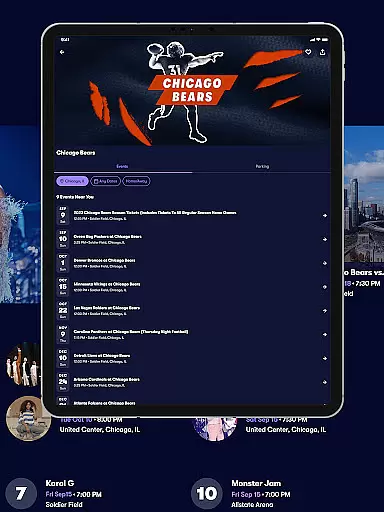
In addition to standard reminders, the app leverages interactive features such as seating maps and Seat View to enhance pre-event readiness. These tools provide visual insights into venue layouts and potential views from selected sections, helping users make informed decisions before attending an event. Such detailed information contributes significantly to a stress-free event experience.
By incorporating comprehensive reminder settings, Vivid Seats not only keeps users organized but also elevates their anticipation and excitement for live events. The peace of mind offered by reliable reminders allows fans to fully immerse themselves in the moments that shape their most vivid memories, knowing they have all bases covered when it comes to enjoying top-tier entertainment experiences.
User-friendly interface
Comprehensive event coverage
Interactive seating maps
Secure payment options
Rewards program benefits
Limited international events
Occasional service fees
Dependent on third-party sellers
No offline functionality
Requires account creation

Manages display and transfer of tickets from the Mundo Tickets platform
 3.80
3.80
The calendar app in this 2026 year see all dates.
4.20
Manage all your events, leads, ticketing, payments and check-ins.
4.30
Find tickets to upcoming concerts, sports events, festivals, shows, attractions
4.70
Wedding planner app with wedding venues, wedding checklist, countdown & budget.
4.60
Everything you need for the Best Thursday Ever.
4.40
Beautiful invitation cards + easy RSVP tracking for any event. Design Invites.
4.80
Microsoft Ignite is an event that showcases latest advancements in technology
4.00
Plan your wedding for free on the go: vendors, budget, website and checklists!
4.80
TodayTix is the easiest way to get tickets to the best shows in your city.
4.90
Events, Meetings, Photo Shoots
4.50
Microsoft Build is an annual developer conference hosted by Microsoft
4.20
The official app for Sched events! View your event schedule here.
4.20
Buy and sell tickets to sports, concerts, theater, festivals, and comedy events
4.10
Purchase line-skip passes, drinks, cover, and more at bars and clubs
3.50
TV.Garden is a video player to play your own TV streams from around the world!
3.40
RAISE-365 makes fundraising easy and fun!
3.20
The official app of the Carmel Christkindlmarkt!
4.5
Soft Proxy for Your Online World
4.1


User Reviews