
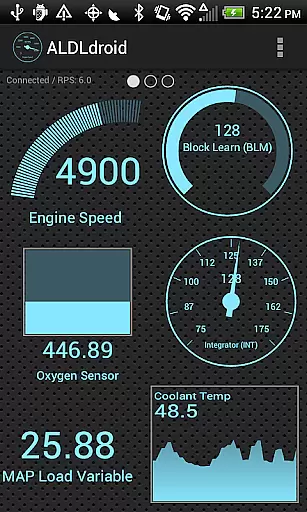
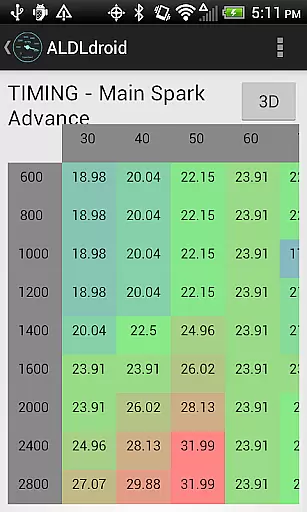
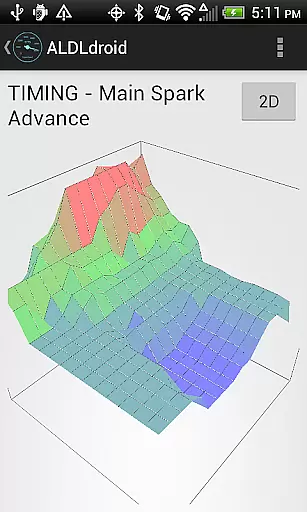
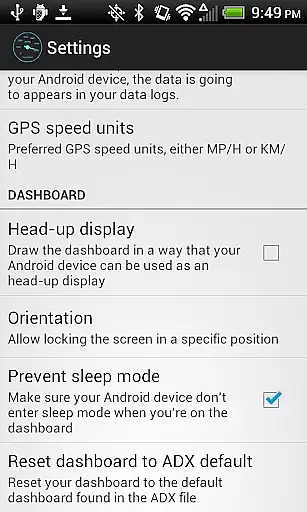
ALDLdroid is a specialized application designed for automotive enthusiasts who need to interface with OBD1 GM ECMs. The app supports both 160 baud and 8192 baud protocols, making it versatile for various diagnostic tasks. It allows users to perform data logging using TunerPro files (ADX), provided they have the correct file for their specific ECM.
Beyond GM ECMs, ALDLdroid extends its functionality to other vehicle brands like BMW, Buell, Ford, and more, through compatible XDF files. This enables tuning file editing across different platforms. With real-time tuning capabilities supported by Moates hardware and chip programming options, this app is a comprehensive tool for vehicle diagnostics and tuning.
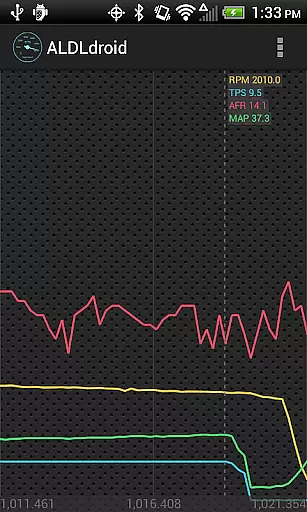
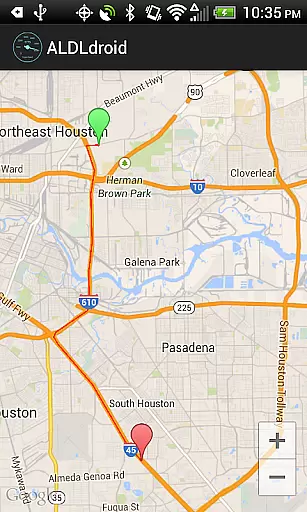
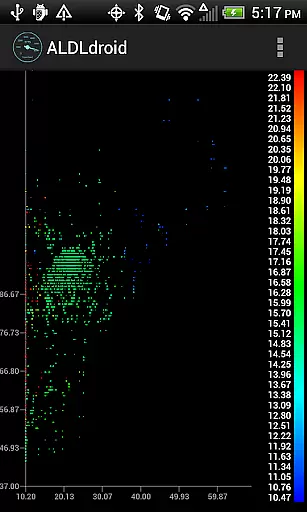
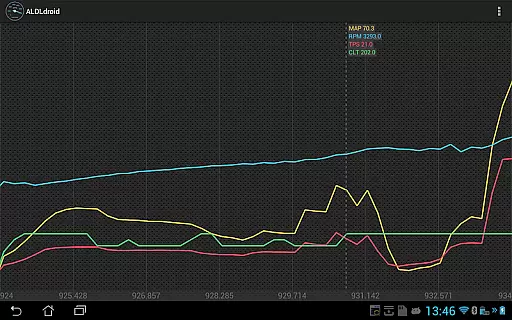
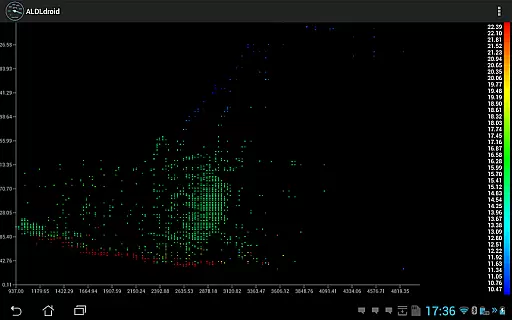
The application facilitates connections via Bluetooth or USB, ensuring compatibility with most modern Android devices. Users can fully customize dashboard indicators, set alarms, and view logs in scatter plot or time series formats. Whether you're a professional mechanic or a dedicated hobbyist, ALDLdroid offers the tools necessary for effective vehicle management and performance optimization.
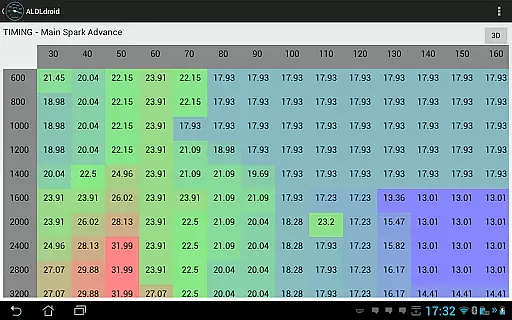
ALDLdroid boasts an array of features tailored for automotive diagnostics and tuning. One of its standout capabilities is the support for TunerPro files (ADX and XDF) which allows for extensive data logging and tuning file editing. This feature is particularly beneficial for users working with non-GM vehicles as well, provided they have the appropriate XDF file.
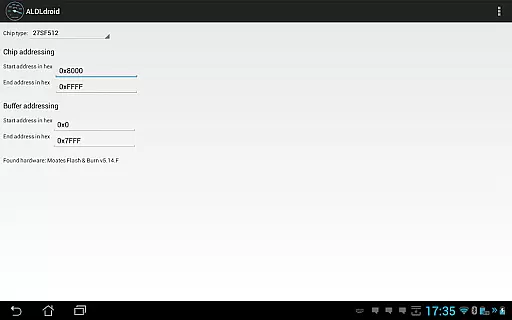
The app supports real-time tuning with Moates Ostrich and AutoProm hardware, catering to enthusiasts who demand precision and immediacy in their tuning processes. Additionally, chip programming is possible with Moates BURN1/BURN2 hardware, adding another layer of customization and control over the vehicle's electronic systems.
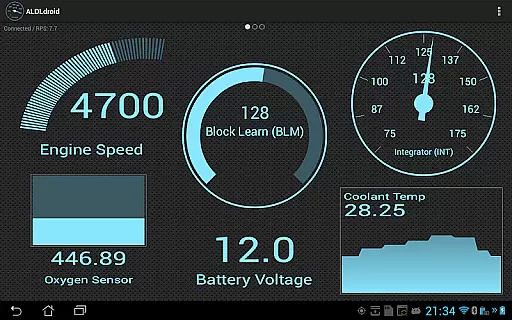
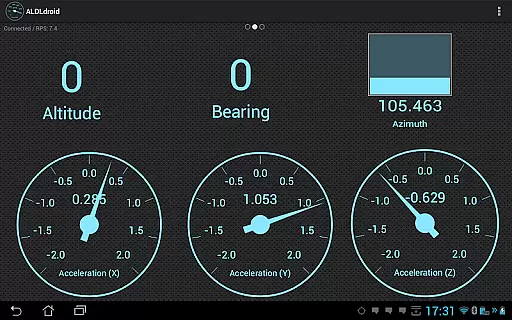
User experience is further enhanced by the app's customizable dashboard, where users can add, edit, or delete indicators in various formats such as gauges, bar graphs, or histograms. Alarms can be configured to trigger visual and haptic feedback, ensuring users are promptly alerted to critical changes. These features collectively make ALDLdroid a powerful tool for anyone involved in automotive diagnostics and performance enhancement.
ALDLdroid provides comprehensive access to detailed vehicle information by interfacing with OBD1 GM ECMs and other supported brands. The application supports both 160 baud and 8192 baud protocols, ensuring compatibility with a wide range of vehicles.
Through the use of TunerPro files (ADX), ALDLdroid allows users to log data specific to their vehicle's ECM. This feature is crucial for mechanics and car enthusiasts who need accurate diagnostics and performance metrics. With the correct ADX file, users can monitor virtually any parameter their ECM is capable of reporting.
Beyond GM ECMs, ALDLdroid extends its functionality to other car and motorcycle brands such as BMW N54, Buell, DSM, Ducati, Ford, Holden, Nissan, Porsche, Volvo, Fiat, and Renault. By sourcing the appropriate XDF file, users can perform tuning file editing on these diverse platforms, making it an invaluable tool for multi-brand service centers.
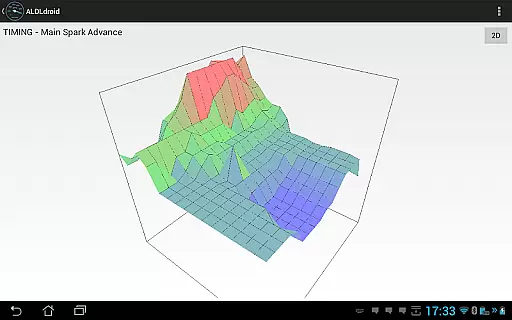
The ability to edit BIN files using TunerPro files (XDF) further enhances the appu2019s utility in real-time tuning scenarios. Supported hardware like Moates Ostrich, Moates AutoProm, and Moates BURN1/BURN2 enables advanced operations such as chip programming, providing professionals with the tools needed for high-level vehicle customization and repair.
ALDLdroid ensures price transparency by offering clear information about necessary hardware purchases directly within its description. Users are informed that additional ALDL adapters may be required for connecting the app to their vehicle's ECM, promoting an upfront understanding of potential costs.
The app provides links to purchase Bluetooth and USB versions of ALDL adapters, enabling users to make informed decisions based on their device compatibility. This straightforward approach eliminates hidden fees and empowers users to prepare accordingly before committing to the app purchase.
Furthermore, ALDLdroid emphasizes the importance of having the correct ADX or XDF files for specific ECMs. By clearly stating that some files might need to be sourced independently, the app maintains transparency regarding possible additional expenses related to acquiring these essential components.
With no refunds available after Google Playu2019s initial 15-minute window, ALDLdroid encourages potential buyers to consult online communities. This practice not only fosters community engagement but also helps users verify the appu2019s compatibility with their setup, reinforcing the principle of informed purchasing decisions.
Wide protocol support
Customizable dashboard
Real-time tuning
Chip programming
Cross-brand compatibility
No iOS version available
Requires compatible hardware
Complex for beginners
Limited refund policy
Dependent on third-party files

OBD2 car scanner and diagnostics: read Check Engine, DTC, economy....
 4.30
4.30
Practice the drills within MotoJitsu Master Riding Program Volume 1 & 2!
4.80
Buy and sell your boat
4.70
Autolist - The Largest Selection of Local Used Cars and Trucks
4.50
BlueDriver® is a Premium Diagnostic OBD2 Scan Tool. www.BlueDriver.com
3.90
View your car’s service records and find out when maintenance is due.
4.70
Find Your Local Store or Shop Online for the Car, Truck, or SUV Parts You Need
4.70
7-Day Returns on All Cars
4.80
Marathon ARCO Rewards members earn rewards & apply the rewards for fuel savings!
4.80
Play what you want through Android Auto
4.90
Autotrader is your online solution for buying and selling new and used cars.
4.40
Your car is talking. Start listening.
4.30
Realtime Charts is a plugin for the Torque Pro App (OBD 2 & Car)
4.20
Control maps, media and messaging, with the Google Assistant while you drive
4.10
ODB2 based monitoring application for the Chevy Bolt (2017-2021)
4.00
Available in select states.
4.00
Take state-specific DMV permit tests and ace the exam.
3.90
The Smarter Way Forward
3.30
Ferrari inspired analog & digital watch face with quick access and premium style
4.3


User Reviews