
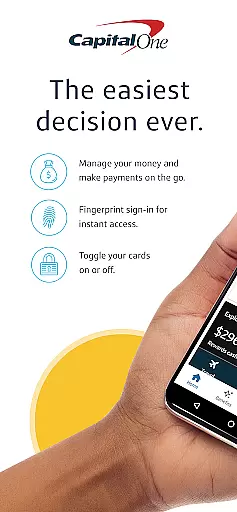


Capital One Mobile is a comprehensive financial management app that allows users to oversee all their accounts in one place. With features ranging from balance checking to bill payments, the app provides an all-in-one solution for personal finance management. Users can also access credit monitoring tools and activate new cards instantly, making it an essential tool for both everyday and long-term financial needs.
The app stands out with its advanced security features, enabling instant locking of cards and providing detailed transaction histories. Alerts and notifications keep users informed about their spending, while integration with Zelle® facilitates easy money transfers. Whether at home or on the go, Capital One Mobile ensures users have full control over their finances with ease and security.
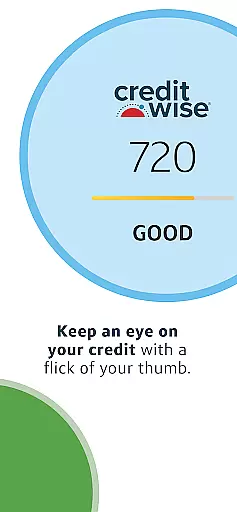
Capital One Mobile offers a rich set of features designed to simplify banking. Users can view account balances, export statements, and manage bills and loans directly from their mobile devices. The inclusion of CreditWise allows users to monitor their credit scores effectively, ensuring they stay on top of their financial health.
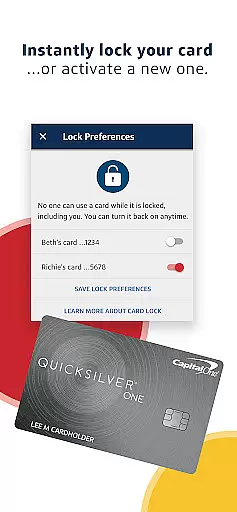
One of the standout features is the ability to instantly lock and unlock credit or debit cards, adding a layer of security not commonly found in other banking apps. Additionally, the app's integration with Eno, the virtual assistant, provides users with quick answers to their queries. These features collectively enhance user experience by combining convenience with robust security measures.
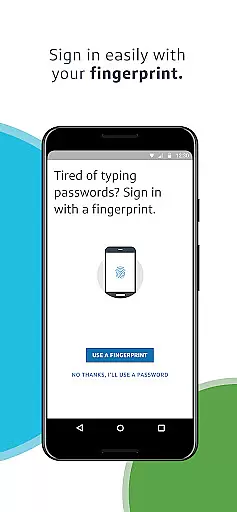
Account and fund security is a critical aspect of any financial application, ensuring the safety of users' personal and financial information. The Capital One Mobile app employs advanced encryption protocols and multi-factor authentication to protect your data from unauthorized access.
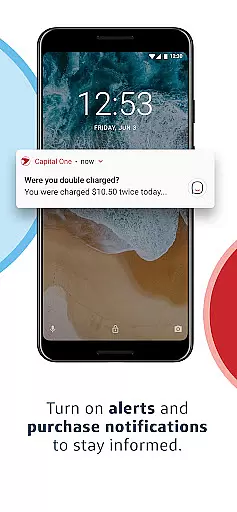
The app allows you to instantly lock your credit or debit card from anywhere if it's lost or stolen, providing an additional layer of security. With real-time alerts and notifications, you can stay informed about any activity on your accounts, allowing for quick action in case of suspicious transactions.
Moreover, features like CreditWise empower users by providing tools to monitor their credit scores and receive alerts about significant changes. This proactive approach helps users maintain control over their financial health while mitigating potential risks associated with identity theft and fraud.
A seamless transaction experience is essential for managing finances efficiently through a mobile app. The Capital One Mobile app offers a user-friendly interface that simplifies various banking activities such as viewing balances, exporting statements, paying bills, and handling loans without hassle.
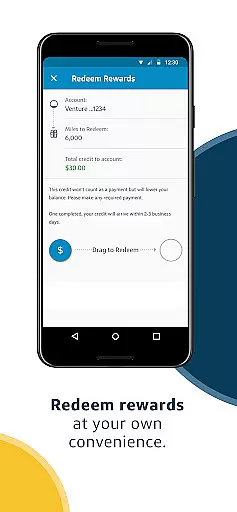
Users can redeem rewards on the go and send or receive money effortlessly using Zelleu00ae, making peer-to-peer payments quick and convenient. Detailed transaction histories provide transparency into spending habits, helping users make informed financial decisions.
Additionally, Eno, your virtual assistant within the app, provides instant support and answers queries related to your account, enhancing the overall customer experience. These features collectively ensure that users have a smooth, efficient, and reliable banking experience at their fingertips.
User-friendly interface
Comprehensive account management
Advanced security options
Instant card activation
Seamless money transfers
Limited to Capital One customers
Internet connection required
Some features may not be available to all users
Potential service outages
Dependent on external credit agencies

Download the MySynchrony App to manage your accounts securely and conveniently!
 4.60
4.60
Bill Manager is a simple app to help you keep track of your upcoming bills.
4.0
Manage your prepaid cards and add to Google or Samsung Wallet.
4.60
Easily invest, save, and plan—all in one app.
4.60
Get up to 500, get paid early, earn interest and find work with no hidden fees.
4.40
StockTiles lets you view prices & charts of your favorite stock assets
2.30
Keep track of your subscriptions with no limitations
4.80
Earn money as a tester with Testerup, get cash testing apps and games
4.20
The PayPal app is the secure way to send and receive money, shop and pay in 4.
4.20
Currency Converter supports all currencies of the world.
5.00
Companies owe you money.
4.80
Money App - Earn Cash back, Fast Cash Advance, Personal Loan Offers, Banking
4.70
Banking with no monthly fees, fee-free overdraft, and early payday.
4.70
Send money and bitcoin easily. Invest, bank and do more with your money
4.70
Payday cash advance & Instant cash advance: Borrow money instantly, Get cash now
4.60
The US Debt Clock .org App gives you a Real-Time glimpse of US Financial Stats
4.60
Access State Farm accounts, policies, ID cards and more
4.60
Amazing Financial Calculator. Based on HP 10bII, but easier to use!
4.40
Bank better with our new app
3.80


User Reveiws