
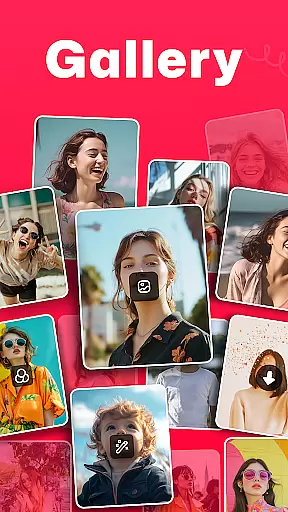
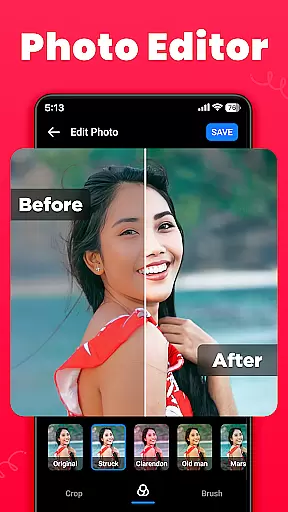
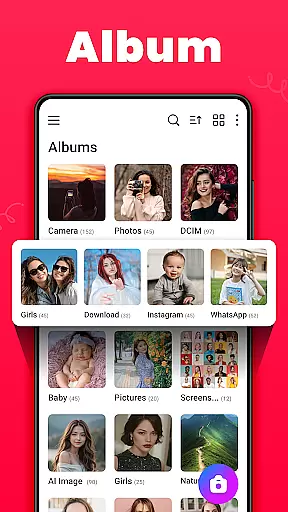
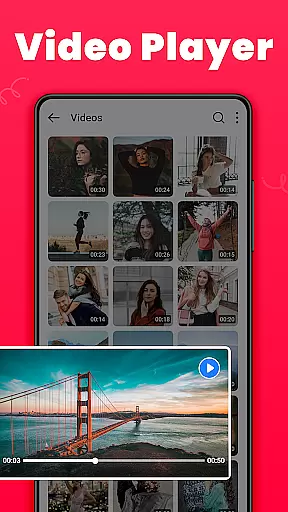
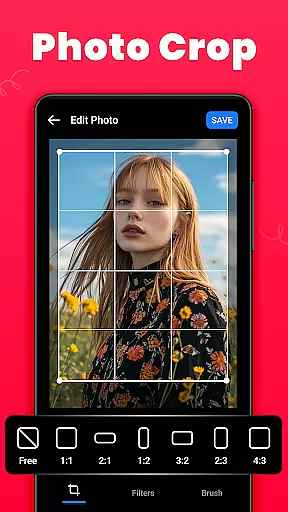
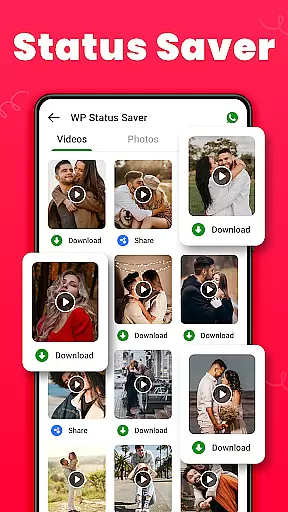
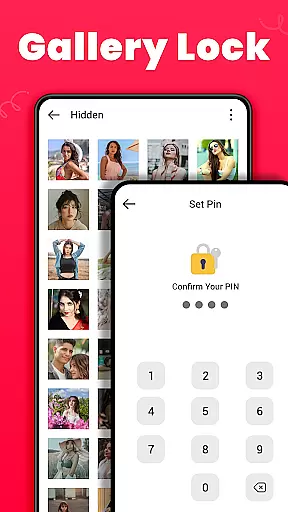
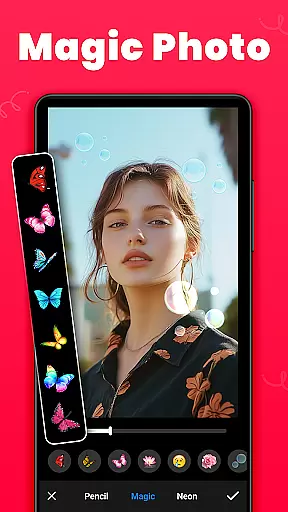
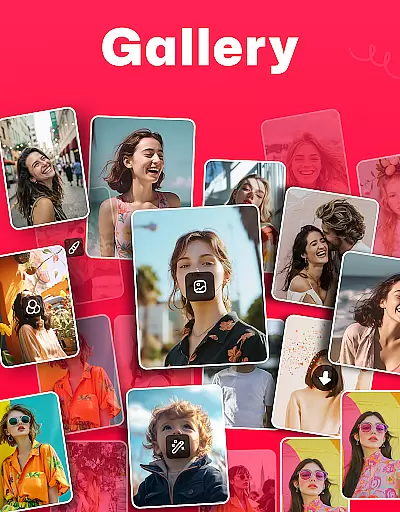
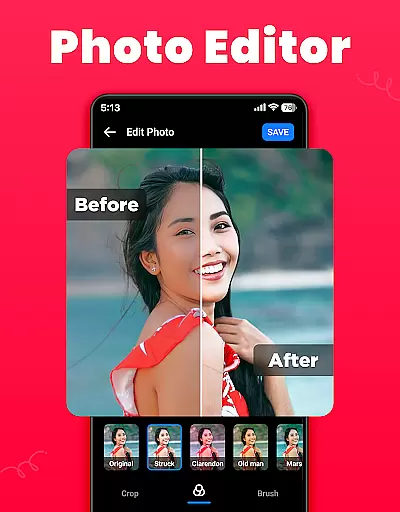
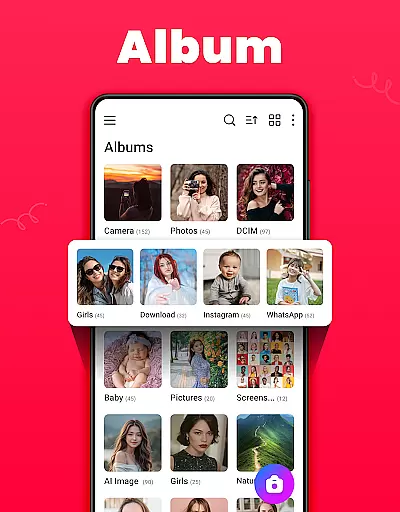
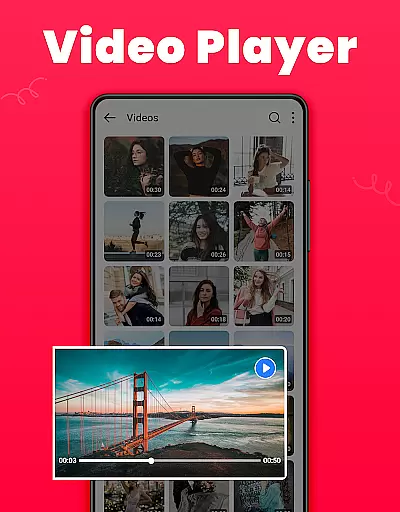
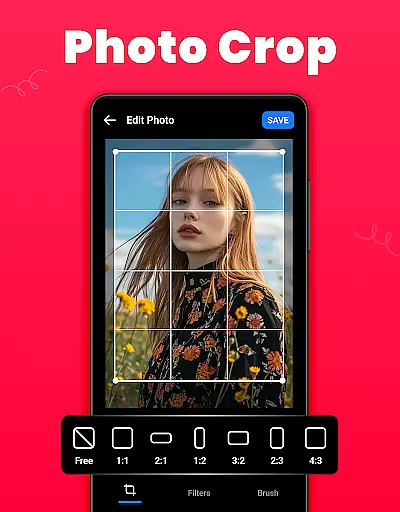
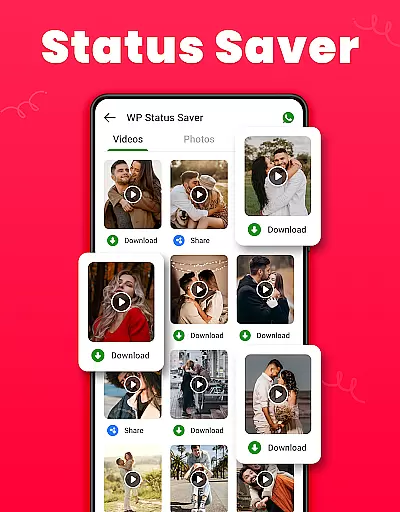
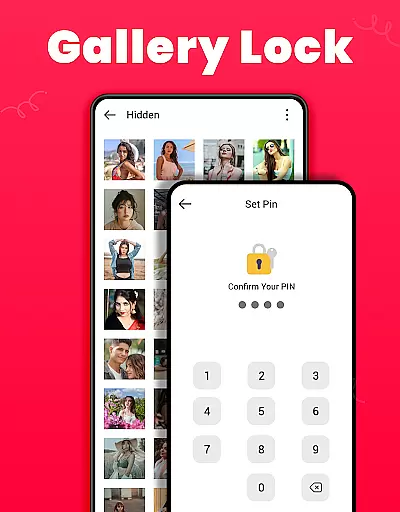
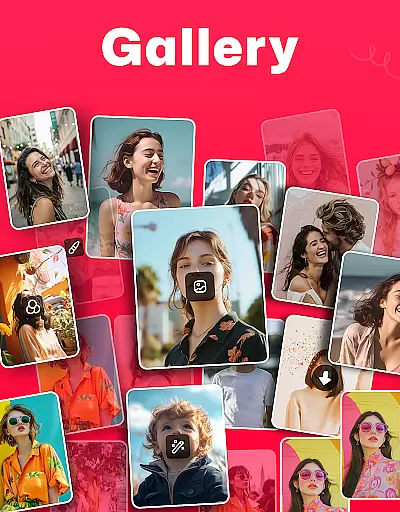
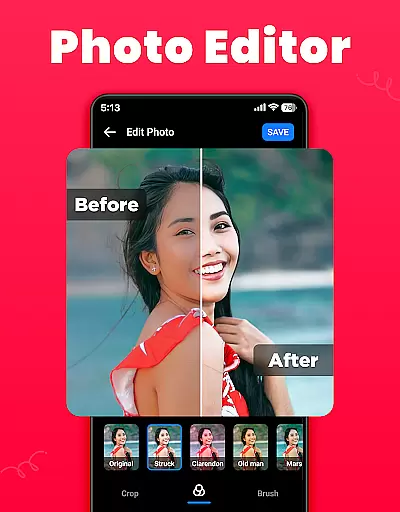
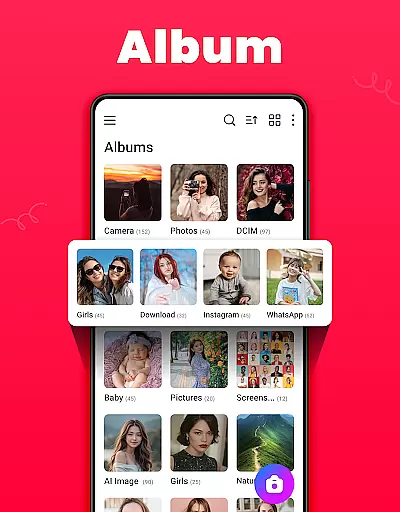
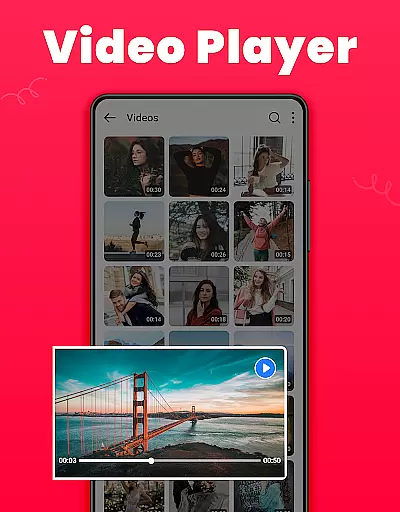
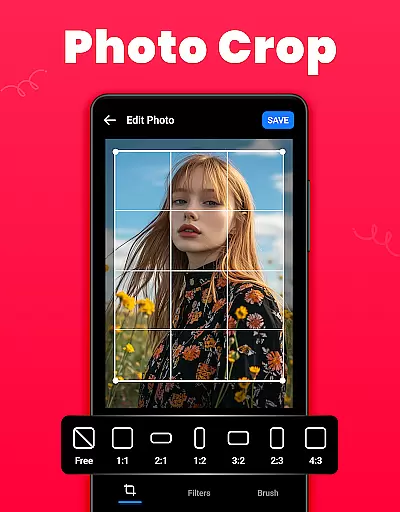
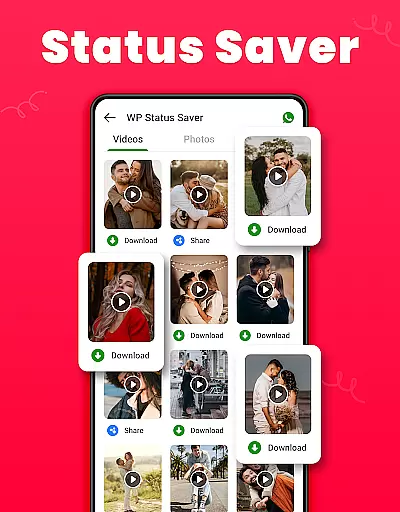
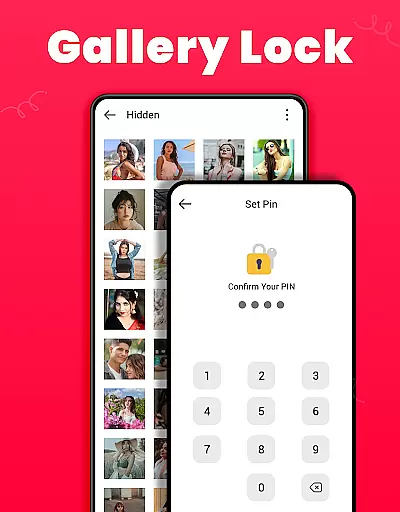
Gallery is a versatile offline photo and video management app designed for Android users. This application allows you to organize, edit, and share your media files effortlessly. With features like automatic organization by media path, the ability to restore deleted photos, and a secure Gallery Lock, it ensures both convenience and privacy. The app also supports saving WhatsApp statuses and provides tools for basic photo editing such as cropping, filtering, and brushing.
One of the standout features of Gallery is its Recycle Bin functionality, which stores mistakenly deleted media, allowing users to recover their valuable memories easily. Additionally, the app offers customization options including light or dark mode, sorting albums by various criteria, and setting favorite pictures as wallpapers. Its user-friendly interface and comprehensive feature set make it an ideal choice for managing personal media collections securely and efficiently.
Gallery stands out with its rich array of features tailored for efficient media management. The app automatically organizes photos and videos according to their file paths, making it easy to locate specific media. It includes a built-in editor that supports cropping, applying filters, and using brushes to enhance images. Users can create and manage custom albums, sort them by name, date, or path, and even set their favorite images as wallpapers.
The Gallery Lock feature adds an extra layer of security by hiding sensitive content behind a PIN or password, ensuring privacy for personal files. For Android 11 users, the app requires 'All Files Access' permission to enable advanced functionalities like file encryption. Additionally, the Recycle Bin feature temporarily stores deleted media, providing a safety net against accidental deletions. These robust features collectively offer a seamless and secure media management experience.
Real-time capture and preview functionality is essential for any photography app as it allows users to frame and adjust their shots accurately before capturing. The Gallery app offers a seamless real-time preview, ensuring that what you see on the screen is what you get in your photo.
This app provides an intuitive interface where users can instantly switch between photo and video modes without losing quality or experiencing lag. This ensures that no moment is missed due to slow switching speeds or inaccurate previews.
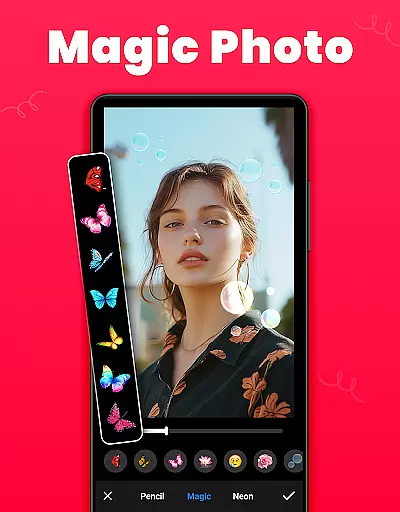
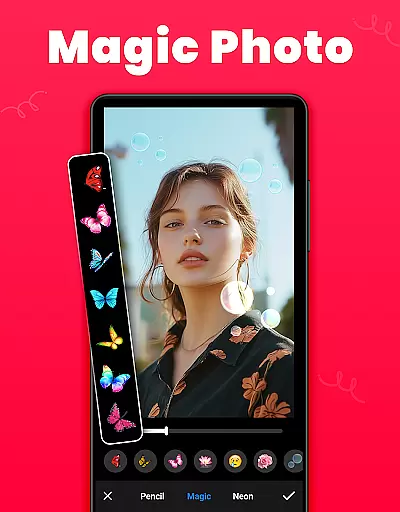
With its advanced features, the Gallery app enhances the user's ability to take high-quality photos by offering live filters and effects that can be previewed in real time. Users can apply these effects before taking the shot, allowing for greater creative control over their final images.
The benefit of using an app with reliable real-time capture and preview is evident in the increased confidence users have when taking photos, knowing that they can trust the preview to reflect the final image. This feature is particularly useful for those who rely on precision and timing in their photography work.
AI beauty and enhancement features are becoming increasingly popular in photography apps, offering users the ability to enhance their photos with natural-looking results. The Gallery app employs sophisticated AI algorithms to ensure that enhancements look realistic and preserve the original essence of the photo.
Users can take advantage of various AI-powered tools such as skin smoothing, blemish removal, and facial structure adjustments that maintain the authenticity of the subject's appearance. These enhancements are applied subtly so that the final image does not appear overly processed or artificial.
In addition to beautification, the app also offers AI-driven enhancement options like color correction, dynamic range adjustment, and sharpness improvements. Each tool is designed to elevate the photo's quality while keeping the enhancements undetectable to the untrained eye.
By prioritizing naturalness in AI beauty and enhancement features, the Gallery app ensures that users can achieve professional-grade edits without sacrificing the genuineness of their memories. This approach appeals to users who value authenticity but still desire a polished look for their photos.
User-friendly interface
Secure Gallery Lock
Recycle Bin for recovery
Offline functionality
Comprehensive editing tools
Requires permissions
Limited advanced edits
Basic video features
Occasional bugs
Ads in free version

AI portrait generator and polaroid AI selfie, fun AI generated AI photo creator!
 4.30
4.30
Search, tag and rate your way to an organized image gallery
4.40
Trendy TikTok time warp scan funny filter app brings you unique photos & videos.
4.40
Create funny photos and videos with the popular Time Warp Scan filter.
4.90
Natural Beauty, Selfie Retouch
4.30
Future baby face generator: AI kids generator, kid face! What my baby look like?
4.40
Hair color changer, AI haircut app, fun hair editor and buzz cut filter for all!
3.80
Turn photos into cartoons & avatars! - Photo Editor, Cartoon Face!
3.90
Professional camera app that brings DSLR manual photography controls to Android.
4.20
Find time and duration of different sunlight phases at any location
4.90
Photo editor: AI filters, photo enhancer, pic collage maker, AI art generator.
4.80
Viewfinder, Light meter, Reciprocity failure time, DOF & Bellows Extension
4.60
Take videos and pictures with the popular TikTok TIME WARP SCAN filter.
4.60
A must-have app for landscape photographers
4.60
Add Watermark - Sign your pictures with a text or logo. Effective, quick, easy!
4.50
HD Camera Pro with HD Video shooting, Panorama, Photo editor , Beauty Camera.
4.50
[3DSteroid Pro] is a stereoscopic application for Android.
4.30
Turn your phone into a professional camera - full DSLR manual photography
4.30
Gallery Slideshow is slideshow maker app for slideshow from your gallery photos.
3.90


User Reviews