
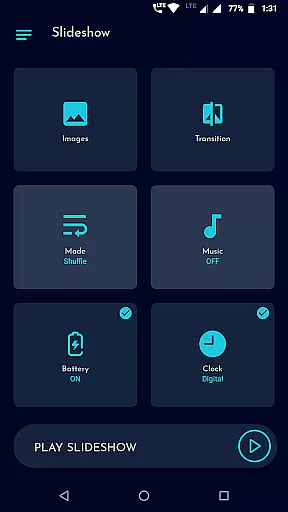
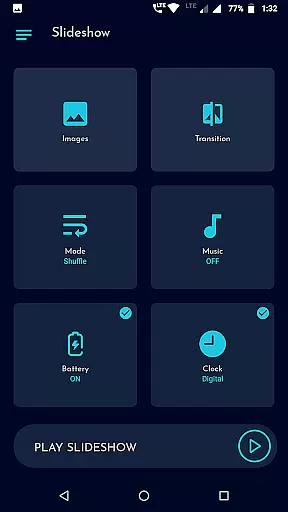
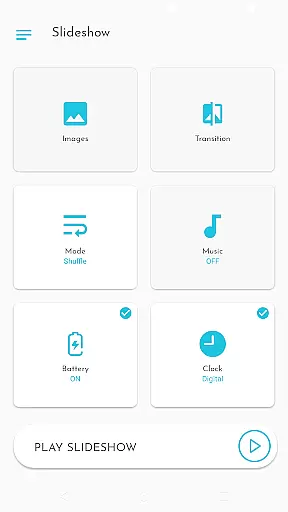
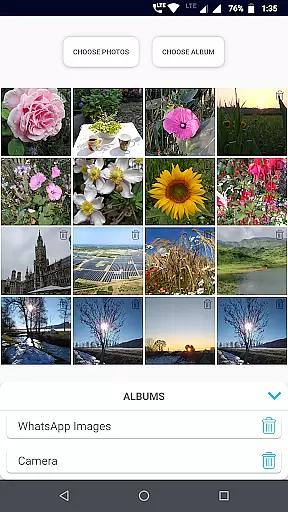
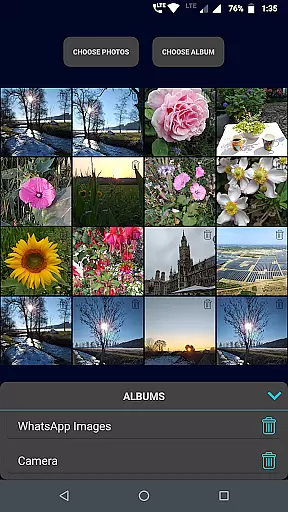
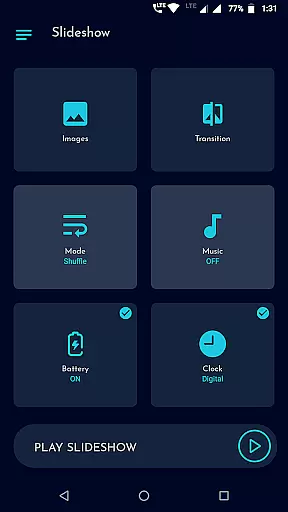
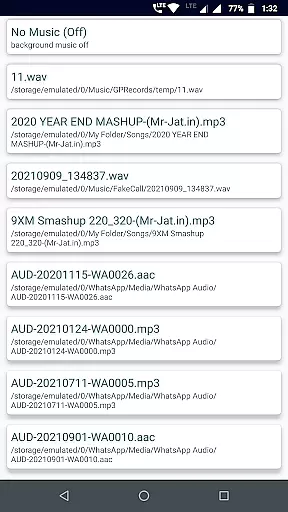
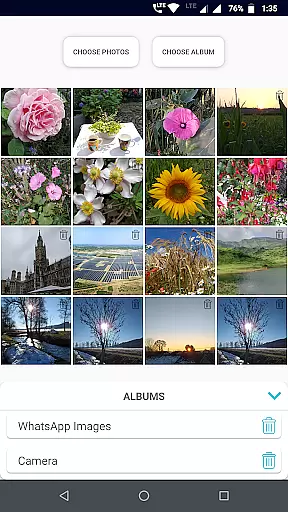
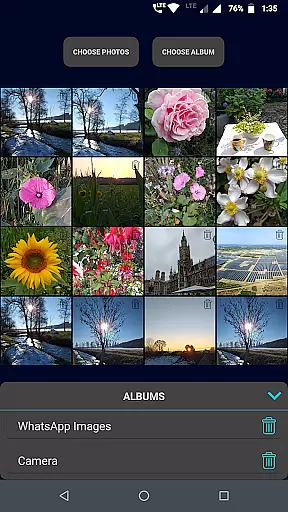
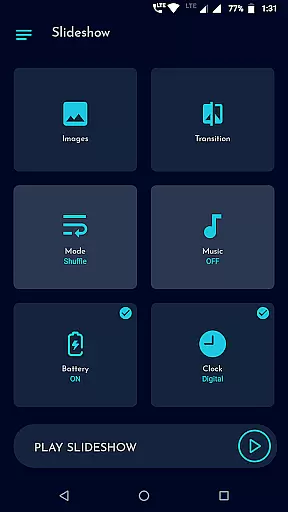
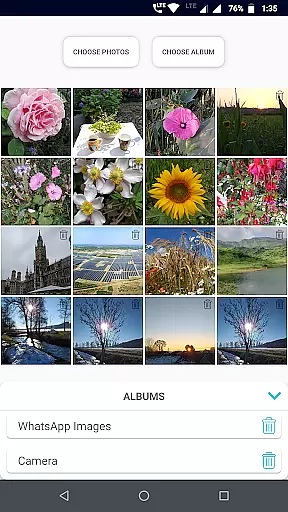
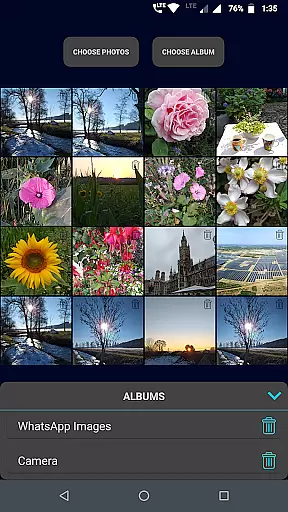
Gallery Slideshow is a photography app designed to display your gallery photos as dynamic slideshows on your phone screen. The app allows users to select multiple photos or entire folders, applying cool transition effects and background music for an engaging viewing experience. Unlike video editing or slideshow maker apps, this tool focuses purely on presenting photos with added features like battery percentage, clock displays, and shuffle options.
The app's core function is to enhance photo viewing by transforming static images into lively presentations. With customizable durations, transitions, and music options, it offers a personalized touch to how users revisit their cherished memories. Whether you're looking to relive personal moments or create ambient visuals with music, Gallery Slideshow provides a simple yet effective solution.
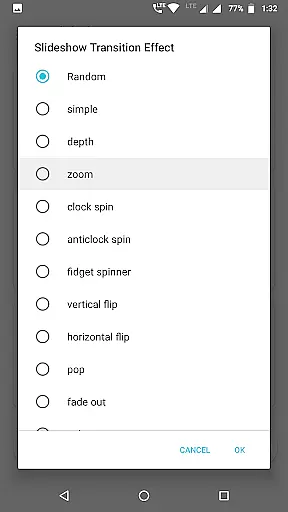
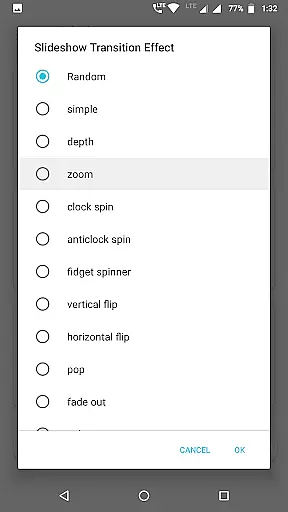
Gallery Slideshow stands out with its array of features tailored for an enhanced viewing experience. Users can choose any number of photos or folders, allowing flexibility in creating personalized slideshows. The app offers various cool transition effects, ensuring each slideshow feels unique and visually appealing.
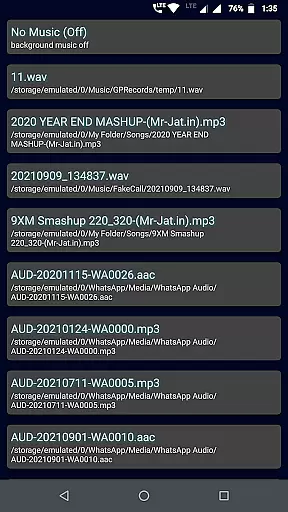
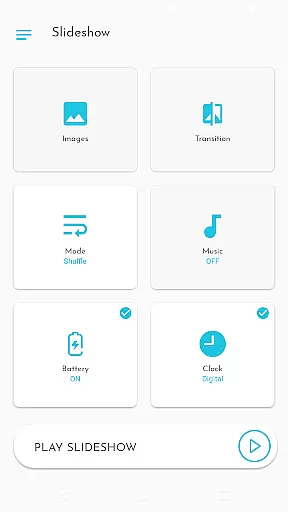
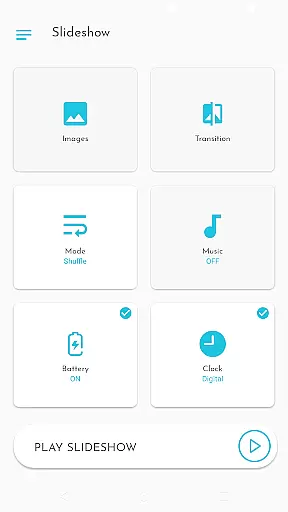
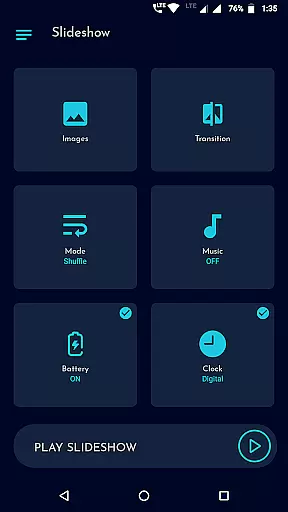
In addition to transitions, the app includes practical features such as sequence or shuffle options, background music selection, and the ability to show battery percentage or clocks during the slideshow. These functionalities not only add aesthetic value but also provide useful information while viewing. The easy-to-use UI ensures that users of all technical levels can navigate and customize their slideshows effortlessly.
Real-time capture and preview functionality is essential for photography apps as it allows users to see exactly what the camera sees before taking a shot. Gallery Slideshow, while not a photo-taking app, enhances this experience by allowing users to view their existing gallery photos in a dynamic slideshow format.
This app provides an immersive viewing experience by integrating background music and cool transition effects into the slideshow. Users can select multiple photos or entire folders, creating a personalized and engaging presentation of their images. The ability to shuffle photos and choose from various transition effects adds another layer of customization.
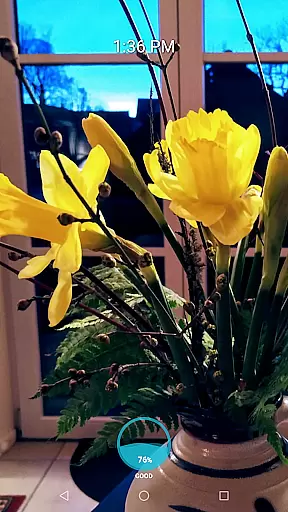
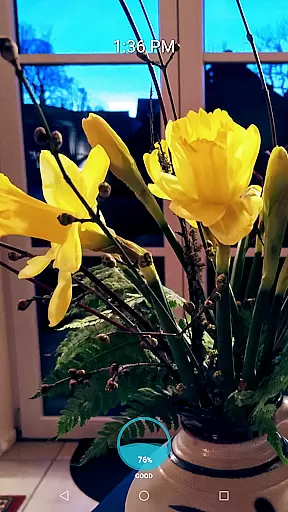
Users benefit from features like showing battery percentage, digital or analog clocks during the slideshow, which are particularly useful for public displays or presentations. These elements ensure that viewers remain informed about important details without interrupting the flow of the slideshow.
While Gallery Slideshow does not focus on AI beauty enhancements typically found in photo editing apps, it offers unique features that enhance the natural viewing experience of your existing photos. This app emphasizes simplicity and ease of use over complex editing tools, making it accessible for all user levels.
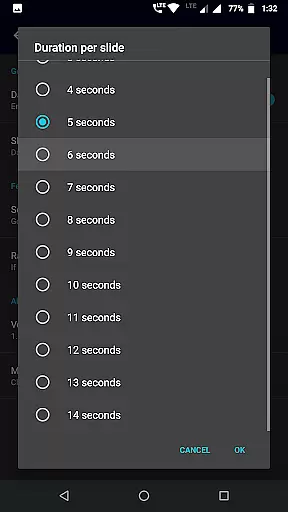
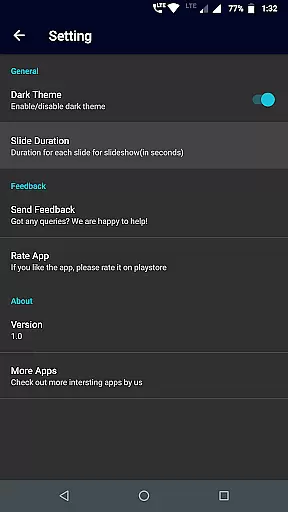
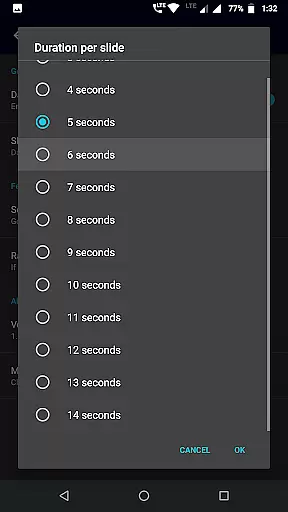
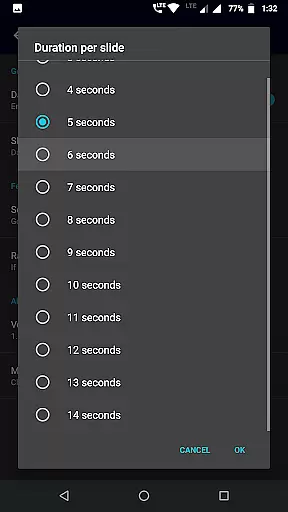
The application allows users to add background music and apply cool transition effects between slides, enriching the overall aesthetic appeal of their photo collections. By offering options such as sequence or shuffle modes, duration settings between slides, and clock displays, Gallery Slideshow ensures a tailored and enjoyable viewing session.
Although there are no AI-driven enhancements, the app's straightforward interface and customizable settings provide a refreshing way to revisit cherished memories. Users can enjoy their photos with added flair, transforming static images into lively presentations that capture attention and evoke emotions.
User-friendly interface
Customizable transitions
Flexible photo selection
Background music options
Informative display features
Limited to photo viewing
No video creation
Basic editing tools
Few advanced options
Simple functionality

Gallery show photo, video, slideshow, is perfect 3D effect private photo albums.
 4.80
4.80
How would you look like with a differently shaped nose, chin or lips?
3.90
Shooting photos and records video easily and efficient with professional Camera
4.30
HD Photo gallery and photo manager to edit, hide private photos, videos & albums
4.0
Application for remote controlling DSLR
3.00
Photobooth mini FULL app will allow you to add more fun to your parties
4.00
Automatically backup your photos and videos to computer, NAS and Cloud services
4.60
A must-have app for landscape photographers
4.60
GCamera allows all GCam features on all phone models! Better photos with GCamera
3.30
Photo editor: AI filters, photo enhancer, pic collage maker, AI art generator.
4.80
Enhance, upscale, and transform your images — on your device, without limits
4.70
Future baby face generator: AI kids generator, kid face! What my baby look like?
4.40
[3DSteroid Pro] is a stereoscopic application for Android.
4.30
All-in-One Editor & AI Photo Enhancer, Beautify & Retouch, Collage, Cartoonify
4.20
A light meter for true photographers.
4.20
Transform Photos: Edit, Beautify and Craft Memories & Make Collages!
4.10
Hair color changer, AI haircut app, fun hair editor and buzz cut filter for all!
3.80
Raw Image Viewer. Gallery with support of raw images (.cr3, .cr2, .nef, .raf).
2.00
Add a dreamy vibe to your selfies and videos with soft style filters
4.3


User Reviews