
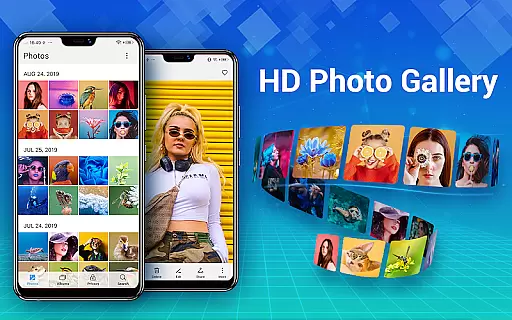
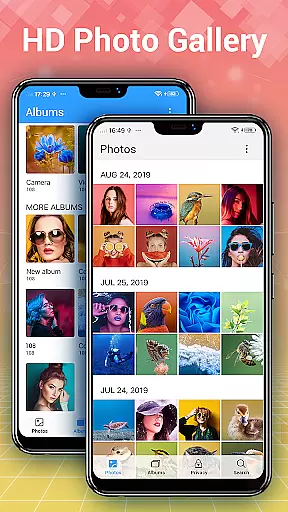
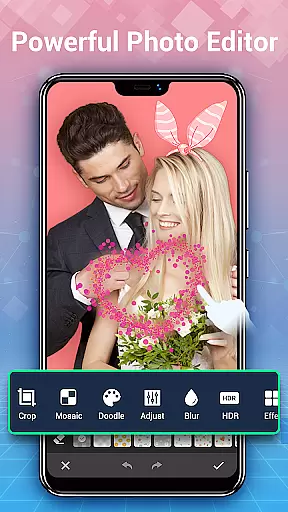
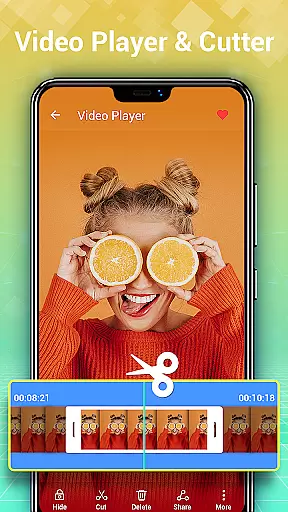
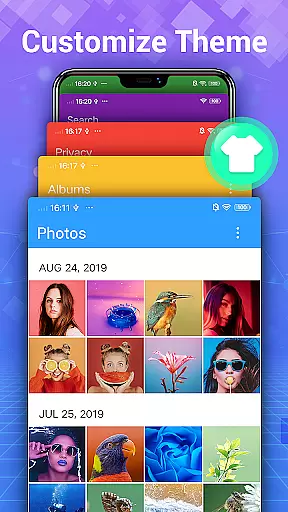
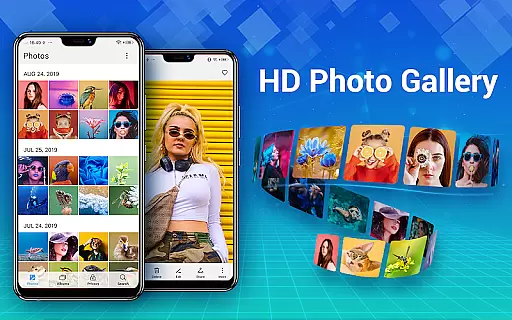
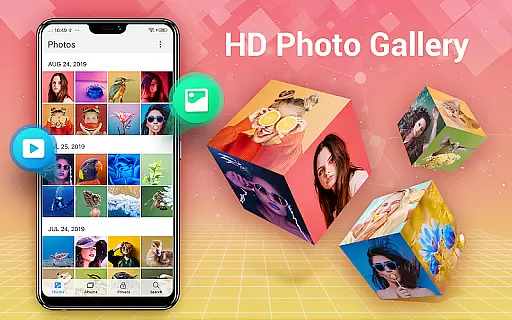
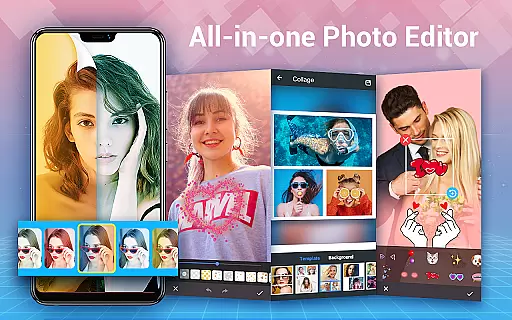
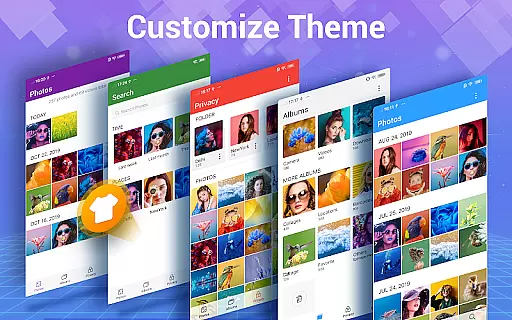
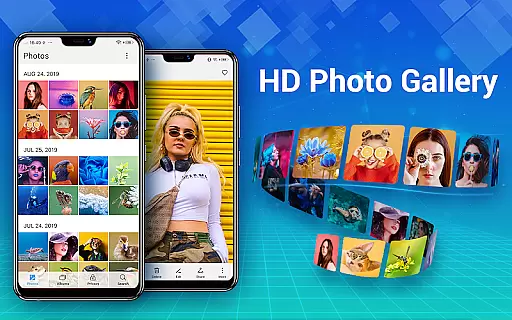
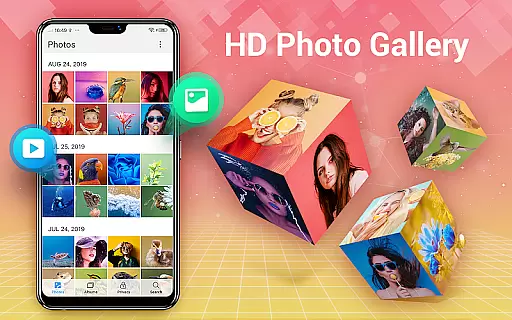
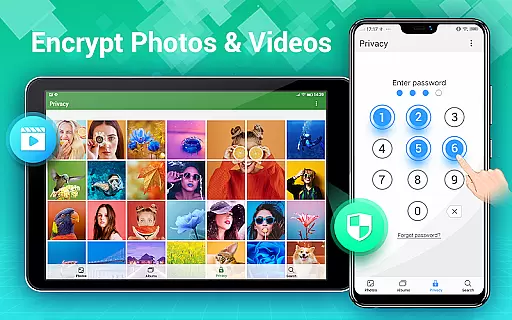
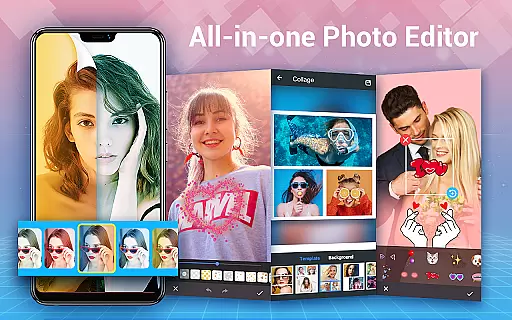
Photo Gallery is a comprehensive photography app designed to manage, organize, and enhance your photo and video collections. This all-in-one solution offers automatic organization of media files into albums, folders, and by date, while supporting SD card storage. The app provides advanced privacy features through its Gallery Lock functionality, allowing users to encrypt and hide sensitive content behind a password. Additionally, Photo Gallery serves as a powerful photo editor, equipped with tools for filters, cropping, text, and more, along with a built-in collage maker for creative projects.
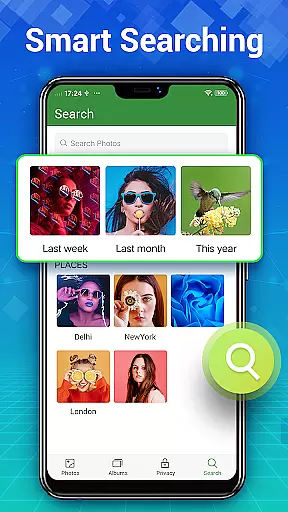
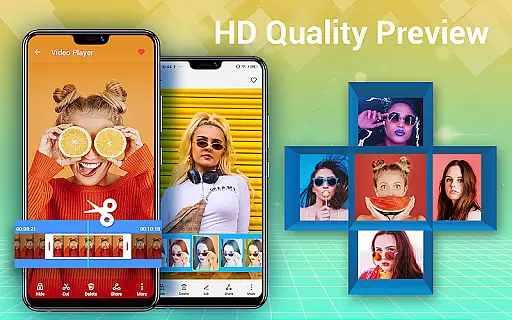
Beyond basic management, the app supports HD viewing, slideshow playback, and an intuitive search function that categorizes photos by date, location, or recommendations. Users can create custom albums, sort files by various criteria, and recover deleted items from a dedicated trash folder. With support for offline usage and a sleek user interface, Photo Gallery ensures both convenience and security for Android users seeking a robust media management solution.
Photo Gallery stands out with its rich feature set tailored for photographers and casual users alike. The app automatically organizes photos and videos into albums based on dates or custom categories, streamlining access to thousands of files. Its Folder and SD Card support allows flexible file management, enabling users to copy, move, or transfer media between internal storage and external devices seamlessly.
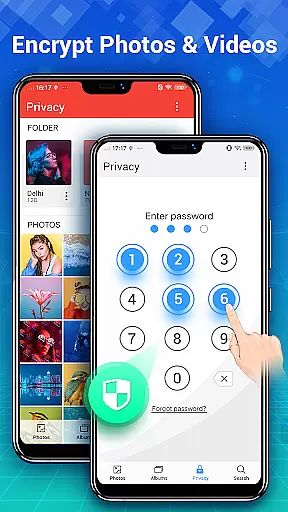
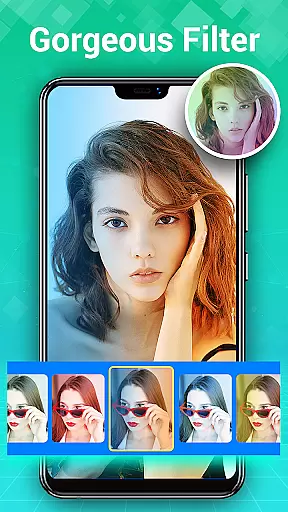
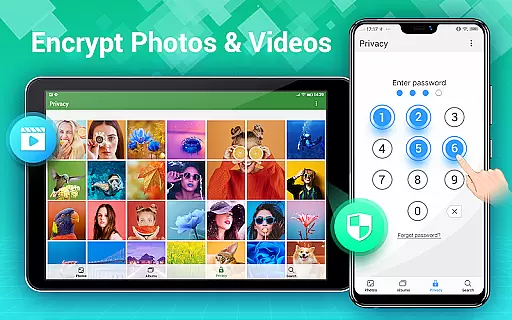
Privacy is prioritized through the Gallery Lock feature, which encrypts private photos and videos in a secure vault. Only accessible via password, this ensures complete protection against unauthorized access. For creative enthusiasts, the app includes an advanced photo editing suite with one-tap enhancements, artistic filters, stickers, text overlays, and precise adjustment tools. The integrated Photo Collage Maker lets users design stylish compositions using freeform or grid templates, perfect for sharing on social platforms like Instagram or Facebook.
Additional functionalities include slideshow modes, sorting options, and customization features such as setting wallpapers or marking favorites. These capabilities make Photo Gallery not just a tool for organizing but also for enhancing and showcasing your best moments effortlessly.
Real-time capture and preview functionality is essential for photography applications as it allows users to see exactly what the camera is capturing before taking a shot. This ensures that photos are framed and focused correctly, reducing the need for retakes.
Photo Gallery - Album, Vault offers an intuitive real-time capture experience by providing users with immediate feedback on their device's camera input. The app supports various camera modes and settings, allowing users to adjust parameters such as exposure and focus directly within the preview window.
The benefit of this feature is significant for users who want to take high-quality photos without the hassle of post-editing. With real-time previews, users can make instant adjustments, ensuring that the final image meets their expectations in terms of composition and lighting.
This application stands out by offering a seamless transition from capturing to editing and organizing, making it a comprehensive tool for photography enthusiasts who demand both performance and functionality in their mobile gallery app.
AI beauty and enhancement features have become increasingly popular in photo editing apps, allowing users to improve their photos with natural-looking results. The importance of maintaining authenticity while enhancing images cannot be overstated, as overly processed images can appear artificial.
In Photo Gallery - Album, Vault, AI-driven tools intelligently enhance facial features and skin tones while preserving the original character of the photo. The app uses sophisticated algorithms to detect faces and apply enhancements that look genuine, avoiding the pitfalls of excessive digital manipulation.
Users benefit from this feature by achieving professional-grade photo improvements with minimal effort. Whether smoothing skin or brightening eyes, the enhancements provide a polished yet realistic appearance, which is crucial for social media sharing and personal satisfaction.
By focusing on natural enhancement, Photo Gallery sets itself apart from other editing apps that may prioritize effect over authenticity. This approach aligns with modern preferences for subtle, effective photo editing that enhances rather than overshadows the original image.
User-friendly interface
Advanced privacy controls
Powerful editing tools
Flexible organization options
Offline functionality
Requires permissions for full features
May feel complex for beginners
Limited cloud integration
Ads in free version
Occasional bugs reported

A collection of tools and reference tables for DPs, ACs, DITs and Operators.
 4.70
4.70
Trendy TikTok time warp scan funny filter app brings you unique photos & videos.
4.40
1M influencer's special filter
4.60
How old age camera Gender Swap App Face Shape Hairstyle App Hair Styler App fun!
4.00
Photo Exif Editor allows to view, add and modify EXIF data of multiple photos
4.50
Create AI photos & videos with Enhancer; restore, fix, beautify, enhance photos
4.50
Fit multiple photos on one post. Create carousels & scroll layouts for Instagram
4.50
Catch sunlight, sunrise sunset times and sun phases with the AR sun tracker.
4.10
Discover How to Plan any Sun, Moon and Milky Way Photo You Imagine in Seconds
4.70
Perfect body tune & face app - photo retouch, makeup, slim body & beautify face.
4.80
Cartoon and artistic effects for your photos and videos
4.70
AI photo editor with hair editor, retouch tools, hair color changer & filters!
4.50
AI photo enhancer with Sora 2! Enhance, descratch, and colorize your old photos.
4.50
Turn your phone into a professional camera - full DSLR manual photography
4.30
All-in-One Editor & AI Photo Enhancer, Beautify & Retouch, Collage, Cartoonify
4.20
Professional quality photo edits with the new Snapseed.
4.00
Raw Image Viewer. Gallery with support of raw images (.cr3, .cr2, .nef, .raf).
2.00
Photo Album Watch Face shows your favorite pictures as a Watchface.
1.90
Snap photos remotely using your Garmin watch as the camera trigger
4.0


User Reviews