
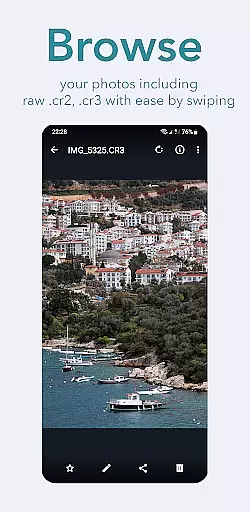
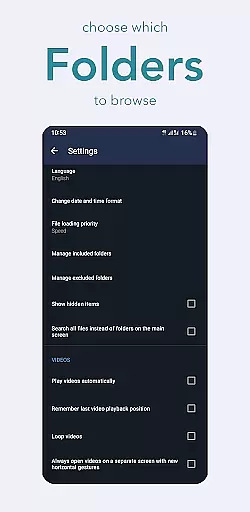
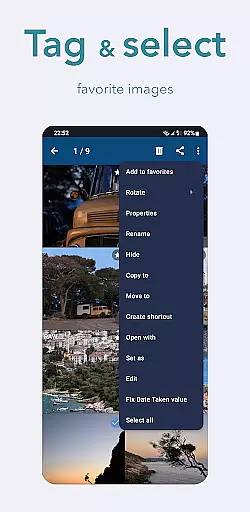
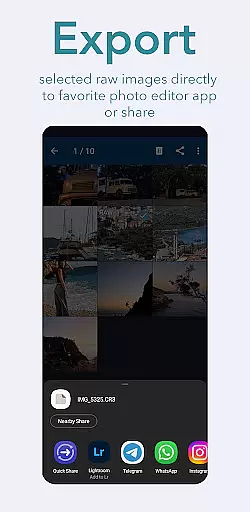
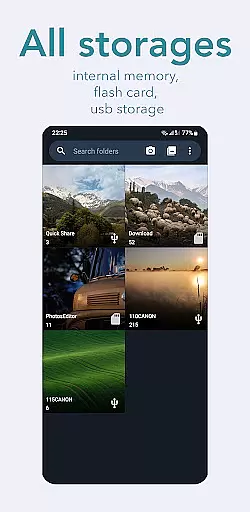
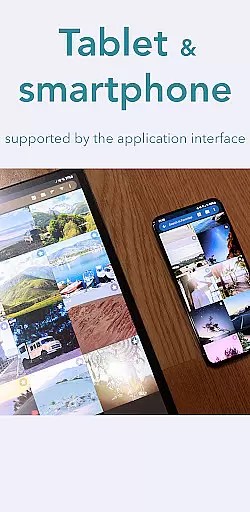
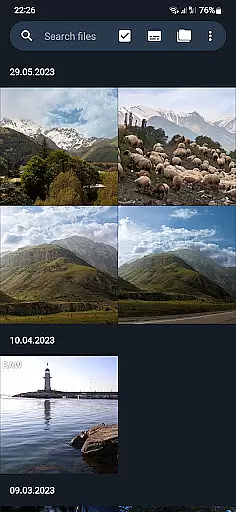
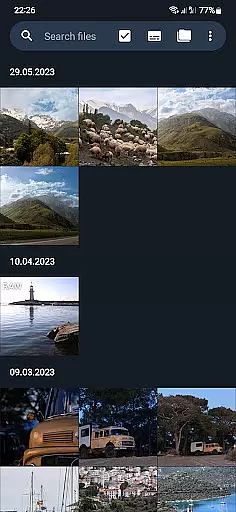
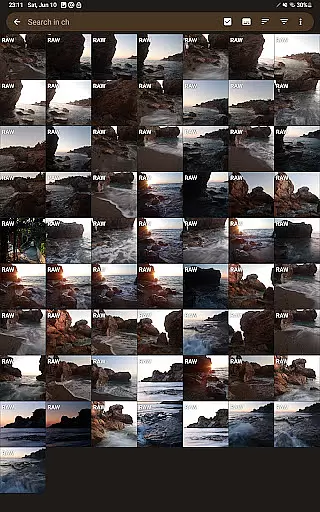
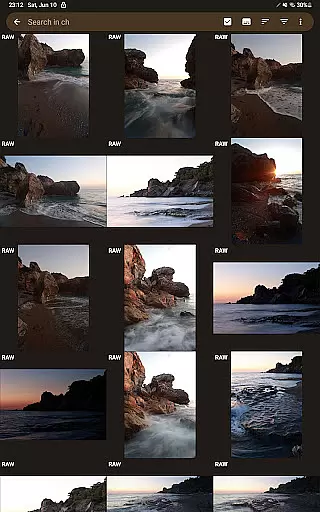
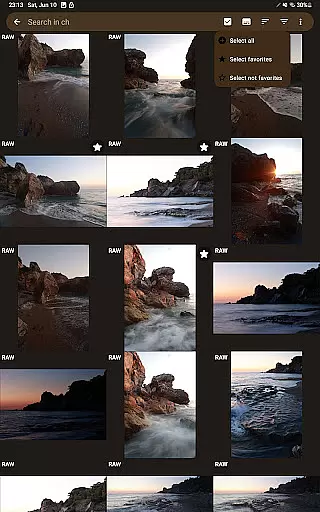
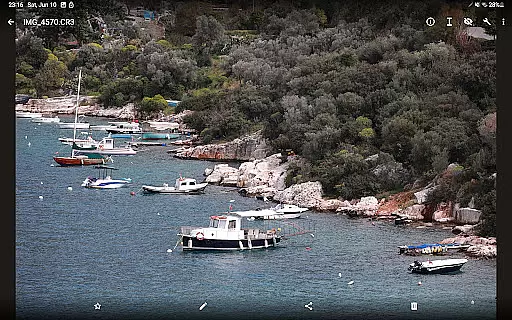
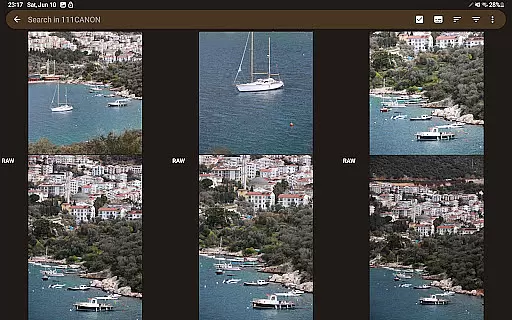
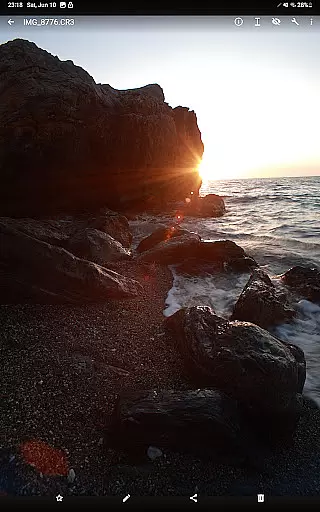
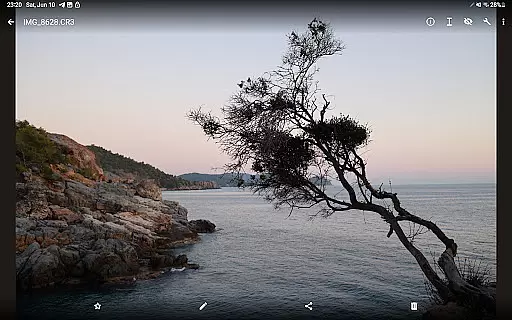
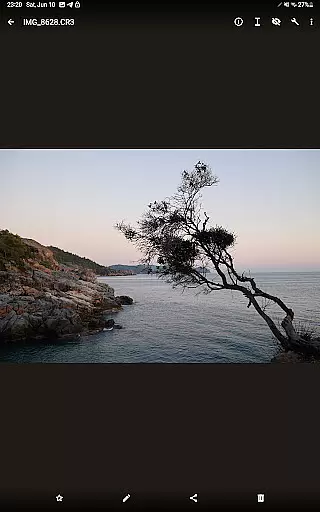
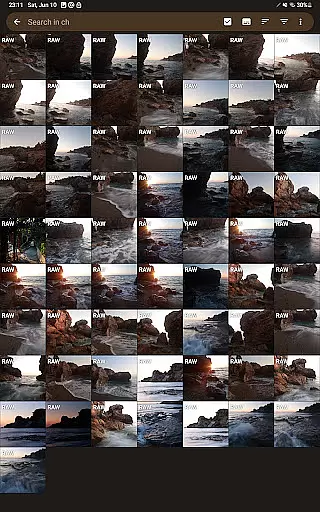
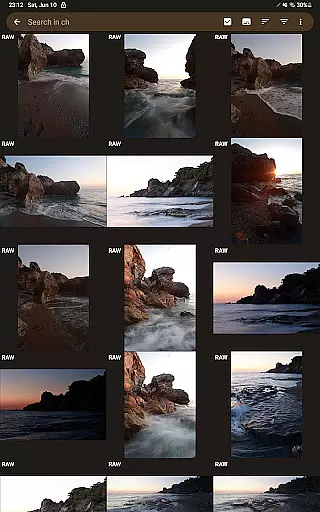
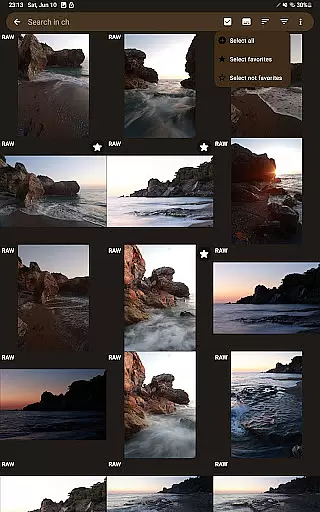
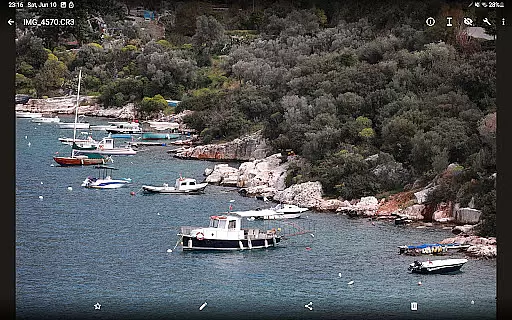
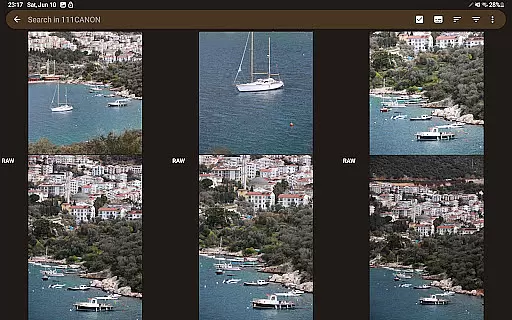
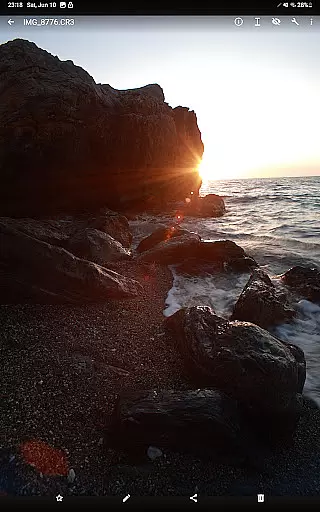
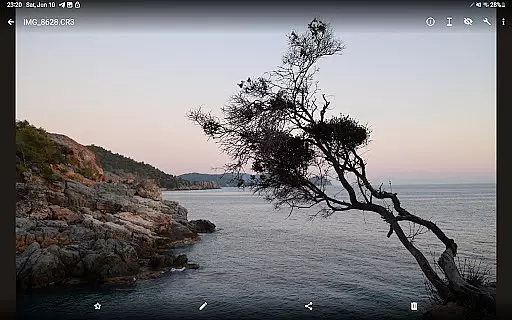
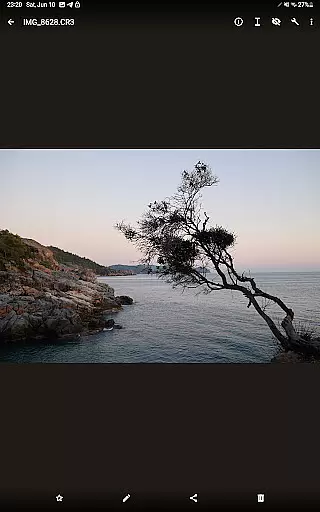
GalleryRAW is a specialized photography application designed for professional photographers and enthusiasts who need to manage and view raw image files on their Android devices. The app supports various raw formats including .cr2, .cr3, .nef, and .raf from leading camera brands like Canon, Nikon, Sony, and Fujifilm.
Beyond basic viewing, GalleryRAW functions as a comprehensive file manager. It allows users to import, view, and transfer raw files between USB storage devices such as HDD/SSD disks and camera flash drives connected via USB adapters. This makes it particularly useful for those needing to quickly sift through hundreds or thousands of photos on external storage devices, selecting only the desired images to keep on their device's internal memory.
The true value of GalleryRAW lies in its ability to help photographers efficiently manage large volumes of raw images. By enabling full-screen viewing with swipe navigation and selective copying of files, it streamlines the workflow of professional photographers working in the field or studio.
GalleryRAW distinguishes itself through several key features that cater specifically to professional photographers. First and foremost is its comprehensive raw format support, accommodating .cr2, .cr3, .nef, and .raf files - a feature set unmatched by other Android applications in the photography category.
The app's robust file management capabilities allow users to not only view but also transfer raw files between various storage devices. This includes USB-connected HDD/SSD disks and camera flash drives via USB adapters. The implementation of full-screen swipe navigation enables efficient review of large photo collections, while the selective copy function helps optimize storage space on both internal and external memory.
What sets GalleryRAW apart from its competitors is its unique combination of speed and functionality. As the only Android application offering this specific set of features for raw image management, it fills a crucial gap in mobile photography workflow solutions.
Real-time capture and preview functionality is essential for photographers who need to review their raw images immediately after shooting. GalleryRAW excels in this area by offering seamless support for various professional camera raw formats such as .cr2, .cr3, .nef, and .raf.
The application allows users to connect their cameras via USB adapters and swiftly browse through hundreds or even thousands of raw photos directly on their Android devices. This feature ensures that photographers can quickly assess image quality, composition, and exposure without the need for a computer.
With its intuitive swipe navigation, GalleryRAW enables users to view images in full-screen mode efficiently. This capability not only enhances the reviewing process but also saves valuable time during photo shoots, allowing photographers to focus on capturing the perfect shot.
While GalleryRAW focuses primarily on raw image viewing and management, it also incorporates AI-driven beauty and enhancement features that ensure natural-looking edits. These tools are designed to assist photographers in refining their images while maintaining authenticity.
The app's AI algorithms analyze each photou2019s unique characteristics and apply enhancements that preserve the original intent of the photographer. Whether adjusting lighting, contrast, or color balance, these modifications are executed with precision to avoid over-processing.
This approach provides users with the ability to make subtle yet impactful improvements to their photographs, ensuring they look polished but not artificial. By prioritizing naturalness, GalleryRAW stands out as an indispensable tool for both amateur and professional photographers seeking efficient and effective post-processing solutions.
User-friendly interface
Comprehensive raw support
Efficient file management
Unique feature set
Professional-grade tools
Limited editing capabilities
High storage requirements
No cloud integration
Premium pricing model
Steep learning curve

Remote control of the phone camera from your Wear OS smartwatch
 3.70
3.70
Easily stitch panoramas from multiple photos or video.
4.40
Find time and duration of different sunlight phases at any location
4.90
Take videos and pictures with the popular TikTok TIME WARP SCAN filter.
4.60
Over 800 film simulation recipes for Fujifilm. Black Friday Offer!
4.1
A must-have app for landscape photographers
4.60
Professional quality photo edits with the new Snapseed.
4.00
Smart, light, and fast photo and video gallery
4.30
Solocator stamps photos you take with GPS location, Compass Direction, Date/Time
3.80
Android Native system HD camera app. Never been so simple and faster.
4.70
Cartoon and artistic effects for your photos and videos
4.70
Enhance, retouch & create your story - Share the moment with Photoshop Express.
4.60
Create collages easily! Nice pic collage maker & background eraser for Instagram
4.50
Create Business Headshots, Polaroid Filter, Retake Photos,Profile Pics,AI Photos
4.50
Trendy TikTok time warp scan funny filter app brings you unique photos & videos.
4.40
AI portrait generator and polaroid AI selfie, fun AI generated AI photo creator!
4.30
Professional camera app that brings DSLR manual photography controls to Android.
4.20
Perfect photos with body shaping, BG changer and object remover.
3.70
An interval timer to automate photo taking process for timelapse
2.90


User Reviews