
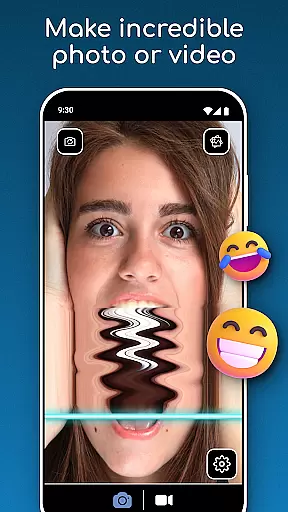
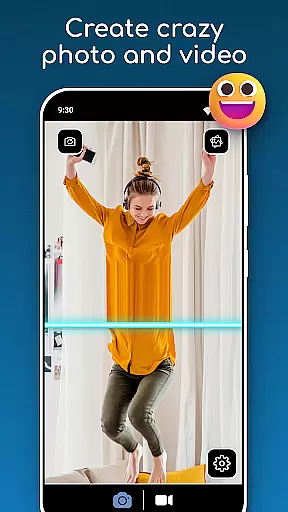
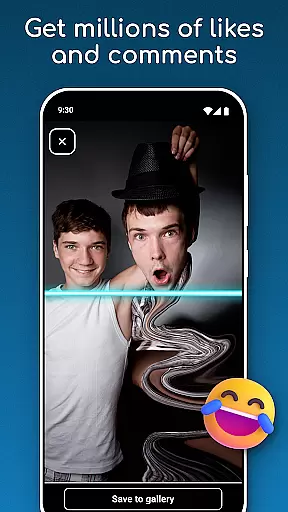
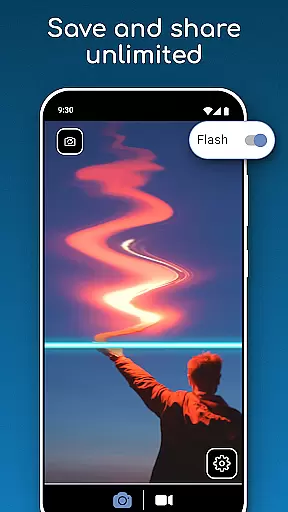
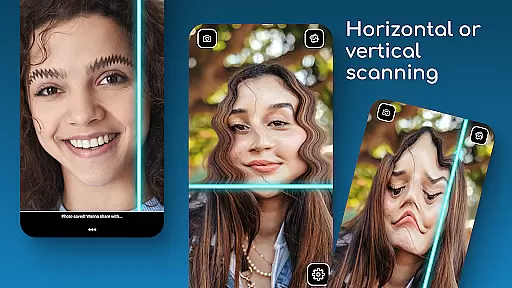
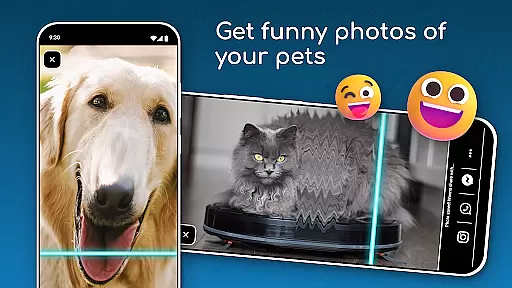
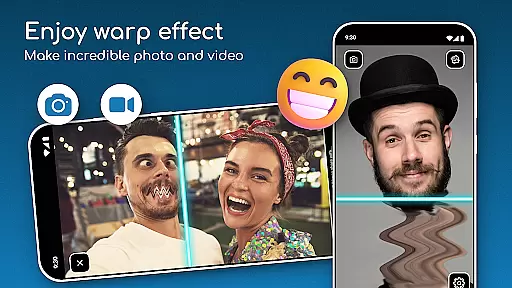

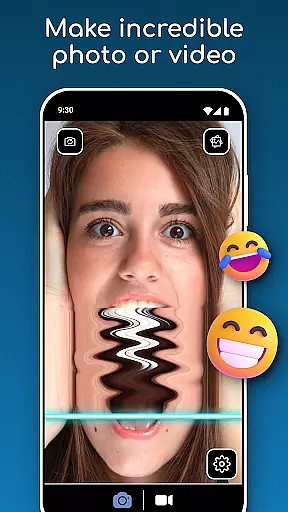
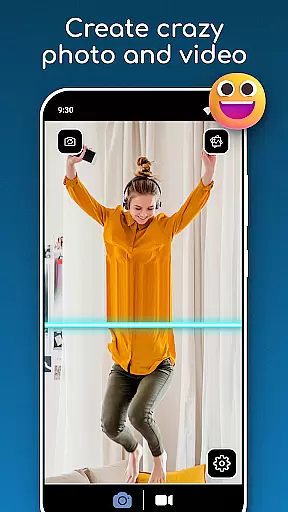
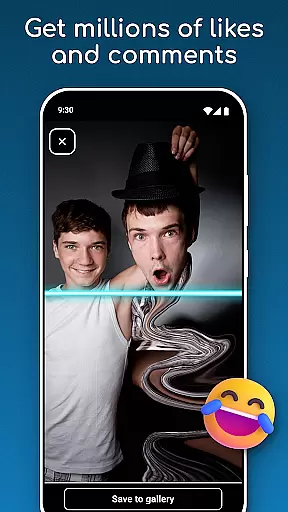
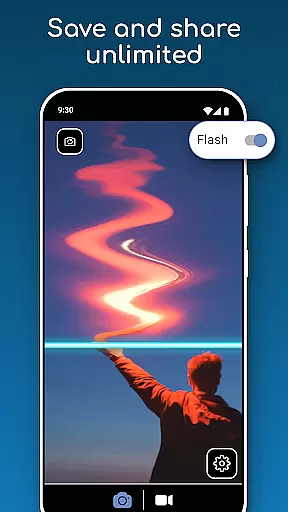
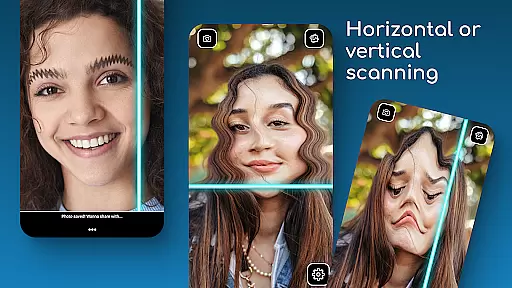
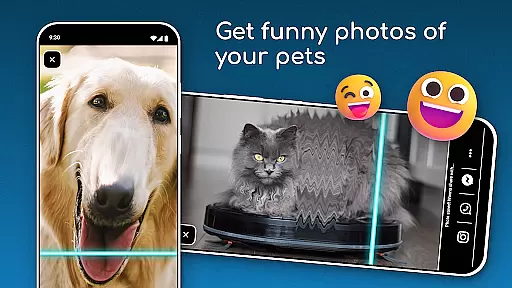
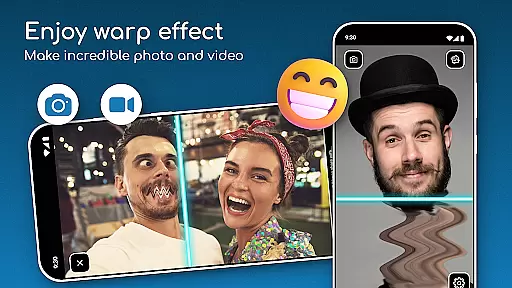

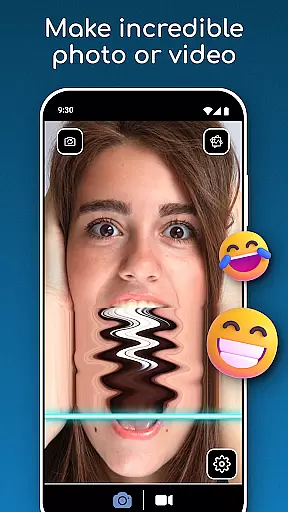
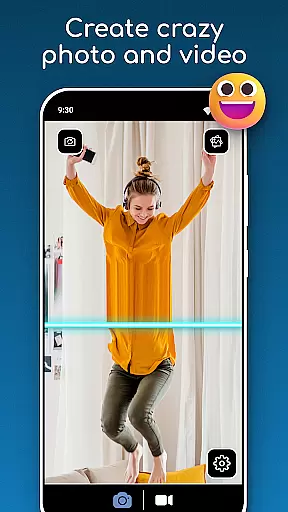
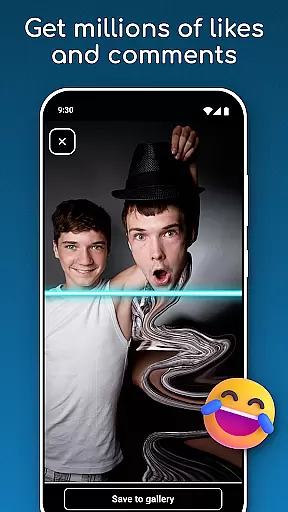
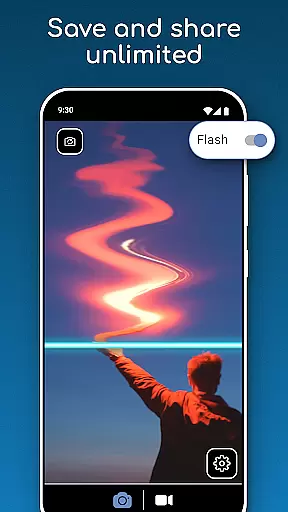
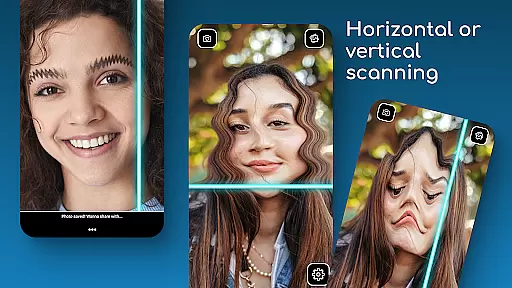
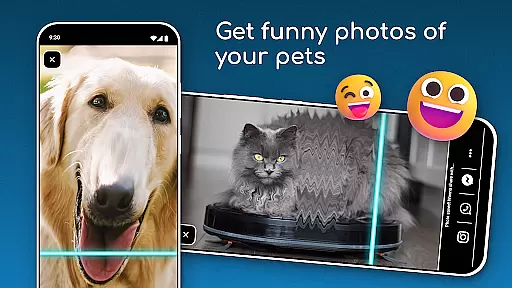
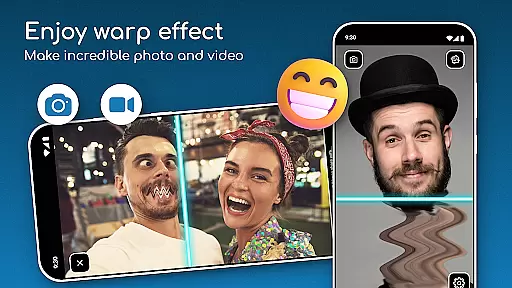

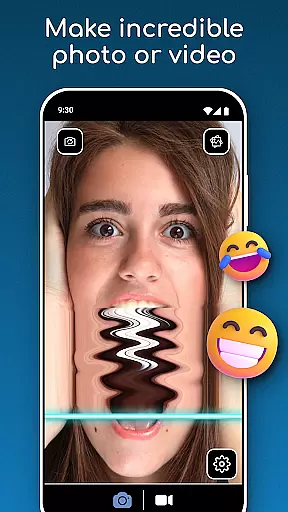
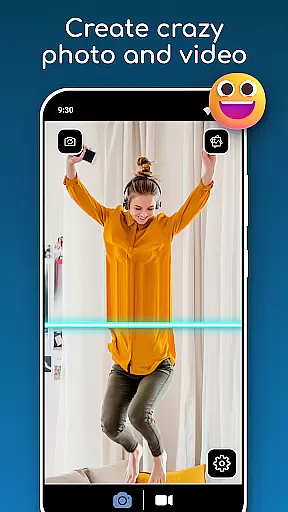
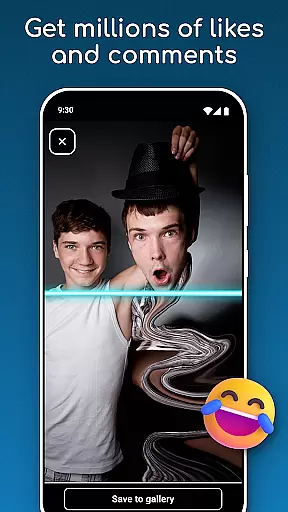
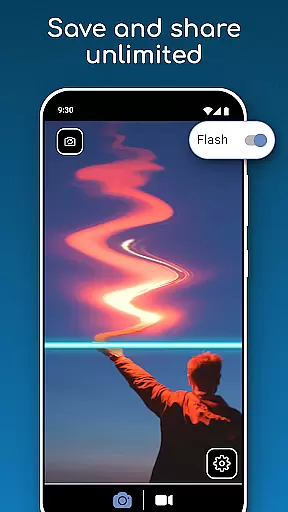
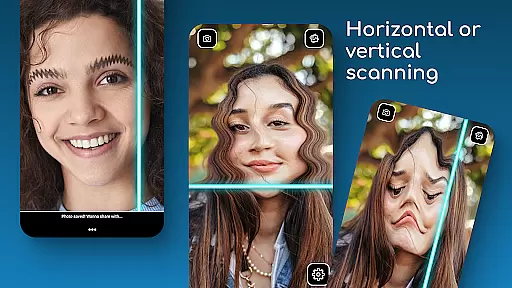
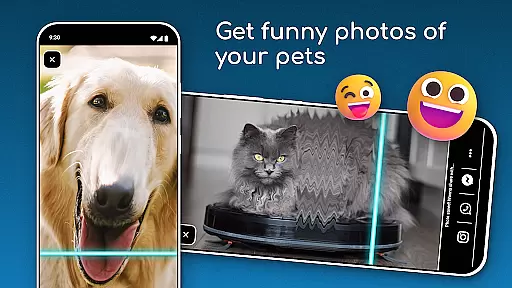
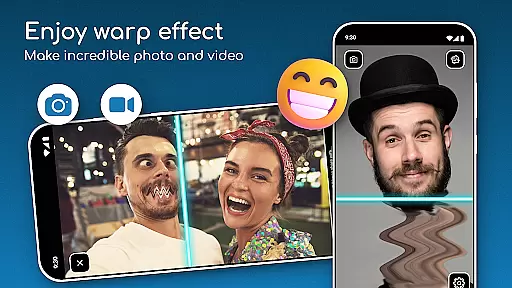

TIME WARP SCAN is a creative photography app that allows users to add unique time warp effects to their photos and videos. The app's signature feature is the Blue Line Filter, which creates a visually stunning slit scan effect as it moves across images or video frames. Users can choose between horizontal or vertical scan directions, giving them creative control over their content.
In addition to the basic time warp effect, the app offers a Face Freeze mode that allows for even more artistic experimentation. Whether creating funny face filters or experimenting with creative visuals, this app provides an accessible way for both casual users and content creators to produce unique visual content. The ability to save and share creations directly from the app makes it perfect for social media enthusiasts looking to make their posts stand out.
This photography tool is particularly valuable for content creators who want to participate in viral trends without needing advanced video editing skills. The app's intuitive interface and instant results make it suitable for both professional and casual use, while its standalone functionality (no social media account required) ensures privacy and flexibility in content creation.
TIME WARP SCAN distinguishes itself through several innovative features that cater to modern content creators. The app's core functionality revolves around its Time Warp Effect system, which includes multiple creative tools. The Blue Line Filter serves as the main effect generator, creating smooth transitions and distortions across images and video frames in real-time.
One of the app's most notable aspects is its user-friendly interface that allows quick switching between horizontal and vertical scan directions. The Warp Camera system includes specialized modes like Face Freeze, which enables users to experiment with static elements within moving scenes. The app also implements various Funny Face Filters that automatically detect and modify facial features, making it easy to create entertaining content.
Unlike many similar apps, TIME WARP SCAN operates independently of social media platforms, allowing users to save their creations locally before sharing. This approach gives users complete control over their content while maintaining high-quality output standards. The app's ability to handle both photos and videos extends its versatility, making it suitable for various creative projects from short-form social media clips to more elaborate video productions.
Real-time capture and preview functionality is essential for photography apps as it allows users to see exactly what the camera sees before taking a shot. This feature ensures that users can make necessary adjustments to framing, lighting, and focus in real time, leading to better-quality photos.
TIME WARP SCAN offers an advanced real-time capture system with its Time Warp Effect: Blue Line Filter. Users can instantly see how the blue line filter will transform their images or videos, providing them with creative control over the final output. The app's intuitive interface makes it easy to adjust settings on the fly, ensuring that every capture meets the user's expectations.
The benefits of this feature are numerous. Users can experiment with different scan directions, either horizontal or vertical, and preview the effects immediately. This instant feedback loop enhances the creative process, allowing users to fine-tune their content until it matches their vision perfectly.
Ultimately, the real-time capture and preview capabilities of TIME WARP SCAN empower users to produce unique and visually stunning content. Whether creating funny videos or artistic photos, the ability to see changes as they happen significantly improves the overall user experience and satisfaction.
AI beauty and enhancement features have become increasingly popular in photography apps, offering users the ability to enhance their photos naturally without compromising authenticity. These tools use sophisticated algorithms to smooth skin, brighten eyes, and improve overall image quality while maintaining a realistic appearance.
With TIME WARP SCAN, the AI-powered enhancements are seamlessly integrated into the app's core functionalities. The Timewarp Filter: Slit Scan and Warp Camera: Face Freeze modes utilize AI technology to ensure that all edits look natural and unforced. Users can apply these filters knowing that their final results will retain a genuine feel, even after significant modifications.
This emphasis on natural enhancement provides substantial value to users. Instead of producing overly processed images, TIME WARP SCAN focuses on subtle improvements that enhance beauty without detracting from the original photo's integrity. This approach appeals to users who want polished yet authentic visuals.
In summary, the AI beauty and enhancement features in TIME WARP SCAN offer a balanced solution for users seeking high-quality photo editing. By prioritizing natural-looking results, the app ensures that every edited image remains true to life, enhancing user engagement and satisfaction.
User-friendly interface
Real-time effects processing
Multiple scan directions
Versatile content creation
Offline functionality
Limited free features
Storage permissions required
Device compatibility issues
Learning curve for beginners
Ads in free version

Photo Album Watch Face shows your favorite pictures as a Watchface.
 1.90
1.90
Shooting photos and records video easily and efficient with professional Camera
4.30
Safe & smart flight with Go Fly drone controller for 40+ drone camera, zone map
4.50
HD Photo gallery and photo manager to edit, hide private photos, videos & albums
4.0
Create & Edit with AI: AI Remove, Enhance, Retouch, Filter
4.10
Movie camera, supports pro recording settings for filming. Try it and be amazed!
4.50
Professional quality photo edits with the new Snapseed.
4.00
Easily create custom gifts, cards, photo books & more on the Shutterfly app!
4.60
A light meter for true photographers.
4.20
A collection of tools and reference tables for DPs, ACs, DITs and Operators.
4.70
Enhance, retouch & create your story - Share the moment with Photoshop Express.
4.60
Photo editor & gallery. Crop pictures & edit photos offline, no wifi!
4.50
RAW video capture with advanced controls
4.40
Turn your phone into a professional camera - full DSLR manual photography
4.30
Create AI Photos, Improve and restore quality of blurry, old or damaged pics.
4.20
AI-powered video creator by MiniMax - Where ideas meet cinema
4.20
Create amazing frames with up to five photos. Rounded corners, effects and more!
3.60
Professional video recording application with manual controls for filmmakers!
2.80
Long exposure camera with computational photography
2.60


User Reviews