
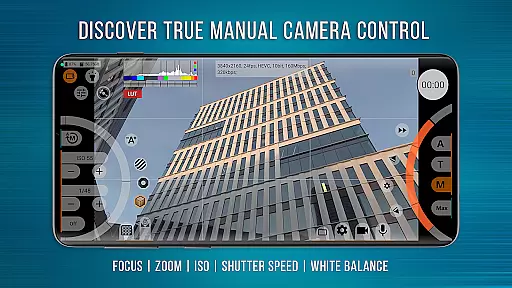
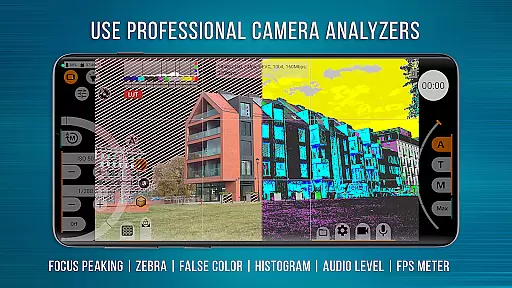
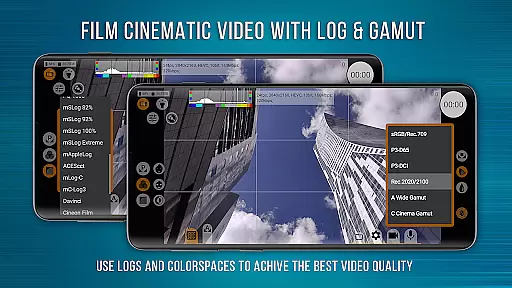
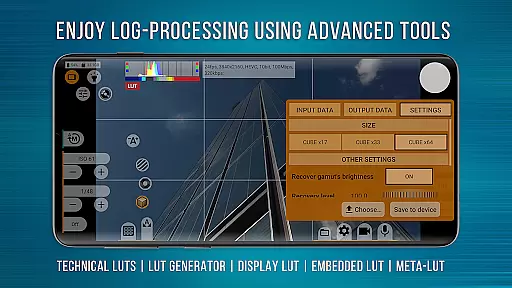
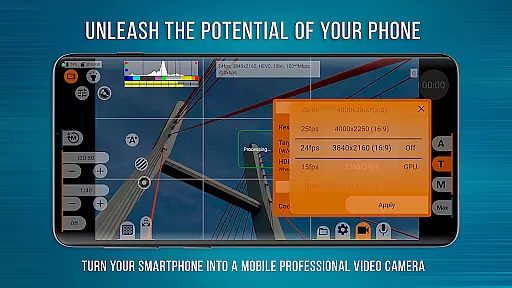
mcpro24fps Manual Video Camera represents the pinnacle of professional mobile videography on Android devices. Designed for advanced users and professional videographers, this application transforms your smartphone into a powerful cinema-grade camera system. The app supports an extensive range of features typically found only in high-end camcorders.
Key capabilities include 10-bit video recording, Log profiles without GPU activation, numerous Log modes, technical LUTs for post-production, and precise control tools like Focus Peaking and Expo Peaking. Videographers can also leverage advanced audio settings, metadata management, and seamless integration with attached lenses. mcpro24fps caters to those who demand superior control over every aspect of video capture.
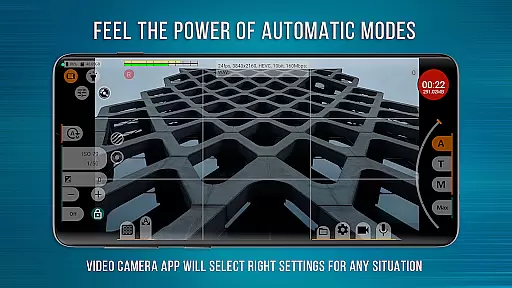
Ideal for creating festival films, music videos, or commercial content, mcpro24fps empowers creators to realize their boldest cinematic ideas using just their Android device. With its responsive interface and reliable automatic modes complemented by comprehensive manual settings, this app is perfect for professionals seeking to maximize their smartphone's filming potential.
mcpro24fps stands out through its unparalleled feature set tailored for professional video production. The app offers multiple camera support with separate settings for each, allowing videographers to switch between lenses effortlessly while maintaining customized configurations.
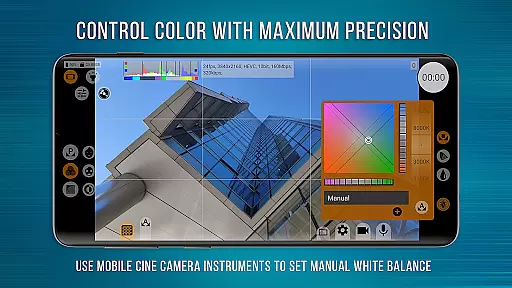
Video capabilities are exceptional, supporting various frame rates (24 fps, 25 fps, 30 fps, 60 fps), resolutions via Camera2 API, and codecs like AVC (h264) and HEVC (h265). Advanced options include up to 500 Mb/s recording, optical/digital stabilization, Log profile tone curves, GPU-powered filters, noise reduction, and white balance adjustments in Kelvins. The app also provides three focus modes and crop-zoom functionality.
Audio features are equally impressive, with support for different sound sources, sampling rates, AAC (up to 510 kb/s), and WAV formats. Additional functionalities encompass hardware corrections, variable bitrate mode, distortion correction, and more. These robust features ensure that videographers have all the tools needed to produce high-quality cinematic content directly from their smartphones.
Real-time capture and preview functionality is essential for professional videographers who need precise control over their shots. mcpro24fps offers an advanced real-time video processing system that ensures what you see on the screen is exactly what you get in the final footage.
The application supports multiple cameras, allowing users to switch between different lenses seamlessly. Each camera's settings are saved separately, providing customized configurations for various shooting scenarios. This feature is particularly useful when working with external lenses or anamorphic adapters.
With support for high frame rates including 24 fps, 25 fps, 30 fps, and up to 60 fps, videographers can achieve cinema-quality motion smoothness. The app also provides options for adjusting exposure, focus, and white balance in real-time, giving creators complete creative control during filming.
Additionally, the responsive interface ensures that all adjustments are reflected instantly in the preview window. This immediate feedback allows filmmakers to make critical decisions on the spot, saving valuable time during production.
While primarily focused on professional video capabilities, mcpro24fps also incorporates sophisticated image enhancement features that maintain natural-looking results. Unlike typical AI beauty filters that create artificial appearances, this application emphasizes authentic visual quality while still offering enhancement options.
The application's Log profiles and technical LUTs (Look-Up Tables) enable seamless color grading without introducing unnatural artifacts. These tools help preserve skin tones and texture details, ensuring subjects look their best while maintaining realism. The GPU-powered image processing pipeline allows for subtle enhancements without compromising the original footage's integrity.
Advanced noise reduction algorithms work in tandem with hardware-based corrections to produce clean images while retaining important details. This dual approach prevents the plastic-like appearance often associated with aggressive digital filtering. Instead, it delivers a balanced result that enhances visual appeal without sacrificing authenticity.
Furthermore, the application's manual controls for sharpness, hot pixel correction, and distortion adjustment provide videographers with the tools needed to enhance image quality naturally. These features collectively ensure that even enhanced footage maintains its genuine cinematic character.
Advanced video settings
Professional Log modes
Precise manual controls
Superior audio capabilities
Responsive user interface
Complex for beginners
High device requirements
Limited free version
Occasional stability issues
Requires Camera2 API

AI portrait generator and polaroid AI selfie, fun AI generated AI photo creator!
 4.30
4.30
Photo editor: face & body editor, beauty cam, filters and quality enhancer.
4.00
Android Native system HD camera app. Never been so simple and faster.
4.70
The #1 app for B&W film developing featuring an advanced darkroom timer.
4.10
Gallery Slideshow is slideshow maker app for slideshow from your gallery photos.
3.90
Hair color changer, AI haircut app, fun hair editor and buzz cut filter for all!
3.80
A unique animation app. Powerful, easy to use, and lots of fun.
4.30
Discover How to Plan any Sun, Moon and Milky Way Photo You Imagine in Seconds
4.70
Edit photos with the picture generator: PS2 & AI Clay filters, cartoon effects.
4.50
Collage your moments in one tap: 1000+ layouts, filters, stickers, and texts.
4.90
AI Photo Editor with 100+ Filters, Effects! Remove BG, Retouch & Photo Enhancer.
4.80
Take videos and pictures with the popular TikTok TIME WARP SCAN filter.
4.60
Easily create custom gifts, cards, photo books & more on the Shutterfly app!
4.60
Photo Exif Editor allows to view, add and modify EXIF data of multiple photos
4.50
Trendy TikTok time warp scan funny filter app brings you unique photos & videos.
4.40
Catch sunlight, sunrise sunset times and sun phases with the AR sun tracker.
4.10
How would you look like with a differently shaped nose, chin or lips?
3.90
Photo Album Watch Face shows your favorite pictures as a Watchface.
1.90
Add a dreamy vibe to your selfies and videos with soft style filters
4.0


User Reviews