
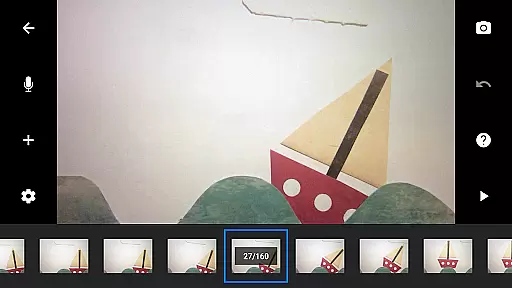
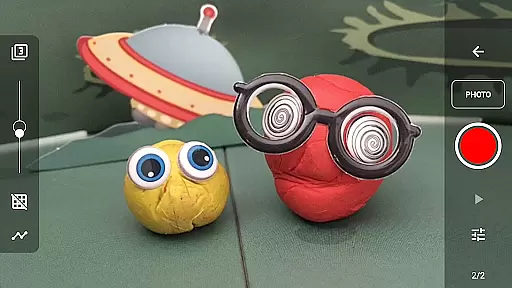
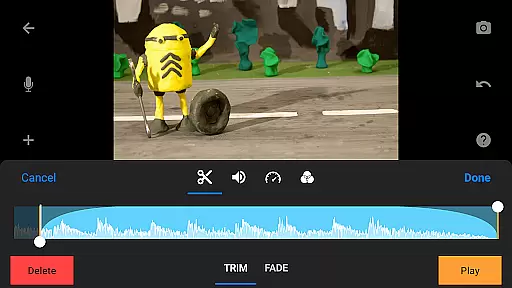
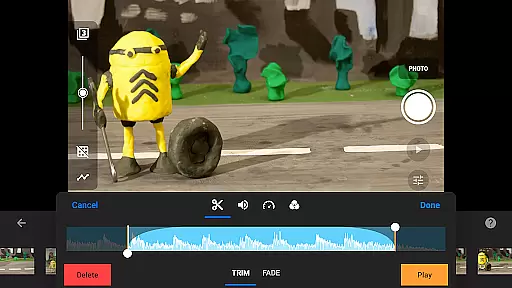
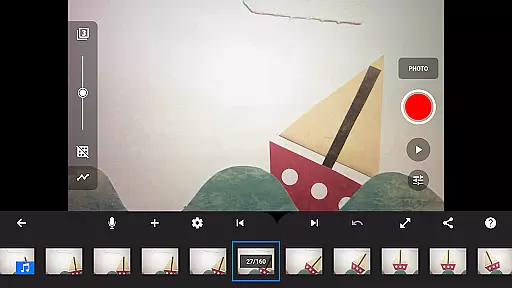
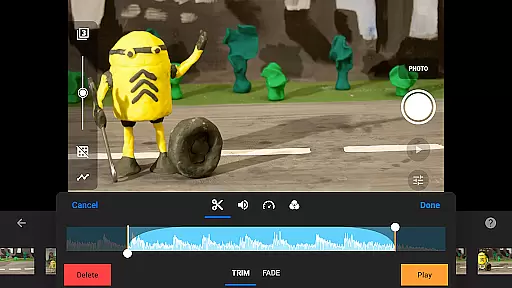
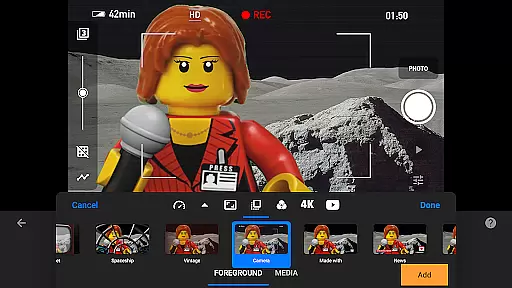
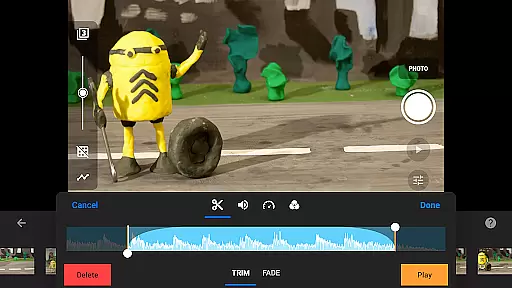
Stop Motion Studio Pro is the ultimate app for creating professional-quality stop motion animations. Designed with both beginners and experts in mind, this app offers a complete suite of tools to bring your creative ideas to life. The intuitive interface allows users to easily capture frames, edit videos, and add finishing touches to their projects.
The app stands out with its advanced features such as rotoscoping, green screen effects, and animation guides. These tools enable creators to produce visually stunning animations that rival professional productions. Whether you're crafting a short film or experimenting with animation techniques, Stop Motion Studio Pro provides everything needed to achieve exceptional results.
Ideal for educators, hobbyists, and professional animators, this app transforms any mobile device into a powerful animation studio. With support for 4K resolution and seamless project transfer between devices, it ensures high-quality output and workflow flexibility.
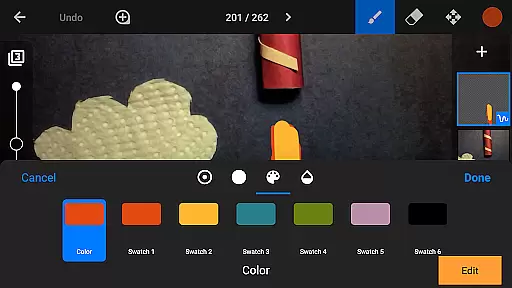
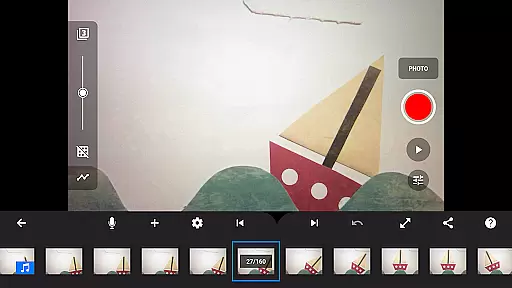
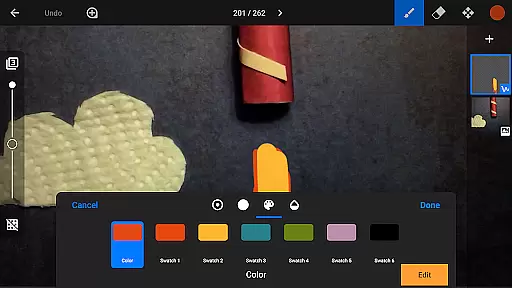
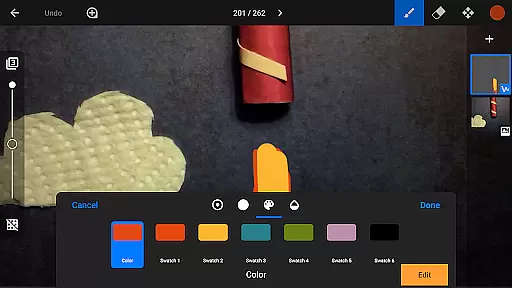
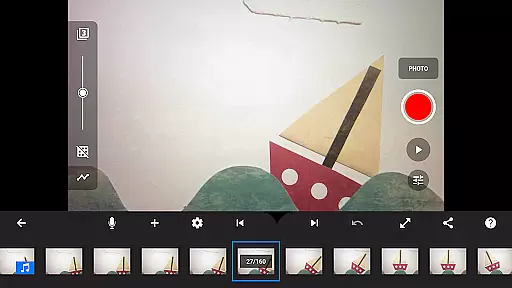
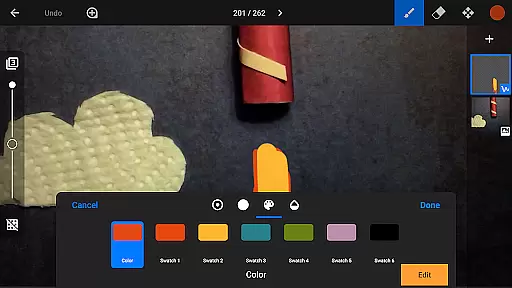
Stop Motion Studio Pro boasts an impressive array of features designed to enhance the animation process. The app's overlay mode and interactive timeline help maintain consistency across frames while providing precise control over complex animations. Users can leverage the built-in layer-based image editor to add text, speech bubbles, and special effects to their creations.
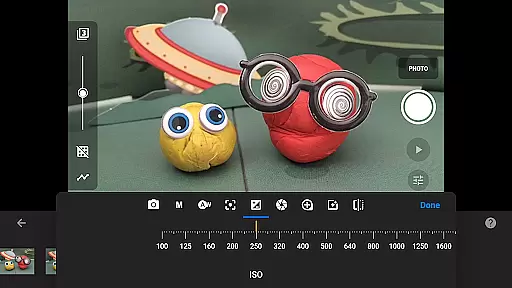
Advanced camera controls allow for professional-grade image capture, including manual settings for white balance, focus, and exposure. The remote camera feature enables smooth multi-angle shots using a second device. Additionally, the app supports importing media from external sources and offers various export options, including YouTube uploads and animated GIFs.
What sets this app apart is its comprehensive learning resources. New animators can benefit from tutorial videos, detailed manuals, and practical tips provided within the app. This educational component makes Stop Motion Studio Pro not just a tool but a complete learning environment for aspiring stop motion artists.
Real-time capture and preview functionality is essential for ensuring that every frame of your stop-motion animation is exactly as intended. Stop Motion Studio Pro offers a comprehensive set of tools to capture images with precision.
The app provides adjustable time interval features, allowing users to automate the capture process based on their project's specific needs. This ensures consistency across frames, which is vital for smooth animation playback.
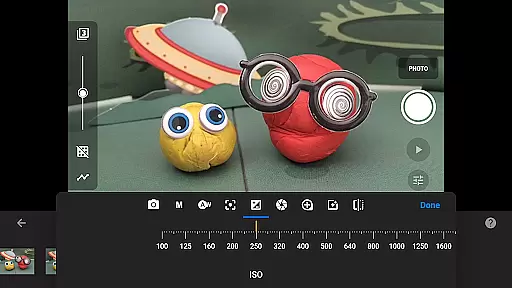
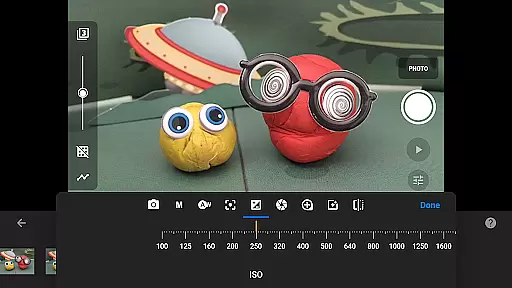
For advanced control, the app supports full camera settings adjustment including white balance, focus, exposure, ISO, and shutter speed. These manual controls enable creators to fine-tune each shot according to different lighting conditions and artistic requirements.
Additionally, Stop Motion Studio Pro allows the use of a second device as a remote camera. This feature not only adds convenience but also minimizes the risk of unintentional movements during shooting, thus maintaining high-quality standards throughout the filmmaking process.
Stop Motion Studio Pro incorporates AI beauty and enhancement features that bring an element of professionalism and polish to stop-motion animations without compromising the natural essence of the original content.
The application uses sophisticated algorithms to subtly enhance image quality while preserving the authenticity of handcrafted art. This includes refining colors, adjusting contrasts, and smoothing textures in a way that feels organic rather than artificial.
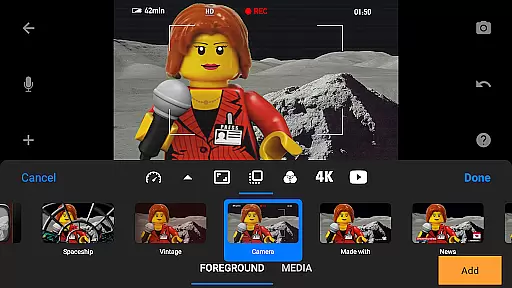
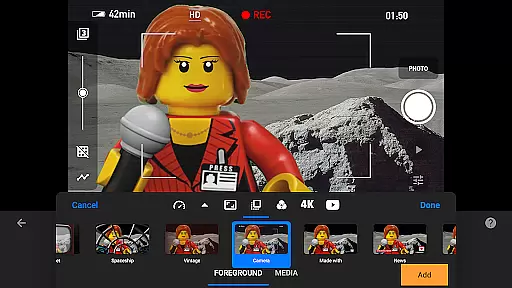
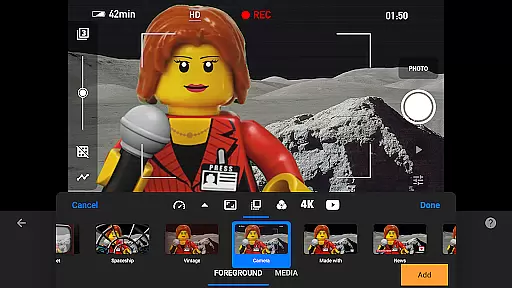
Users can apply various video filters to give their movies a unique look that aligns with their creative vision. The available foregrounds, backgrounds, aspect ratios, and fade effects further contribute to creating visually compelling narratives.
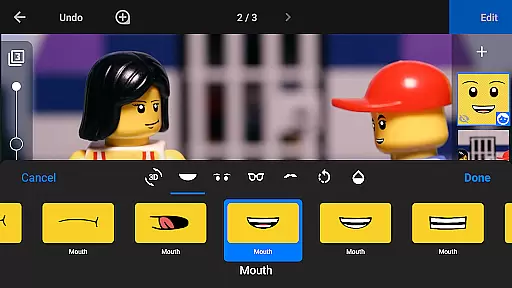
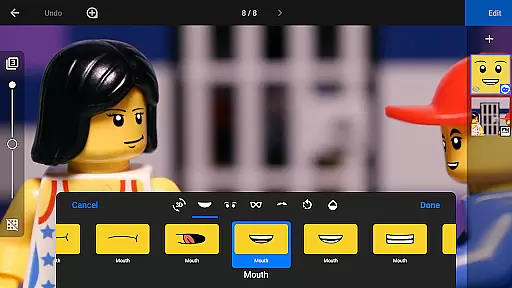
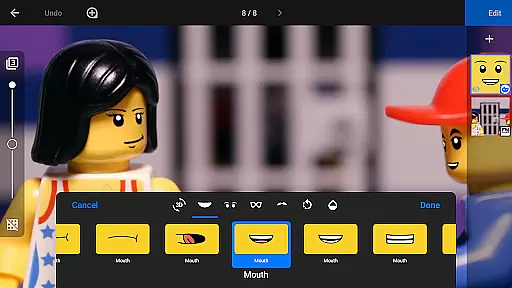
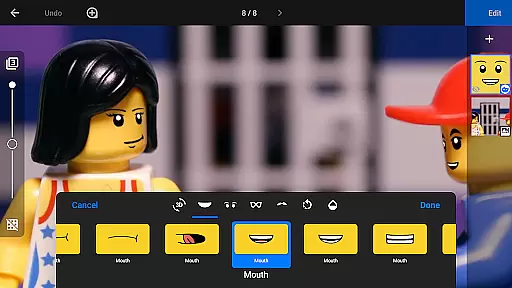
Moreover, the built-in layer-based image editor facilitates adding text, speech bubbles, titles, and even facial expressions to animated figures. Such capabilities ensure that enhancements serve the story rather than detract from it, keeping the viewer engaged with seamless visual storytelling.
User-friendly interface
Professional editing tools
Comprehensive learning resources
High-quality output options
Cross-device project transfer
Steep learning curve
Resource-intensive operation
Limited free version
Occasional performance issues
Subscription fees apply

1M influencer's special filter
 4.60
4.60
HD Photo gallery and photo manager to edit, hide private photos, videos & albums
4.3
How old age camera Gender Swap App Face Shape Hairstyle App Hair Styler App fun!
4.00
AI Photo Editor with 100+ Filters, Effects! Remove BG, Retouch & Photo Enhancer.
4.80
Easily view, share, delete photos with Gallery.
4.70
RAW video capture with advanced controls
4.40
Enhance, upscale, and transform your images — on your device, without limits
4.70
Remote control the phone camera shutter from your smartwatch and take a picture
1.60
Effortlessly make high-quality GIFs from images & videos without any watermarks.
4.70
Collage your moments in one tap: 1000+ layouts, filters, stickers, and texts.
4.90
Transform photos into videos! Create realistic or anime-style images easily!
4.50
HD Camera Pro with HD Video shooting, Panorama, Photo editor , Beauty Camera.
4.50
A reflected light meter with spot metering and incident light metering.
4.40
Future baby face generator: AI kids generator, kid face! What my baby look like?
4.40
AI portrait generator and polaroid AI selfie, fun AI generated AI photo creator!
4.30
Professional camera app that brings DSLR manual photography controls to Android.
4.20
live datamoshing
4.00
Pet Camera
3.70
Create amazing frames with up to five photos. Rounded corners, effects and more!
3.60


User Reviews