
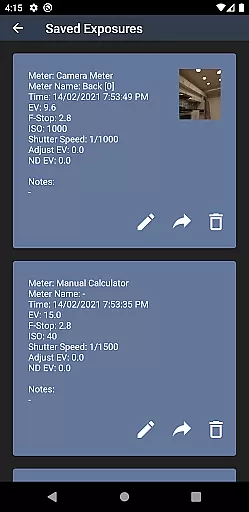
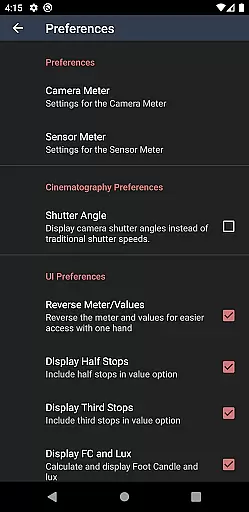
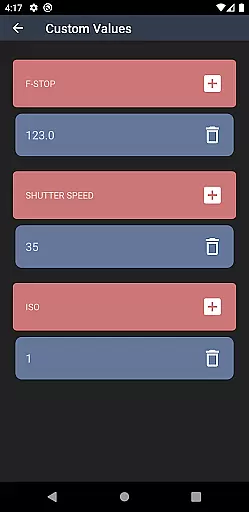
Light Meter is a comprehensive photography tool that combines both spot metering through the device's camera and incident light metering using the built-in light sensor. This app has been rigorously tested for accuracy against industry-standard Gossen and Sekonic meters, ensuring reliable readings across most devices. Designed for all types of photographers, from film SLR enthusiasts to cinematographers, Light Meter supports a wide range of photography needs.
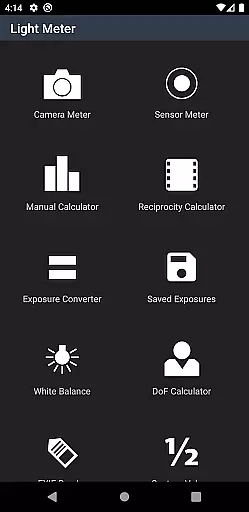
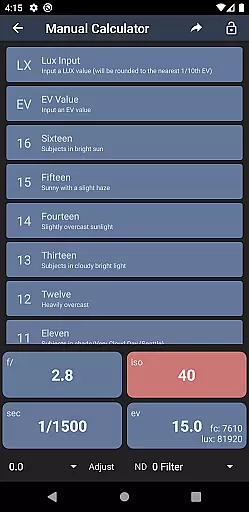
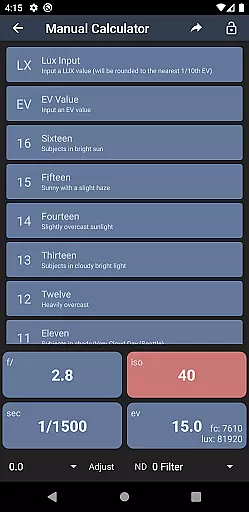
In addition to its core light metering capabilities, the app offers several advanced features including a Color Temperature meter for white balance adjustments, a Reciprocity Calculator for long exposures, an Exposure Convert tool, a Manual (Sunny Sixteen) calculator, a Depth of Field calculator, and an EXIF Reader. These tools collectively provide photographers with everything they need to achieve perfect exposure and precise control over their photographic settings.
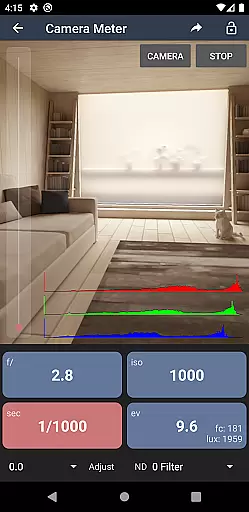
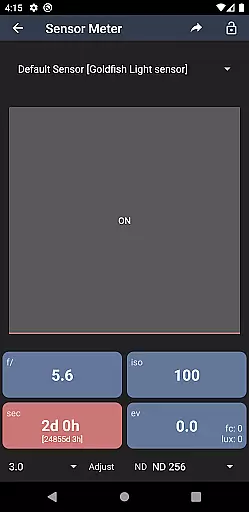
Light Meter stands out with its dual functionality, offering both reflected and incident light metering options. The spot metering feature utilizes the device's camera to measure light reflected off subjects, while the incident light meter uses the device's light sensor to measure the light falling on the subject. This dual approach ensures accurate readings in various lighting conditions, making it versatile for different types of photography.
Beyond its primary functions, Light Meter includes several specialized tools. The Color Temperature meter helps photographers adjust white balance settings, ensuring natural color reproduction. The Reciprocity Calculator aids in managing long exposure times, while the Exposure Convert tool simplifies exposure adjustments. Additionally, the Manual (Sunny Sixteen) calculator, Depth of Field calculator, and EXIF Reader provide further assistance in achieving optimal photographic results.
Real-time capture and preview functionality is essential for photographers who need to make quick and accurate decisions on the go. Light Meter offers this feature by utilizing the device's camera for spot metering, ensuring that users can measure reflected light with precision.
This app stands out by providing reliable readings that have been tested against professional-grade light meters such as Gossen and Sekonic. The real-time aspect allows users to adapt to changing lighting conditions instantly, which is crucial for capturing the perfect shot in any environment.
Photographers using cameras ranging from film SLRs to pinhole or cinematographic equipment will find this feature particularly useful. It ensures that no matter the device, they can rely on the app to give them accurate exposure readings, thus improving their overall photography experience.
While primarily a tool for measuring light, Light Meter also includes features that enhance post-processing work. Although it doesn't directly offer AI beauty enhancements, its Color Temperature meter and other calculation tools contribute to achieving natural-looking photographs.
The Reciprocity Calculator, Exposure Convert, and Manual (Sunny Sixteen) calculator help photographers adjust settings for optimal image quality. These features ensure that enhancements are based on accurate data, leading to more natural results without over-processing.
Additionally, the Depth of Field calculator and EXIF Reader provide further assistance in understanding and adjusting the technical aspects of photography. This holistic approach helps photographers maintain the natural essence of their subjects while still benefiting from advanced computational tools.
Accurate light readings
Versatile toolset
User-friendly interface
Comprehensive photography support
Reliable performance
Limited free features
Requires camera access
Some tools need calibration
Premium version costly
Occasional sensor inaccuracies

Search, tag and rate your way to an organized image gallery
 4.40
4.40
1M influencer's special filter
4.60
Create funny photos and videos with the popular Time Warp Scan filter.
4.90
Photo editor: AI filters, photo enhancer, pic collage maker, AI art generator.
4.80
A must-have app for landscape photographers
4.60
AI photo enhancer with Sora 2! Enhance, descratch, and colorize your old photos.
4.50
Smart, light, and fast photo and video gallery
4.30
Your Family Calendar + Photos. Manage your Skylight Calendar and Skylight Frame.
4.40
Try an anime version, cartoon yourself, and generate AI hug or aging videos!
3.70
Pro version: AR sun/moon tracker for any date. Tool for photographers & planners
4.90
Photo prints, cards, & gifts at Walgreens. Easy ordering & fast local pickup !
4.80
PhotoSync Bundle Add-On License. Enables all features and services in PhotoSync.
4.60
AI photo editor with hair editor, retouch tools, hair color changer & filters!
4.50
HD Camera Pro with HD Video shooting, Panorama, Photo editor , Beauty Camera.
4.50
Fit multiple photos on one post. Create carousels & scroll layouts for Instagram
4.50
Turn your phone into a professional camera - full DSLR manual photography
4.30
Turn photos into cartoons & avatars! - Photo Editor, Cartoon Face!
3.90
Superimpose one photo on top of another using the original Superimpose app!
3.20
Over 800 film simulation recipes for Fujifilm. Black Friday Offer!
4.5


User Reviews