
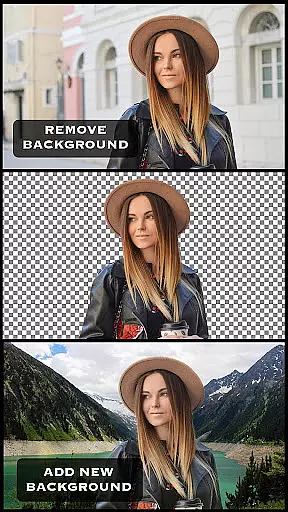
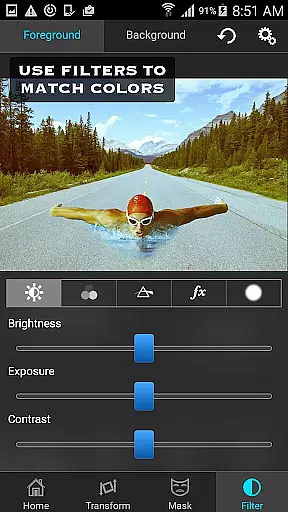
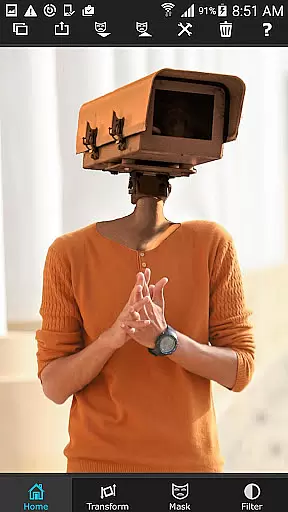
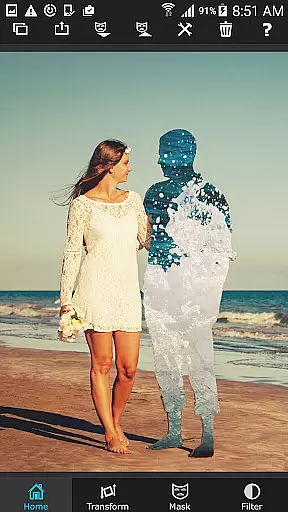
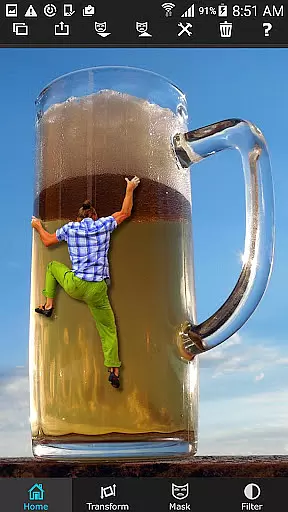
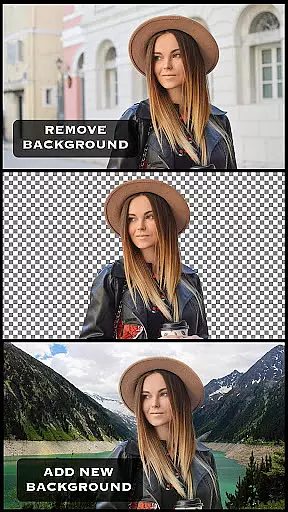
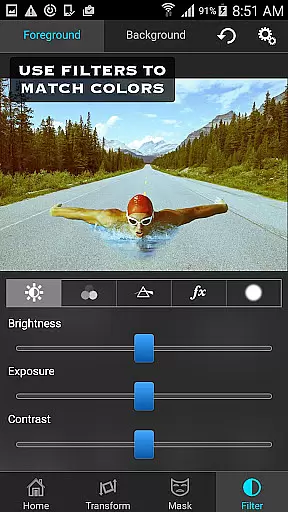
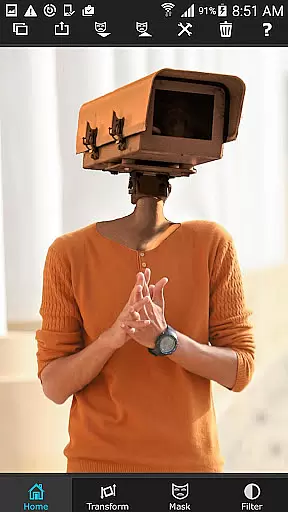
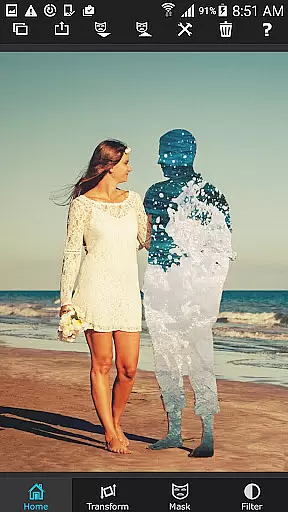
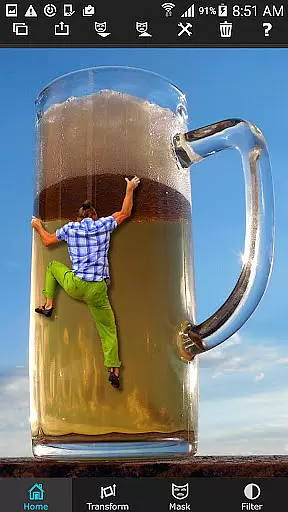
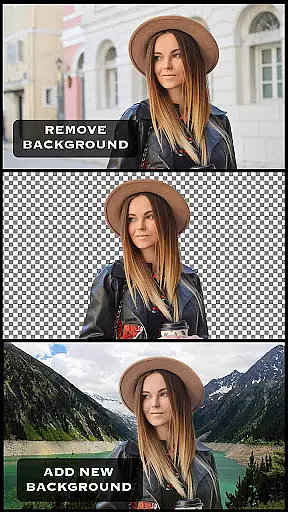
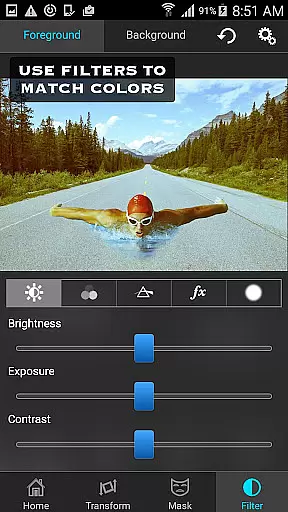
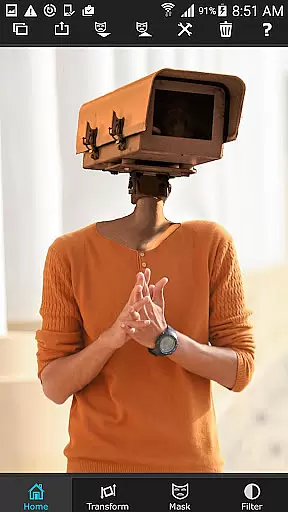
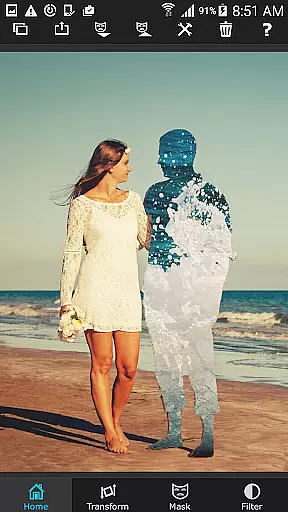
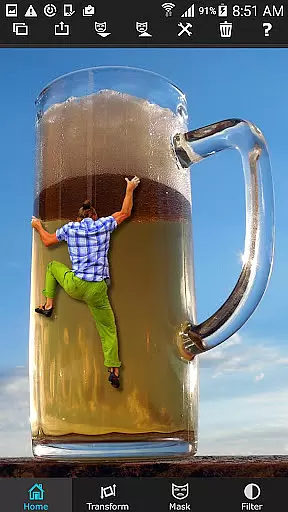
Superimpose is a powerful mobile application designed for photography enthusiasts who want to create professional-grade superimposed or juxtaposed images directly on their iPhone. With just a few taps, users can seamlessly blend two photos together without the need for a computer or expensive software.
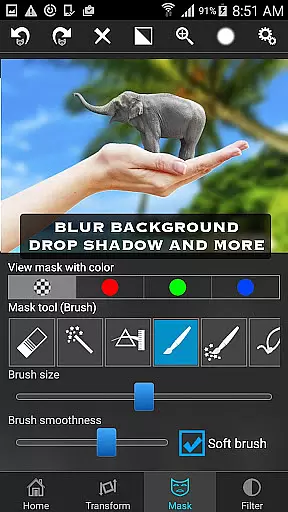
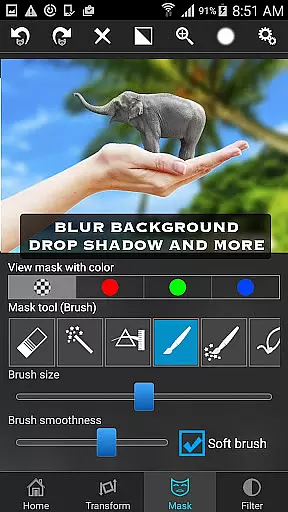
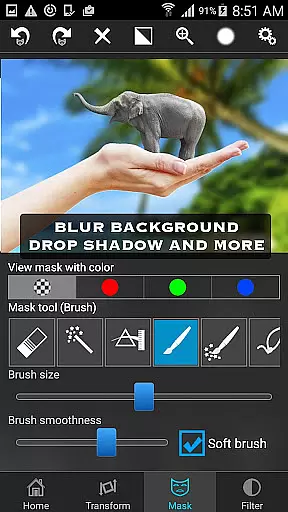
The app offers an extensive range of masking tools that allow you to remove unwanted portions of the foreground image and smoothen edges with precision. You can also adjust colors, exposure, contrast, hue, and saturation to ensure both images match perfectly in terms of color. Whether you're looking to create artistic compositions or perform serious photo editing tasks like blending textures or overlaying borders, Superimpose provides all the necessary tools.
This app is perfect for photographers, social media influencers, and anyone interested in digital art. Its intuitive interface and robust features make it easy to produce stunning visuals that are sure to impress your audience.
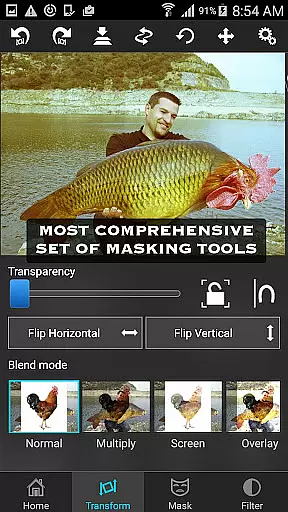
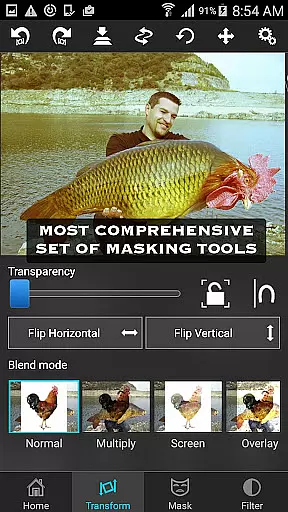
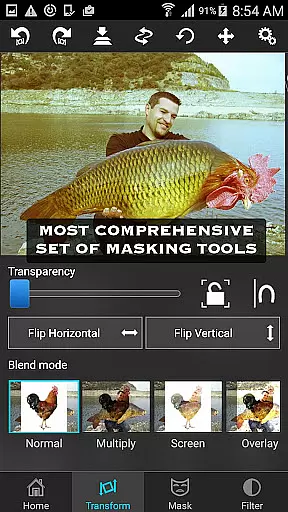
Superimpose stands out due to its comprehensive set of features tailored specifically for advanced photo editing. The app includes various masking tools such as brush, lasso, global color similarity, rectangle, ellipse, linear, bi-linear, and radial gradient masking. These tools enable users to mask out specific areas of the foreground image with incredible accuracy.
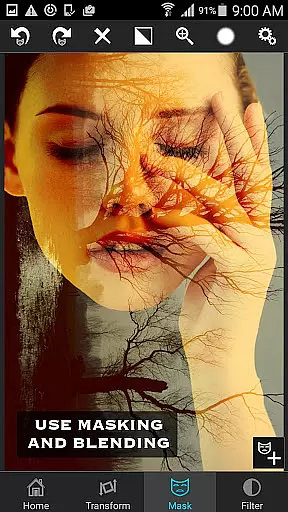
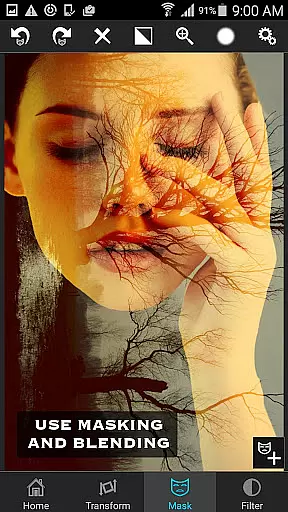
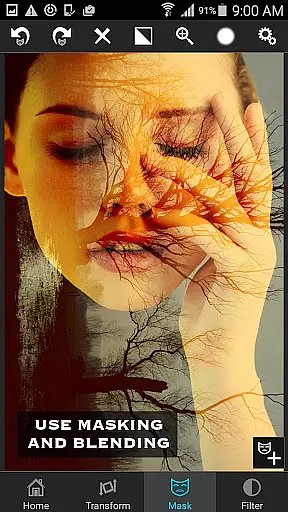
In addition to masking, Superimpose allows users to move, scale, resize, rotate, and flip the foreground image to position it precisely over the background. For more creative control, the app offers adjustable transparency and 18 blending modes, making it ideal for tasks like double exposure effects.
Another notable feature is the ability to adjust the colors, exposure, contrast, hue, and saturation of both the foreground and background images. This ensures that the final composition looks cohesive and visually appealing. With these capabilities, Superimpose empowers users to unleash their creativity and achieve professional results right from their mobile device.
Real-time capture and preview functionality is essential for photography applications as it allows users to see the results of their edits instantly. This feature ensures that photographers can make precise adjustments on the fly, enhancing their workflow efficiency.
Superimpose offers an intuitive real-time editing experience by providing instant feedback on photo manipulations. Users can immediately view the effects of blending modes, transparency adjustments, and color corrections applied to their images.
The benefit of this real-time functionality is significant time savings and increased creative control. Photographers no longer need to wait for processing or switch between multiple applications to check their work, leading to a more streamlined editing process.
This immediate visual response system sets Superimpose apart from other photo editing tools, making it particularly valuable for professional-grade photo manipulations directly on mobile devices.
AI-powered beauty and enhancement features have become crucial in modern photo editing applications. These tools help maintain natural-looking results while improving image quality, which is especially important for portrait and beauty photography.
Superimpose incorporates sophisticated AI algorithms that intelligently enhance facial features and skin tones without creating artificial appearances. The app's advanced masking tools work seamlessly with its color adjustment features to produce realistic enhancements.
Users benefit from consistently natural-looking results across various editing scenarios, from basic touch-ups to complex double exposure effects. This approach prevents the over-processed look that often plagues automated enhancement tools.
The combination of AI-driven enhancements with manual control options makes Superimpose a versatile tool for both amateur and professional photographers seeking authentic yet improved final images.
User-friendly interface
Extensive masking options
Precise color adjustments
Versatile blending modes
High-quality output
Limited to iOS devices
No Android version available
Some features may require practice
Advanced tools might overwhelm beginners
Subscription fees apply

A collection of tools and reference tables for DPs, ACs, DITs and Operators.
 4.70
4.70
Photo Album Watch Face shows your favorite pictures as a Watchface.
1.90
How would you look like with a differently shaped nose, chin or lips?
3.90
Create funny photos and videos with the popular Time Warp Scan filter.
4.90
Viewfinder, Light meter, Reciprocity failure time, DOF & Bellows Extension
4.60
How old age camera Gender Swap App Face Shape Hairstyle App Hair Styler App fun!
4.00
Create collages easily! Nice pic collage maker & background eraser for Instagram
4.50
Create Business Headshots, Polaroid Filter, Retake Photos,Profile Pics,AI Photos
4.50
A reflected light meter with spot metering and incident light metering.
4.40
Easily view, share, delete photos with Gallery.
4.70
Light-weight Media Gallery app for Android made with Jetpack Compose
4.60
A must-have app for landscape photographers
4.60
Photo Exif Editor allows to view, add and modify EXIF data of multiple photos
4.50
Shooting photos and records video easily and efficient with professional Camera
4.30
Turn your phone into a professional camera - full DSLR manual photography
4.30
AI-powered video creator by MiniMax - Where ideas meet cinema
4.20
A light meter for true photographers.
4.20
Photobooth mini FULL app will allow you to add more fun to your parties
4.00
Create amazing frames with up to five photos. Rounded corners, effects and more!
3.60


User Reviews