
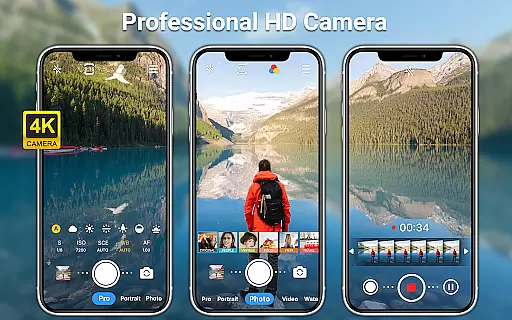
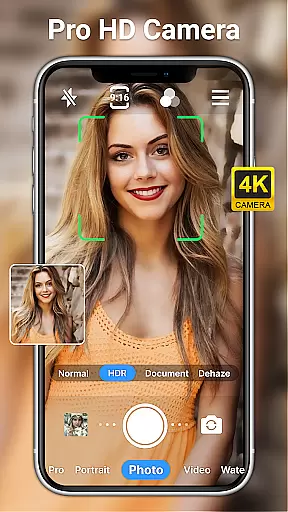
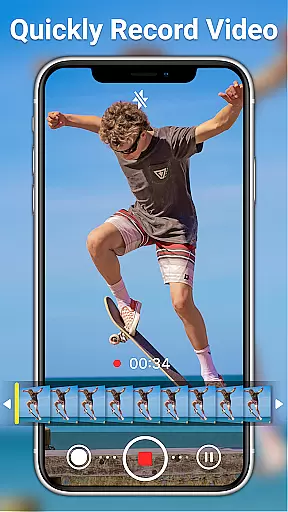
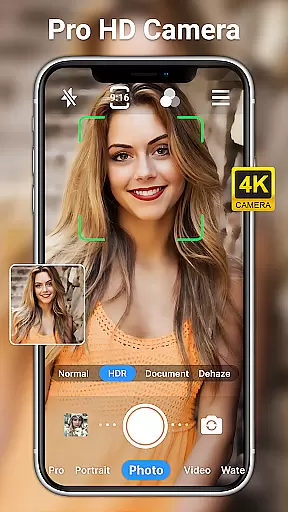
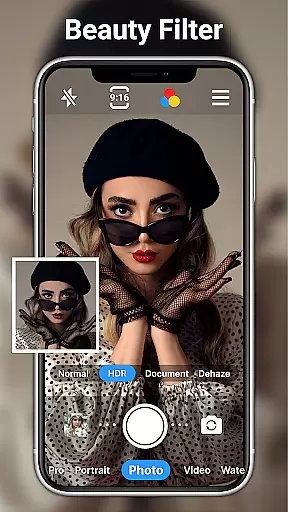
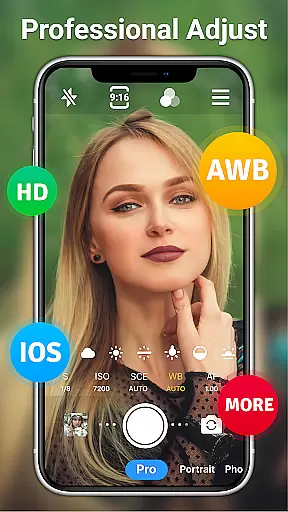
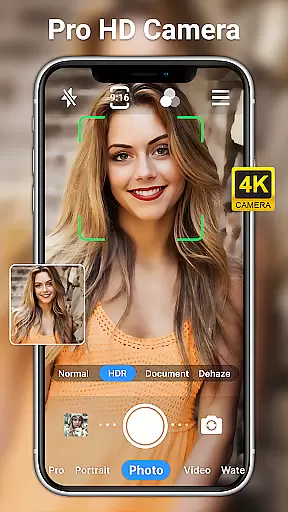
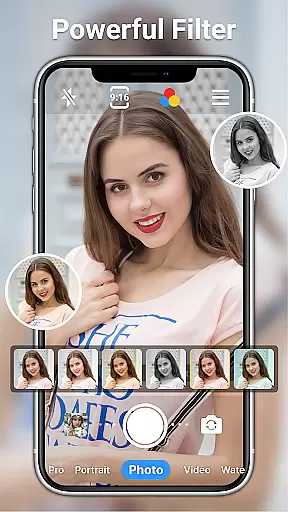
HD Camera for Android is a professional-grade photography application that empowers users to capture high-definition photos and videos with ease. The app boasts an array of advanced features typically found in DSLR cameras, making it suitable for both amateur and professional photographers. With support for 1080p full HD mode, the app ensures every shot is rich in color and detail.
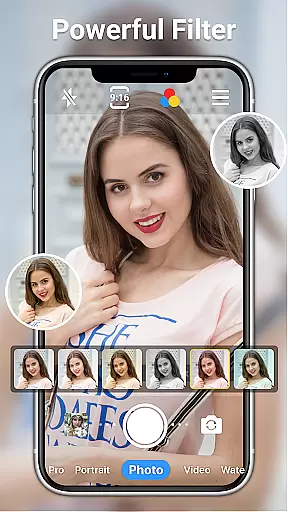
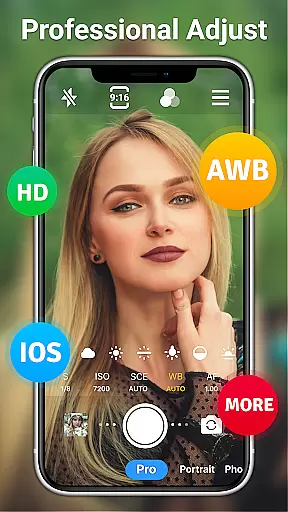
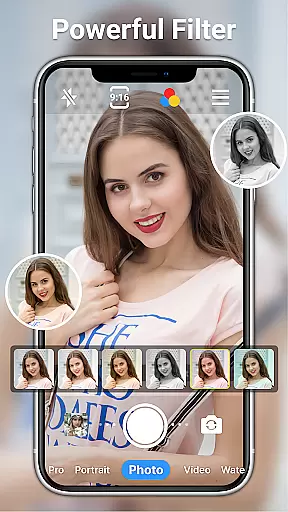
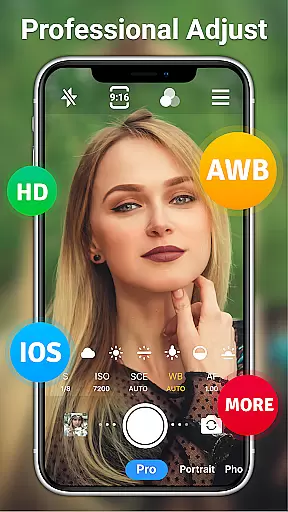
Beyond basic shooting capabilities, this app offers extensive manual controls including ISO, shutter speed, and white balance settings. Users can choose from various scene modes and apply real-time filters to create unique visual styles. Whether capturing moments during the day or night, the app's steady shooting and optical/digital zoom functions help produce clear and focused images.
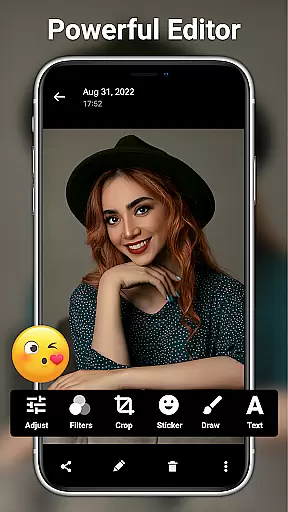
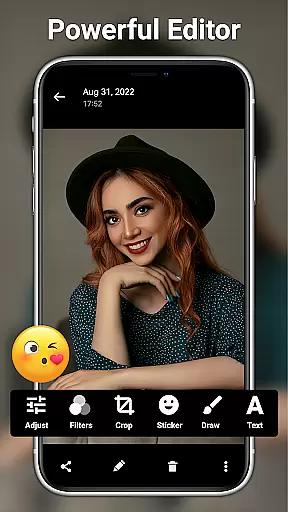
The app also includes comprehensive photo editing tools, allowing users to enhance their photos with adjustments to brightness, contrast, saturation, and more. With additional features like date watermarking, time-lapse photography, and facial retouching, HD Camera for Android becomes an all-in-one solution for mobile photography enthusiasts looking to elevate their craft without the need for extra equipment.
HD Camera for Android distinguishes itself through its robust feature set designed to satisfy even the most demanding photographers. One standout characteristic is its professional shooting mode, which provides users with DSLR-like manual controls. This includes precise adjustments for ISO, shutter speed, and white balance across different lighting conditions, ensuring optimal image quality in any environment.
The app incorporates multiple practical tools to enhance the photography experience. It offers a selection of over 10 real-time filters and effects that can be applied during photo or video capture, enabling users to express their creativity instantly. Additionally, features such as steady shooting, pinch-to-zoom, and tap-to-focus contribute to producing sharp and well-composed images. The inclusion of a timer, grid lines, and level indicators further assists users in achieving perfectly aligned shots.
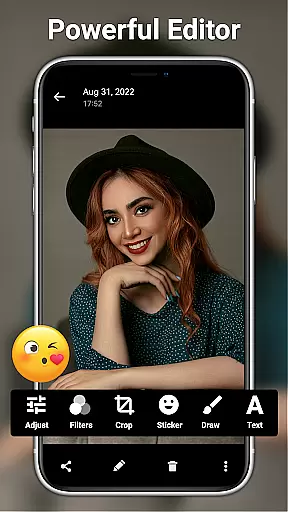
Another remarkable aspect is the app's powerful photo editing suite. After capturing images, users can leverage intuitive editing tools to fine-tune their photos. From basic adjustments like brightness and contrast to more advanced edits involving AI restoration and palette changes, the app covers a wide range of editing needs. Moreover, creative elements such as text overlays, stickers, and markup options allow for personalized touches, making each photo truly unique.
Real-time capture and preview functionality is essential for ensuring that every photo or video taken meets the user's expectations immediately. The HD Camera for Android excels in this area by providing a seamless experience where users can see exactly what the camera captures with zero lag.
This application leverages 1080p full HD mode, allowing users to capture images with stunning clarity and vibrant colors. The real-time preview ensures that users can adjust their shots on the fly, experimenting with different angles and compositions without any delay between the action and its reflection on the screen.
With features like optical and digital zoom, tap to focus, and focus halo display, the app empowers users to take control of their photography. These tools ensure that the subject of interest remains sharp and clear, even when zooming in or shooting from challenging angles.
The value of real-time capture and preview extends beyond convenience; it enhances creativity and precision. Users can confidently explore various filters and effects knowing that the final output will match their creative vision, making the HD Camera for Android an indispensable tool for both amateur enthusiasts and professional photographers.
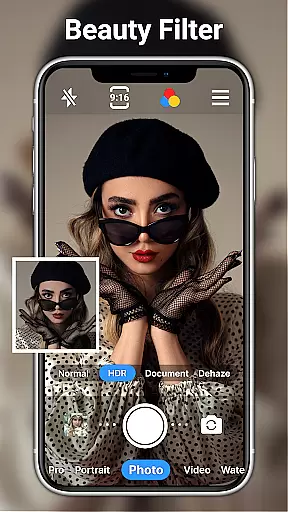
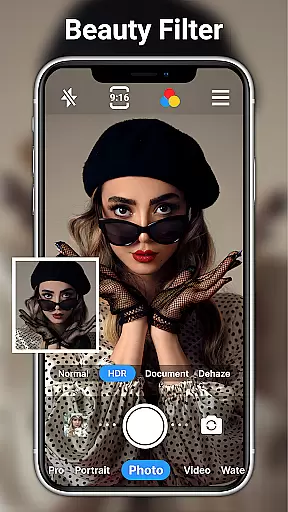
AI beauty and enhancement features have become a staple in modern photography apps, aiming to improve the aesthetic appeal of photos while maintaining a natural look. The HD Camera for Android stands out by offering advanced AI capabilities that enhance facial features subtly and effectively.
Using sophisticated algorithms, the app provides one-click facial retouch options that smooth skin textures, brighten eyes, and enhance smiles without creating an artificial appearance. This ensures that edited photos retain their authenticity, preserving the original emotions and expressions captured during the shoot.
Beyond basic enhancements, the app includes AI restore and AI palettes, which intelligently adjust colors and tones to bring out the best in each image. Whether it's restoring faded colors or applying artistic filters, these tools work harmoniously to elevate the overall quality of the photographs.
For users seeking more control, the app offers a suite of professional editing tools. Adjustments to brightness, contrast, saturation, exposure, and highlights allow for fine-tuning images to perfection. With these comprehensive AI-driven enhancements, the HD Camera for Android delivers a powerful yet user-friendly solution for achieving naturally beautiful photos.
User-friendly interface
Advanced manual controls
Real-time filters and effects
Comprehensive editing tools
Free to use
Occasional stability issues
Ads may disrupt workflow
Complex for beginners
Limited customer support
Drains battery quickly

Effortlessly organize, view and share your photos & videos with Gallery app!
 4.40
4.40
Photo editor: face & body editor, beauty cam, filters and quality enhancer.
4.00
Transform photos into videos! Create realistic or anime-style images easily!
4.50
Photo Exif Editor allows to view, add and modify EXIF data of multiple photos
4.50
Amazing Photo Effects - The most fun you can have with your photos!
4.70
Effortlessly make high-quality GIFs from images & videos without any watermarks.
4.70
A unique animation app. Powerful, easy to use, and lots of fun.
4.30
Welcome to ProShot, the most powerful camera app on Android.
4.20
Edit photos with the picture generator: PS2 & AI Clay filters, cartoon effects.
4.50
AI Photo Editor with 100+ Filters, Effects! Remove BG, Retouch & Photo Enhancer.
4.80
Enhance, upscale, and transform your images — on your device, without limits
4.70
Edit like a pro with Hypic. Apply filters, AI effects, & magic touch.
4.40
Luminar: Photo Editor - easy picture editing with AI
4.20
AI-powered video creator by MiniMax - Where ideas meet cinema
4.20
Catch sunlight, sunrise sunset times and sun phases with the AR sun tracker.
4.10
Gallery Slideshow is slideshow maker app for slideshow from your gallery photos.
3.90
Pet Camera
3.70
Create amazing frames with up to five photos. Rounded corners, effects and more!
3.60
Photo Album Watch Face shows your favorite pictures as a Watchface.
1.90


User Reviews