
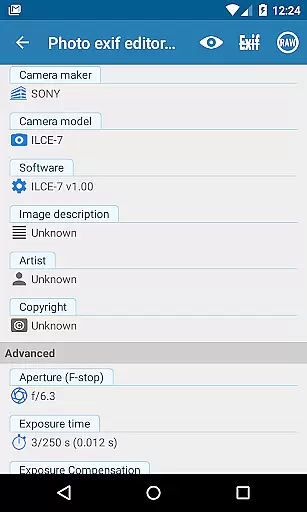
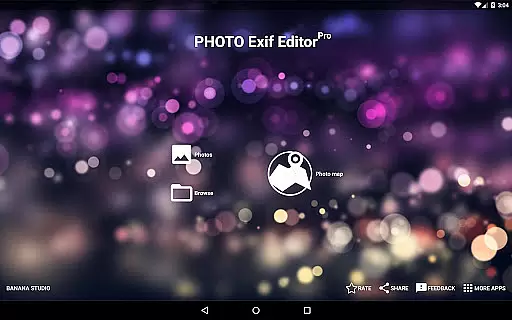
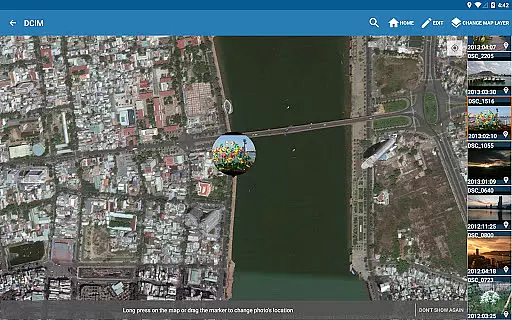
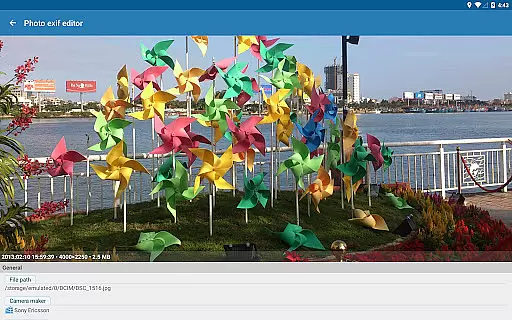
Photo Exif Editor Pro is a powerful tool for photographers and enthusiasts who need to manage the metadata of their images. This application allows users to view, modify, and correct Exif data in photos, ensuring that all relevant information is accurate and complete.
The app features an intuitive interface that makes it easy to browse and edit Exif tags such as camera settings, GPS location, and more. With support for various image formats including JPG, PNG, and RAW, Photo Exif Editor Pro offers comprehensive functionality for managing photo metadata across different platforms.
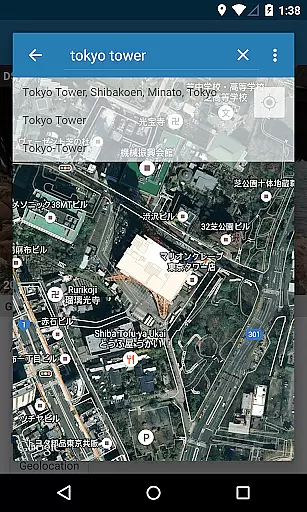
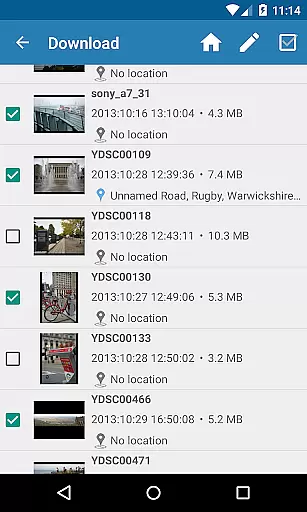
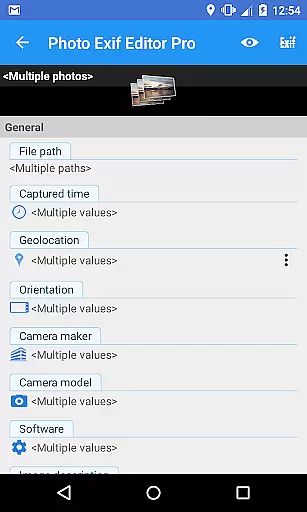
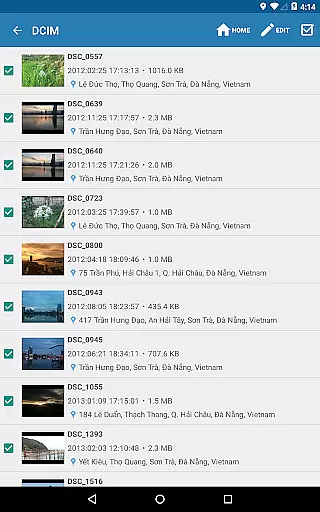
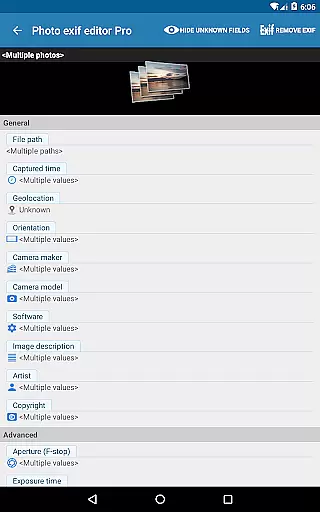
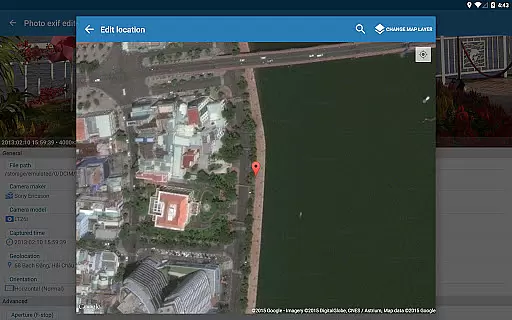
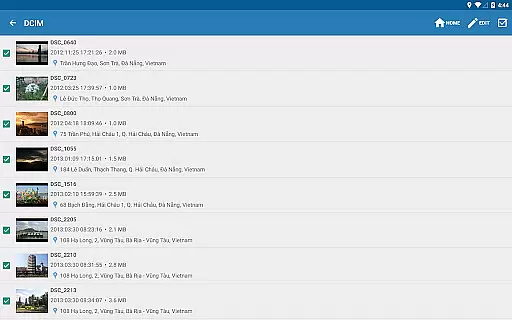
Whether you're organizing your photo library or preparing images for professional use, this app provides essential tools to enhance your workflow. The ability to batch edit multiple photos saves time, while advanced features like Google Maps integration for geotagging add extra value for users who rely on precise location data.
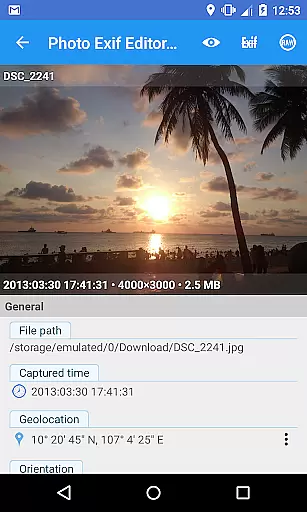
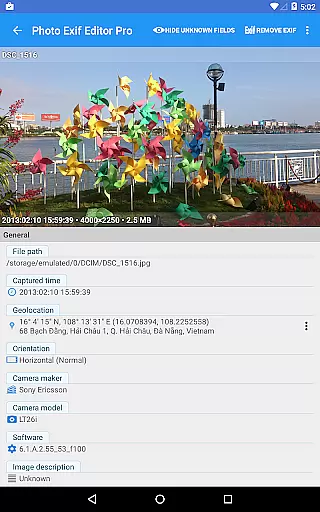
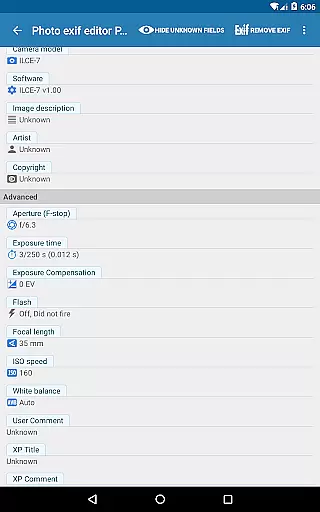
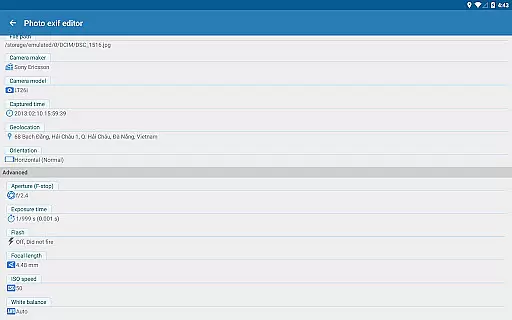
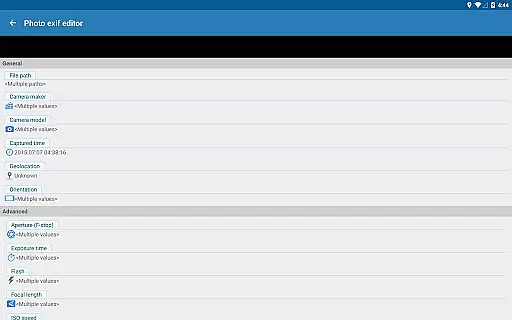
Photo Exif Editor Pro stands out with its robust feature set tailored for detailed photo metadata management. The app provides full access to Exif data, allowing users to view and modify crucial information such as camera model, aperture, shutter speed, focal length, and ISO settings.
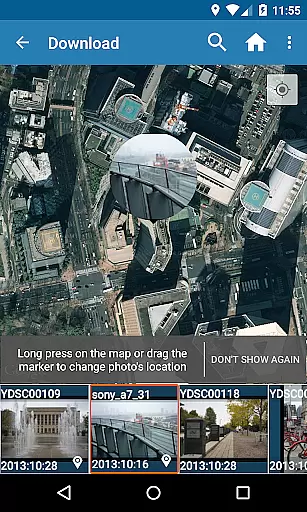
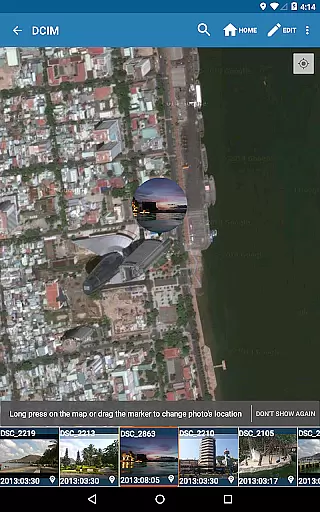
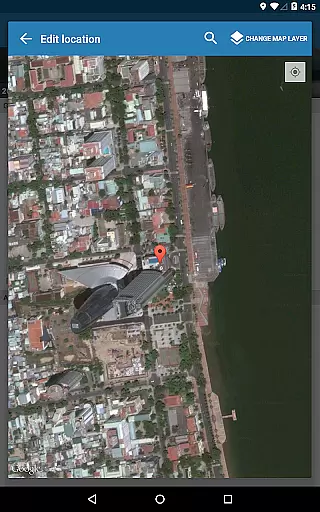
One of the key strengths is its batch editing capability, which enables efficient processing of multiple images simultaneously. Users can also leverage Google Maps to accurately add or correct GPS location data, making it ideal for travel photography or documenting specific locations.
Additional features include the ability to display raw Exif data, ad-free usage, and compatibility with various file formats. These functionalities ensure that both amateur and professional photographers have the necessary tools to maintain precise control over their image metadata.
Real-time capture and preview functionality is essential for photography apps as it allows users to see exactly what the camera sees before taking a shot. This ensures that the framing, lighting, and composition are all correct before capturing an image.
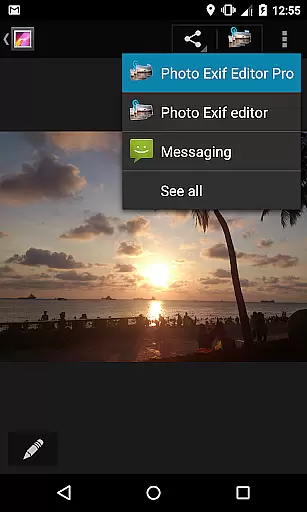
Photo Exif Editor Pro offers this feature by integrating with Android's native camera system. Users can open the camera directly from the app by long-pressing the Gallery button, providing seamless access to real-time previews. This makes it easier for photographers to adjust settings on-the-fly and capture the perfect moment.
The benefit of having real-time capture and preview within Photo Exif Editor Pro is that it streamlines the workflow for photographers who need to verify EXIF data immediately after taking a photo. By being able to view and modify EXIF data right after capture, users can ensure their metadata is accurate without needing to switch between multiple applications.
AI beauty and enhancement features have become increasingly popular in photography apps, allowing users to improve the aesthetic quality of their photos while maintaining a natural look. These enhancements can include skin smoothing, blemish removal, and color correction, among others.
Although Photo Exif Editor Pro does not explicitly advertise AI-driven beauty enhancements, its robust set of EXIF editing tools indirectly supports natural-looking edits. For instance, adjusting parameters like white balance, ISO speed, and aperture can significantly enhance photo quality without resorting to heavy-handed filters or effects.
Users benefit from these capabilities because they allow for subtle yet effective improvements. Whether correcting minor imperfections or fine-tuning exposure settings, Photo Exif Editor Pro helps maintain the authenticity of images while still offering powerful editing options. This approach ensures that edited photos retain their original charm and realism.
User-friendly interface
Batch editing support
Google Maps integration
Comprehensive Exif data access
No advertisements
Limited to Android 4.4+
External SD card write restrictions
Premium version required
Occasional GPS inaccuracies
Advanced features may overwhelm beginners

Find time and duration of different sunlight phases at any location
 4.90
4.90
Pet Camera
3.70
Photo editor: AI filters, photo enhancer, pic collage maker, AI art generator.
4.80
Create AI Photos, Improve and restore quality of blurry, old or damaged pics.
4.20
A reflected light meter with spot metering and incident light metering.
4.40
See your baby AI baby face generator AI baby maker Face generator babymaker fun!
4.70
Transform Photos: Edit, Beautify and Craft Memories & Make Collages!
4.10
AI-powered video creator by MiniMax - Where ideas meet cinema
4.20
A light meter for true photographers.
4.20
Pro version: AR sun/moon tracker for any date. Tool for photographers & planners
4.90
Create collages easily! Nice pic collage maker & background eraser for Instagram
4.50
Transform photos into videos! Create realistic or anime-style images easily!
4.50
Movie camera, supports pro recording settings for filming. Try it and be amazed!
4.50
Future baby face generator: AI kids generator, kid face! What my baby look like?
4.40
Luminar: Photo Editor - easy picture editing with AI
4.20
All-in-One Editor & AI Photo Enhancer, Collage, Cartoonify, Funny Stickers & BGS
4.10
The #1 app for B&W film developing featuring an advanced darkroom timer.
4.10
Professional video recording application with manual controls for filmmakers!
2.80
HD Photo gallery and photo manager to edit, hide private photos, videos & albums
4.0


User Reviews