
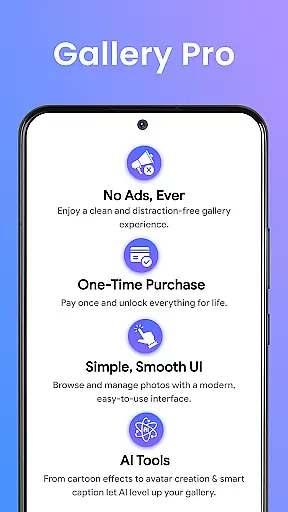
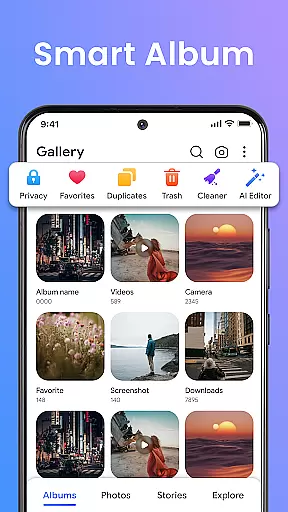
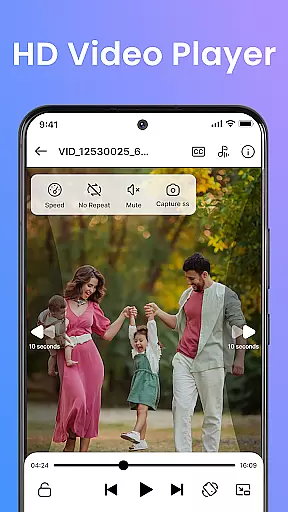
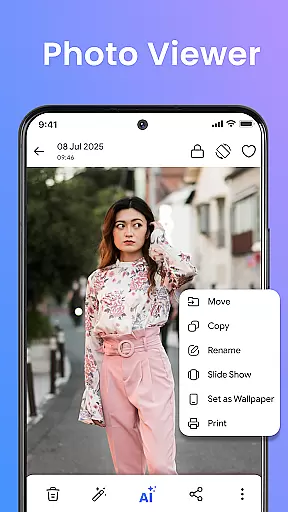
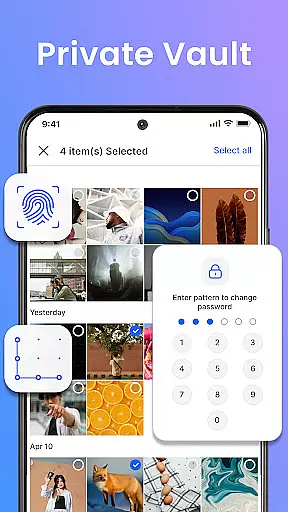
Gallery Pro is a comprehensive HD photo gallery app designed to help users organize, manage, and secure their photos and videos. With its clean and intuitive interface, the app allows effortless sorting and management of media files while offering advanced features like a built-in photo editor and an encrypted vault for private content. Whether you're looking to create stylish slideshows or relive memories through the 'Story Status' feature, Gallery Pro provides all the tools necessary for both casual and power users.
The app's standout functionality lies in its security features. The Private Vault ensures sensitive media remains protected through encryption and requires special permissions to maintain accessibility after reinstallation. This focus on privacy makes Gallery Pro particularly appealing to users who prioritize data protection without compromising on usability or performance.
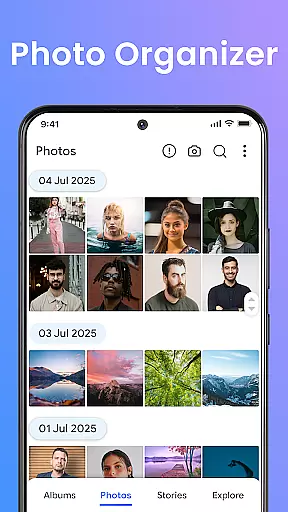
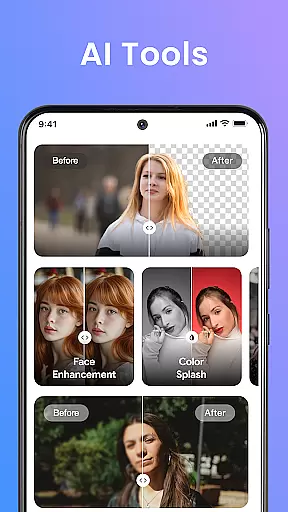
Gallery Pro offers an impressive range of features that cater to various user needs. Its Smart Photo Organizer allows users to create albums, add tags, and search for specific memories with ease. The built-in photo editor provides essential editing tools such as crop and rotate, along with AI-powered enhancements like object removal and background blur, enabling users to enhance their images effortlessly.
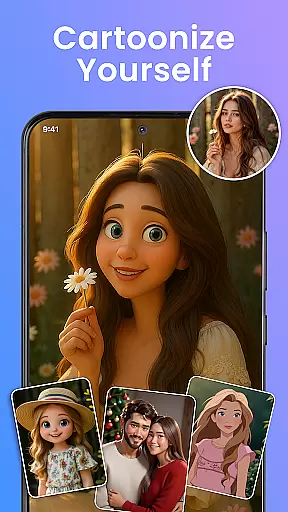
One of the app's most notable features is the encrypted Vault, which securely hides and protects sensitive photos and videos. Additionally, the HD Slideshow Creator lets users transform their favorite moments into visually appealing presentations. With AI tools integrated directly into the app, users can access smart cleanup options and avatar creation features, making Gallery Pro not just a storage solution but also a creative platform for managing digital memories.
Real-time capture and preview functionality is essential for any photography app as it allows users to see exactly what the camera is capturing before taking a shot. Gallery Pro ensures that every photo taken through its interface provides an accurate representation of the scene, with no lag or distortion.
The app achieves this by utilizing advanced processing algorithms that work seamlessly with your device's camera hardware. This ensures that colors, lighting, and details are faithfully reproduced in the preview window, giving photographers confidence in their compositions.
For users, this means they can make real-time adjustments to their shots, such as tweaking exposure or adjusting focus, without having to retake photos. The result is a more efficient photography process and higher-quality images straight from the camera.
With Gallery Pro's real-time capture and preview, you can trust that what you see on the screen is what you'll get in your final image, making it easier than ever to capture perfect moments.
AI-powered beauty and enhancement features have become a staple in modern photo editing apps, offering users the ability to refine and enhance their images effortlessly. Gallery Pro takes this a step further by focusing on natural-looking enhancements that preserve the authenticity of the original photo.
The app employs sophisticated AI algorithms to analyze facial features, skin tones, and lighting conditions, applying subtle adjustments that enhance beauty without appearing artificial. This includes smoothing skin textures, brightening eyes, and enhancing smiles, all while maintaining the unique characteristics of the subject.
Users benefit from these enhancements by achieving professional-quality edits with minimal effort. Whether touching up portraits or group photos, Gallery Pro ensures that every edit looks genuine and unforced, preserving the emotional integrity of the moment captured.
With Gallery Pro's AI beauty and enhancement tools, you can elevate your photos with natural, flawless results that retain the essence of the original image.
User-friendly interface
Advanced security features
Versatile editing tools
Efficient organization options
HD quality display
Requires special permissions
Limited free features
Occasional bugs reported
Subscription costs may apply
Learning curve for new users

1M influencer's special filter
 4.60
4.60
Perfect body tune & face app - photo retouch, makeup, slim body & beautify face.
4.80
Create collages easily! Nice pic collage maker & background eraser for Instagram
4.50
Add a dreamy vibe to your selfies and videos with soft style filters
4.4
USB Storage Access for Photos, Videos, Music and Documents
3.80
GCamera allows all GCam features on all phone models! Better photos with GCamera
3.30
Snap photos remotely using your Garmin watch as the camera trigger
4.0
Remote control the phone camera shutter from your smartwatch and take a picture
1.60
Welcome to ProShot, the most powerful camera app on Android.
4.20
Find time and duration of different sunlight phases at any location
4.90
Easily view, share, delete photos with Gallery.
4.70
Transform photos into videos! Create realistic or anime-style images easily!
4.50
Fit multiple photos on one post. Create carousels & scroll layouts for Instagram
4.50
Easily stitch panoramas from multiple photos or video.
4.40
RAW video capture with advanced controls
4.40
Turn your phone into a professional camera - full DSLR manual photography
4.30
AI-powered video creator by MiniMax - Where ideas meet cinema
4.20
How would you look like with a differently shaped nose, chin or lips?
3.90
Be your best in every shot! Fix, edit and retouch your face in selfies & photos.
3.70


User Reviews