
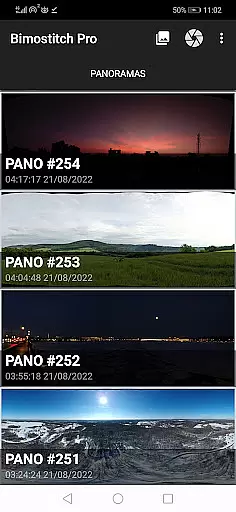
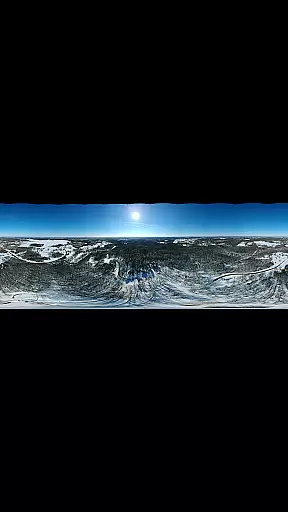
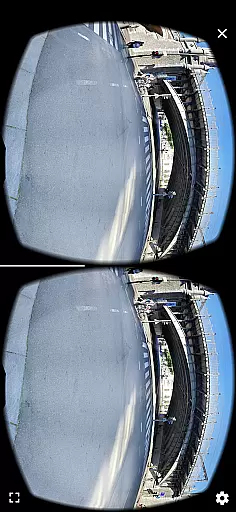
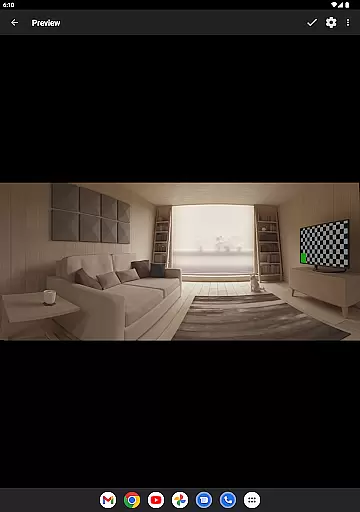
Bimostitch Panorama Pro is a powerful photography app designed for creating high-resolution panoramic images directly on your mobile device. The app utilizes advanced on-device stitching algorithms to automatically align and blend overlapping photos into stunning panoramas. Whether you're capturing landscapes, cityscapes, or 360-degree views, this tool ensures professional-quality results without the need for additional equipment.
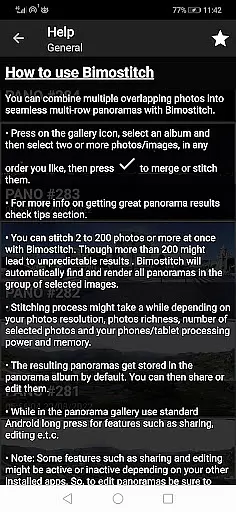
The application supports various panorama types including horizontal, vertical, multi-row, and even 360-degree photospheres. With support for stitching 2 to 200+ images, it offers flexibility for both simple and complex projects. Its intuitive interface makes it accessible to users of all skill levels while delivering features typically found in desktop software. From automatic exposure balancing to lens distortion compensation, Bimostitch ensures every panorama is polished and visually striking.
One of the standout features of Bimostitch Panorama Pro is its ability to process ultra-high-resolution outputs of up to 1 Gigapixel, making it ideal for professional photographers who demand exceptional detail. Additionally, the app works offline, requires no special sensors like gyroscopes, and supports photos from any source, including DSLR cameras and drones. This versatility makes it an indispensable tool for creating memorable panoramic shots anytime, anywhere.
Bimostitch Panorama Pro stands out with its comprehensive set of features tailored for panoramic photography enthusiasts. At its core, the app provides multiple stitching modes, allowing users to create single-row, multi-row, vertical, horizontal, and 360-degree panoramas effortlessly. It also includes specialized tools such as video-to-panorama conversion, enabling users to transform panning motion videos into seamless panoramic images. These capabilities ensure that whether you're working with stills or videos, the app can handle diverse input formats with ease.
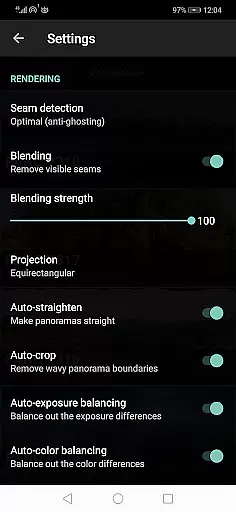
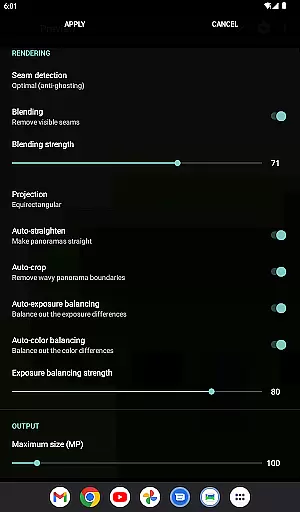
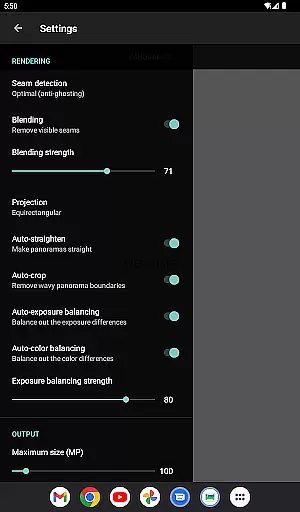
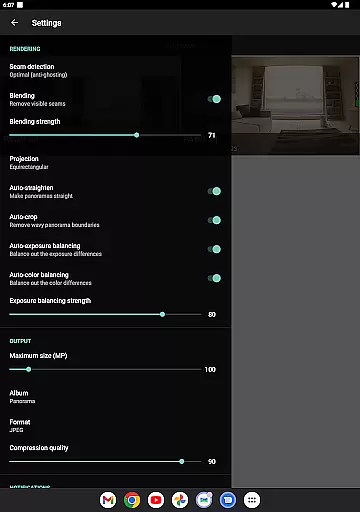
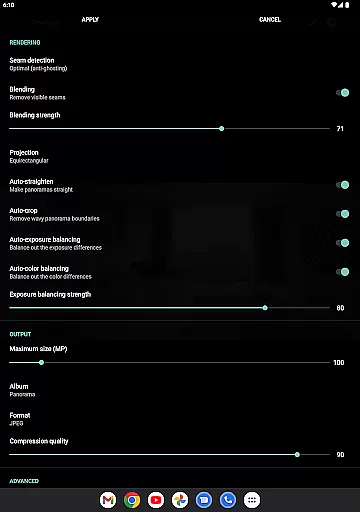
The app's advanced processing options further enhance its functionality. Users can adjust settings like seam detection quality, blending intensity, and auto-exposure balancing to fine-tune their panoramas. For professionals, features like auto-lens calibration compensate for distortions caused by wide-angle or fisheye lenses, ensuring accurate and high-quality outputs. Moreover, the ability to save previews and resume editing later adds convenience to the workflow, allowing users to experiment without losing progress.
Beyond its technical prowess, Bimostitch Panorama Pro emphasizes user experience through its intuitive design and offline functionality. The app operates independently of internet connectivity, making it reliable in remote locations. With support for JPEG and PNG output formats, compression options for large files, and customizable settings such as maximum resolution and output album names, the app caters to both casual users and professionals seeking precision and control over their creations.
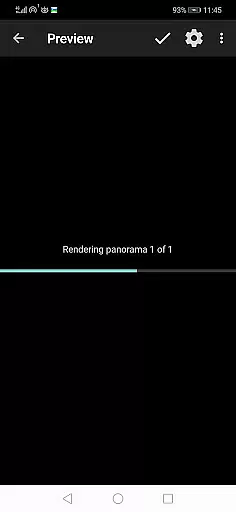
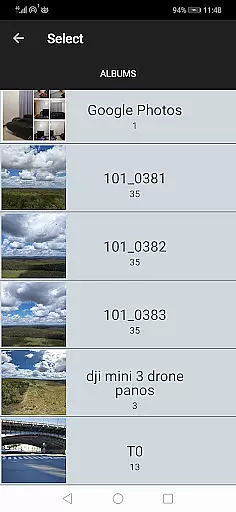
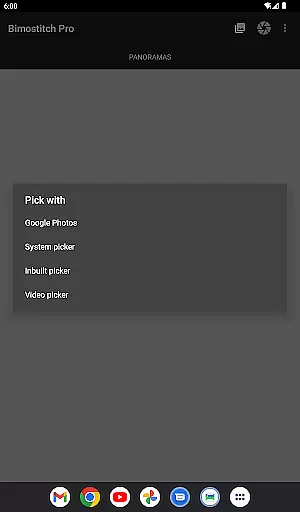
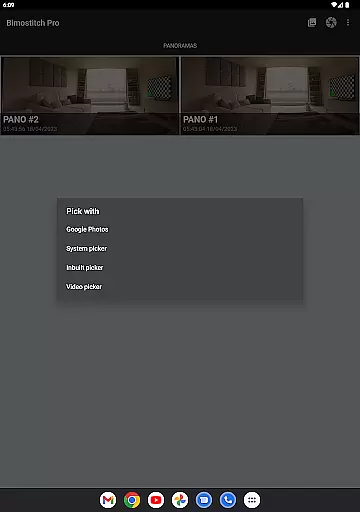
Real-time capture and preview functionality is essential for ensuring that every moment is captured accurately. Bimostitch Panorama Pro offers an intuitive built-in photo-picker, allowing users to select images directly from their gallery or camera. This immediate access ensures that the stitching process begins with the highest quality source material.
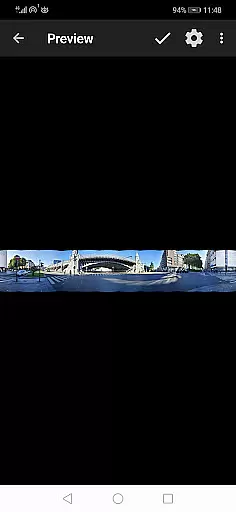
The app's advanced on-device image stitching algorithms work seamlessly to match, align, and blend selected images into stunning panoramas. Users can also shoot videos while panning, which the app will automatically convert into panoramic images by merging key video frames. This feature provides flexibility and convenience, especially when capturing scenes that are challenging to photograph in stills.
With real-time processing capabilities, users receive immediate feedback on their creations. Whether using a drone for aerial shots or overlapping photos from any camera source, the app delivers high-quality panoramas swiftly. The automatic exposure balancing and straightening further enhance the user experience, making it easy to produce professional-grade results right from a mobile device.
AI beauty and enhancement features have become pivotal in photography apps, offering tools that improve image quality without compromising natural aesthetics. Bimostitch Panorama Pro includes auto-color balancing and seam detection modes that ensure high-quality output while maintaining the authenticity of the original photos. These intelligent enhancements help create seamless and visually appealing panoramas.
The app allows users to adjust the intensity of auto-exposure and color balancing features, providing control over the final look of the panorama. Additionally, blending intensity settings enable fine-tuning of how images merge together, preserving natural transitions between different sections of the panorama. Such granular control empowers users to achieve desired effects without artificial over-processing.
Bimostitch also supports ultra-high-resolution outputs of up to 1 Gigapixel, ensuring detailed and crisp panoramas. By leveraging AI-powered enhancements like auto-lens calibration for lens distortion compensation, the app caters to both amateur and professional photographers seeking realistic yet enhanced imagery. This combination of advanced technology and user-centric design makes Bimostitch a standout choice for creating breathtaking panoramic views.
High-res output
Offline functionality
Intuitive UI
Wide format support
Advanced controls
RAM intensive
Paid pro features
Steep learning curve
Limited free options
Heavy file sizes

Application for remote controlling DSLR
 3.00
3.00
Superimpose one photo on top of another using the original Superimpose app!
3.20
Light-weight Media Gallery app for Android made with Jetpack Compose
4.60
See your baby AI baby face generator AI baby maker Face generator babymaker fun!
4.70
Professional quality photo edits with the new Snapseed.
4.00
Collage your moments in one tap: 1000+ layouts, filters, stickers, and texts.
4.90
A light meter for true photographers.
4.20
Unlock the full potential of your DJI drone with Litchi
4.50
A unique animation app. Powerful, easy to use, and lots of fun.
4.30
Photo prints, cards, & gifts at Walgreens. Easy ordering & fast local pickup !
4.80
Your personal guide to the sun and moon. Plan ahead, visualize and predict!
4.70
Viewfinder, Light meter, Reciprocity failure time, DOF & Bellows Extension
4.60
Photo editor & gallery. Crop pictures & edit photos offline, no wifi!
4.50
Use AI Video Generator to turn your words to ai generated videos.
4.50
Shooting photos and records video easily and efficient with professional Camera
4.30
Turn your phone into a professional camera - full DSLR manual photography
4.30
All-in-One Editor & AI Photo Enhancer, Collage, Cartoonify, Funny Stickers & BGS
4.10
Long exposure camera with computational photography
2.60
Over 800 film simulation recipes for Fujifilm. Black Friday Offer!
4.5


User Reviews