

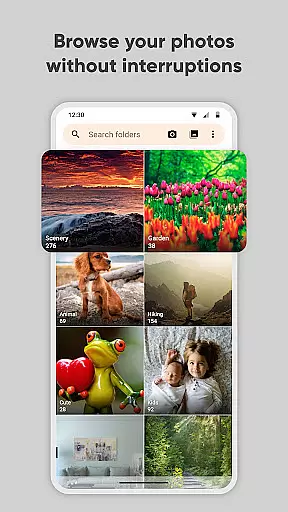
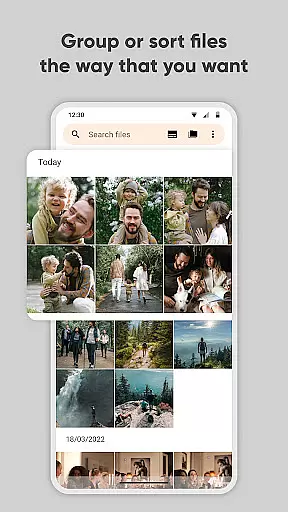
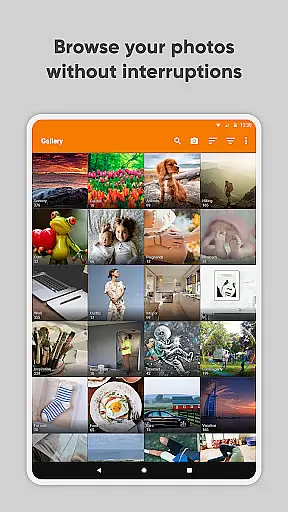
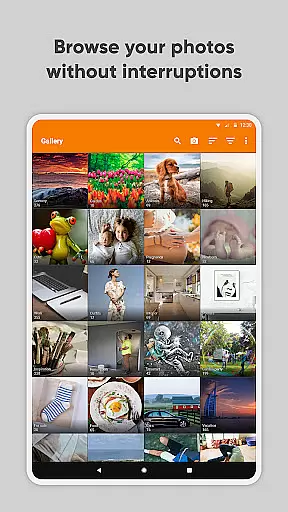
Simple Gallery Pro is a comprehensive photography app designed to enhance the way you manage and edit your media files on Android. This app combines an intuitive interface with powerful features, allowing users to browse, organize, and edit photos and videos efficiently. With support for a wide range of file formats including JPEG, PNG, MP4, and RAW, it ensures compatibility and flexibility for various user needs.
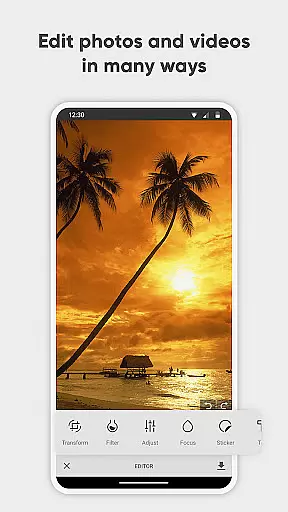
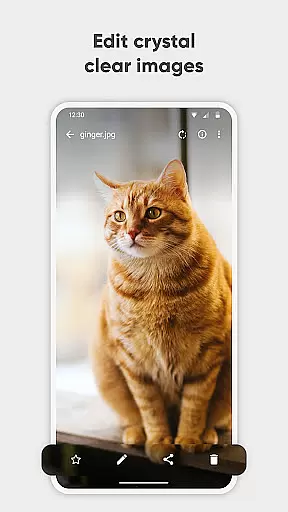
One of the standout features of Simple Gallery Pro is its advanced photo editing capabilities. Users can effortlessly crop, rotate, flip, and resize images, as well as apply stylish filters to enhance their photos. Additionally, the app offers recovery options for accidentally deleted files and the ability to create hidden galleries, ensuring that your most precious memories are always safe and accessible.
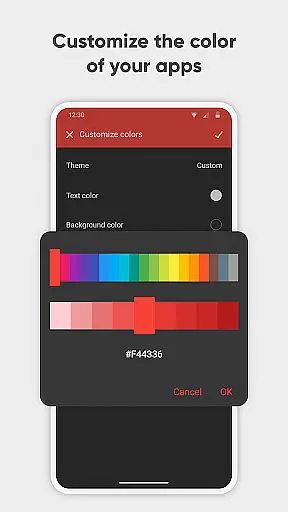
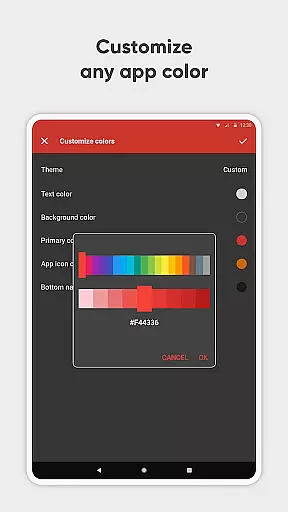
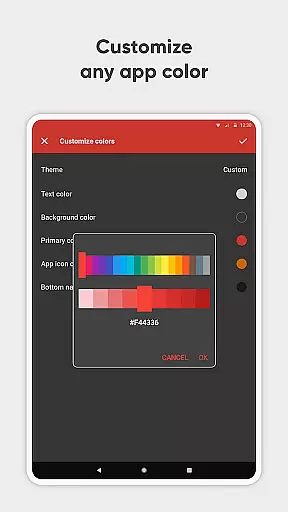
The app's customization options allow users to tailor the interface and functionality to their preferences, making it a versatile tool for both casual and professional use. Whether you're looking to optimize your photo management or explore creative editing possibilities, Simple Gallery Pro delivers a seamless and secure experience.
Simple Gallery Pro stands out with its extensive feature set tailored for photography enthusiasts and professionals alike. The app provides an advanced photo editor that simplifies the editing process through intuitive gestures. Users can easily manipulate their images by cropping, rotating, flipping, and resizing them, as well as applying various filters to achieve the desired effect quickly.
Beyond editing, Simple Gallery Pro supports a multitude of file types such as JPEG, PNG, MP4, MKV, and RAW, offering unparalleled flexibility in managing different media formats. Its customizable interface allows users to modify the UI and toolbar functions to suit their workflow, enhancing productivity and ease of use.
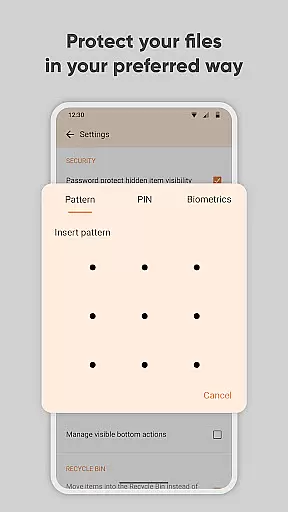
Security is another critical aspect of this app, featuring options to protect private photos, videos, and files using a PIN, pattern, or fingerprint authentication. The inclusion of a recovery function for deleted media and the ability to hide specific galleries further reinforce its role as a secure photo vault. These robust features make Simple Gallery Pro an indispensable tool for safeguarding and optimizing your digital media library.
Real-time capture and preview functionality is essential for ensuring that every photo or video taken meets the user's expectations without delay. Simple Gallery Pro excels in this area by offering a seamless experience where users can instantly see the results of their shots before committing to them.
The application supports a wide array of file types including JPEG, PNG, MP4, and even RAW formats. This versatility ensures that whether you're capturing images or recording videos, the app provides a smooth and responsive preview window. Such capability empowers users to make immediate adjustments to their compositions or settings.
Furthermore, Simple Gallery Pro enhances the real-time capture experience with intuitive gestures and controls. Users can easily manipulate the camera interface to zoom, focus, or adjust exposure, all while seeing the changes reflected live. This interactive approach not only simplifies the process but also makes it more engaging and enjoyable.
Ultimately, the real-time capture and preview feature in Simple Gallery Pro delivers significant value by saving time and effort. Photographers and videographers can trust that their creations will be precisely as envisioned, leading to higher satisfaction and better quality outputs.
AI beauty and enhancement features have become increasingly popular in photography apps, aiming to improve image quality while maintaining a natural look. Simple Gallery Pro incorporates advanced AI algorithms that automatically enhance photos and videos, making them visually appealing without appearing overly processed.
One of the standout aspects of Simple Gallery Pro is its ability to apply enhancements selectively. Instead of blanket filters that may distort reality, the app intelligently identifies facial features, skin tones, and lighting conditions to apply subtle yet effective improvements. This ensures that subjects retain their unique characteristics while benefiting from enhanced clarity and vibrancy.
In addition to beautification, the app offers a range of editing tools such as cropping, rotating, and applying filters. These tools work harmoniously with the AI enhancements, providing users with comprehensive control over their final product. The result is professional-grade edits that are accessible to both novice and experienced photographers alike.
By prioritizing naturalness in AI-driven enhancements, Simple Gallery Pro sets itself apart in the realm of photo editing applications. Users can confidently share their enhanced images knowing they remain authentic representations of the original moments captured.
User-friendly interface
Extensive file support
Advanced editing tools
Customizable design
Strong security features
Limited social sharing
No cloud backup
Premium price
Complex settings
Fewer filters

Remote control of the phone camera from your Wear OS smartwatch
 3.70
3.70
How would you look like with a differently shaped nose, chin or lips?
3.90
Safe & smart flight with Go Fly drone controller for 40+ drone camera, zone map
4.50
Easily stitch panoramas from multiple photos or video.
4.40
Photo editor: AI filters, photo enhancer, pic collage maker, AI art generator.
4.80
USB Storage Access for Photos, Videos, Music and Documents
3.80
AI photo enhancer with Sora 2! Enhance, descratch, and colorize your old photos.
4.50
Snap photos remotely using your Garmin watch as the camera trigger
4.2
Catch sunlight, sunrise sunset times and sun phases with the AR sun tracker.
4.10
Collage your moments in one tap: 1000+ layouts, filters, stickers, and texts.
4.90
Perfect body tune & face app - photo retouch, makeup, slim body & beautify face.
4.80
Gallery show photo, video, slideshow, is perfect 3D effect private photo albums.
4.80
A collection of tools and reference tables for DPs, ACs, DITs and Operators.
4.70
PhotoSync Bundle Add-On License. Enables all features and services in PhotoSync.
4.60
Add Watermark - Sign your pictures with a text or logo. Effective, quick, easy!
4.50
Create AI photos & videos with Enhancer; restore, fix, beautify, enhance photos
4.50
[3DSteroid Pro] is a stereoscopic application for Android.
4.30
Perfect photos with body shaping, BG changer and object remover.
3.70
Long exposure camera with computational photography
2.60


User Reviews