
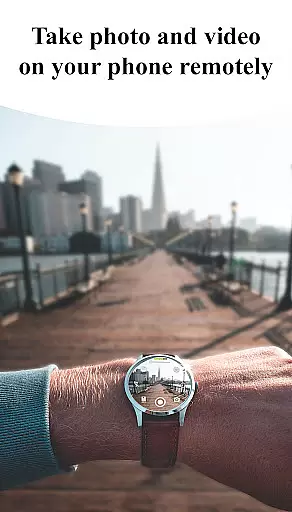
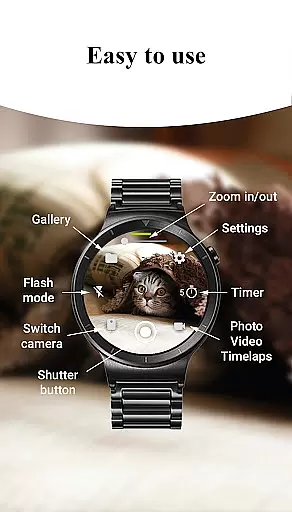
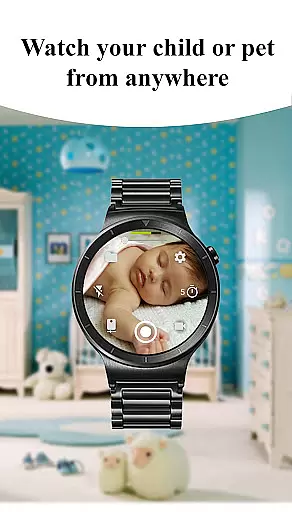
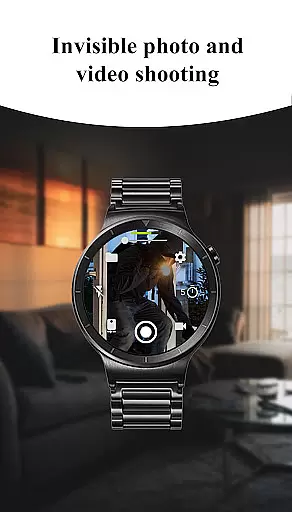
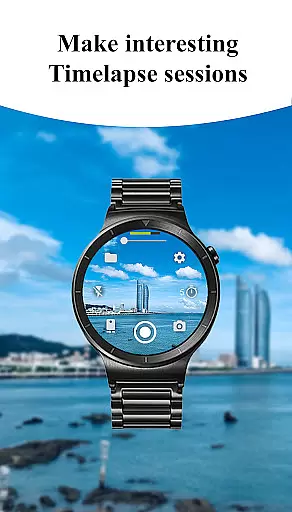
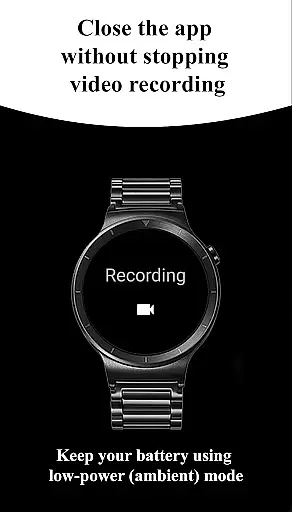
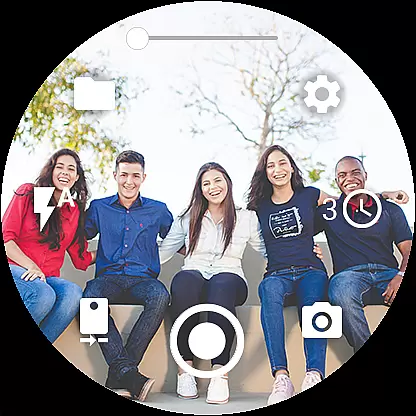
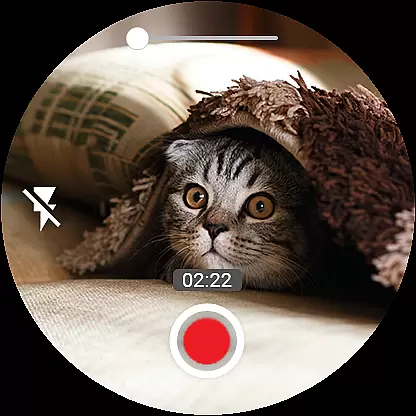

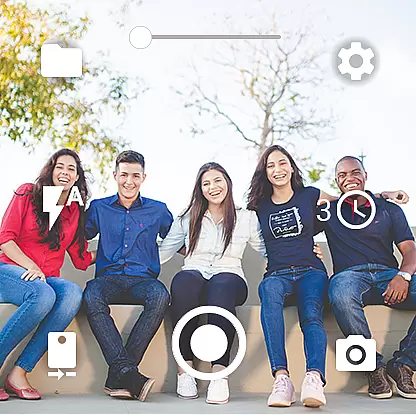
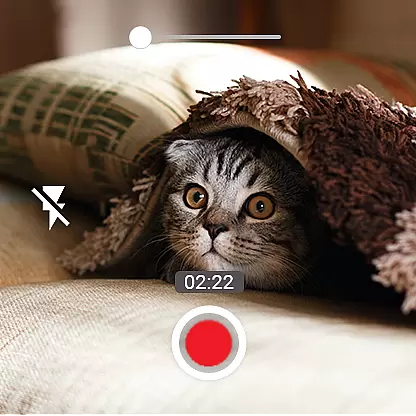
Camera Control for Wear OS is a powerful photography app that allows users to control their phone's camera directly from a Wear OS smartwatch. The app offers three shooting modes including photo capture, video recording, and timelapse creation, enabling users to explore diverse photography possibilities conveniently from their wrist.
With advanced camera modes such as Bokeh, HDR, Night, and Auto (depending on device compatibility), Camera Control enhances image quality significantly. Users can set timers, control flash and flashlight settings, switch between front and rear cameras, adjust quality settings, and even zoom in/out - all from the smartwatch interface. Additional features like wide-angle support, high-framerate video recording, and 4K resolution make this app a versatile tool for capturing professional-grade photos and videos.
This app is particularly useful for outdoor photographers or vloggers who need hands-free operation or remote control of their phone's camera. By providing comprehensive camera control through a smartwatch, Camera Control for Wear OS delivers convenience and versatility, making it an essential tool for modern mobile photography.
Camera Control for Wear OS stands out with its extensive feature set tailored for photography enthusiasts. The app provides three primary shooting modes - photo, video, and timelapse - each designed to offer effortless capture experiences. These modes are complemented by advanced options like Bokeh, HDR, Night mode, and more, which collectively ensure superior image quality based on the user's device capabilities.
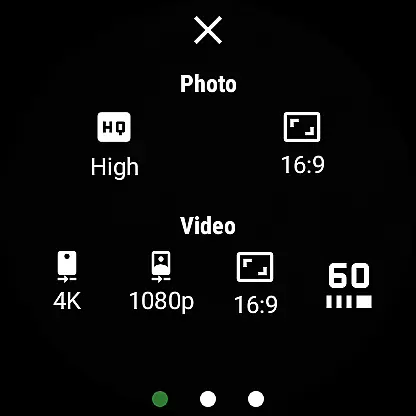
One of the key innovations is the ability to control various camera settings directly from the smartwatch. Users can set timers for precise shooting, toggle between different flash modes, activate the flashlight independently, and switch between front and rear cameras seamlessly. The app also supports adjusting photo and video quality settings, controlling zoom levels, and selecting aspect ratios (4:3 or 16:9). These features provide complete creative control over the photography process.
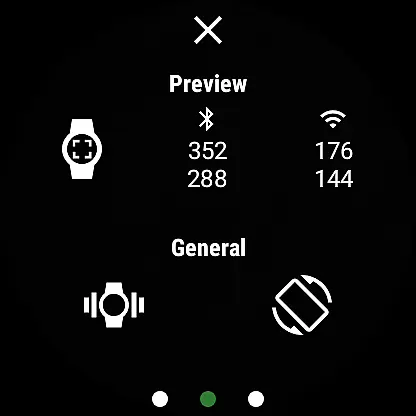
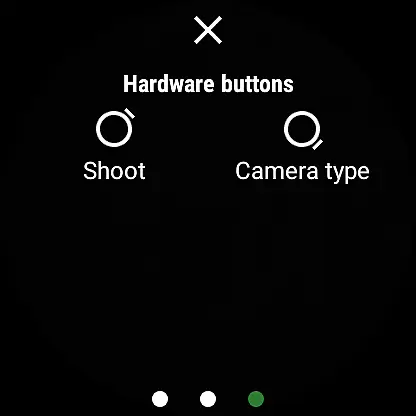
Additional functionalities enhance the overall user experience. The app supports wide-angle photography, high-framerate video recording at 30/60 fps, stunning 4K video capture, geotagging, orientation lock, and wireless connectivity via Bluetooth and Wi-Fi. With gesture controls, hardware button integration, and complication support for quick access, Camera Control for Wear OS demonstrates both innovation and practicality in mobile photography.
Real-time capture and preview functionality is essential for ensuring that users can frame and take photos or videos with precision directly from their Wear OS smartwatch. This app offers an intuitive interface that mirrors the phone's camera, allowing you to see exactly what your camera sees.
With Camera Control for Wear OS, you have access to a live preview feed on your watch, which updates in real time as you adjust your phone's position. This feature ensures that you never miss a moment, providing the ability to capture spontaneous shots with accuracy.
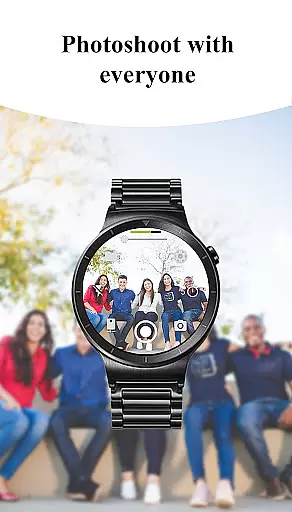
The benefit of using this app is the convenience it brings to photography. Whether you're taking a group photo or trying to capture wildlife without being noticed, the real-time preview allows you to set up the perfect shot remotely. The seamless integration between the watch and phone means that every movement is mirrored, giving you confidence in your composition before pressing the shutter.
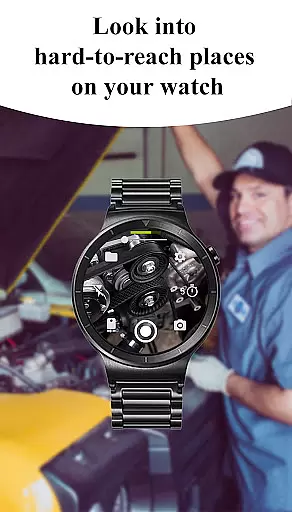
This functionality enhances the overall user experience by offering a reliable and responsive connection between devices. It empowers users to explore creative angles and positions that would otherwise be difficult or impossible to achieve with just a handheld device.
AI beauty and enhancement features are increasingly popular in photography apps, aiming to improve image quality while maintaining a natural look. Camera Control for Wear OS incorporates advanced AI algorithms that automatically enhance photos taken with your smartphone camera through subtle adjustments.
This app intelligently applies enhancements such as skin smoothing, blemish removal, and dynamic range adjustment without over-processing the image. By leveraging AI technology, it ensures that each photo retains its authenticity while benefiting from professional-grade touch-ups.
Users will appreciate how these enhancements save time during post-processing and elevate their photography skills effortlessly. With options like Bokeh mode, HDR, Night mode, and more at their disposal, they can experiment with different styles knowing that the results will appear polished yet genuine.
Ultimately, this feature adds significant value by making high-quality photography accessible to everyone regardless of skill level. It strikes a balance between enhancing visual appeal and preserving the original essence of captured moments, resulting in stunningly natural photographs every time.
Comprehensive camera control
Advanced shooting modes
Convenient smartwatch operation
Professional-grade features
Wireless connectivity options
Device compatibility issues
Limited smartwatch models
Complex setup required
Battery consumption concerns
Premium feature costs

All-in-One Editor & AI Photo Enhancer, Beautify & Retouch, Collage, Cartoonify
 4.20
4.20
Shooting photos and records video easily and efficient with professional Camera
4.30
How old age camera Gender Swap App Face Shape Hairstyle App Hair Styler App fun!
4.00
Photo prints, cards, & gifts at Walgreens. Easy ordering & fast local pickup !
4.80
Create Business Headshots, Polaroid Filter, Retake Photos,Profile Pics,AI Photos
4.50
Light-weight Media Gallery app for Android made with Jetpack Compose
4.60
Photo Exif Editor allows to view, add and modify EXIF data of multiple photos
4.50
Automatically backup your photos and videos to computer, NAS and Cloud services
4.60
Professional camera app that brings DSLR manual photography controls to Android.
4.20
AI Photo Editor with 100+ Filters, Effects! Remove BG, Retouch & Photo Enhancer.
4.80
Android Native system HD camera app. Never been so simple and faster.
4.70
Viewfinder, Light meter, Reciprocity failure time, DOF & Bellows Extension
4.60
Enhance, retouch & create your story - Share the moment with Photoshop Express.
4.60
HD Camera Pro with HD Video shooting, Panorama, Photo editor , Beauty Camera.
4.50
Trendy TikTok time warp scan funny filter app brings you unique photos & videos.
4.40
Edit like a pro with Hypic. Apply filters, AI effects, & magic touch.
4.40
RAW video capture with advanced controls
4.40
Gallery Slideshow is slideshow maker app for slideshow from your gallery photos.
3.90
Over 800 film simulation recipes for Fujifilm. Black Friday Offer!
4.0


User Reviews