
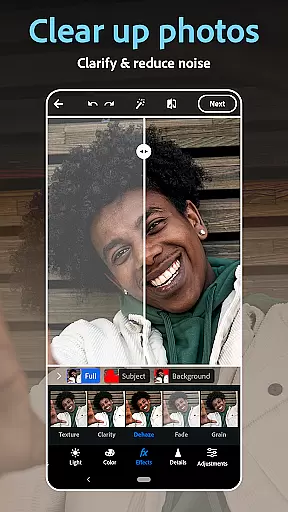
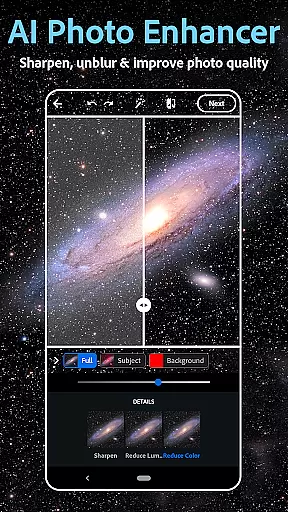
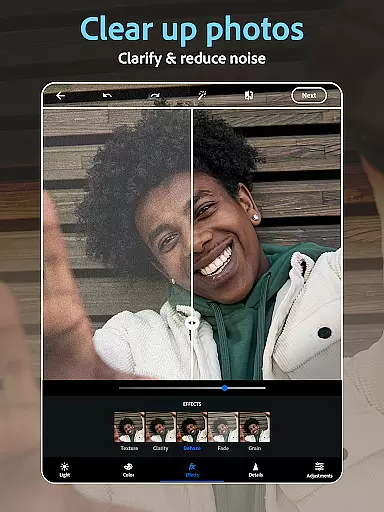
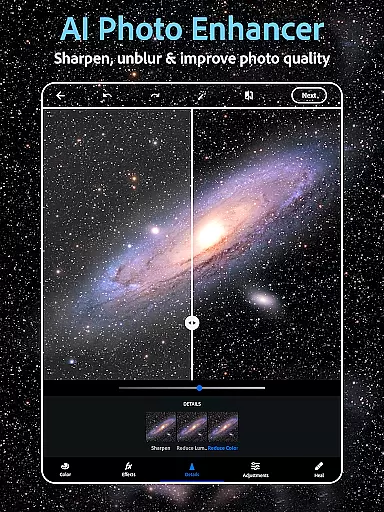
Photoshop Express Photo Editor is a versatile mobile application designed for effortless photo editing. This app allows users to enhance their images with simple one-tap adjustments, making it perfect for both beginners and experienced photographers. Trusted by millions, the app offers a comprehensive suite of tools including AI-powered image retouching, vintage camera filters, and an easy-to-use collage maker.
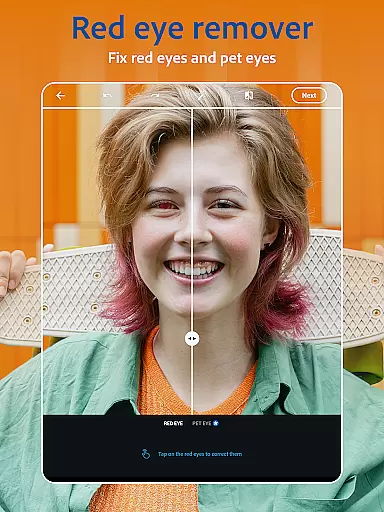
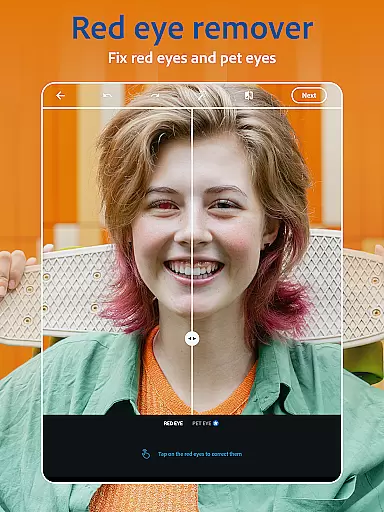
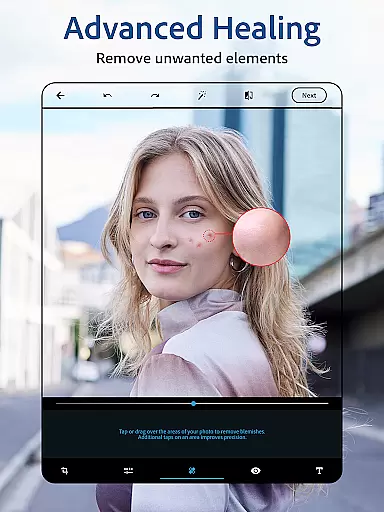
The app's standout feature is its face editor functionality, which enables users to airbrush selfies, remove blemishes, and correct red-eye effects. Additionally, Photoshop Express provides creative options such as adding text overlays, applying film effects, and using graphic design features to create memes. Whether you're looking to touch up a portrait or experiment with artistic filters, this app delivers professional-quality results on mobile devices.
With its intuitive interface and powerful editing capabilities, Photoshop Express is suitable for various use cases, from social media content creation to personal photo enhancement. The app empowers users to transform ordinary photos into extraordinary works of art, all within a few taps.
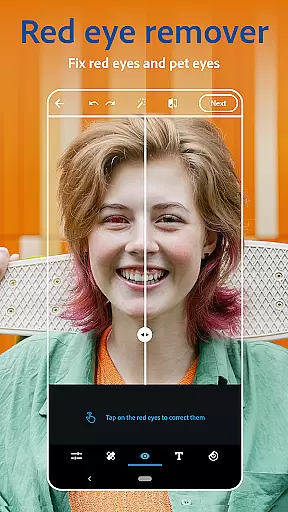
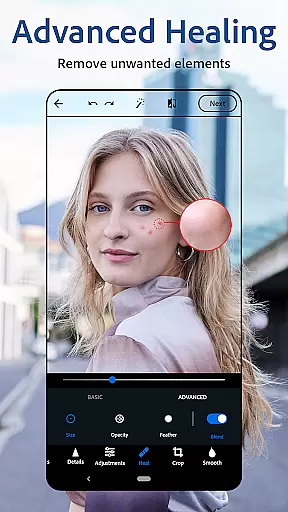
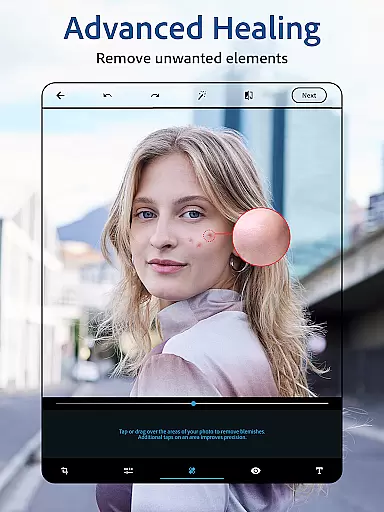
Photoshop Express boasts an impressive array of features that cater to diverse photo editing needs. At its core, the app functions as an AI photo editor and image retouch tool, allowing users to airbrush selfies, remove unwanted objects, and apply vintage camera filters with remarkable ease. The face editor app includes specialized tools like blemish remover, spot healing, and red-eye correction, ensuring flawless portrait enhancements.
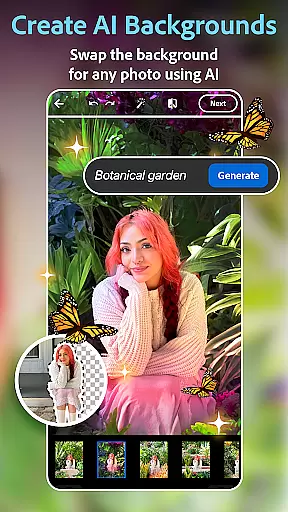
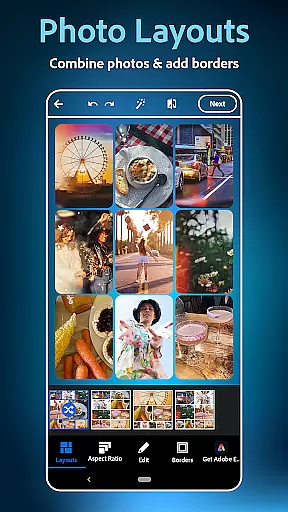
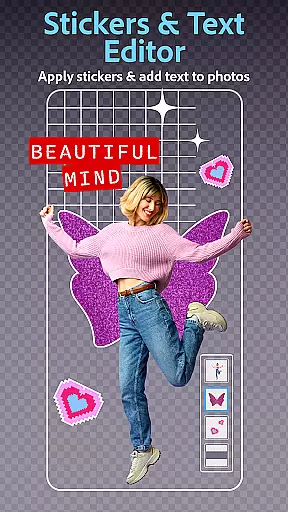
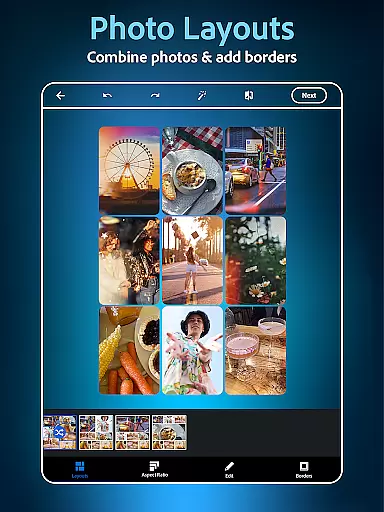
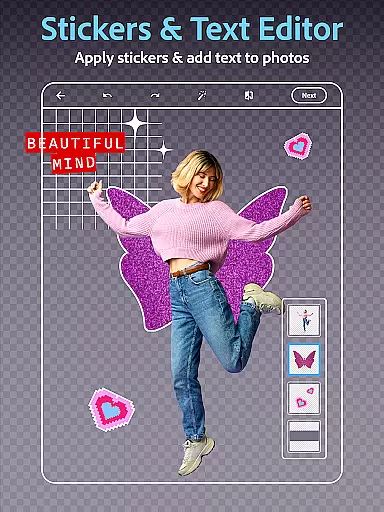
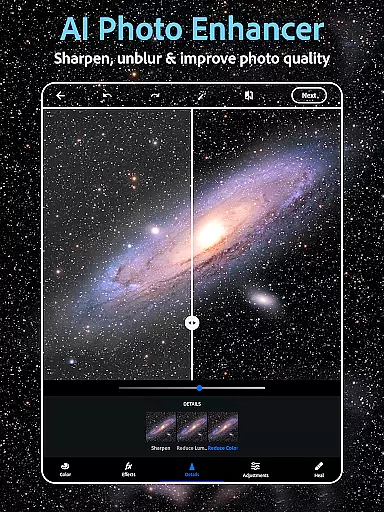
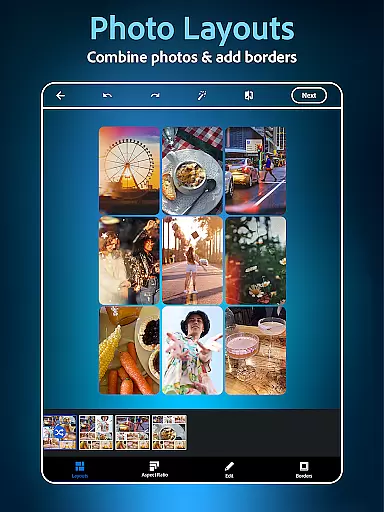
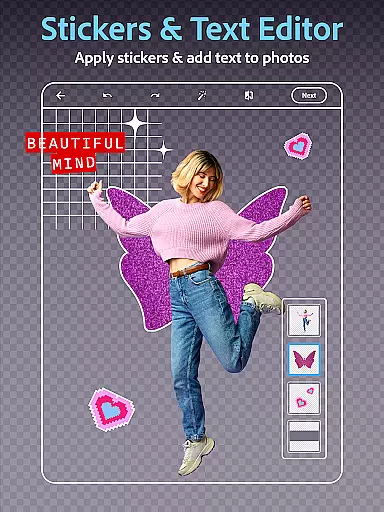
Beyond basic editing, the app offers advanced creative features. Users can add text to photos using various fonts and layouts, create custom watermarks, and design eye-catching memes. The built-in collage maker provides pre-made grids for combining multiple pictures into stunning compositions. Furthermore, the AI-powered tools enable background replacement, object removal, and even image generation based on text prompts.
For social media enthusiasts, Photoshop Express supports multiple file formats including RAW, TIFF, and PNG, while offering seamless sharing capabilities across platforms like Instagram, TikTok, and Facebook. Premium subscribers gain access to enhanced editing controls and exclusive features, making this app a complete solution for mobile photo editing.
Real-time capture and preview functionality is essential for ensuring that every photo taken meets the desired quality standards. With Photoshop Express, users can leverage advanced AI tools to see adjustments and enhancements instantly as they edit.
This feature allows photographers to experiment with different filters, lighting effects, and compositions without any lag. The app's intuitive interface ensures that even beginners can achieve professional-grade results by providing immediate visual feedback on every change made to the image.
By offering real-time previews of text overlays, collage arrangements, and vintage camera filters, Photoshop Express empowers users to fine-tune their creative vision efficiently. This capability not only saves time but also enhances the overall editing experience by making it more interactive and engaging.
Ultimately, real-time capture and preview enable users to produce high-quality images that align perfectly with their artistic goals. Whether enhancing selfies or creating complex photo collages, this feature ensures that every edit is precise and visually appealing.
AI beauty and enhancement features in photo editing applications aim to improve aesthetic appeal while maintaining a natural look. Photoshop Express employs sophisticated algorithms to enhance facial features subtly, ensuring edits appear authentic rather than overly processed.
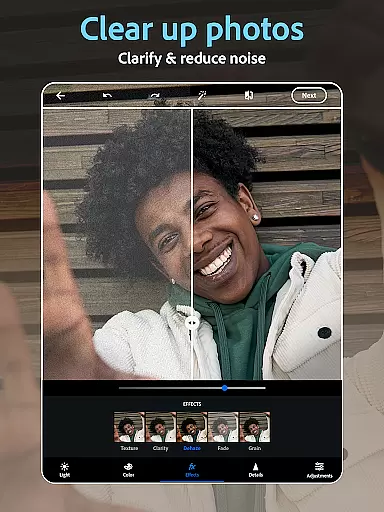
The app provides tools such as blemish removal, spot healing, and red-eye correction, which utilize AI technology to deliver seamless enhancements. These features intelligently detect imperfections and apply corrections that blend naturally with the original image, preserving skin texture and tone.
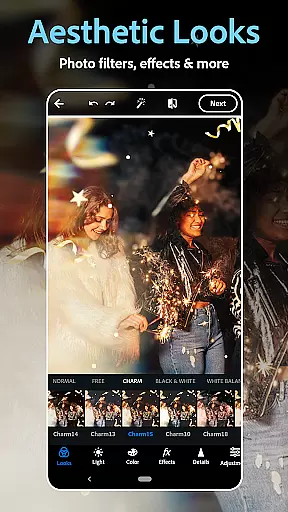
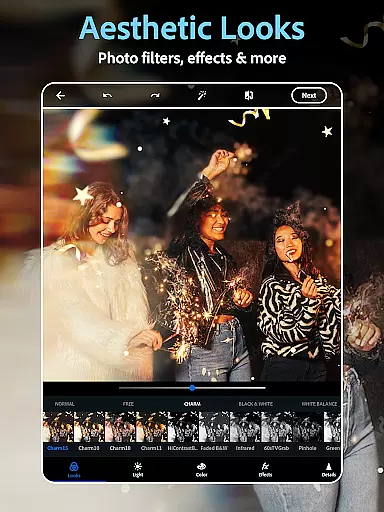
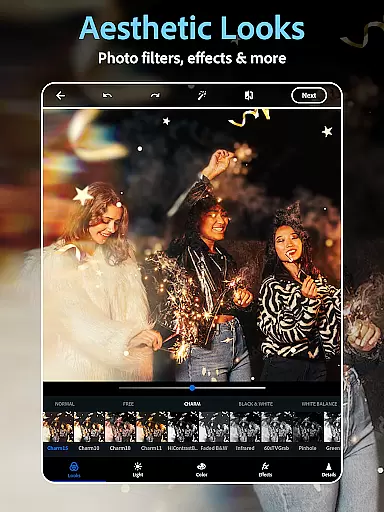
Users can experiment with various aesthetic styles and film effects, knowing that the AI will adapt enhancements to fit the chosen look. This flexibility allows for creative freedom without compromising the genuineness of the photograph.
With its focus on natural enhancement, Photoshop Express ensures that edited photos retain their original charm and character. This approach not only boosts user confidence in sharing their creations but also elevates the standard of mobile photo editing by prioritizing authenticity alongside beauty.
User-friendly interface
Powerful AI tools
Versatile editing options
Wide format support
Excellent social integration
Premium features locked
Advanced tools complex
Occasional lag
Limited free filters
Subscription cost high

Trendy TikTok time warp scan funny filter app brings you unique photos & videos.
 4.40
4.40
Professional video recording application with manual controls for filmmakers!
2.80
All-in-One Editor & AI Photo Enhancer, Collage, Cartoonify, Funny Stickers & BGS
4.10
Movie camera, supports pro recording settings for filming. Try it and be amazed!
4.50
Create AI photos & videos with Enhancer; restore, fix, beautify, enhance photos
4.50
Effortlessly make high-quality GIFs from images & videos without any watermarks.
4.70
Welcome to ProShot, the most powerful camera app on Android.
4.20
Solocator stamps photos you take with GPS location, Compass Direction, Date/Time
3.80
Edit photos with the picture generator: PS2 & AI Clay filters, cartoon effects.
4.50
Create funny photos and videos with the popular Time Warp Scan filter.
4.90
Amazing Photo Effects - The most fun you can have with your photos!
4.70
1M influencer's special filter
4.60
Safe & smart flight with Go Fly drone controller for 40+ drone camera, zone map
4.50
HD Camera Pro with HD Video shooting, Panorama, Photo editor , Beauty Camera.
4.50
[3DSteroid Pro] is a stereoscopic application for Android.
4.30
The #1 app for B&W film developing featuring an advanced darkroom timer.
4.10
Professional quality photo edits with the new Snapseed.
4.00
How would you look like with a differently shaped nose, chin or lips?
3.90
Long exposure camera with computational photography
2.60


User Reviews