
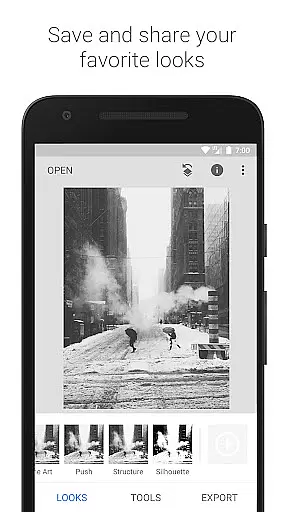
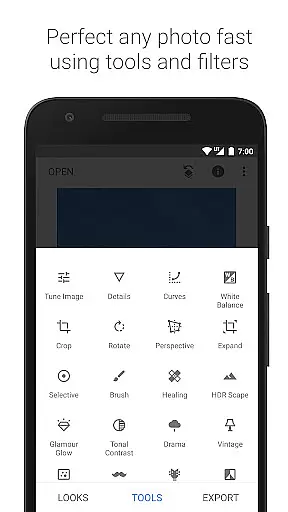
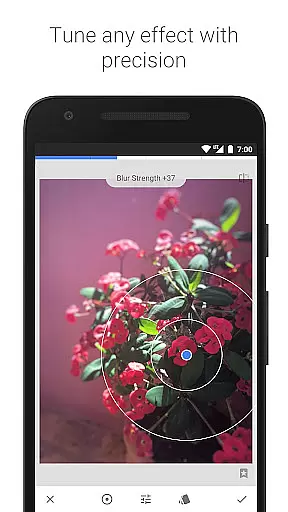
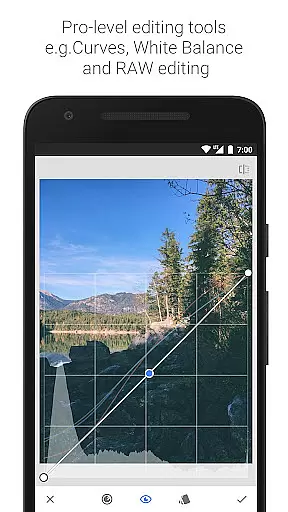
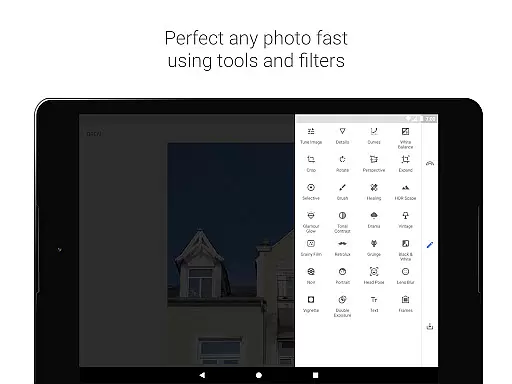
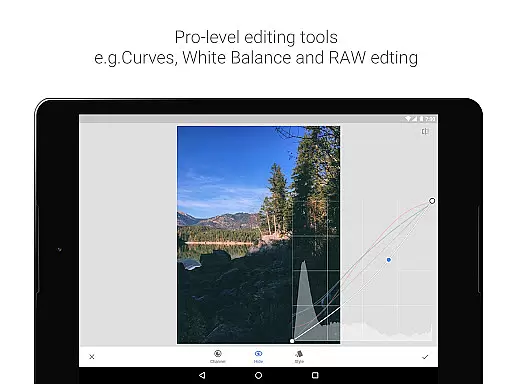
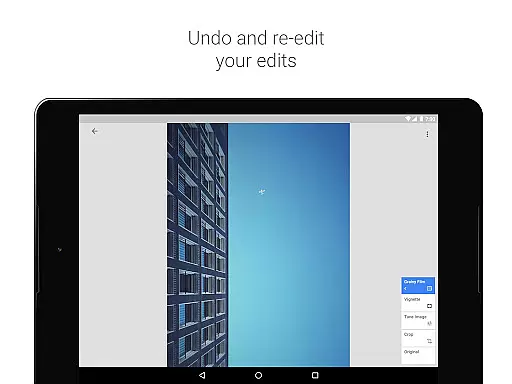
Snapseed stands as a comprehensive and professional photo editing application developed by Google, offering users an extensive suite of tools for enhancing digital images. With 29 distinct tools and filters at your disposal, including options like Healing, Brush, Structure, HDR, and Perspective correction, this app caters to both amateur photographers looking to improve their snapshots and professionals seeking advanced editing capabilities.
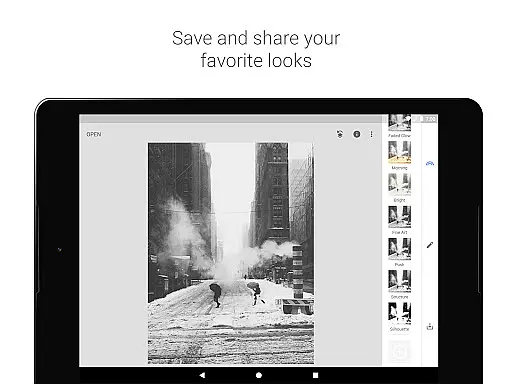
One of Snapseed's standout features is its support for both JPG and RAW file formats, allowing for greater flexibility in photo editing. The app also enables users to save personalized editing styles and apply them to future projects, streamlining the editing process. Whether you're adjusting exposure, tweaking colors, or applying selective filter brushes, Snapseed provides precise control over every aspect of your photo editing journey, making it an invaluable tool for anyone serious about photography.
Snapseed distinguishes itself through its robust feature set tailored for detailed photo manipulation. The app includes sophisticated tools such as RAW Develop, which allows users to open and tweak RAW DNG files non-destructively, and Tune Image for fine-tuning exposure and color with precision. Its Details tool magically enhances surface structures within images, while the Crop and Rotate functions offer standard and freeform adjustments alongside horizon straightening.
Further enhancing its utility, Snapseed incorporates creative filters like Lens Blur for achieving beautiful bokeh effects, Glamour Glow for adding a fashionable sheen to portraits, and various black and white film styles for classic monochrome looks. Users can experiment with Double Exposure to blend two photos creatively, or utilize Face Enhance and Face Pose for refining portrait shots. Each feature is designed to provide unparalleled control and inspire creativity, ensuring that Snapseed remains a top choice for mobile photo editing.
Real-time capture and preview functionality is essential for any photography app as it allows users to see exactly what the camera sees before taking a shot. Snapseed, developed by Google, offers this feature with precision and reliability.
The app supports both JPG and RAW file formats, providing photographers with flexibility in capturing images. The ability to open and tweak RAW DNG files ensures that professionals can work with high-quality images while maintaining non-destructive editing capabilities.
With real-time filters and tools such as Healing, Brush, Structure, HDR, and Perspective correction available at their fingertips, users can make instantaneous adjustments. This immediate feedback empowers photographers to fine-tune exposure, color balance, and other parameters on-the-fly.
Ultimately, Snapseed's real-time capture and preview features enhance the creative process by allowing photographers to experiment with different looks instantly. This capability not only saves time but also elevates the quality of photos taken using mobile devices.
In today's digital age, AI beauty and enhancement features are highly sought after in photo editing applications. Snapseed stands out by offering natural-looking enhancements that preserve the authenticity of an image while elevating its aesthetic appeal.
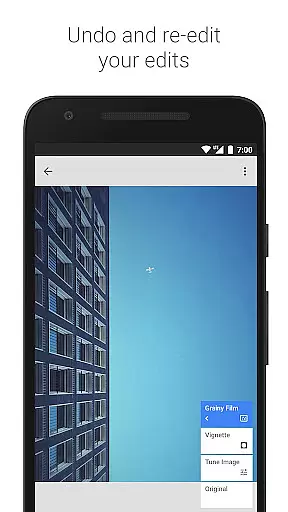
The app includes a suite of sophisticated tools like Glamour Glow, Tonal Contrast, and Grainy Film which leverage advanced algorithms to produce stunning yet believable effects. These tools allow for precise control over surface structures, brightness levels, and film grain textures.
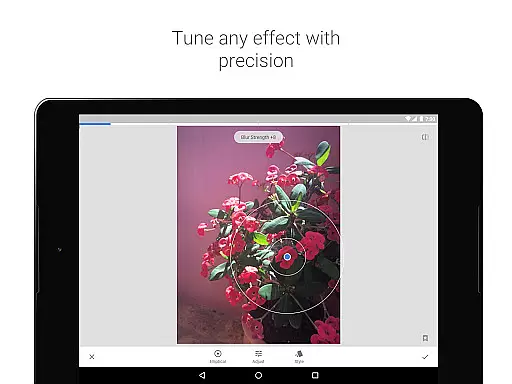
Snapseedu2019s selective filter brush enables users to apply these enhancements locally or globally with accuracy. Whether smoothing skin tones or adding dramatic contrasts, each adjustment blends seamlessly into the original photograph without introducing artificial artifacts.
By prioritizing naturalness in AI-driven enhancements, Snapseed ensures that edited photos retain their genuine essence. Photographers benefit from professional-grade edits that enhance visual storytelling without compromising realism.
User-friendly interface
Extensive editing tools
Supports RAW files
Customizable filters
Precise control options
Steep learning curve
Overwhelming for beginners
Limited video editing
No real-time collaboration
Occasional bugs reported

All-in-One Editor & AI Photo Enhancer, Beautify & Retouch, Collage, Cartoonify
 4.20
4.20
Search, tag and rate your way to an organized image gallery
4.40
Virtual makeup, hair filters & body tuner—edit from face to full body!
4.20
Photo editor: AI filters, photo enhancer, pic collage maker, AI art generator.
4.80
AI photo editor with hair editor, retouch tools, hair color changer & filters!
4.50
Professional photography on your mobile phone
4.20
Transform Photos: Edit, Beautify and Craft Memories & Make Collages!
4.10
Pro version: AR sun/moon tracker for any date. Tool for photographers & planners
4.90
Discover How to Plan any Sun, Moon and Milky Way Photo You Imagine in Seconds
4.70
Collage your moments in one tap: 1000+ layouts, filters, stickers, and texts.
4.90
Your personal guide to the sun and moon. Plan ahead, visualize and predict!
4.70
Easily create custom gifts, cards, photo books & more on the Shutterfly app!
4.60
Cut and paste photo editor & eraser to customize photos easy and swap faces fun
4.50
Photo editor & gallery. Crop pictures & edit photos offline, no wifi!
4.50
What celebrity do you look like? Celebs will find your celebrity match!
4.10
The #1 app for B&W film developing featuring an advanced darkroom timer.
4.10
How would you look like with a differently shaped nose, chin or lips?
3.90
Remote control the phone camera shutter from your smartwatch and take a picture
1.60
Add a dreamy vibe to your selfies and videos with soft style filters
4.1


User Reviews