
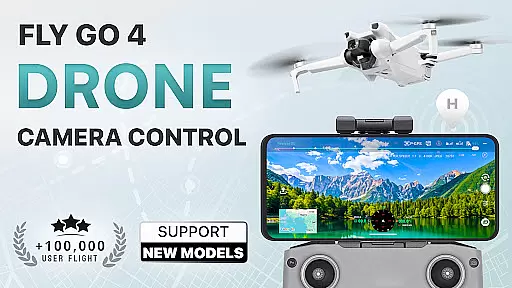
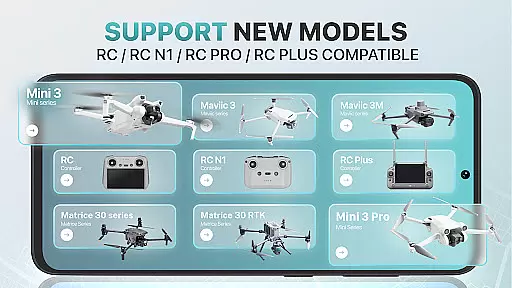
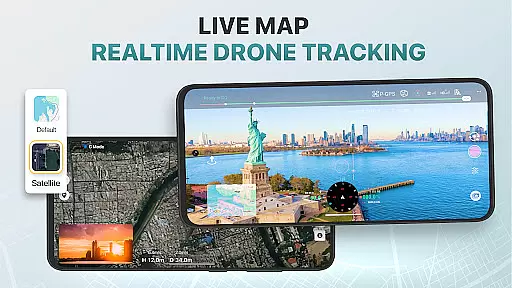
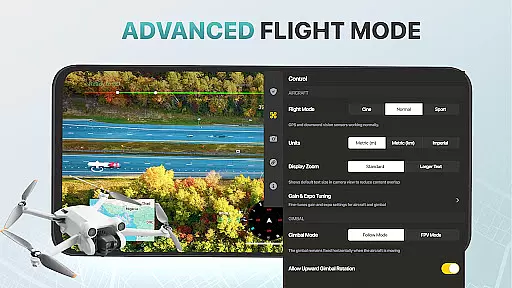
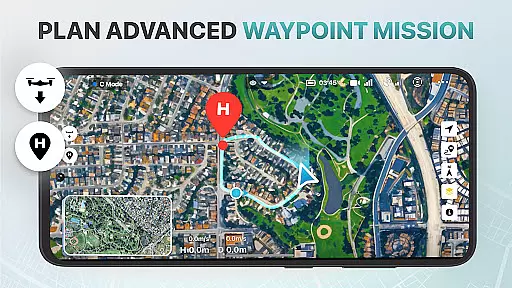
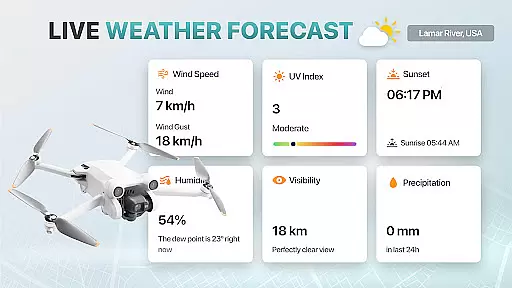
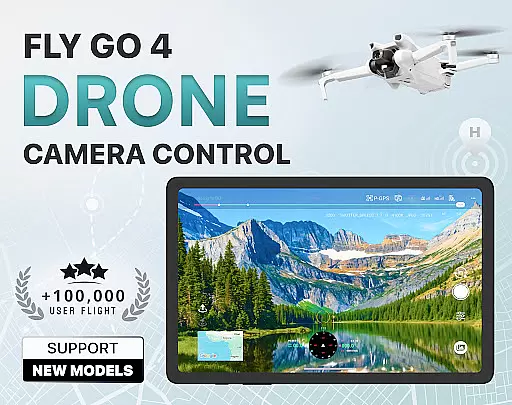
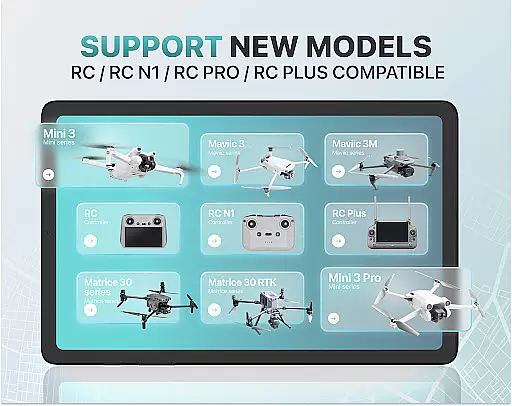
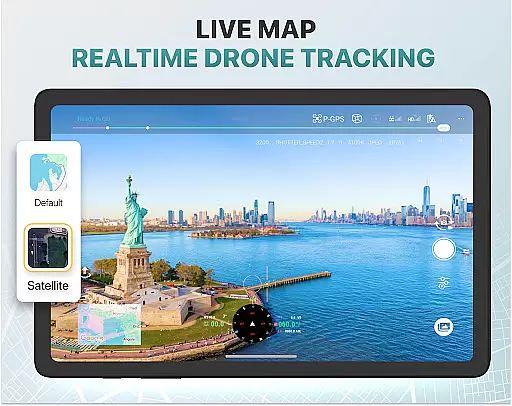
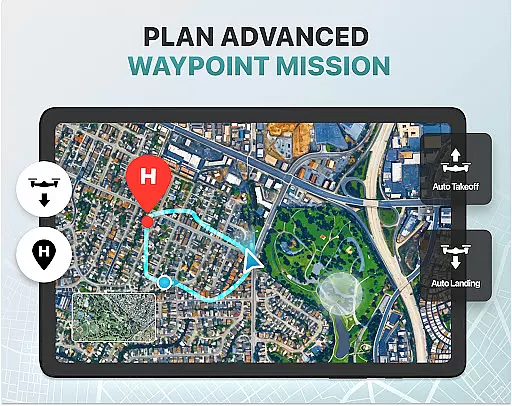
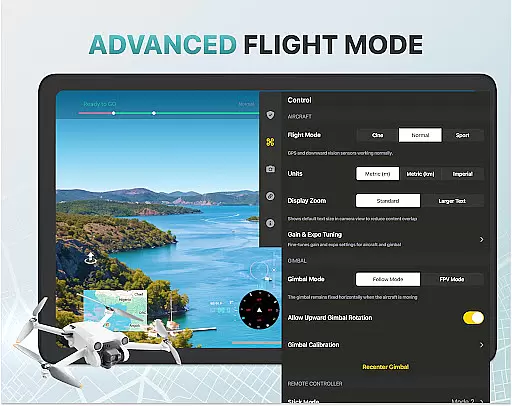
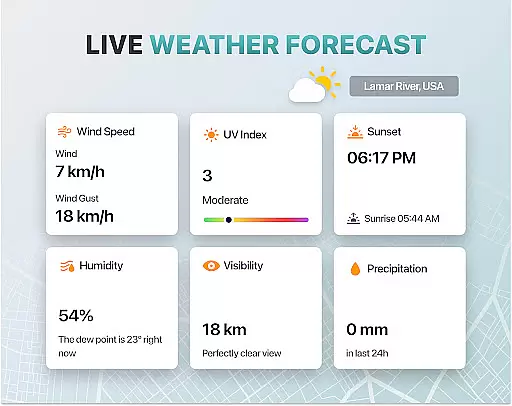
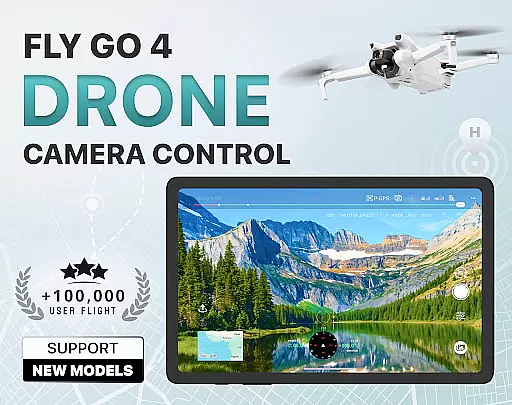
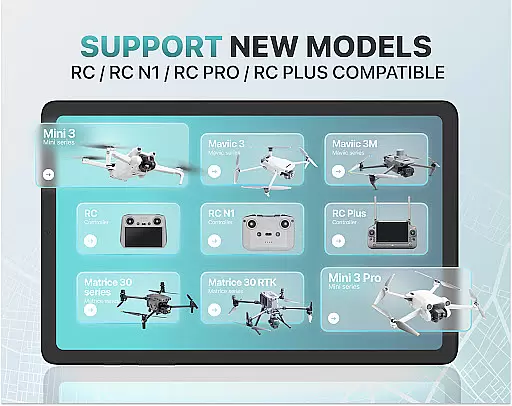
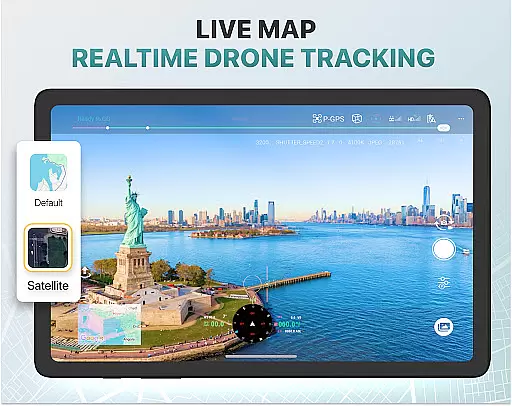
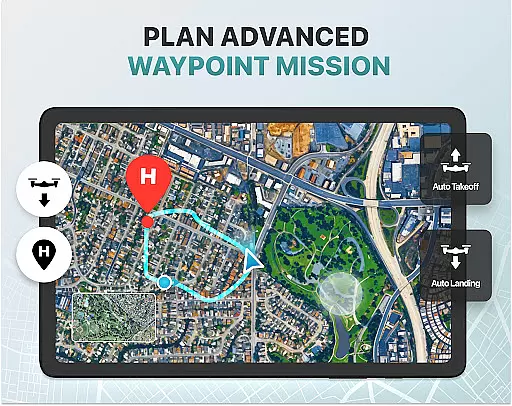
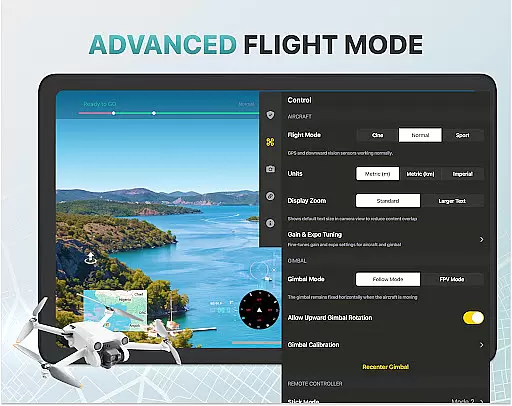
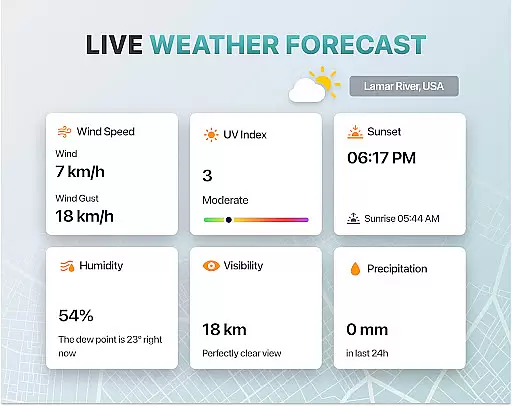
Fly Go 4 Drone Camera Control is a comprehensive photography app designed to enhance drone control and camera operations. The app offers seamless compatibility with various drone models, including popular ones like DJI Mini 3, Matrice 350 RTK, and more. Users can access real-time weather updates, no-fly zone alerts, and intuitive flight modes directly from their mobile devices.
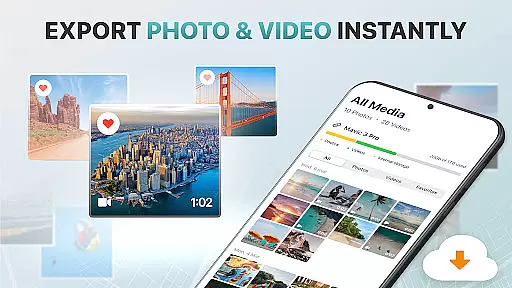
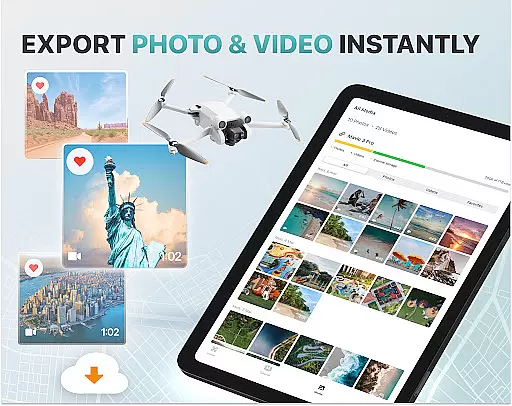
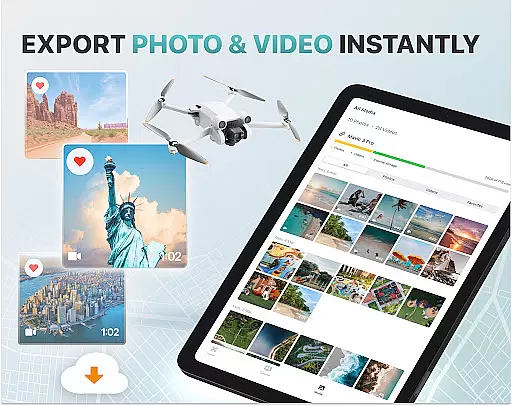
One of the standout features is the real-time camera feed that allows users to capture stunning panoramic images and videos effortlessly. With smart media export options, transferring high-quality footage to your device becomes simple. Additionally, the app includes practical tools such as Find My Drone and Home Point Functionality, ensuring safe and efficient drone operations.
Whether you're a beginner or an experienced pilot, Fly Go 4 provides step-by-step tutorials and advanced drone features like gimbal direction adjustment and exposure graphs. This makes it an ideal choice for anyone looking to master aerial photography while ensuring optimal flying conditions and safety.
The Fly Go 4 Drone Camera Control app boasts a variety of sophisticated features tailored for both novice and expert drone enthusiasts. One of its primary capabilities is the Drone Panorama Photography feature, which lets users capture breathtaking panoramic shots directly from their phone screens. Coupled with real-time camera feeds, this ensures precise control over every shot taken.
Another significant feature is the UAV Weather Forecast tool, providing real-time weather updates crucial for planning safe flights. The No-Fly Zone Alerts further enhance safety by informing users about restricted airspaces through instant notifications and detailed maps. These features collectively ensure that pilots can focus on capturing great content without worrying about regulatory infringements.
Additionally, the app supports extensive drone model compatibility, including models like Matrice 350 RTK and DJI Mavic 3 Enterprise Series. It also offers advanced functionalities such as enhanced gimbal direction adjustments and exposure graphs, allowing users to fine-tune their camera settings accurately. With these robust features, Fly Go 4 stands out in delivering a superior drone photography experience.
Real-time capture and preview functionality is essential for any photography app, especially when controlling drones. The Go Fly Drone Controller Pro offers a seamless live video feed directly to your phone screen, ensuring you can see exactly what your drone's camera sees without any lag.
This feature is made possible through optimized data transmission protocols that maintain high-quality video streaming even in challenging conditions. Users can enjoy smooth 1080p or 4K video previews, depending on their drone model, allowing for precise framing and capturing of shots.
The real-time preview not only enhances the photography experience but also improves flight safety. Pilots can navigate their drones more accurately, avoiding obstacles and ensuring they capture the desired footage without risking the drone's safety.
With this capability, both amateur and professional photographers can achieve stunning aerial shots with confidence, knowing they have complete control over their drone's camera settings and positioning.
While primarily a drone control app, the Go Fly Drone Controller Pro incorporates AI-powered beauty and enhancement features that ensure natural-looking results. These tools automatically optimize image quality by adjusting parameters like exposure, contrast, and color balance.
The AI algorithms are trained on thousands of professional-grade photographs, enabling the app to make intelligent enhancements that preserve the authenticity of the original scene. This ensures that landscapes appear vibrant without looking artificial, and subjects retain their natural features while benefiting from subtle improvements.
Users can apply these enhancements either during post-processing or in real-time while capturing images. The app provides intuitive sliders and controls, allowing users to fine-tune the level of enhancement according to their preferences.
This combination of advanced AI technology and user control delivers professional-quality results that enhance the overall photography experience without compromising the natural beauty of the captured moments.
User-friendly interface
Real-time weather updates
Wide drone compatibility
Advanced camera controls
Comprehensive tutorials
Premium subscription required
Limited free trial period
No iOS support
Occasional GPS glitches
High learning curve

Professional video recording application with manual controls for filmmakers!
 2.80
2.80
Android Native system HD camera app. Never been so simple and faster.
4.70
Pet Camera
3.70
Transform photos into videos! Create realistic or anime-style images easily!
4.50
HD Camera Pro with HD Video shooting, Panorama, Photo editor , Beauty Camera.
4.50
Photo editor & gallery. Crop pictures & edit photos offline, no wifi!
4.50
Easily create custom gifts, cards, photo books & more on the Shutterfly app!
4.60
Discover How to Plan any Sun, Moon and Milky Way Photo You Imagine in Seconds
4.70
Photo & Video Gallery app to manage albums and save WA Status easily.
4.70
Amazing Photo Effects - The most fun you can have with your photos!
4.70
See your baby AI baby face generator AI baby maker Face generator babymaker fun!
4.70
PhotoSync Bundle Add-On License. Enables all features and services in PhotoSync.
4.60
Easily stitch panoramas from multiple photos or video.
4.40
Professional photography on your mobile phone
4.20
Luminar: Photo Editor - easy picture editing with AI
4.20
AI-powered video creator by MiniMax - Where ideas meet cinema
4.20
Transform Photos: Edit, Beautify and Craft Memories & Make Collages!
4.10
Raw Image Viewer. Gallery with support of raw images (.cr3, .cr2, .nef, .raf).
2.00
Photo Album Watch Face shows your favorite pictures as a Watchface.
1.90


User Reviews