
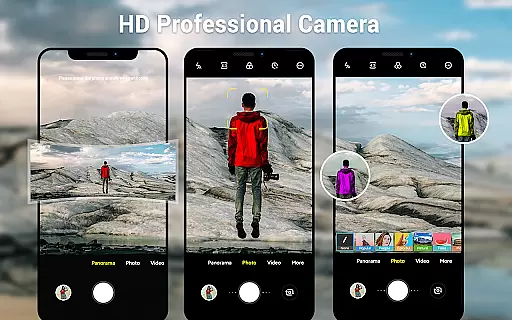
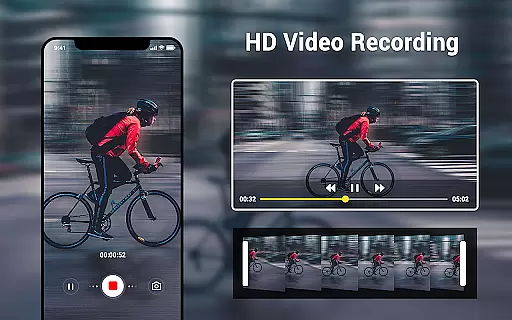
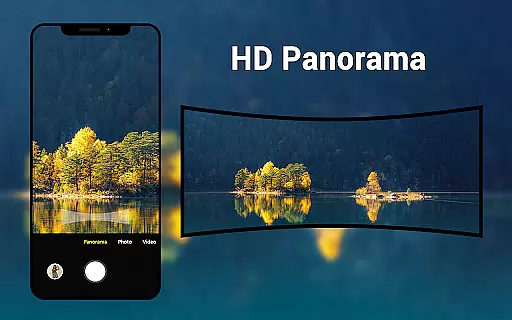
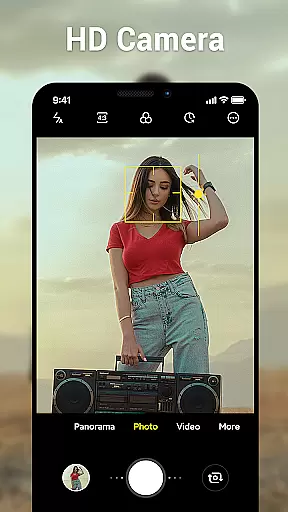
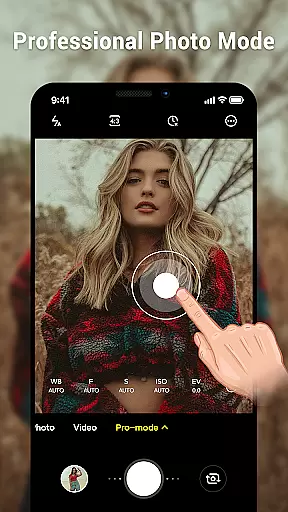
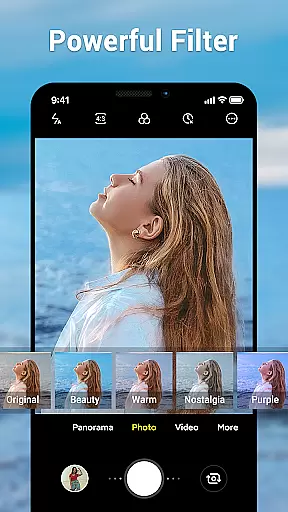
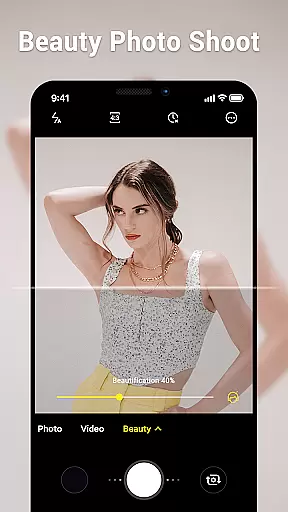
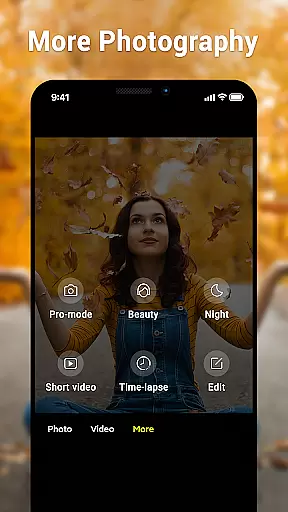
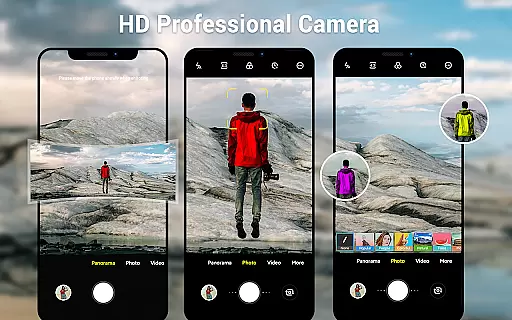
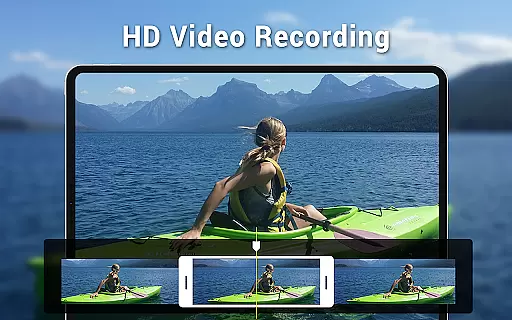
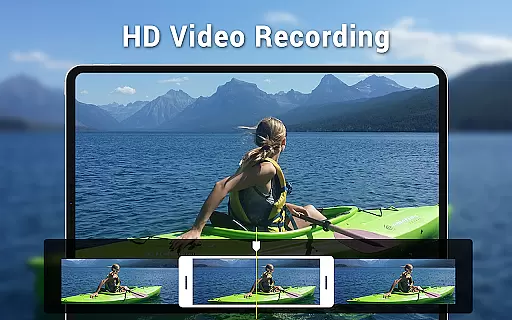
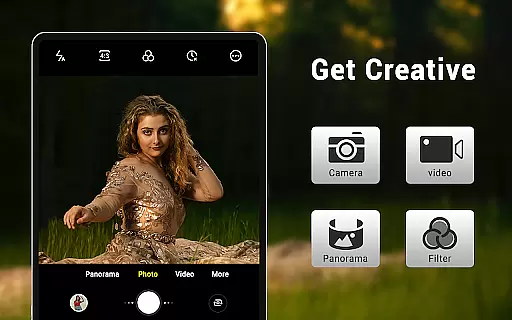
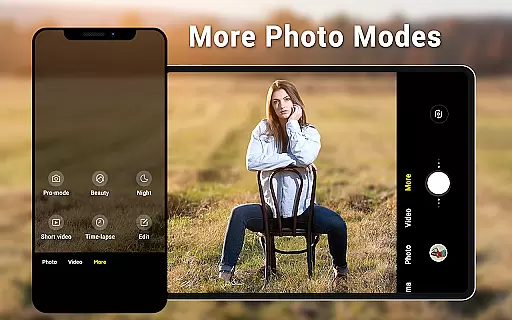
Camera for Android is a native HD camera application designed to provide users with a simple and efficient way to capture high-quality photos and videos. The app supports multiple shooting modes including standard photo capture, video recording, and smart panorama features.
With intuitive controls such as pinch-to-zoom, exposure adjustment, and countdown timer, this app allows users to take excellent photos utilizing all the advantages of their Android devices. It also offers advanced settings like white balance, screen mode, and picture quality adjustments, making it suitable for both casual and professional photography needs.
Whether you're using a phone or tablet, Camera for Android provides a dynamic user interface that adapts to your device. This makes it an ideal choice for capturing moments in wide-screen format while targeting specific locations through geotagging capabilities.
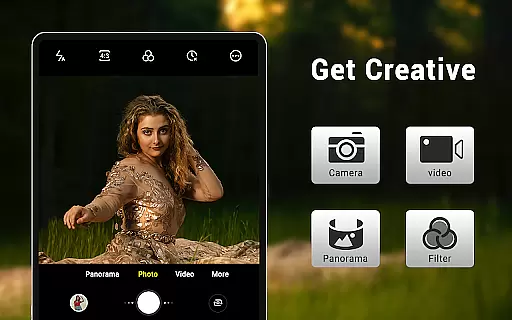
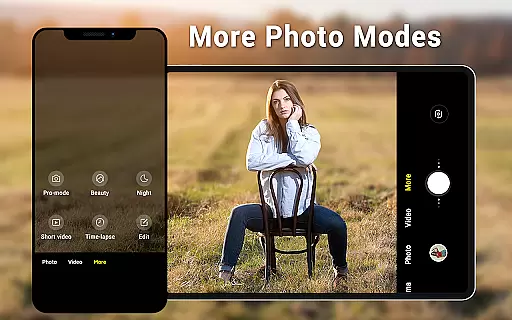
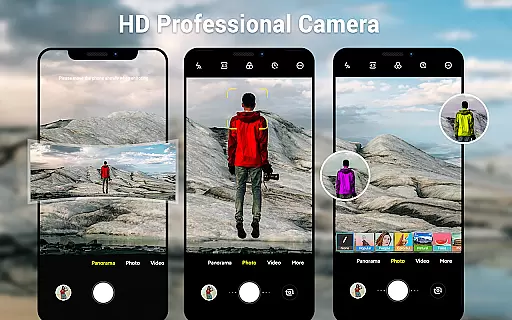
One of the standout features of Camera for Android is its comprehensive set of shooting modes. Users can choose between three primary modes: standard camera, video recorder, and panorama. Each mode is optimized for performance, ensuring high-definition output regardless of the content being captured.
The app includes various customization options such as white balance settings (Incandescent, Fluorescent, Auto, Daylight, Cloudy), screen mode settings (Action, Night, Sunset, Play), and configurable volume keys. These features allow users to tailor their photography experience according to different environments and lighting conditions.
Additional functionalities include pinch-to-zoom capability, countdown timers, and exposure adjustments. With these tools at hand, users can capture detailed images even in challenging scenarios. Furthermore, the app's support for location targeting adds another layer of utility by enabling geotagged photos.
Real-time capture and preview functionality is essential for ensuring that users can accurately frame and capture their desired shots without delay. The Camera for Android app excels in this area by providing a seamless experience that leverages the native capabilities of Android devices.
This application offers an intuitive interface that allows users to instantly see what the camera sees, making it easier to adjust settings such as exposure, white balance, and screen modes on the fly. With features like pinch to zoom and smart panorama shooting, users can capture high-quality images with precision and ease.
The app supports various shooting modes including standard photo capture, video recording, and panoramic shots, all presented through a dynamic user interface suitable for both phones and tablets. This ensures that whether you're capturing a fleeting moment or creating a detailed panorama, the real-time preview will help you achieve the best results.
By utilizing the full advantages of your device's hardware, Camera for Android delivers a responsive and reliable photography experience. Users benefit from immediate feedback on their adjustments, allowing them to focus on creativity rather than technicalities.
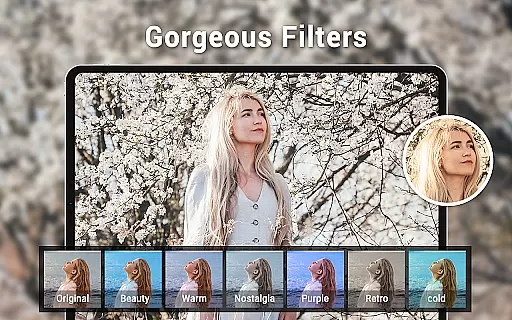
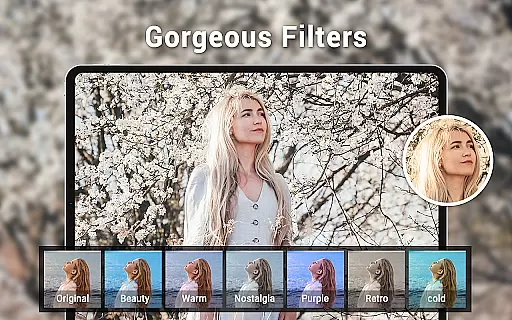
AI beauty and enhancement features have become increasingly popular in photography apps, offering users the ability to improve their photos with natural-looking effects. Camera for Android incorporates these enhancements while maintaining the authenticity of the original image.
With configurable options for picture quality and white balance settings, users can fine-tune their images to match different lighting conditions and personal preferences. The app includes presets for incandescent, fluorescent, daylight, and cloudy environments, ensuring that skin tones and colors appear true to life.
Additionally, the inclusion of countdown timers and exposure settings allows users to prepare for the perfect shot, while location targeting adds context to each photograph. These features work together to enhance the overall quality of photos without compromising their natural essence.
While many third-party applications offer similar functionalities, Camera for Android stands out by focusing on efficiency and meeting core user needs. It provides an additional option for devices lacking a native camera app, ensuring that everyone has access to high-quality photography tools.
User-friendly interface
High-definition image capture
Multiple shooting modes
Advanced customization options
Dynamic UI adaptation
Limited creative filters
No built-in editing tools
Basic panorama stitching
Occasional performance lags
Ads in free version

Effortlessly organize, view and share your photos & videos with Gallery app!
 4.40
4.40
Long exposure camera with computational photography
2.60
Find time and duration of different sunlight phases at any location
4.90
How old age camera Gender Swap App Face Shape Hairstyle App Hair Styler App fun!
4.00
Automatically backup your photos and videos to computer, NAS and Cloud services
4.60
AI photo enhancer with Sora 2! Enhance, descratch, and colorize your old photos.
4.50
Transform Photos: Edit, Beautify and Craft Memories & Make Collages!
4.10
Unlock the full potential of your DJI drone with Litchi
4.50
Edit photos with the picture generator: PS2 & AI Clay filters, cartoon effects.
4.50
Perfect body tune & face app - photo retouch, makeup, slim body & beautify face.
4.80
Easily view, share, delete photos with Gallery.
4.70
Enhance, upscale, and transform your images — on your device, without limits
4.70
1M influencer's special filter
4.60
Viewfinder, Light meter, Reciprocity failure time, DOF & Bellows Extension
4.60
HD Camera Pro with HD Video shooting, Panorama, Photo editor , Beauty Camera.
4.50
Photo editor & gallery. Crop pictures & edit photos offline, no wifi!
4.50
Easily stitch panoramas from multiple photos or video.
4.40
Future baby face generator: AI kids generator, kid face! What my baby look like?
4.40
RAW video capture with advanced controls
4.40


User Reviews