
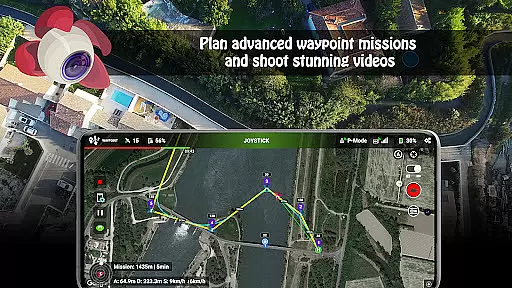
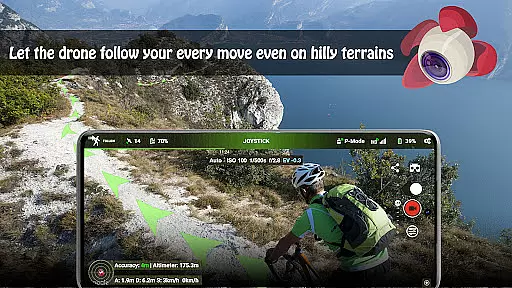
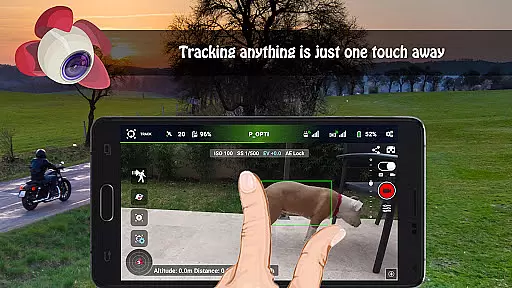
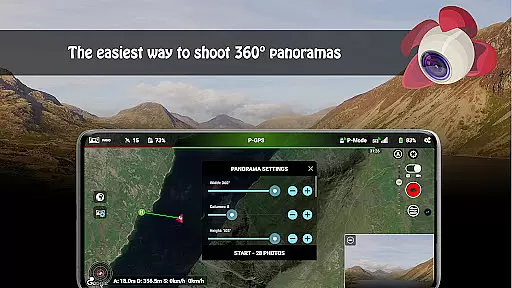
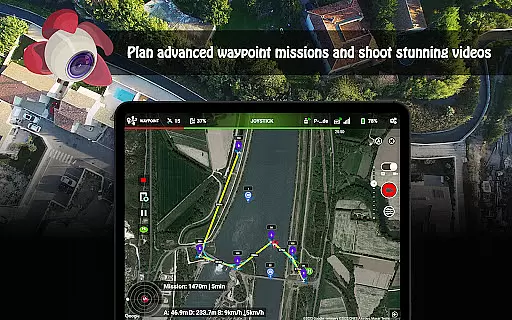
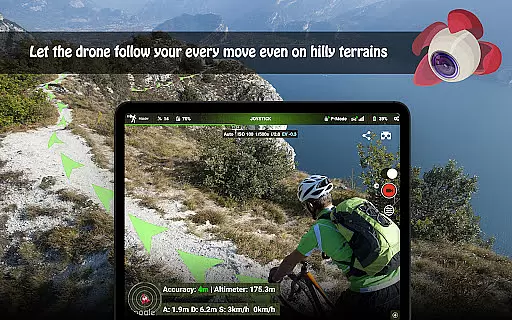
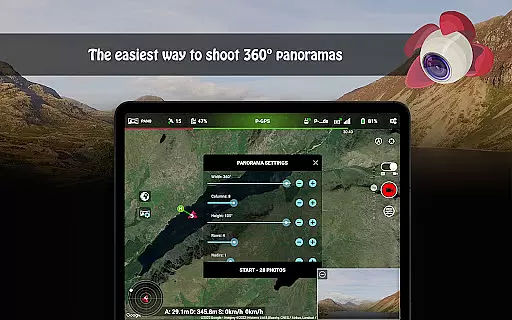
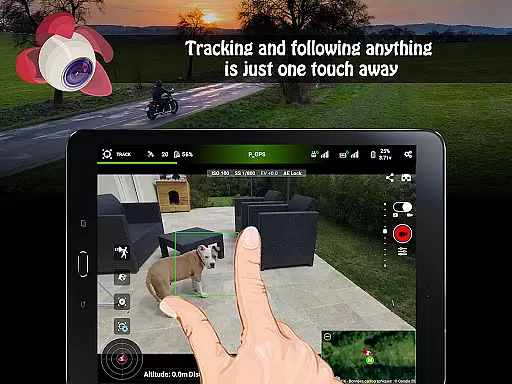
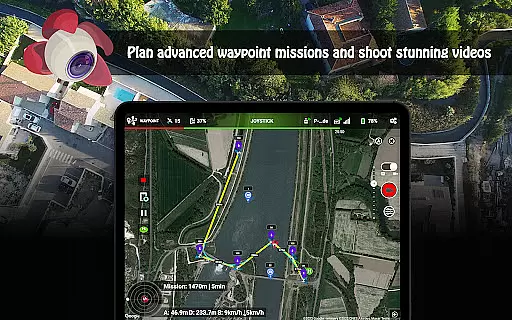
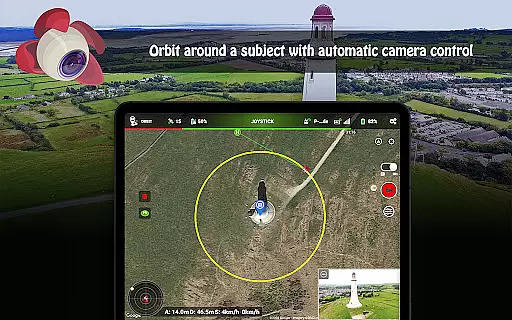
Litchi for DJI Drones is the premier application designed to enhance your drone flying experience. This app unlocks advanced features of compatible DJI drones, offering users an intuitive interface and powerful tools. With Litchi, you can access Waypoint mode for seamless flight planning, Panorama mode for stunning aerial shots, and Track mode that utilizes computer vision algorithms to frame subjects perfectly.
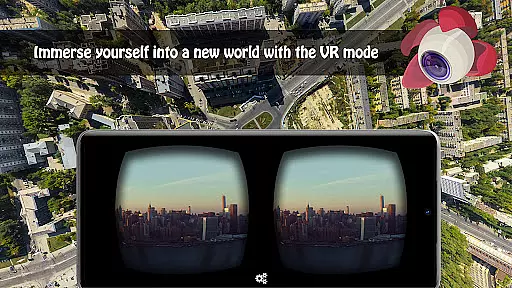
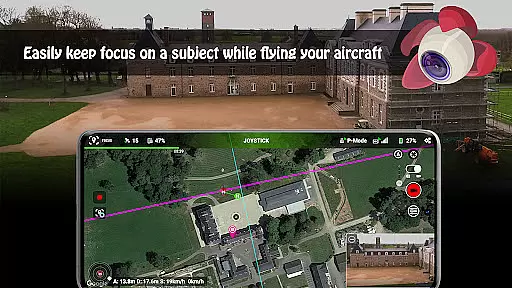
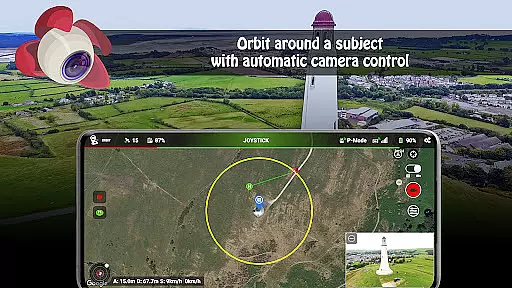
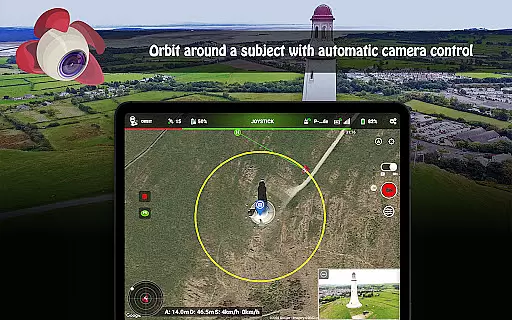
The app also includes Follow mode, VR mode for immersive FPV experiences, and Focus mode to assist with gimbal and yaw control. Additional functionalities include Orbit mode, live streaming capabilities, video feed sharing, custom RC key functions, human-readable flight logs, voice feedback, automatic video recording, and support for Bluetooth controllers. These features make Litchi a versatile tool for both professional and recreational drone pilots.
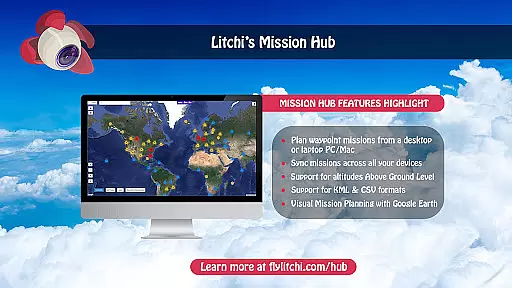
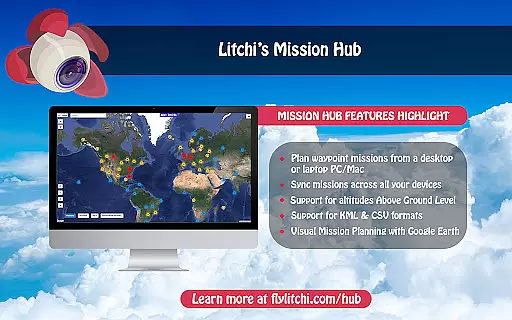
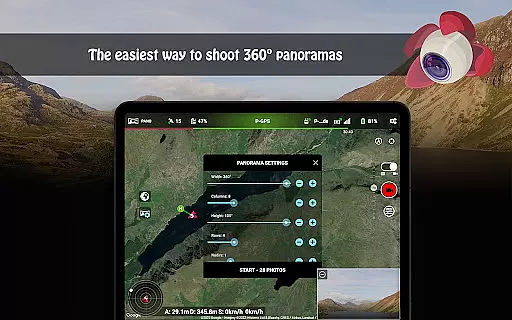
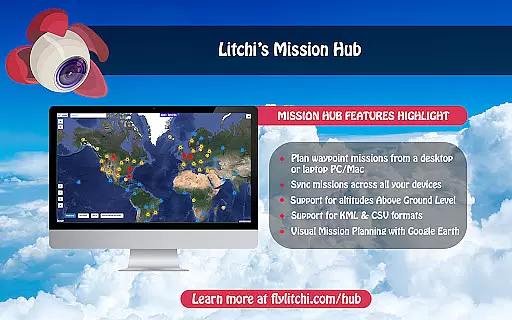
Litchi stands out with its comprehensive feature set tailored for DJI drone enthusiasts. The Waypoint mode offers an intuitive yet powerful engine accessible across multiple platforms including PC/Mac, allowing effortless synchronization of flight plans. The Panorama mode simplifies capturing horizontal, vertical, and 360 spherical panoramas, enhancing photographic possibilities.
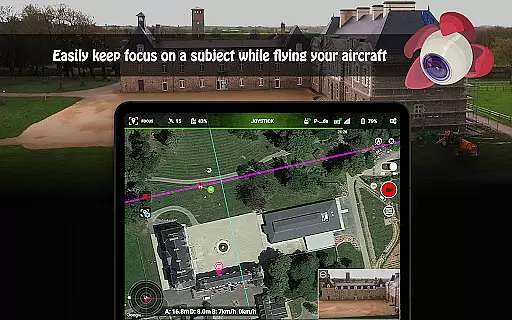
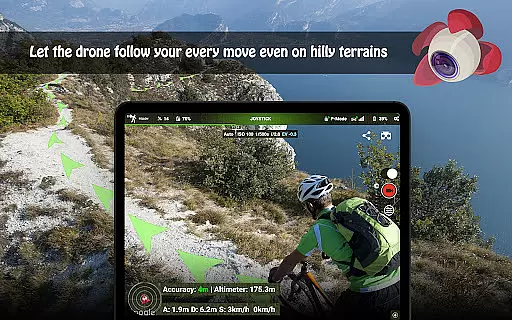
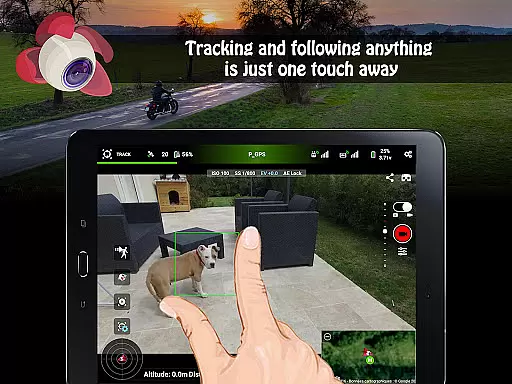
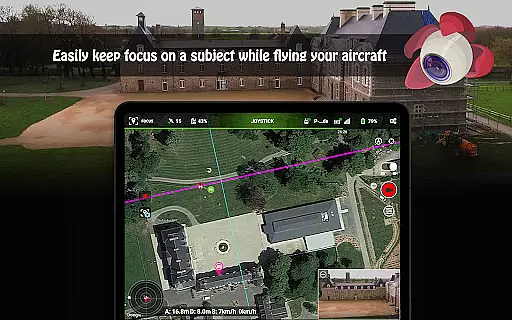
Track mode employs cutting-edge computer vision algorithms to keep selected subjects perfectly framed during autonomous flights or orbits. Follow mode leverages mobile device GPS and altitude sensors to track user movements. VR mode transforms the flying experience by integrating mobile phone capabilities for immersive FPV through compatible goggles. Focus mode assists pilots by managing gimbal and yaw controls, enabling focus on navigation.
Real-time capture and preview functionality is essential for drone photography, allowing users to see exactly what the camera captures as it happens. Litchi for DJI Drones excels in this area by providing a seamless live feed from the drone's camera directly to the user's device.
The app ensures minimal latency in video transmission, which is crucial for precise framing and capturing the perfect shot. This real-time feedback enables photographers to make instant adjustments to camera settings and drone positioning, ensuring optimal image quality.
With Litchi, users can also control various camera functions remotely, such as shutter speed, ISO, and exposure. This level of control, combined with real-time preview, empowers users to execute their creative vision with precision and confidence.
Ultimately, the real-time capture and preview feature in Litchi enhances the overall photography experience by providing reliable, high-quality live video streaming that meets the demands of both amateur enthusiasts and professional photographers.
While primarily focused on drone control and photography features, Litchi also incorporates elements of AI beauty and enhancement to improve image quality naturally. The app leverages advanced algorithms to enhance photos without compromising their authenticity.
Litchi's post-processing capabilities include automatic color correction, dynamic range adjustment, and noise reduction. These enhancements are applied subtly to maintain the natural look of images, avoiding the over-processed appearance common in less sophisticated software.
Users benefit from these enhancements when capturing aerial shots that require minimal editing afterward. The AI-driven enhancements ensure that every photo taken with Litchi is vibrant and clear, yet retains its original character and detail.
This focus on natural enhancement not only saves time in post-production but also elevates the standard of aerial photography, making professional-grade results accessible to all users regardless of their editing skills or experience.
Intuitive waypoint planning
Advanced computer vision
Seamless cross-device sync
Immersive VR experience
Comprehensive feature set
Incompatible with latest drones
Requires internet validation
Separate goggles needed for VR
Additional purchases may apply
Complex for beginners

Find time and duration of different sunlight phases at any location
 4.90
4.90
Turn your phone into a professional camera - full DSLR manual photography
4.30
The #1 app for B&W film developing featuring an advanced darkroom timer.
4.10
HD Camera Pro with HD Video shooting, Panorama, Photo editor , Beauty Camera.
4.50
A must-have app for landscape photographers
4.60
Create amazing frames with up to five photos. Rounded corners, effects and more!
3.60
AI photo enhancer with Sora 2! Enhance, descratch, and colorize your old photos.
4.50
The original Rarevision VHS look seen everywhere!
4.70
Effortlessly make high-quality GIFs from images & videos without any watermarks.
4.70
Photo prints, cards, & gifts at Walgreens. Easy ordering & fast local pickup !
4.80
Photo editor: AI filters, photo enhancer, pic collage maker, AI art generator.
4.80
Amazing Photo Effects - The most fun you can have with your photos!
4.70
Shooting photos and records video easily and efficient with professional Camera
4.30
Smart, light, and fast photo and video gallery
4.30
Professional camera app that brings DSLR manual photography controls to Android.
4.20
Transform Photos: Edit, Beautify and Craft Memories & Make Collages!
4.10
How would you look like with a differently shaped nose, chin or lips?
3.90
Hair color changer, AI haircut app, fun hair editor and buzz cut filter for all!
3.80
Add a dreamy vibe to your selfies and videos with soft style filters
4.2


User Reviews