
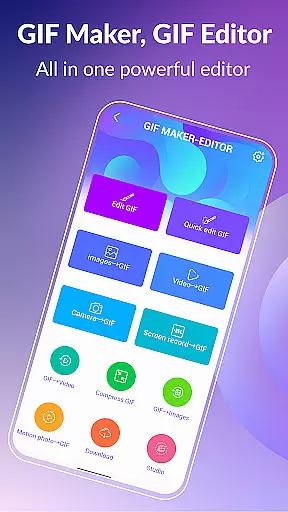
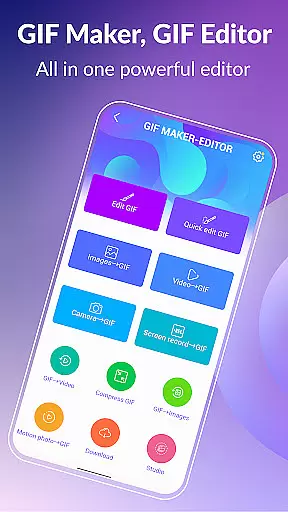
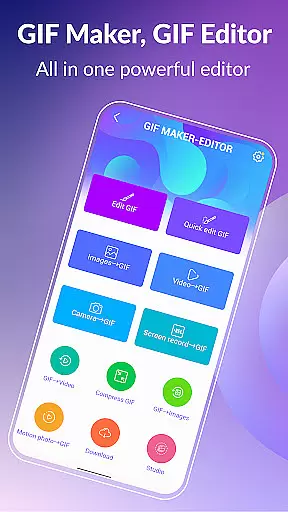

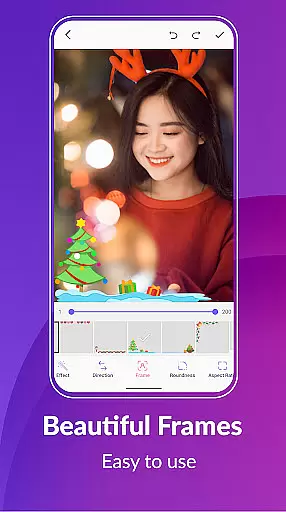
GIF Maker & GIF Editor Pro is a comprehensive photography app designed for creating and editing high-quality animated GIFs without watermarks. With support for up to 600 frames and 720x1280(HD) pixels, this app offers an intuitive interface that allows users to transform images, videos, screen recordings, and existing GIFs into stunning animations.
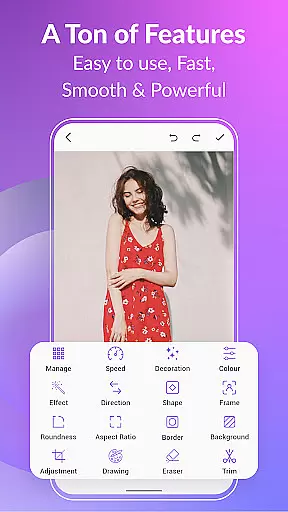
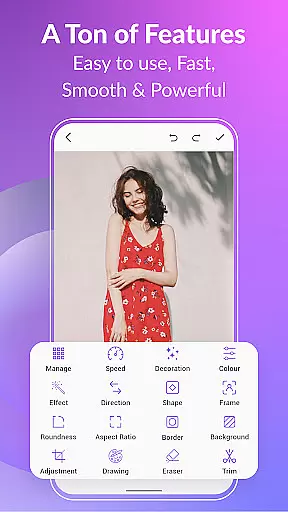
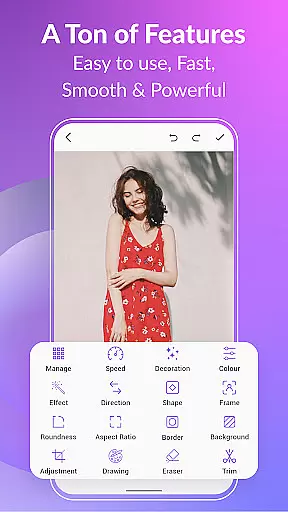
The app supports popular formats like PNG, JPEG, MP4, MPEG, FLV, 3GP, and GIF. Users can customize their creations with features such as crop, resize, speed adjustment, emoji, filters, trim, stickers, aspect ratio modification, and more. Whether you're looking to make memes or compress GIFs for easier sharing, GIF Maker & GIF Editor Pro provides the tools needed to unleash your creativity.
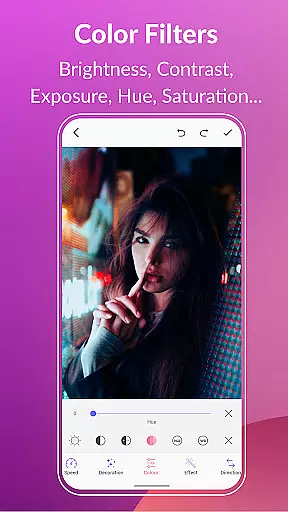
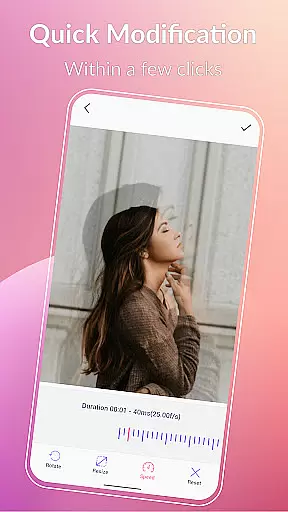
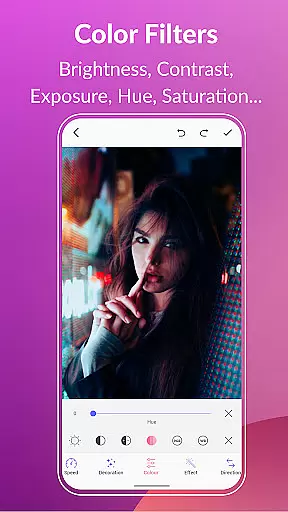
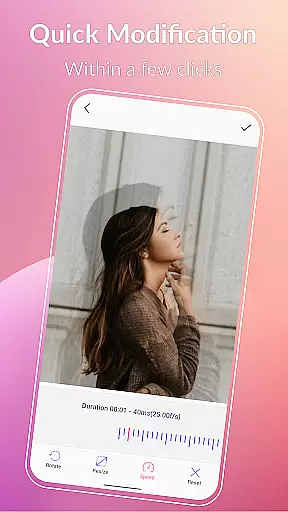
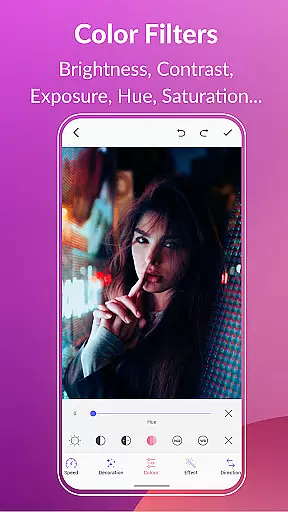
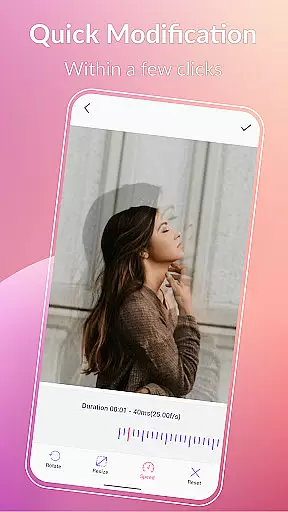
GIF Maker & GIF Editor Pro stands out with its extensive feature set tailored for both casual users and professionals. The app allows conversion of videos to GIFs and vice versa while maintaining quality and resolution. Advanced editing options include background customization with transparent, blur, or gradient effects, quick edits for resizing and speed adjustments, and applying stylish color filters.
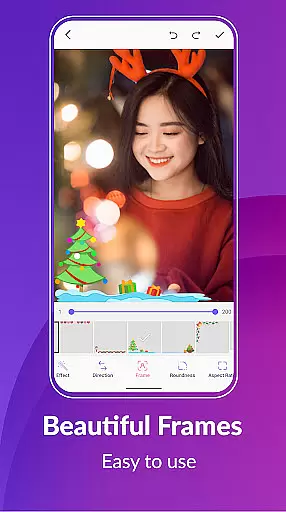
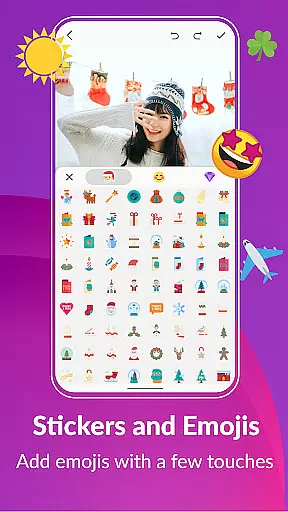
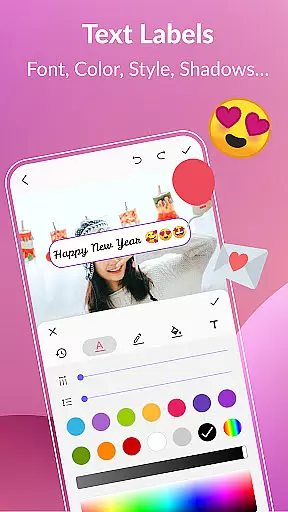
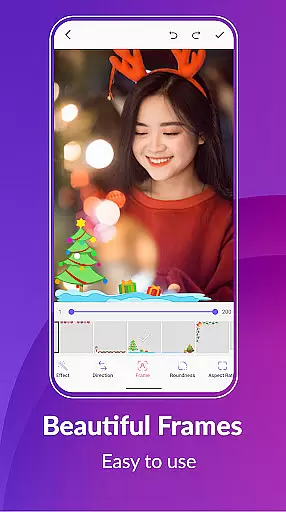
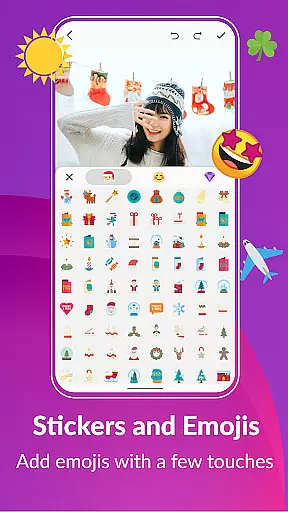
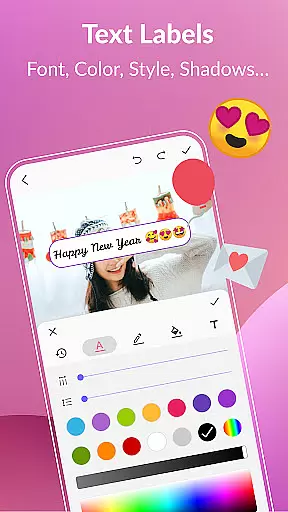
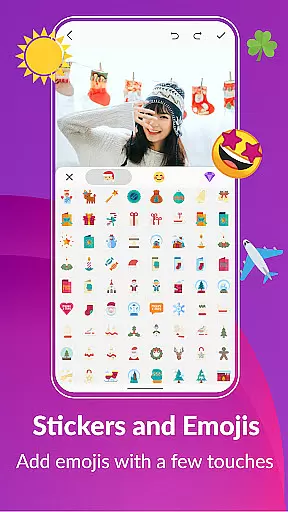
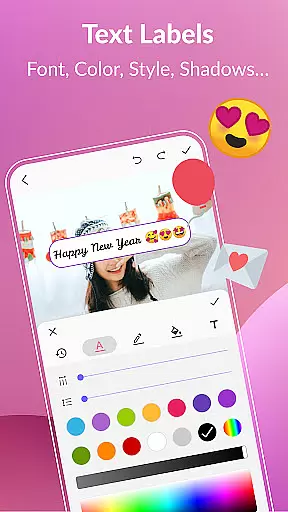
Users can enhance their GIFs with text labels, meme styles, stickers, and emojis. The app also enables exporting individual frames from a GIF and managing entire collections effortlessly. With support for 22 languages and dark/light theme options, it ensures accessibility and comfort for a global audience seeking to create unique, high-quality animations.
Real-time capture and preview functionality is essential for any photography or GIF creation app. This feature allows users to see exactly what their final output will look like while they are still in the process of creating it. With GIF Maker, GIF Editor Pro, you can transform images, videos, and even screen recordings into animated GIFs with live previews at every step.
The application supports a wide array of formats including PNG, JPEG, MP4, MPEG, FLV, 3GP, and more. This versatility ensures that no matter what type of media you start with, you'll be able to see your progress unfold in real time. The ability to instantly view changes as you apply filters, adjust speeds, or add text means that you can fine-tune your creations precisely how you envision them.
For users who want to create high-quality animations without watermarks, this real-time feedback loop is invaluable. It saves time by reducing the need for trial and error, allowing creators to produce polished GIFs faster than ever before. Whether you're crafting memes, designing marketing materials, or just having fun with personal projects, seeing your work come together dynamically enhances both productivity and enjoyment.
AI beauty and enhancement features have become increasingly popular in photo editing applications, offering tools that improve image quality while maintaining natural aesthetics. In GIF Maker, GIF Editor Pro, these capabilities extend beyond static images to include animated GIFs. Users can leverage advanced AI algorithms to enhance their GIFs seamlessly, ensuring each frame looks its best without appearing overly processed.
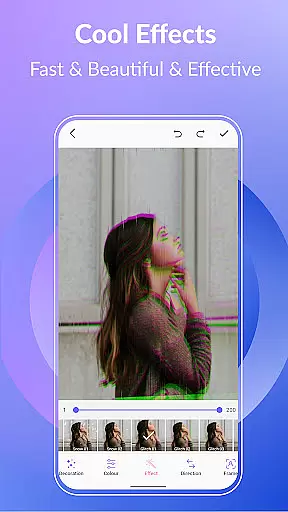
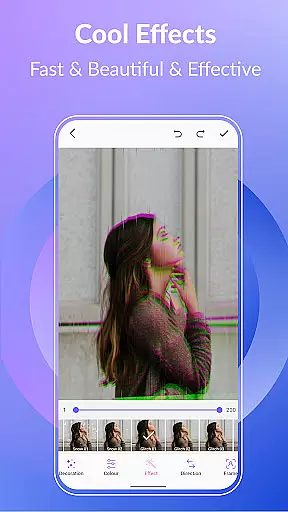
This app provides numerous options such as color filters, brightness adjustments, contrast tweaks, and white balance corrections. These enhancements help bring out the true colors and details within your GIFs, making them visually striking yet authentic. Additionally, features like background customizationu2014transparent, solid colors, gradients, blur effectsu2014add another layer of creativity, enabling users to craft unique visual narratives.
By focusing on natural enhancement rather than artificial alteration, GIF Maker, GIF Editor Pro empowers users to maintain the original essence of their content. This approach not only improves overall visual appeal but also preserves the genuine feel of the animation. As a result, whether youu2019re creating professional-grade visuals or casual social media posts, your GIFs will stand out for their clarity and lifelike qualities.
User-friendly interface
High-quality output
Extensive format support
Versatile editing tools
Multilingual support
Premium version required
Large file sizes
Limited free features
Occasional bugs
Ads in free version

[3DSteroid Pro] is a stereoscopic application for Android.
 4.30
4.30
Viewfinder, Light meter, Reciprocity failure time, DOF & Bellows Extension
4.60
Cut and paste photo editor & eraser to customize photos easy and swap faces fun
4.50
Photo prints, cards, & gifts at Walgreens. Easy ordering & fast local pickup !
4.80
Photo Exif Editor allows to view, add and modify EXIF data of multiple photos
4.50
Automatically backup your photos and videos to computer, NAS and Cloud services
4.60
Create AI photos & videos with Enhancer; restore, fix, beautify, enhance photos
4.50
Easily view, share, delete photos with Gallery.
4.70
Turn photos into cartoons & avatars! - Photo Editor, Cartoon Face!
3.90
Collage your moments in one tap: 1000+ layouts, filters, stickers, and texts.
4.90
Perfect body tune & face app - photo retouch, makeup, slim body & beautify face.
4.80
The original Rarevision VHS look seen everywhere!
4.70
A must-have app for landscape photographers
4.60
Create collages easily! Nice pic collage maker & background eraser for Instagram
4.50
Search, tag and rate your way to an organized image gallery
4.40
Luminar: Photo Editor - easy picture editing with AI
4.20
Professional camera app that brings DSLR manual photography controls to Android.
4.20
Be your best in every shot! Fix, edit and retouch your face in selfies & photos.
3.70
Application for remote controlling DSLR
3.00


User Reviews