

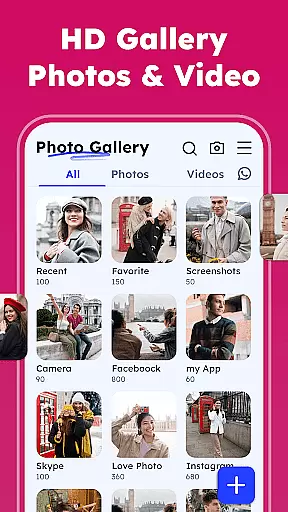


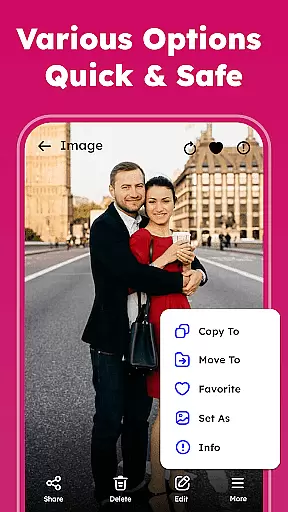
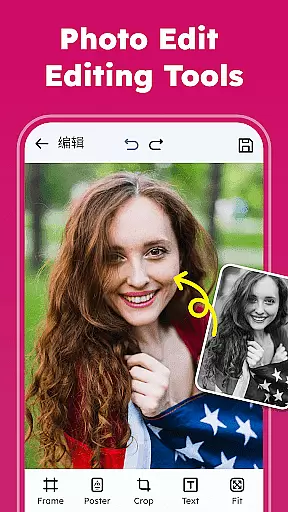

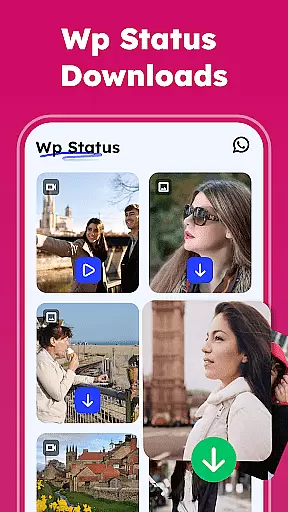

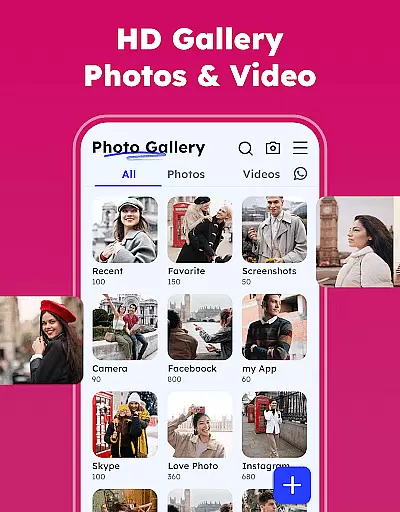

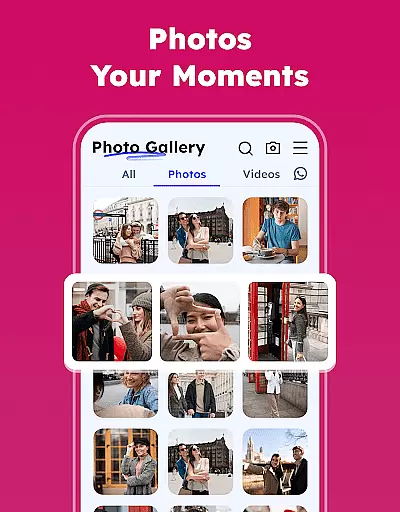
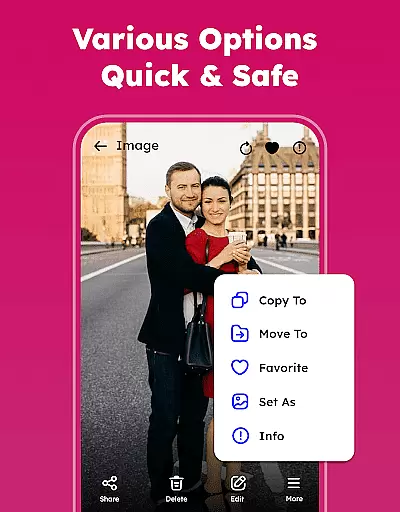
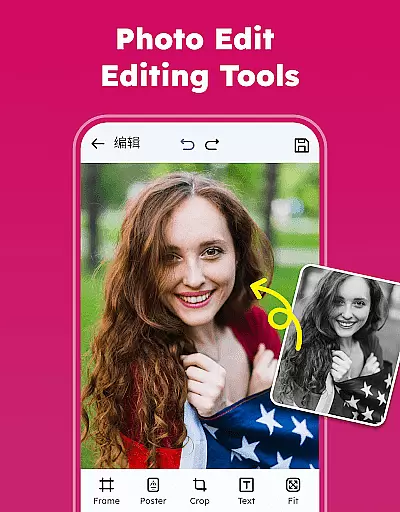
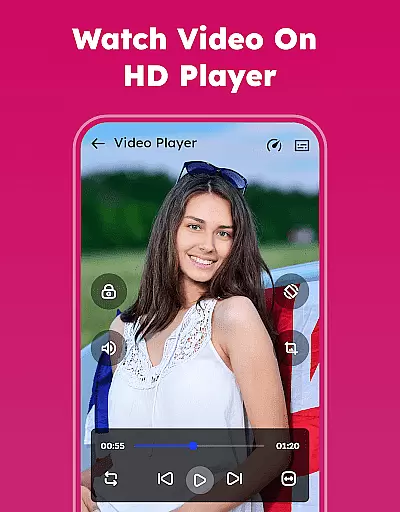
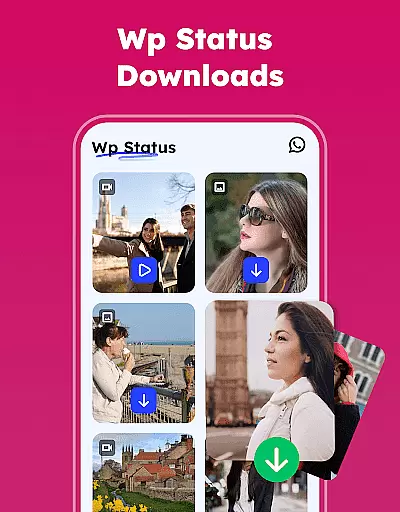

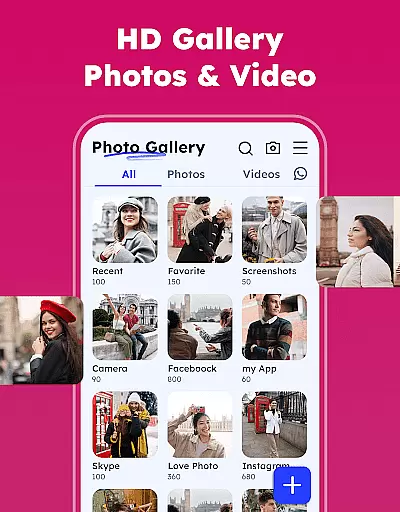

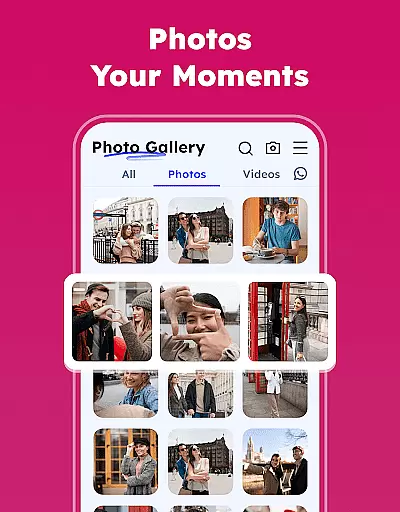
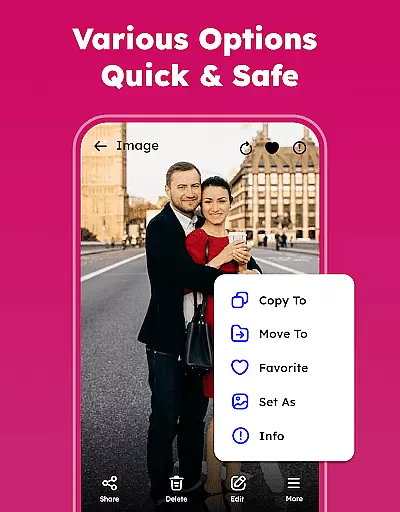
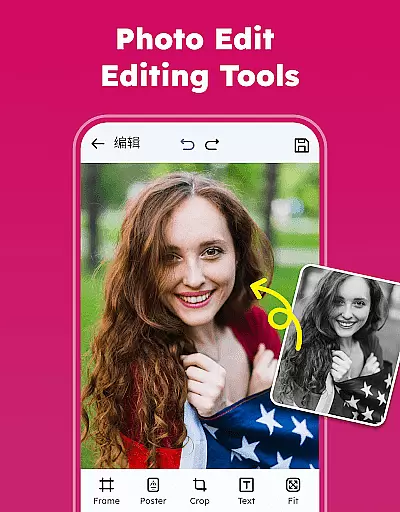
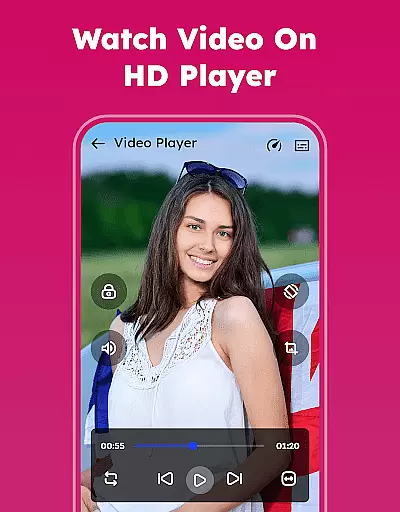
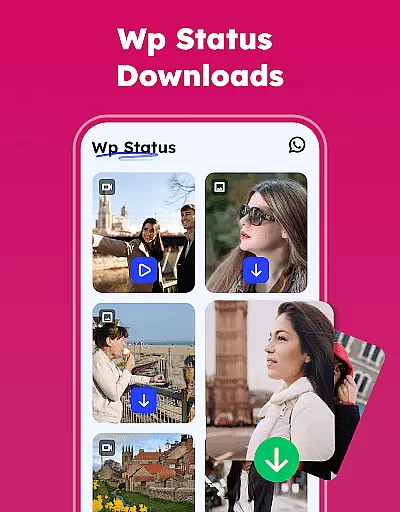
Gallery - Photos & Videos is a feature-rich photography app designed to help users efficiently manage, edit, and protect their media files. This lightweight application offers a comprehensive suite of tools for organizing photos and videos, including password protection, editing capabilities, and easy sharing options.
The app's standout features include its smooth interface, automatic categorization of media, and the ability to remove duplicate files. It also provides offline access, making it convenient for users to view their media without an internet connection. Whether you're looking to relive cherished memories or optimize your media management, this app delivers both functionality and ease of use.
With its user-friendly design and powerful features such as photo editing, theme customization, and album creation, Gallery - Photos & Videos is perfect for daily use. The app ensures privacy with its gallery lock feature while offering creative tools to enhance your photos. Ideal for anyone seeking a fast, secure, and smart gallery solution.
Gallery - Photos & Videos stands out with its extensive range of features tailored for efficient media management. Users can view all their photos and videos, organize them into albums, and even set images as wallpaper on their device screens. The app supports various formats and includes advanced sorting options by name, date, size, or category.
A key highlight is the built-in photo editor, which allows users to apply filters, add emojis, and make other creative adjustments. Additionally, the app offers a unique feature to remove duplicate media files, helping save storage space. Its 'Explore' section automatically categorizes media, making it easier to find specific images or videos quickly.
Security is prioritized with the gallery lock feature, enabling users to protect sensitive content using a PIN or password. The app also works seamlessly offline and includes a WA Status Saver function. These robust features ensure that Gallery - Photos & Videos not only simplifies media organization but also enhances privacy and creativity.
Real-time capture and preview functionality is essential for any photography app, allowing users to see exactly what they are capturing before taking the shot. This feature ensures that users can make necessary adjustments to lighting, angle, and composition instantly.
The Gallery - Photos & Videos app offers a seamless real-time capture experience by providing an intuitive interface that displays accurate previews. Users can trust that what they see on their screen is precisely what they will get in their final image or video, ensuring high-quality results every time.
This immediate feedback loop enhances the user's ability to take better photos and videos without needing to retake shots due to unforeseen issues. By delivering reliable and crisp previews, the app empowers users to capture their moments with confidence and precision.
AI beauty and enhancement features have become a staple in modern photography apps, offering users the ability to enhance their photos naturally. These tools use advanced algorithms to improve skin tones, remove blemishes, and adjust facial features while maintaining a realistic appearance.
In the Gallery - Photos & Videos app, AI-powered enhancements provide users with subtle yet effective touch-ups. The app intelligently applies filters and adjustments that preserve the authenticity of the original photo, avoiding the over-processed look that can occur with less sophisticated tools.
By focusing on naturalness, this feature allows users to elevate their photos without sacrificing their genuine essence. Whether it's for personal memories or social media sharing, users can achieve polished results that still reflect true-to-life moments.
User-friendly interface
Comprehensive editing tools
Secure gallery lock
Efficient media organization
Offline functionality
Limited cloud integration
Occasional bugs reported
Ads in free version
Advanced features need upgrade
Heavy on storage

[3DSteroid Pro] is a stereoscopic application for Android.
 4.30
4.30
Find time and duration of different sunlight phases at any location
4.90
HD Photo gallery and photo manager to edit, hide private photos, videos & albums
4.1
Edit like a pro with Hypic. Apply filters, AI effects, & magic touch.
4.40
Pet Camera
3.70
Photo Exif Editor allows to view, add and modify EXIF data of multiple photos
4.50
Amazing Photo Effects - The most fun you can have with your photos!
4.70
Enhance, retouch & create your story - Share the moment with Photoshop Express.
4.60
Discover How to Plan any Sun, Moon and Milky Way Photo You Imagine in Seconds
4.70
A collection of tools and reference tables for DPs, ACs, DITs and Operators.
4.70
Your personal guide to the sun and moon. Plan ahead, visualize and predict!
4.70
A must-have app for landscape photographers
4.60
Transform photos into videos! Create realistic or anime-style images easily!
4.50
Movie camera, supports pro recording settings for filming. Try it and be amazed!
4.50
Virtual makeup, hair filters & body tuner—edit from face to full body!
4.20
GCamera allows all GCam features on all phone models! Better photos with GCamera
3.30
Superimpose one photo on top of another using the original Superimpose app!
3.20
Photo Album Watch Face shows your favorite pictures as a Watchface.
1.90
Add a dreamy vibe to your selfies and videos with soft style filters
4.5


User Reviews