
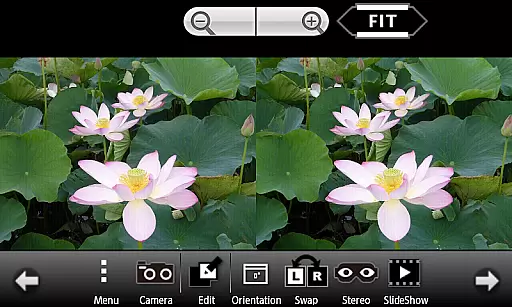
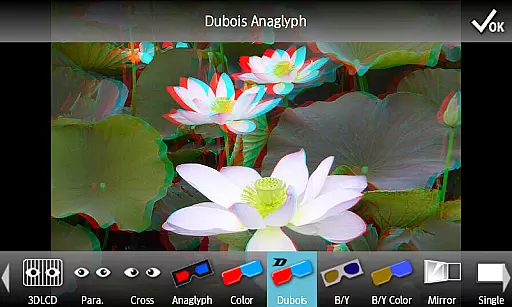
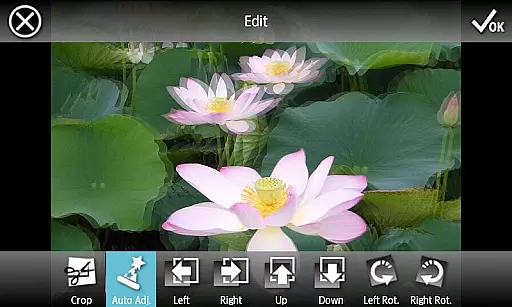
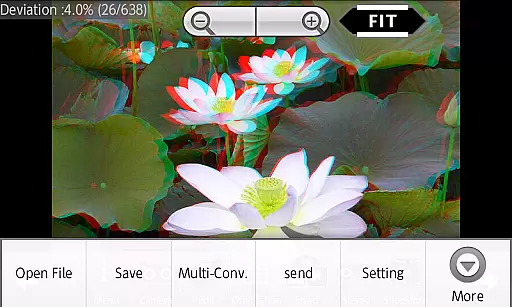
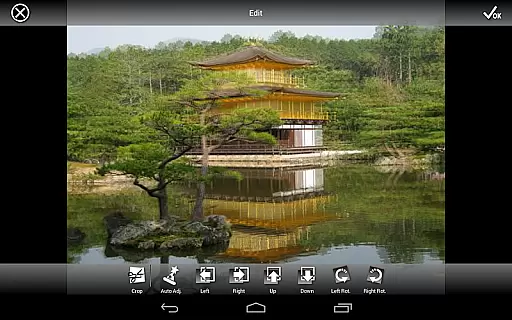
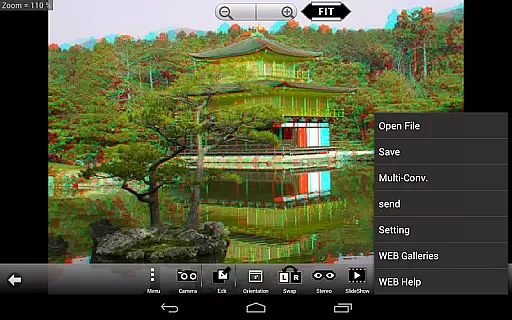
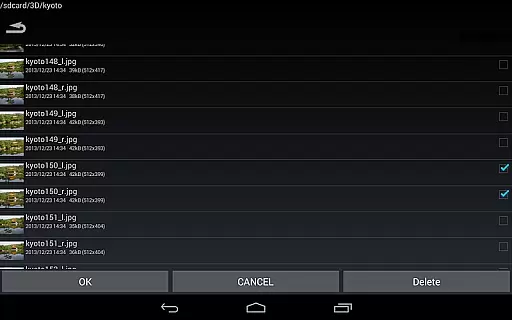
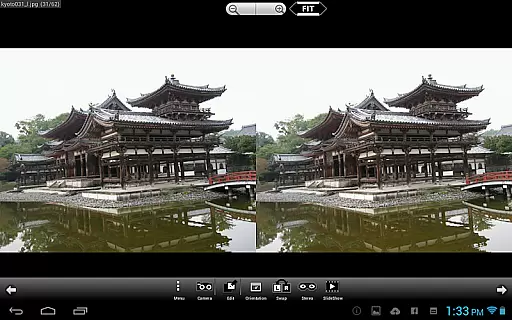
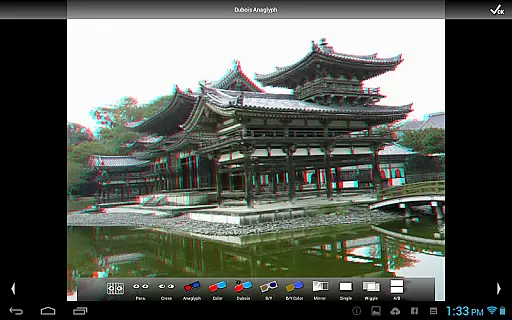
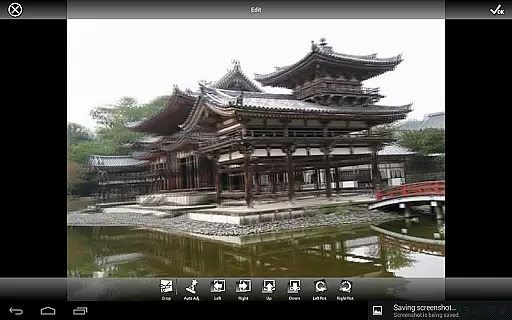
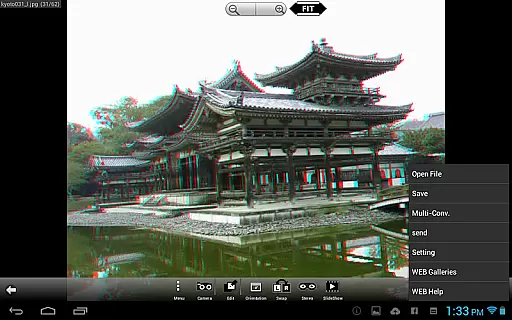
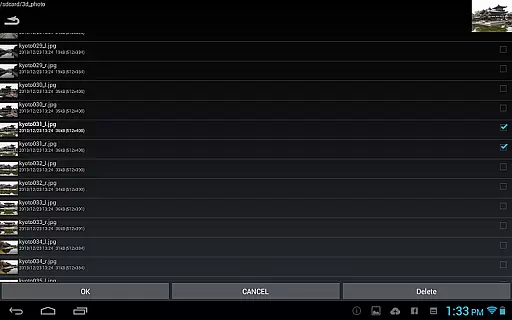
3DSteroid Pro is a premium stereoscopic application designed for Android devices, offering advanced 3D image editing and viewing capabilities. The app supports various input formats including L/R independent, SBS, and MPO files, making it versatile for different types of 3D content.
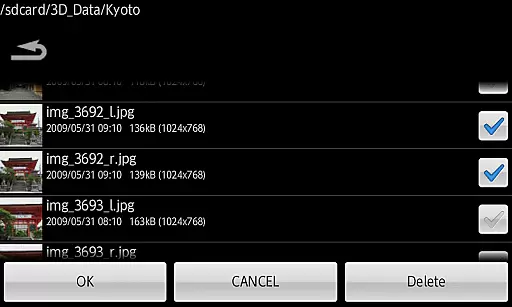
One of the standout features of 3DSteroid Pro is its ability to automatically align L/R images, which simplifies the process of creating high-quality 3D images. Additionally, users can save edited images and perform batch conversions, which are exclusive to the Pro version. This makes it an ideal tool for photographers and enthusiasts who work extensively with 3D imagery.
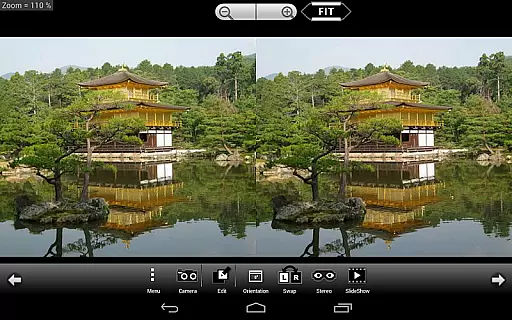
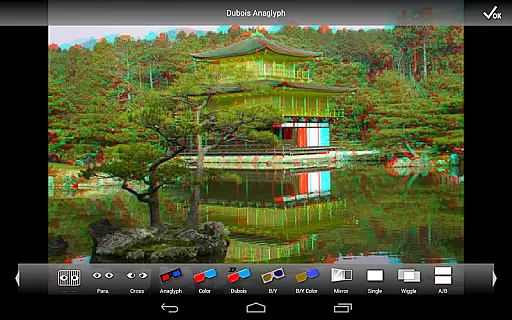
The app also provides multiple display methods such as 3D LCD, SBS, Mirror, Wiggle, 2D, and Anaglyph, catering to various viewing preferences and devices. With over 1000 images accessible through its WEB Gallery, users have a vast library of content to explore and enjoy. Whether you're taking L/R pictures with the internal camera or adjusting image positions, rotation errors, and size discrepancies, 3DSteroid Pro offers a comprehensive suite of tools to enhance your 3D photography experience.
3DSteroid Pro boasts a rich set of features that cater to both amateur and professional 3D photographers. One of its primary functionalities is the auto-alignment of L/R images, which ensures that your 3D images are perfectly aligned without manual intervention. This feature alone can save users significant time and effort in post-processing.
In addition to alignment, the Pro version allows users to save edited images and perform batch conversions, streamlining workflows for those handling large volumes of 3D content. The app supports multiple input file types, including L/R independent, SBS, and MPO, providing flexibility in how users import and manage their files. Furthermore, the app's integration with a web gallery containing over 1000 images offers endless inspiration and resources for users.
Another notable feature is the variety of display methods available, such as 3D LCD, SBS, Mirror, Wiggle, 2D, and Anaglyph. These options ensure compatibility with different viewing devices and personal preferences. Users can also take L/R pictures directly within the app using the internal camera and make precise adjustments to image positions, rotation errors, and size discrepancies. Overall, these features make 3DSteroid Pro a powerful tool for anyone involved in 3D photography.
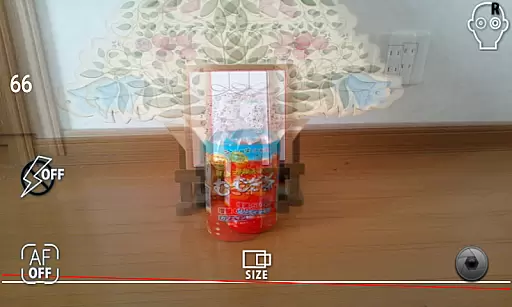
Real-time capture and preview functionality is essential for ensuring that users can accurately capture stereoscopic images without any discrepancies. In 3DSteroid Pro, this feature allows photographers to instantly view the results of their shots in real-time, providing immediate feedback on the quality and alignment of the image.
The application supports taking L/R pictures with the internal camera, which means it captures left and right images simultaneously. This ensures that the stereoscopic effect is preserved and provides a true representation of the depth that will be present in the final output.
Users benefit from this feature as it eliminates guesswork during the photo-taking process. With real-time adjustments available for L/R image positions, rotation error, and size error, photographers can fine-tune their settings on-the-fly, resulting in higher-quality 3D images.
This capability enhances the overall user experience by streamlining the workflow and allowing for rapid iteration. Photographers can focus more on creativity rather than technical adjustments, making 3DSteroid Pro an efficient tool for professional and amateur stereoscopic photography alike.
AI beauty and enhancement features are becoming increasingly popular in photography apps, offering users the ability to improve their photos with minimal effort. In 3DSteroid Pro, these enhancements focus on maintaining the natural look of stereoscopic images while improving visual appeal through subtle adjustments.
The app includes auto-alignment of L/R images, which is crucial for creating a comfortable viewing experience. By automatically correcting misalignments between the left and right images, the app ensures that the final output looks polished and professional without appearing overly processed.
For users, this translates into time savings and improved image quality. The automatic corrections mean that even those new to 3D photography can produce high-quality results without needing extensive knowledge of stereoscopic imaging techniques.
Ultimately, the AI enhancements in 3DSteroid Pro strike a balance between improving image aesthetics and preserving authenticity. This approach not only boosts user satisfaction but also expands the accessibility of 3D photography to a broader audience who may not have the expertise or equipment traditionally required for such specialized photography.
Auto-aligns L/R images
Saves edited images
Batch conversion support
Multiple display methods
Integrated web gallery
No MPO support on Android 11+
Old 3D LCDs not supported
Limited file deletion
Premium priced
Complex for beginners

Photo editor: face & body editor, beauty cam, filters and quality enhancer.
 4.00
4.00
What celebrity do you look like? Celebs will find your celebrity match!
4.10
Photo prints, cards, & gifts at Walgreens. Easy ordering & fast local pickup !
4.80
Create collages easily! Nice pic collage maker & background eraser for Instagram
4.50
Cartoon and artistic effects for your photos and videos
4.70
Photo Exif Editor allows to view, add and modify EXIF data of multiple photos
4.50
Professional photography on your mobile phone
4.20
Welcome to ProShot, the most powerful camera app on Android.
4.20
Solocator stamps photos you take with GPS location, Compass Direction, Date/Time
3.80
Amazing Photo Effects - The most fun you can have with your photos!
4.70
Unblur, enhance & restore photos with powerful AI photo enhancer tools.
4.60
HD Camera Pro with HD Video shooting, Panorama, Photo editor , Beauty Camera.
4.50
Use AI Video Generator to turn your words to ai generated videos.
4.50
A reflected light meter with spot metering and incident light metering.
4.40
Astrophotography with your smartphone, photo live stacking and much more!
3.90
Hair color changer, AI haircut app, fun hair editor and buzz cut filter for all!
3.80
Application for remote controlling DSLR
3.00
Long exposure camera with computational photography
2.60
Add a dreamy vibe to your selfies and videos with soft style filters
4.5


User Reviews