
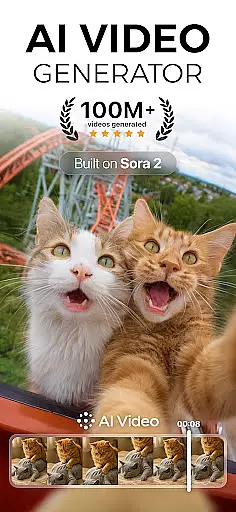
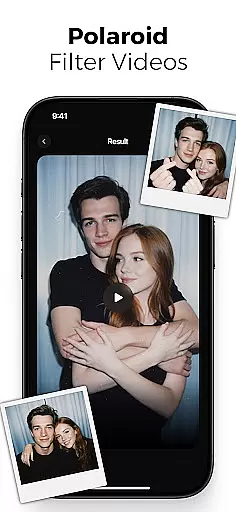
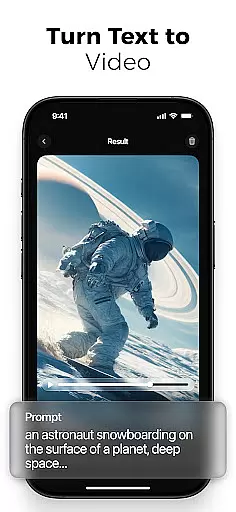
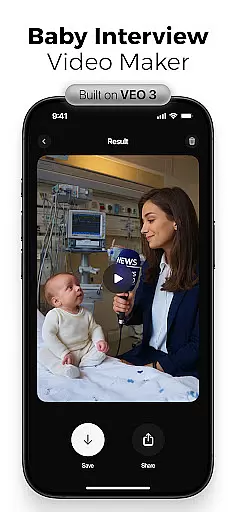
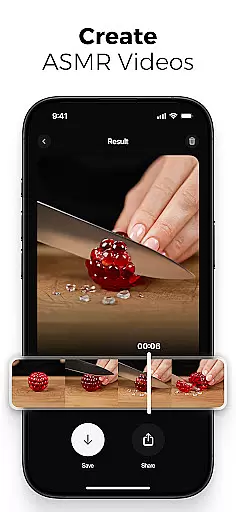
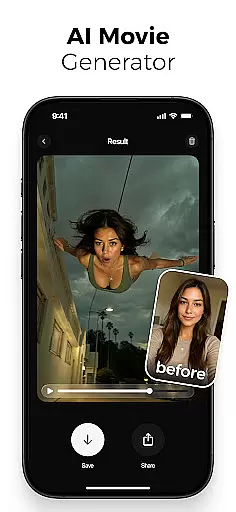
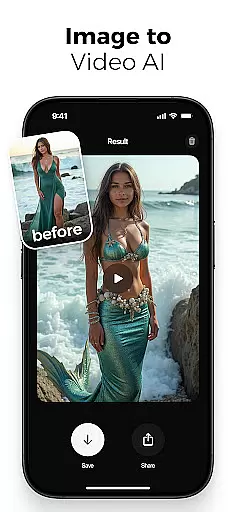
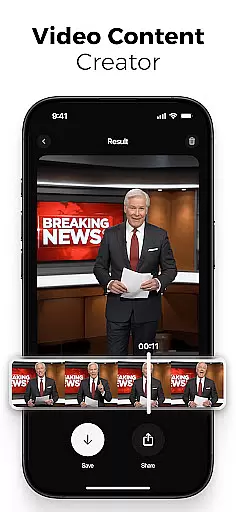
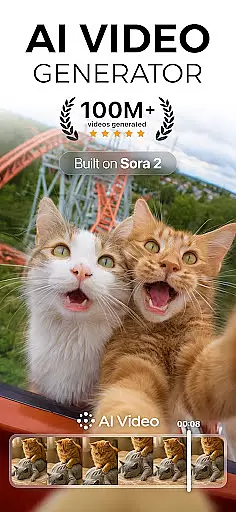
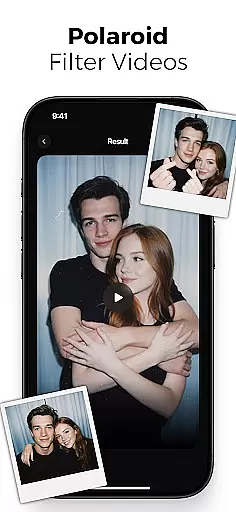
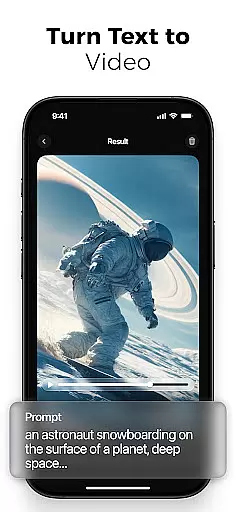
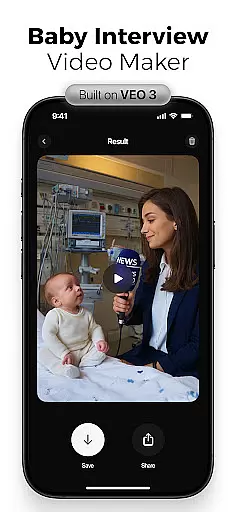
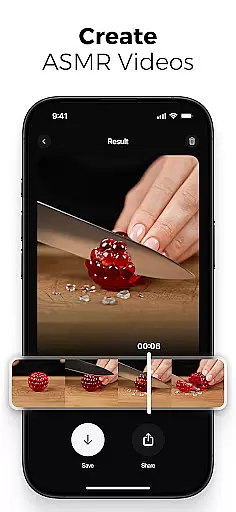
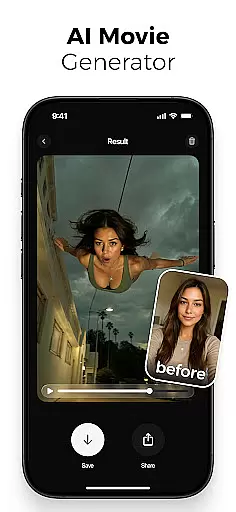
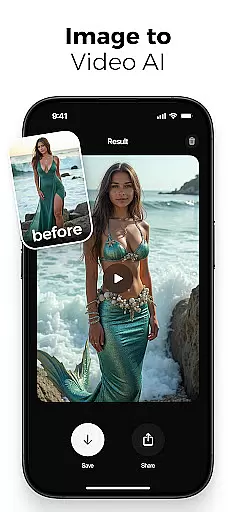
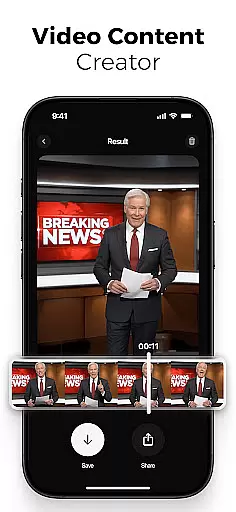
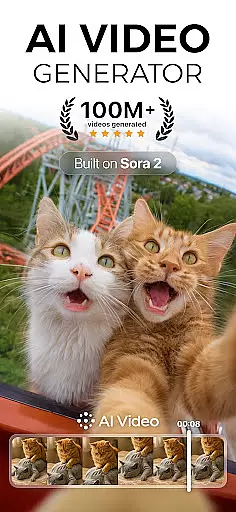
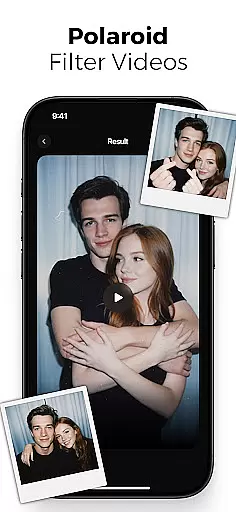
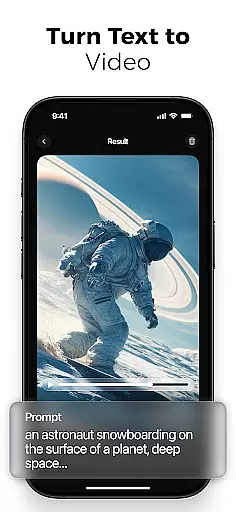
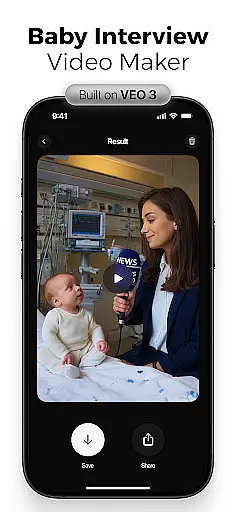
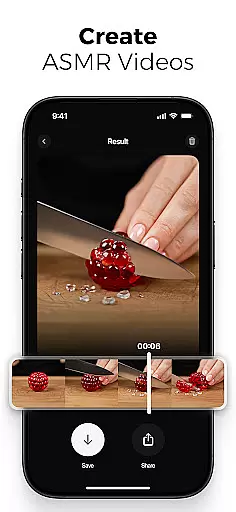
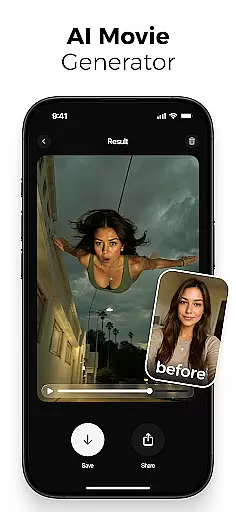
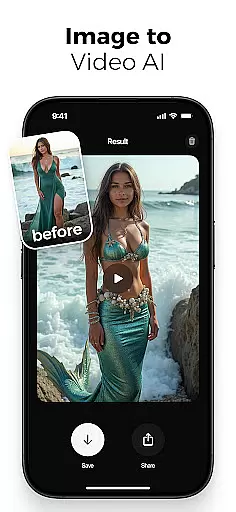
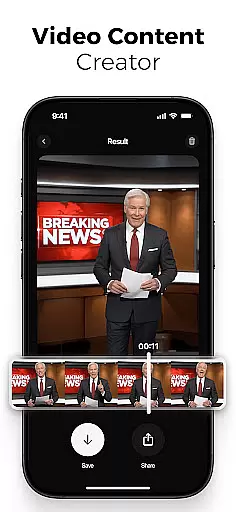
AI Video is a revolutionary photography app that transforms the way users create visual content. As an all-in-one AI video generator, creator, and maker, it empowers users to produce high-quality animated videos from simple text prompts or static images. The app's standout feature is its ability to bring photos to life through advanced animation techniques, including realistic character emotions and dynamic scene transitions.
The application caters to diverse user groups, from professional marketers to casual creators, by providing an intuitive drag-and-drop interface alongside sophisticated editing tools. Its integration with Google DeepMind's Veo3 technology enables context-aware video generation, making it possible to create emotionally rich narratives with minimal effort. Whether you're crafting educational content or producing viral social media reels, AI Video offers the tools needed to generate professional-grade visuals.
One of the most compelling use cases for AI Video is in content marketing, where businesses can quickly generate engaging promotional materials without requiring extensive video production expertise. The app's ability to automatically synchronize voiceovers with lip movements and its vast library of built-in media assets make it particularly valuable for creating polished marketing videos that would traditionally require significant time and resources.
AI Video distinguishes itself through its comprehensive suite of features designed to simplify and enhance the video creation process. At its core, the app offers three primary generation modes: text-to-video, image-to-video, and photo-to-video conversion. These modes utilize advanced AI algorithms to analyze input materials and generate corresponding animations, complete with customizable transitions and timing controls.
The app's character animation system represents a significant technological advancement, capable of expressing complex emotions such as happiness, surprise, and excitement through subtle facial movements. This feature, combined with the built-in voiceover generator and automatic lip-sync tools, creates remarkably lifelike animated characters. Additionally, the special effects powered by Google's Veo3 Fast Model provide users with creative options ranging from polaroid filters to cinematic transformations.
What truly sets AI Video apart is its commitment to accessibility and quality. The app maintains an extensive media library containing various backgrounds, sound effects, and styles while offering HD video export capabilities optimized for multiple platforms. This combination of professional-grade features with user-friendly implementation makes it an invaluable tool for both novice creators and experienced professionals seeking efficient content production solutions.
Real-time capture and preview functionality is essential for any photography app, allowing users to see exactly what their final output will look like before they commit to capturing it. AI Video offers this feature by leveraging advanced algorithms that process images instantly.
The app ensures that every frame captured is optimized with its AI-driven adjustments, providing live feedback on lighting, composition, and focus. This real-time processing allows users to make immediate modifications, ensuring the best possible image quality.
Users benefit from this feature as it eliminates guesswork in photography. Whether shooting a professional project or casual snapshots, the ability to preview results in real time enhances the creative process and saves time during post-production.
This functionality underscores AI Video's commitment to delivering high-quality photographic tools that cater to both amateur enthusiasts and seasoned professionals alike.
AI beauty and enhancement features are crucial for modern photography apps, offering users the ability to refine and perfect their images naturally. AI Video stands out by providing enhancements that maintain the authenticity of the original photo.
The app employs sophisticated AI models to analyze facial features and apply subtle enhancements that highlight natural beauty without appearing artificial. This includes skin smoothing, blemish removal, and eye enhancement, all calibrated to preserve the subject's genuine appearance.
For users, this means achieving polished yet realistic results. The natural enhancement approach ensures that edited photos retain their original charm and character, making them suitable for various uses from social media to professional portfolios.
By focusing on natural enhancement, AI Video empowers users to create stunning visuals that resonate with viewers, enhancing engagement and satisfaction across different platforms.
User-friendly interface
Advanced AI capabilities
Versatile content creation
High-quality output
Time-saving automation
Subscription costs
Learning curve
Resource intensive
Limited free features
Occasional glitches

How would you look like with a differently shaped nose, chin or lips?
 3.90
3.90
Viewfinder, Light meter, Reciprocity failure time, DOF & Bellows Extension
4.60
Natural Beauty, Selfie Retouch
4.30
Create amazing frames with up to five photos. Rounded corners, effects and more!
3.60
AI photo enhancer with Sora 2! Enhance, descratch, and colorize your old photos.
4.50
Enhance, retouch & create your story - Share the moment with Photoshop Express.
4.60
Transform Photos: Edit, Beautify and Craft Memories & Make Collages!
4.10
PhotoSync Bundle Add-On License. Enables all features and services in PhotoSync.
4.60
Edit photos with the picture generator: PS2 & AI Clay filters, cartoon effects.
4.50
Android Native system HD camera app. Never been so simple and faster.
4.70
Future baby face generator: AI kids generator, kid face! What my baby look like?
4.40
Smart, light, and fast photo and video gallery
4.30
All-in-One Editor & AI Photo Enhancer, Beautify & Retouch, Collage, Cartoonify
4.20
AI-powered video creator by MiniMax - Where ideas meet cinema
4.20
What celebrity do you look like? Celebs will find your celebrity match!
4.10
Professional quality photo edits with the new Snapseed.
4.00
Turn photos into cartoons & avatars! - Photo Editor, Cartoon Face!
3.90
GCamera allows all GCam features on all phone models! Better photos with GCamera
3.30
An interval timer to automate photo taking process for timelapse
2.90


User Reviews