
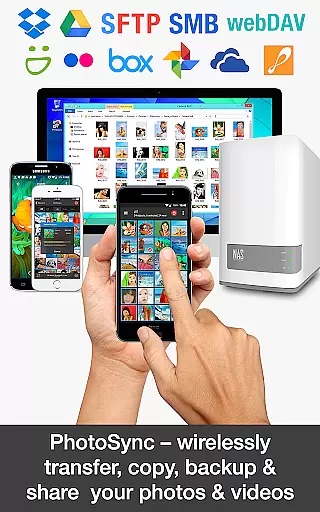
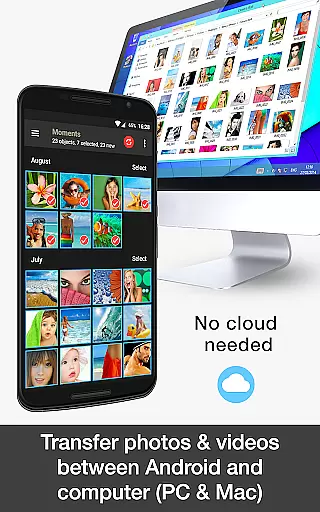

PhotoSync Bundle Add-On is an advanced activation license that enhances the free version of PhotoSync, a leading cross-platform solution for wireless photo and video management. This add-on enables users to unlock all Autotransfer, NAS, and Cloud capabilities, allowing seamless transfer, backup, and sharing across Android, iOS, Windows, Mac, NAS devices, and cloud services.
With over 10,000 positive reviews and millions of successful transfers, PhotoSync stands out for its reliability, security, and continuous updates over its 10-year market presence. The bundle saves users 20% compared to purchasing individual add-ons and ensures total user control with fully customizable options. Whether you're backing up to a NAS, transferring files automatically, or syncing with cloud services, this tool provides a comprehensive solution for all photo and video management needs.
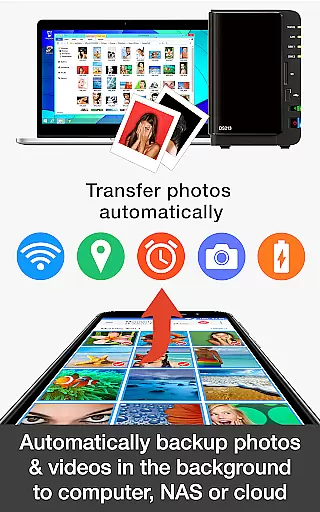
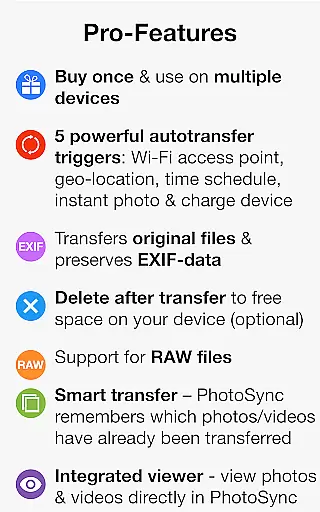
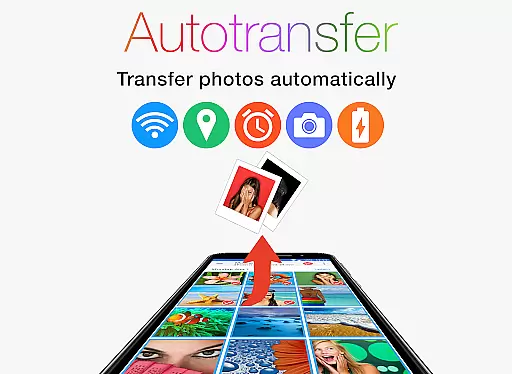
The PhotoSync Bundle Add-On brings powerful features to enhance your photo and video management experience. It includes the Autotransfer Add-On, which allows instant wireless transfers based on triggers like Wi-Fi connection, geolocation, or device charging. This feature ensures that your media is always backed up without manual intervention.
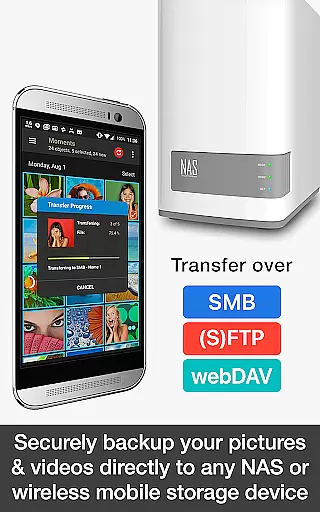
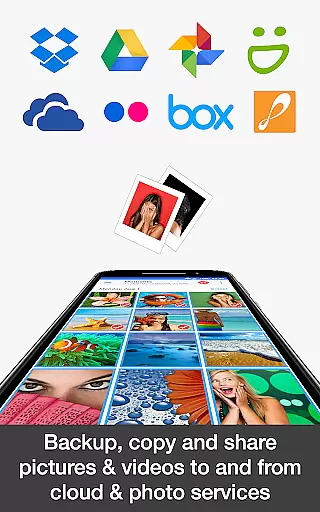
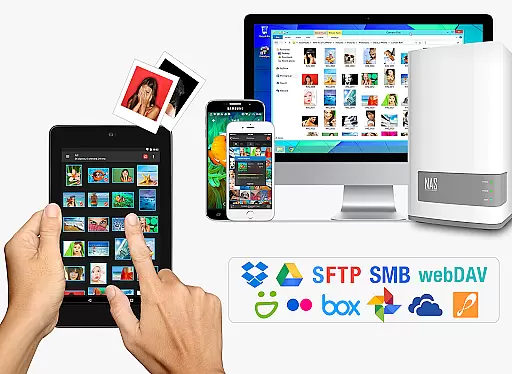
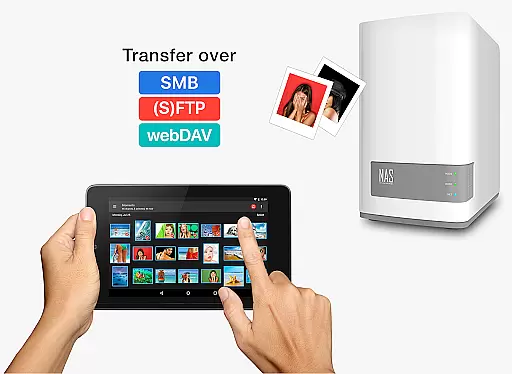
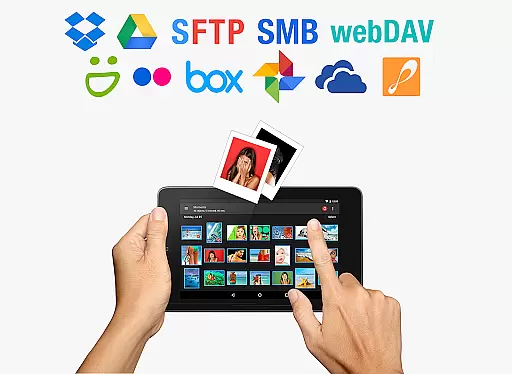
Additionally, the NAS Add-On lets users securely back up files to network-attached storage, remote servers, or personal clouds using protocols like SMB, (S)FTP, and WebDAV. It supports major NAS brands such as Synology, QNAP, and Western Digital. The Cloud Add-On extends functionality by enabling uploads to popular services like Google Drive, Dropbox, and OneDrive, while also supporting imports from these platforms.
These features collectively provide a versatile, secure, and automated solution for managing media across multiple devices and platforms, making it ideal for both personal and professional use.
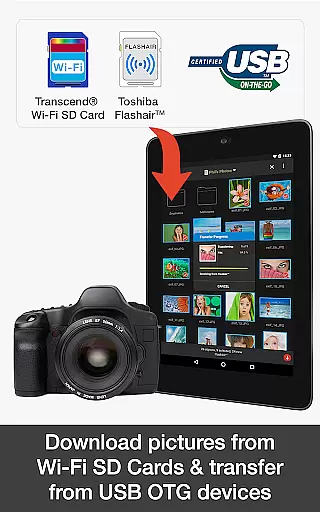
Real-time capture and preview functionality is essential for ensuring that users can instantly view the results of their photography without delays. PhotoSync Bundle Add-On offers this feature by allowing users to wirelessly transfer, backup, and share photos and videos between various devices immediately after capture.
This application supports instant transfer options, which means as soon as a picture or video is taken, it can be automatically sent to selected devices or cloud services. This immediate feedback loop enhances the user experience by providing confidence in the quality and composition of shots taken.
With real-time capabilities, users can enjoy peace of mind knowing their precious moments are backed up across multiple platforms such as computers, NAS systems, and cloud storage solutions like Dropbox and Google Drive. The ability to preview content on larger screens also aids in detailed review and editing decisions.
The seamless integration with both local networks and remote servers ensures that no matter where you are, your media files are always up-to-date and accessible from any connected device. This level of accessibility and security makes PhotoSync an invaluable tool for photographers who demand efficiency and reliability in their workflow.
AI beauty and enhancement features have become increasingly popular among photography enthusiasts looking to refine their images effortlessly. While PhotoSync Bundle Add-On does not explicitly market itself as an AI-driven beautification tool, its robust set of functionalities indirectly supports natural-looking enhancements through advanced photo management techniques.
By enabling automatic uploads and downloads via SMB, (S)FTP, WebDAV protocols, users gain access to sophisticated editing software on different platforms quickly. This streamlined process allows for non-destructive edits where original files remain untouched while enhanced versions are saved separatelyu2014a key aspect of maintaining authenticity in visual storytelling.
Moreover, the app's compatibility with numerous cloud servicesu2014including Google Photos known for its machine learning-based enhancement toolsu2014means users can leverage cutting-edge technologies to improve image quality naturally without compromising personal style or artistic intent.
Ultimately, whether adjusting lighting conditions during transfers or fine-tuning details post-capture using integrated third-party applications, PhotoSync empowers creators to achieve professional-grade results consistently. Its focus on total user control ensures that every modification aligns perfectly with individual preferences, promoting creativity alongside technical excellence.
Comprehensive feature set
Secure data transfer
Wide device compatibility
Customizable automation
Cost-effective bundle
Requires free app
No standalone use
Premium price
Complex setup
Limited offline help

An interval timer to automate photo taking process for timelapse
 2.90
2.90
Virtual makeup, hair filters & body tuner—edit from face to full body!
4.20
Photo prints, cards, & gifts at Walgreens. Easy ordering & fast local pickup !
4.80
A must-have app for landscape photographers
4.60
AI photo enhancer with Sora 2! Enhance, descratch, and colorize your old photos.
4.50
Unblur, enhance & restore photos with powerful AI photo enhancer tools.
4.60
Turn photos into cartoons & avatars! - Photo Editor, Cartoon Face!
3.90
Discover & download millions of art for The Frame TV or Hisense CanvasTV
4.60
Solocator stamps photos you take with GPS location, Compass Direction, Date/Time
3.80
The original Rarevision VHS look seen everywhere!
4.70
Enhance, upscale, and transform your images — on your device, without limits
4.70
Transform photos into videos! Create realistic or anime-style images easily!
4.50
Fit multiple photos on one post. Create carousels & scroll layouts for Instagram
4.50
Natural Beauty, Selfie Retouch
4.30
A light meter for true photographers.
4.20
Transform Photos: Edit, Beautify and Craft Memories & Make Collages!
4.10
Professional quality photo edits with the new Snapseed.
4.00
Pet Camera
3.70
Raw Image Viewer. Gallery with support of raw images (.cr3, .cr2, .nef, .raf).
2.00


User Reviews