
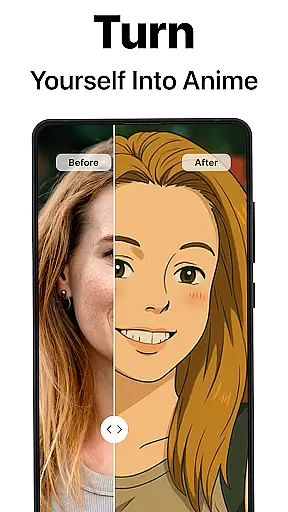
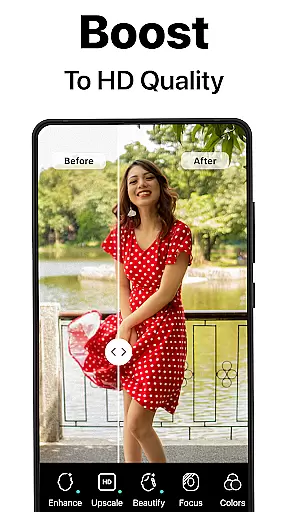
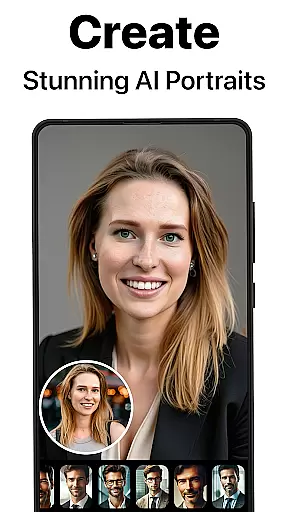
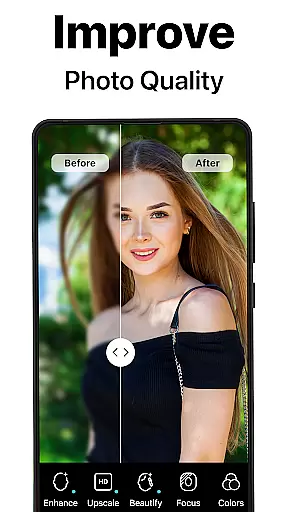
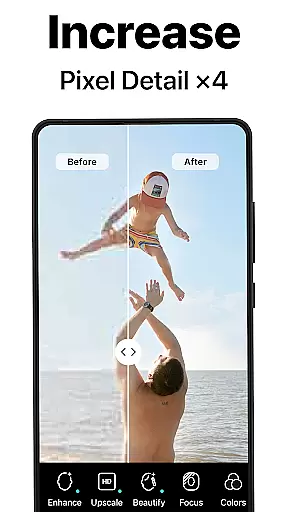
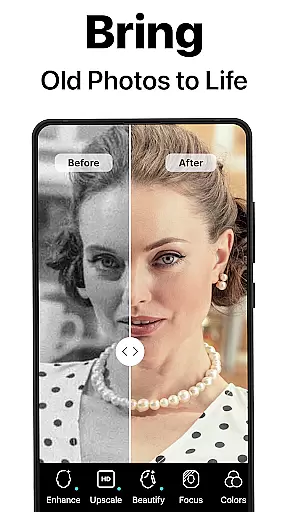
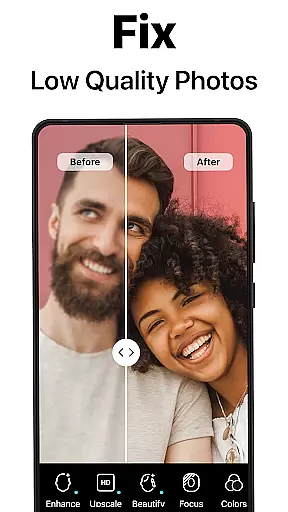
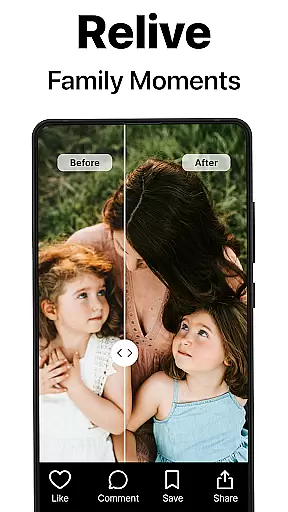
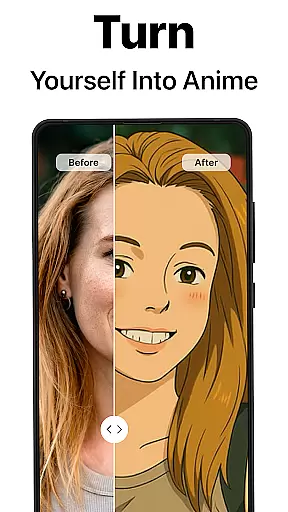
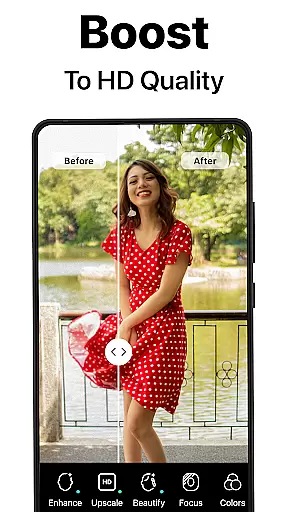
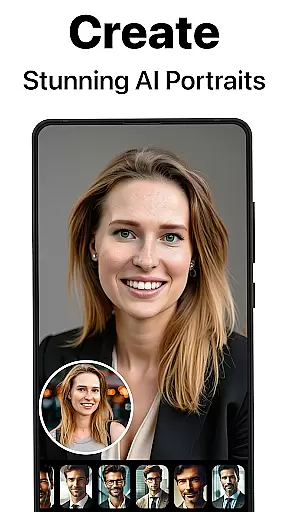
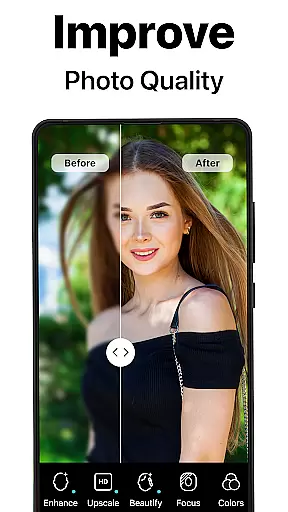
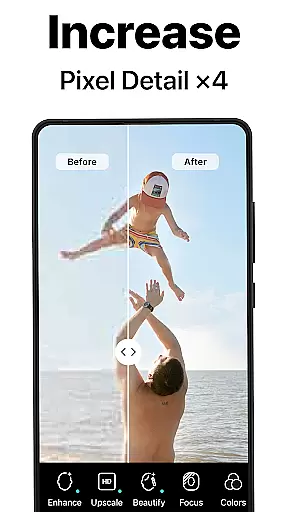
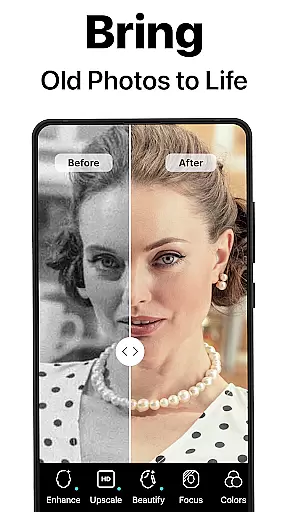
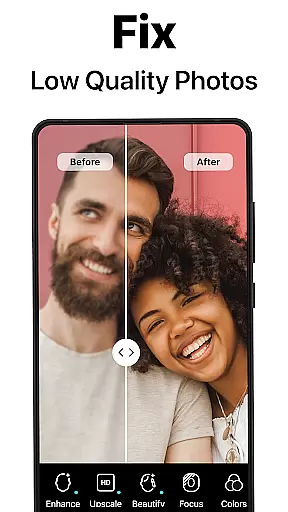
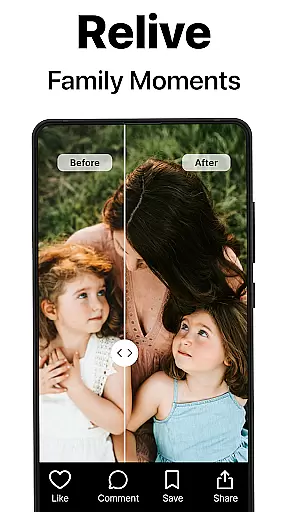
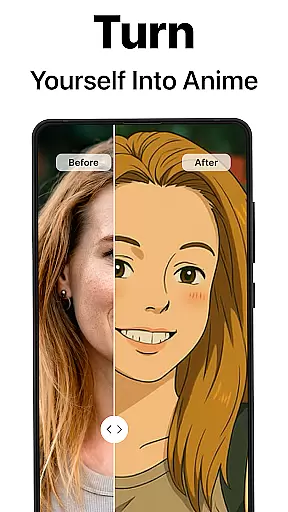
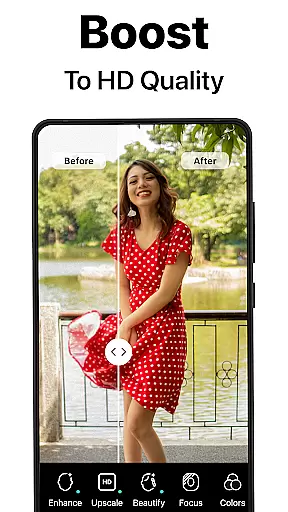
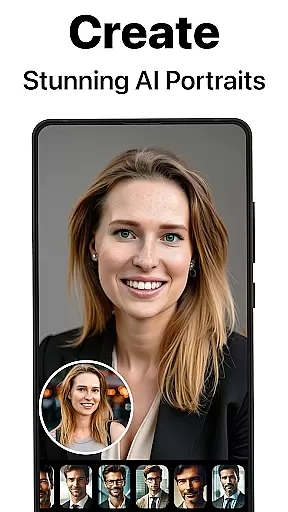
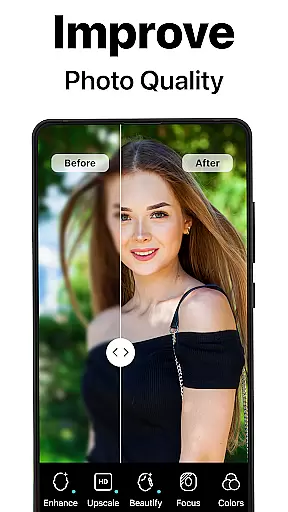
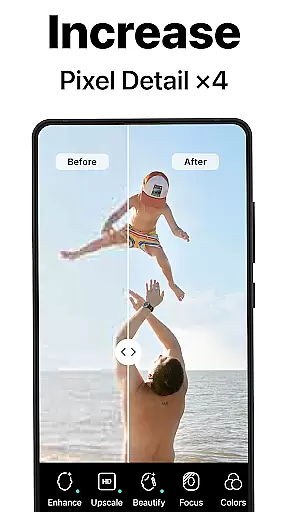
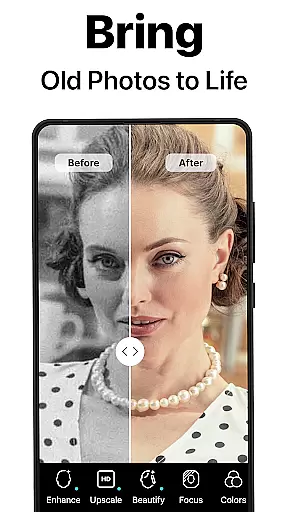
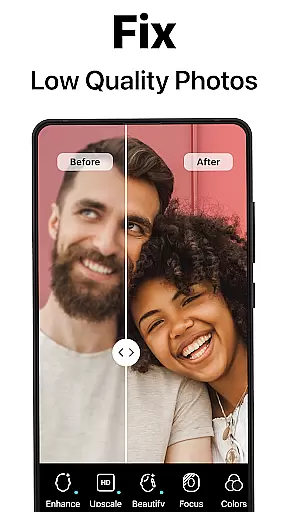
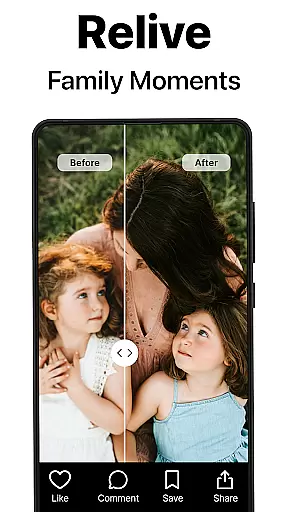
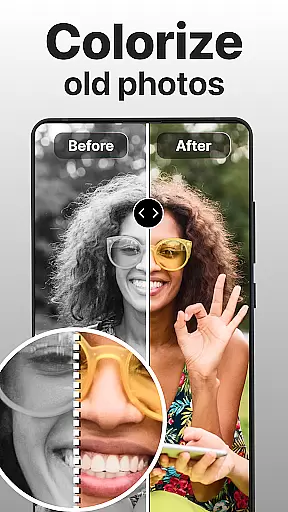
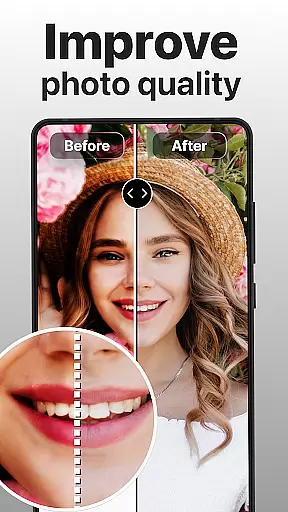
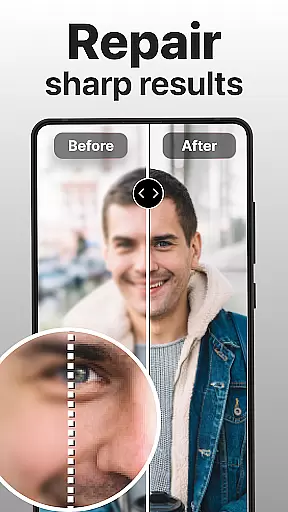
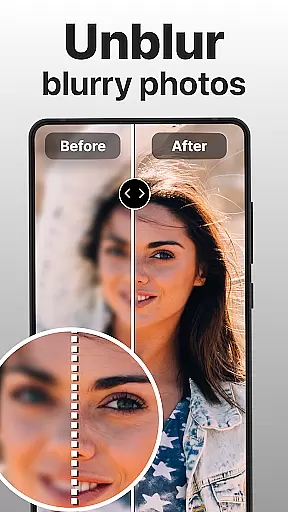
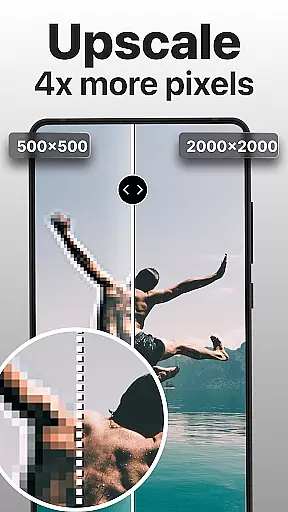
PhotoBoost is a cutting-edge photography app that uses advanced AI technology to enhance, restore, and transform your photos. The app specializes in sharpening blurry images, reviving pixelated photos, and restoring cherished memories with vibrant colorization. Its standout feature is the AI Avatars tool, which allows users to create stunning avatars in various artistic styles, ranging from festive holiday themes to fantasy-inspired designs. Whether you're looking to repair old family albums or generate professional headshots, PhotoBoost offers versatile solutions for all your photo editing needs.
With its intuitive interface and powerful AI-driven tools, PhotoBoost caters to both casual users and professionals. The app supports high-quality upscaling, side-by-side comparisons of edits, and seamless sharing options. It's perfect for social media enthusiasts who want to elevate their posts with unique visuals. Available on mobile platforms, PhotoBoost ensures accessibility and convenience while delivering unmatched speed and quality in every transformation.
PhotoBoost stands out with its robust set of features designed to meet diverse photo editing requirements. At its core, the app provides instant photo sharpening, which transforms low-resolution or blurry images into crisp, high-definition masterpieces. This functionality is ideal for enhancing social media content or preserving important personal moments. Additionally, the app includes an advanced restoration tool that repairs scratched, faded, or damaged photos, even adding color to black-and-white images.
The AI Avatars feature is another highlight, offering users the ability to turn selfies into creative works of art. With over 50+ customizable themes—including fantasy, pop culture, and professional portraits—users can experiment endlessly. Other notable features include AI-powered upscaling for enlarging images without quality loss and a comparison tool that showcases "before and after" results. These innovations ensure that PhotoBoost remains a top choice for anyone seeking efficient, high-quality photo enhancements.
Real-time capture and preview functionality is essential for ensuring that every photo taken meets the user's expectations. PhotoBoost excels in this area by providing instantaneous feedback on images as they are captured. This feature allows users to see exactly how their photos will look before they even press the shutter button.
The app leverages advanced AI technology to enhance the preview experience, offering real-time adjustments for lighting, focus, and composition. Whether you're shooting in low-light conditions or trying to capture fast-moving subjects, PhotoBoost ensures that your images are sharp and well-composed. This immediate feedback empowers users to make necessary adjustments on the fly, resulting in higher-quality photographs.
For those who value precision and control over their photography, PhotoBoost's real-time capture and preview capabilities provide a significant advantage. Users can experiment with different settings and instantly see the results, allowing them to fine-tune their shots until they achieve the desired outcome. This feature not only saves time but also enhances the overall photography experience by making it more interactive and engaging.
AI beauty and enhancement features have become increasingly popular in photography apps, but achieving natural-looking results can be challenging. PhotoBoost addresses this issue by using sophisticated AI algorithms to ensure that all enhancements appear authentic and true to life. The app offers a range of tools designed to subtly improve facial features without making the edits obvious.
With PhotoBoost, users can smooth skin textures, brighten eyes, and whiten teeth while maintaining a natural appearance. The AI-driven enhancements adapt to each individual's unique facial structure, ensuring that the final result looks polished yet genuine. This approach avoids the overly processed look that plagues many other photo editing applications.
Furthermore, PhotoBoost provides customizable sliders for each enhancement feature, giving users complete control over the intensity of the effects. This flexibility allows for personalized adjustments that cater to individual preferences, whether someone wants a subtle touch-up or a more dramatic transformation. By prioritizing naturalness in its AI beauty enhancements, PhotoBoost delivers professional-grade results that enhance the subject's inherent beauty without compromising authenticity.
User-friendly interface
Advanced AI technology
Versatile editing tools
Fast processing speed
Unique avatar styles
Premium subscription required
Limited free trial
Occasional ads
High system requirements
Learning curve for beginners

Trendy TikTok time warp scan funny filter app brings you unique photos & videos.
 4.40
4.40
1M influencer's special filter
4.60
Be your best in every shot! Fix, edit and retouch your face in selfies & photos.
3.70
Create AI Photos, Improve and restore quality of blurry, old or damaged pics.
4.20
A must-have app for landscape photographers
4.60
Transform Photos: Edit, Beautify and Craft Memories & Make Collages!
4.10
Turn photos into cartoons & avatars! - Photo Editor, Cartoon Face!
3.90
A light meter for true photographers.
4.20
Professional camera app that brings DSLR manual photography controls to Android.
4.20
Photo editor: AI filters, photo enhancer, pic collage maker, AI art generator.
4.80
Easily view, share, delete photos with Gallery.
4.70
Your personal guide to the sun and moon. Plan ahead, visualize and predict!
4.70
Add Watermark - Sign your pictures with a text or logo. Effective, quick, easy!
4.50
Edit like a pro with Hypic. Apply filters, AI effects, & magic touch.
4.40
AI portrait generator and polaroid AI selfie, fun AI generated AI photo creator!
4.30
Luminar: Photo Editor - easy picture editing with AI
4.20
Photo Album Watch Face shows your favorite pictures as a Watchface.
1.90
Remote control the phone camera shutter from your smartwatch and take a picture
1.60
Snap photos remotely using your Garmin watch as the camera trigger
4.4


User Reviews