
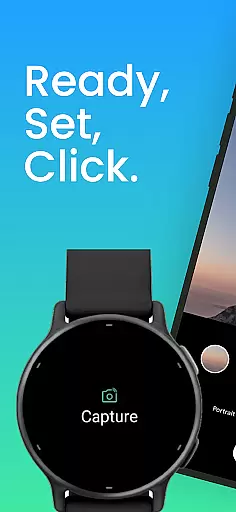
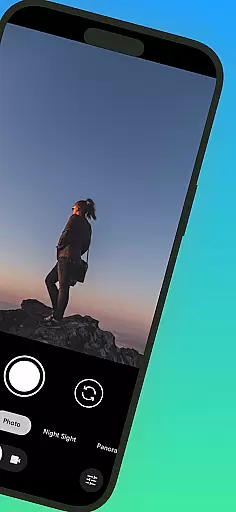
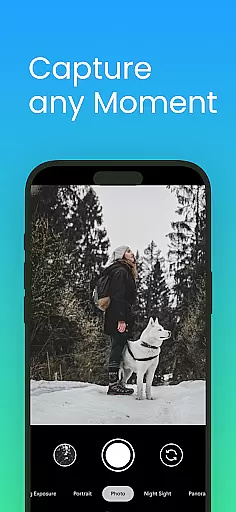
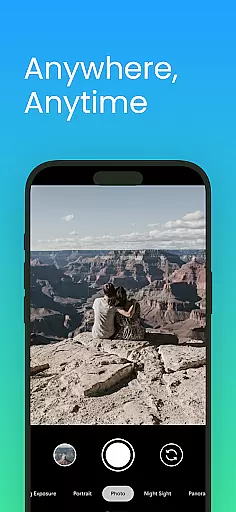
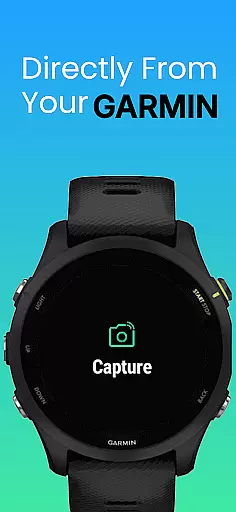
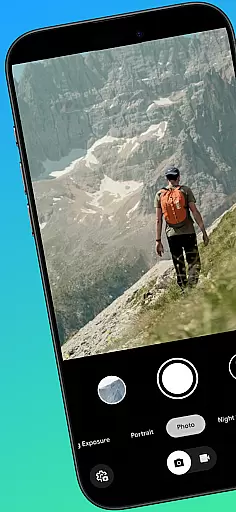
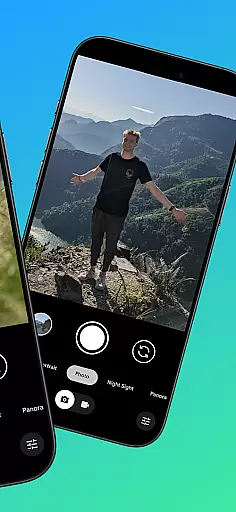
CameraClick is a photography app that connects Garmin smartwatches with Android phones, enabling wireless remote control of the phone's native camera. This seamless integration allows users to capture photos and videos directly from their wrist, making it ideal for group shots, solo adventures, or distance recordings.
The app works with the existing camera app on your phone, preserving preferred quality settings, lens choice, and storage paths. By using Android’s AccessibilityService, CameraClick interacts directly with the camera shutter button, ensuring compatibility across a wide range of devices and camera apps.
Designed for creators, athletes, and everyday users, CameraClick simplifies remote shooting while maintaining full control over how photos and videos are captured. It has been tested on popular Android devices from brands like Google, Samsung, Motorola, Xiaomi, Fairphone, OPPO, Honor, Nothing, and OnePlus.
CameraClick offers several standout features that enhance the photography experience. First, it leverages the phone's native camera app rather than requiring a custom viewer. This ensures that users can maintain their preferred quality settings, lens choices, and storage paths without compromise.
Another key feature is its use of Android’s AccessibilityService, which allows the app to interact directly with the camera shutter button. This makes CameraClick compatible with a wide variety of camera apps across different devices, providing flexibility and reliability in capturing moments.
Additionally, CameraClick is designed for ease of use and convenience. Whether you're filming workouts, capturing nature scenes, or simply taking photos without reaching for your phone, the app provides a seamless and reliable remote shooting experience right from your Garmin smartwatch.
Real-time capture and preview functionality is essential for ensuring that users can take photos or record videos with precision and confidence. CameraClick excels in this area by providing seamless integration between your Garmin smartwatch and Android phone.
The app leverages the native camera application on your phone, meaning you can use the same settings and features you're accustomed to, while controlling it remotely from your wrist. This ensures that every shot benefits from your preferred quality settings and lens choices without any compromise.
With CameraClick, users gain the ability to trigger the camera shutter directly from their smartwatch. This not only allows for capturing moments from a distance but also ensures that the preview on the phone's screen is immediately updated, giving users real-time feedback on what they are about to capture.
This feature is particularly beneficial for creators and athletes who need reliable remote shooting capabilities. Whether filming a workout or capturing nature scenes, CameraClick offers an intuitive and responsive experience that enhances the overall photography process.
While CameraClick does not focus heavily on AI beauty and enhancement features, its seamless integration with existing camera apps ensures that any built-in enhancements available on your phoneu2019s native camera app are preserved. This means users can still benefit from the natural enhancement features provided by high-quality camera apps.
Using Androidu2019s AccessibilityService, CameraClick interacts directly with the camera shutter button, making it compatible with a wide range of camera apps across devices. This compatibility ensures that users retain full control over how their photos and videos are captured and enhanced.
For those looking to apply beautification effects or enhance their images naturally, CameraClick supports the use of preferred camera settings and lens choices. This approach maintains the authenticity and quality of the original content while allowing for subtle enhancements.
Overall, CameraClick provides a reliable and flexible solution for remote shooting, ensuring that any AI beauty or enhancement features applied through the native camera app remain effective and natural-looking.
Wireless control
Native app support
Wide compatibility
Easy setup
Reliable performance
Requires permissions
Garmin-only support
Limited iOS support
Needs AccessibilityService
Device-specific issues

Find time and duration of different sunlight phases at any location
 4.90
4.90
Create AI photos & videos with Enhancer; restore, fix, beautify, enhance photos
4.50
Smart, light, and fast photo and video gallery
4.30
live datamoshing
4.00
RAW video capture with advanced controls
4.40
Discover & download millions of art for The Frame TV or Hisense CanvasTV
4.60
Solocator stamps photos you take with GPS location, Compass Direction, Date/Time
3.80
Your Family Calendar + Photos. Manage your Skylight Calendar and Skylight Frame.
4.40
Edit photos with the picture generator: PS2 & AI Clay filters, cartoon effects.
4.50
Amazing Photo Effects - The most fun you can have with your photos!
4.70
Android Native system HD camera app. Never been so simple and faster.
4.70
Your personal guide to the sun and moon. Plan ahead, visualize and predict!
4.70
Viewfinder, Light meter, Reciprocity failure time, DOF & Bellows Extension
4.60
Add Watermark - Sign your pictures with a text or logo. Effective, quick, easy!
4.50
Cut and paste photo editor & eraser to customize photos easy and swap faces fun
4.50
Easily stitch panoramas from multiple photos or video.
4.40
All-in-One Editor & AI Photo Enhancer, Collage, Cartoonify, Funny Stickers & BGS
4.10
Pet Camera
3.70
Photo Album Watch Face shows your favorite pictures as a Watchface.
1.90


User Reviews