
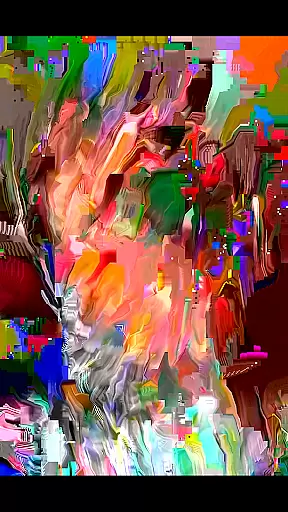
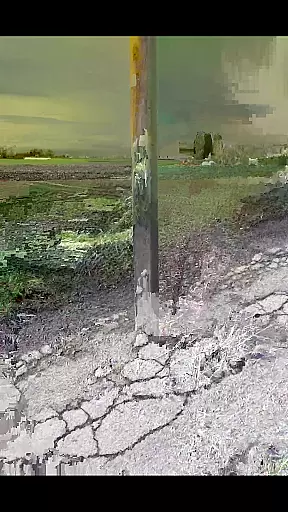
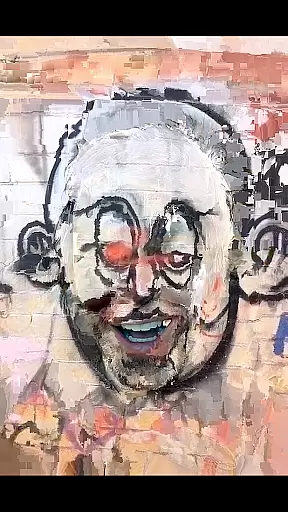
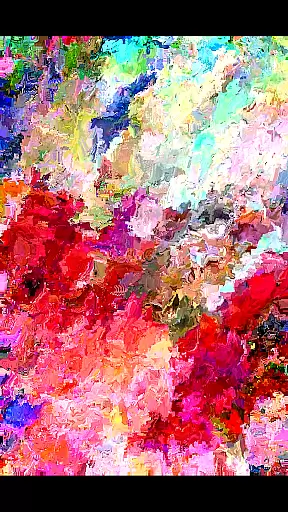
MoshUp is an innovative photography app that allows users to perform live datamoshing directly on their mobile devices. The core functionality lies in its ability to transform the first video recording using the motion data from a second recording, creating unique mapping effects.
The app also features a frame-repeat option when holding the screen and supports video imports from the device gallery. While still in development, it offers creative possibilities for photography enthusiasts looking to experiment with this distinctive visual technique.
MoshUp stands out with several notable features. The live datamoshing capability lets users create dynamic visual effects by combining two separate video recordings. This feature particularly appeals to those interested in experimental photography.
Additionally, the app includes a frame-repeat function for more control over the final output and supports importing videos from the gallery, thus expanding creative possibilities. These features collectively offer a versatile toolset for producing visually striking content.
Real-time capture and preview functionality is essential for photography apps like MoshUp. This feature allows users to see the effects of their actions immediately as they film or edit.
MoshUp enables live datamoshing on your phone, transforming your first recording with the motion from a second recording. The app provides instant feedback by showing how the datamoshing effect takes place in real time while you are filming.
By holding the screen, users can repeat the last frame, giving them control over the transformation process. This immediate visual feedback enriches the user experience, making it more interactive and engaging.
The ability to import videos from the gallery adds another layer of convenience, allowing creators to apply datamoshing effects to existing footage. This combination of real-time effects and flexible source material makes MoshUp a powerful tool for creative expression.
While MoshUp focuses on creative datamoshing effects rather than traditional beauty enhancements, the principle of maintaining naturalness in modifications remains crucial in photo and video editing applications.
Although MoshUp does not employ AI for beautification, its innovative approach to transforming videos through motion data creates unique visual effects that preserve the authenticity of the original footage. The app's developers aim to provide an intuitive and seamless experience without compromising the integrity of the captured moments.
Users should note that this app is still under development, meaning some features might not work perfectly on every device. However, the developers actively seek user feedback to improve performance and compatibility across different phones.
This commitment to ongoing improvement demonstrates the developer's dedication to delivering high-quality, natural-looking enhancements while expanding the app's capabilities based on community input.
Unique visual effects
User-friendly interface
Creative experimentation
Live datamoshing
Gallery import support
Limited device compatibility
Still in development
Performance issues
Requires technical skill
Not for casual users

How would you look like with a differently shaped nose, chin or lips?
 3.90
3.90
Safe & smart flight with Go Fly drone controller for 40+ drone camera, zone map
4.50
How old age camera Gender Swap App Face Shape Hairstyle App Hair Styler App fun!
4.00
Create collages easily! Nice pic collage maker & background eraser for Instagram
4.50
A must-have app for landscape photographers
4.60
See your baby AI baby face generator AI baby maker Face generator babymaker fun!
4.70
Professional quality photo edits with the new Snapseed.
4.00
Collage your moments in one tap: 1000+ layouts, filters, stickers, and texts.
4.90
A light meter for true photographers.
4.20
Find time and duration of different sunlight phases at any location
4.90
Create funny photos and videos with the popular Time Warp Scan filter.
4.90
1M influencer's special filter
4.60
Light-weight Media Gallery app for Android made with Jetpack Compose
4.60
Cut and paste photo editor & eraser to customize photos easy and swap faces fun
4.50
Photo editor & gallery. Crop pictures & edit photos offline, no wifi!
4.50
All-in-One Editor & AI Photo Enhancer, Beautify & Retouch, Collage, Cartoonify
4.20
Catch sunlight, sunrise sunset times and sun phases with the AR sun tracker.
4.10
Superimpose one photo on top of another using the original Superimpose app!
3.20
Long exposure camera with computational photography
2.60


User Reviews