
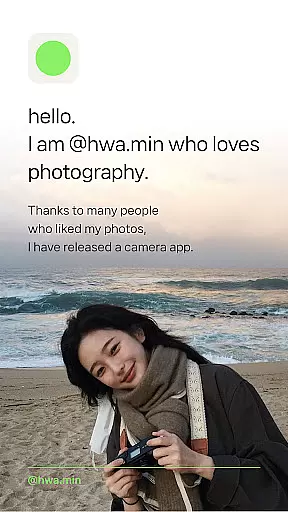
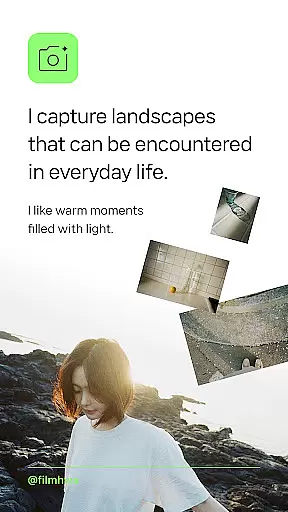
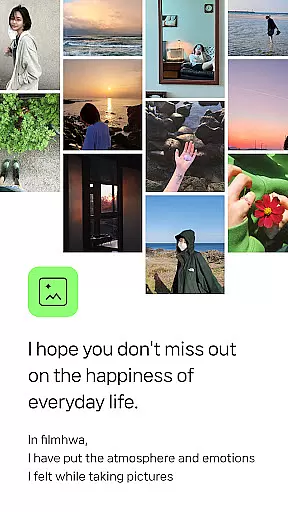
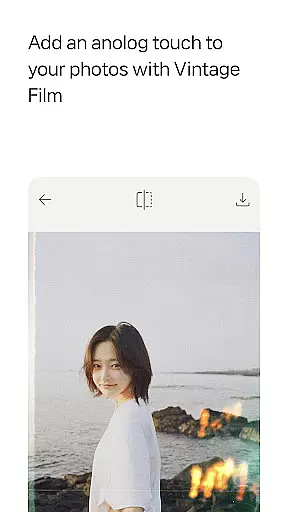
Filmhwa is a photography app designed for capturing life's moments with a unique, vintage film aesthetic. Developed by @hwa.min, an influencer with 1 million Instagram followers, the app offers specialized photo filters that replicate analog film sensibilities. These filters are crafted to evoke warm, light-filled atmospheres and emotional depth in images.
The app caters to users who appreciate natural, basic camera feels and enjoy photographing landscapes, light, and nature. Filmhwa also provides editing tools for adjusting brightness, exposure, contrast, and adding effects like grain and dust. Additionally, it supports video shooting and editing, making it versatile for various creative needs.
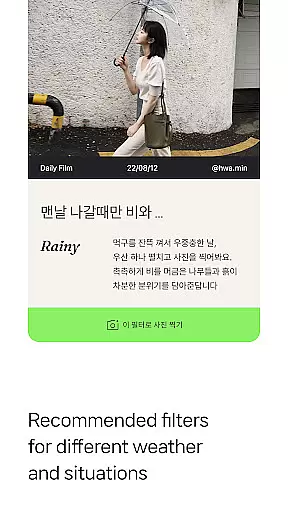
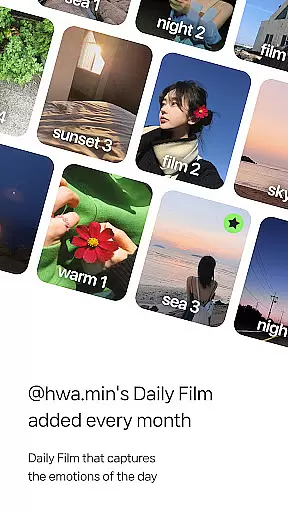
Filmhwa stands out with its unique atmosphere photo filters, personally created by @hwa.min. These filters are designed based on popular demand from Instagram followers and are updated monthly. The app recommends filters according to weather and situations, such as holidays or lazy mornings, enhancing user experience with tailored options.
Beyond filters, Filmhwa includes comprehensive photo and video editing tools. Users can adjust basic settings like brightness and contrast, apply artistic effects, and even modify image proportions for Instagram posts. The app also supports wide-angle shooting, silent mode, and skin texture correction, ensuring high-quality results across different scenarios.
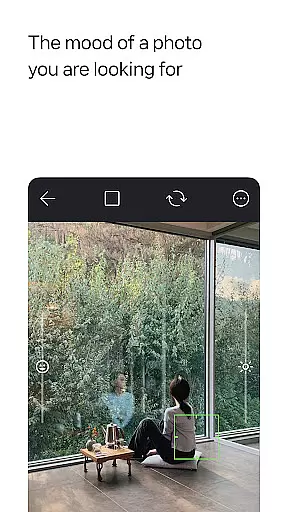
Real-time capture and preview functionality is essential for photography apps like filmhwa. This feature allows users to see exactly what the camera sees, ensuring they capture the perfect moment with precision.
The app provides an authentic experience by offering live filters that apply @hwa.min's unique color grading as you shoot. This real-time processing lets photographers adjust their composition and settings based on how the final image will look, saving time in post-production.
Users benefit from instant feedback on their shots, enabling them to make creative decisions on the fly. The ability to preview different filter effects before taking a photo helps maintain the artistic vision throughout the shooting process.
This immediate visualization capability enhances the overall photography experience, making it more intuitive and engaging for both amateur and professional photographers who appreciate analog sensibilities in digital format.
AI beauty and enhancement features have become crucial in modern photography applications. For filmhwa, this means providing tools that not only beautify but do so naturally, preserving the genuine essence of each photograph.
The application employs sophisticated algorithms to enhance images while maintaining the authenticity of skin textures and environmental elements. By focusing on natural enhancements, it avoids the over-processed look that can detract from a photo's charm.
Photographers using filmhwa gain access to various effects such as grain, light, and dust, which add depth and character to their work without compromising its realism. These subtle adjustments help bring out the best in every picture, whether itu2019s a landscape or portrait.
Ultimately, these AI-driven enhancements support the app's goal of capturing warm moments filled with light, allowing users to produce stunning visuals that resonate with emotion and atmosphere.
User-friendly interface
Unique photo filters
Versatile editing tools
Regular updates
Inspirational content
Limited filter variety
Advanced tools locked
Subscription required
Occasional bugs
High system requirements

A collection of tools and reference tables for DPs, ACs, DITs and Operators.
 4.70
4.70
AI portrait generator and polaroid AI selfie, fun AI generated AI photo creator!
4.30
Gallery show photo, video, slideshow, is perfect 3D effect private photo albums.
4.80
Long exposure camera with computational photography
2.60
Search, tag and rate your way to an organized image gallery
4.40
Safe & smart flight with Go Fly drone controller for 40+ drone camera, zone map
4.50
A reflected light meter with spot metering and incident light metering.
4.40
Astrophotography with your smartphone, photo live stacking and much more!
3.90
The original Rarevision VHS look seen everywhere!
4.70
Find time and duration of different sunlight phases at any location
4.90
Amazing Photo Effects - The most fun you can have with your photos!
4.70
Enhance, upscale, and transform your images — on your device, without limits
4.70
Light-weight Media Gallery app for Android made with Jetpack Compose
4.60
Create Business Headshots, Polaroid Filter, Retake Photos,Profile Pics,AI Photos
4.50
Turn your phone into a professional camera - full DSLR manual photography
4.30
Virtual makeup, hair filters & body tuner—edit from face to full body!
4.20
Professional quality photo edits with the new Snapseed.
4.00
Photo Album Watch Face shows your favorite pictures as a Watchface.
1.90
Snap photos remotely using your Garmin watch as the camera trigger
4.1


User Reviews