
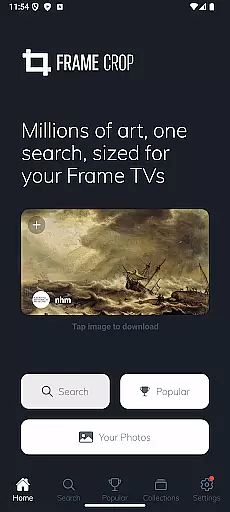
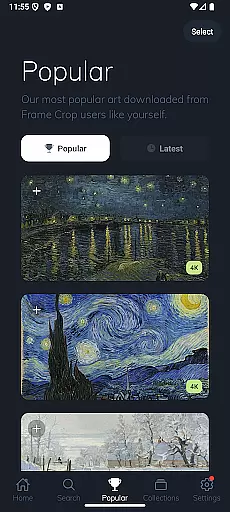
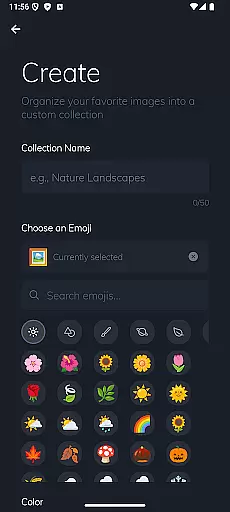
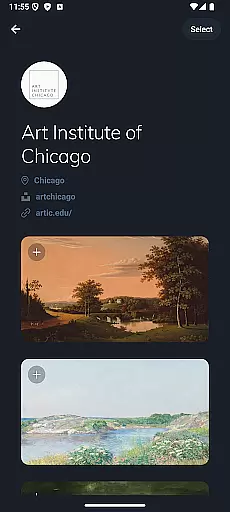
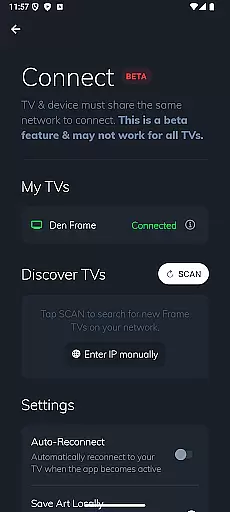
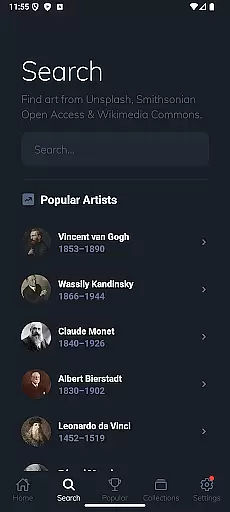
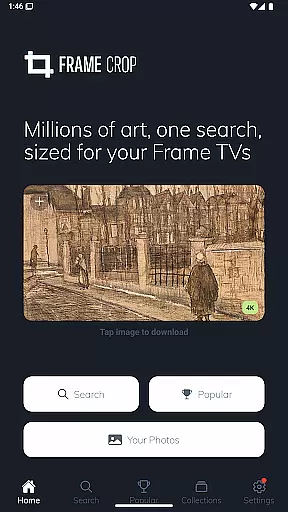
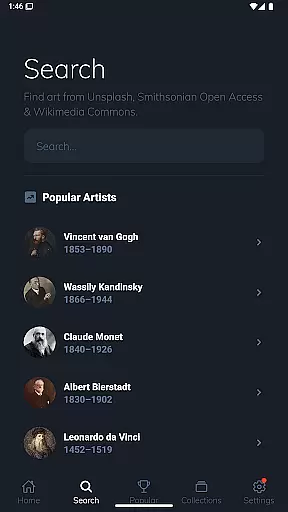
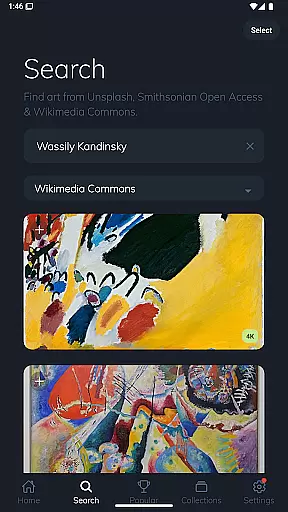
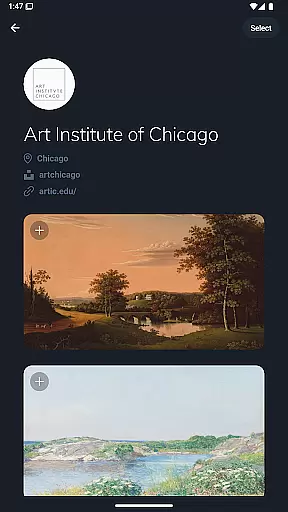
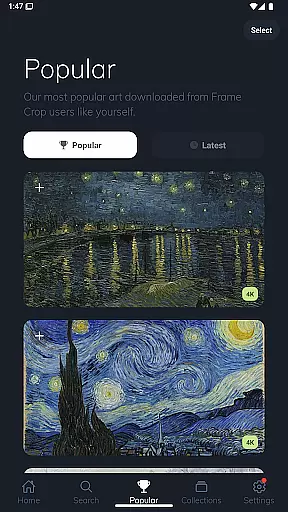
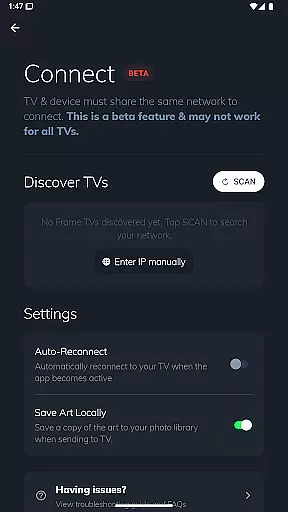
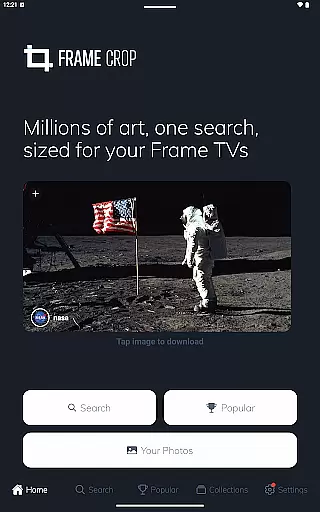
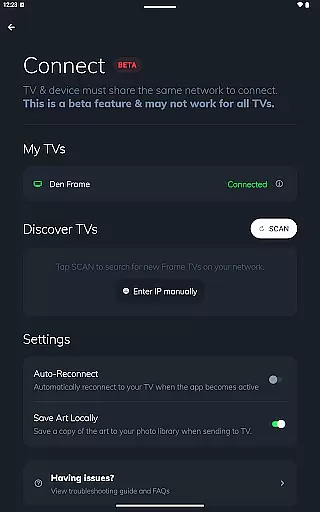
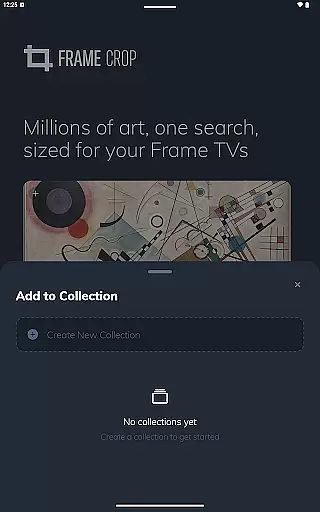
Frame Crop is a specialized application designed for Samsung Frame TV and Hisense CanvasTV owners who wish to enhance their viewing experience with personalized artwork. The app allows users to browse, crop, and download high-quality images from renowned libraries such as Smithsonian and Unsplash. With its intuitive cropping tools, users can effortlessly adjust photos to fit the unique borderless display of their TVs.
In addition to offering an extensive collection of professional artwork and photographs, Frame Crop supports portrait-mounted TVs, making it versatile for different home decor styles. Whether you want to showcase cherished memories or stunning landscapes, this app provides a seamless way to match your mood or interior design by customizing your TV screen with beautiful imagery.
Frame Crop stands out with its powerful yet user-friendly features tailored specifically for art enthusiasts and photography lovers. One of the key highlights is its advanced photo cropping tool, which ensures every image perfectly fits the dimensions of Samsung Frame TVs and Hisense CanvasTVs. This feature allows users to maintain the visual integrity of their chosen artwork while optimizing it for their specific TV model.
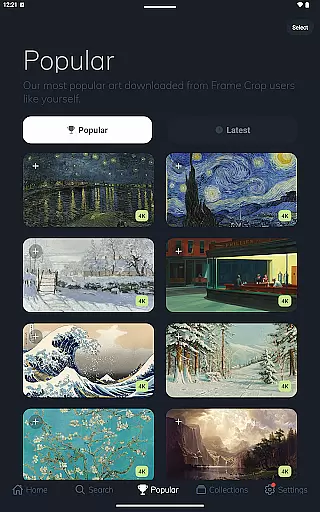
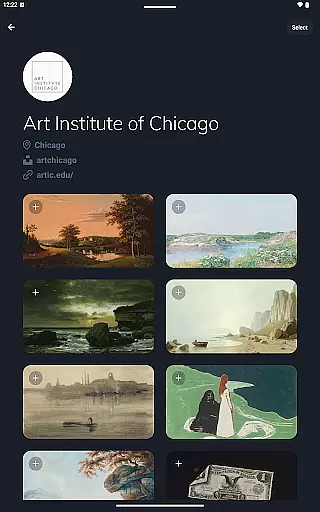
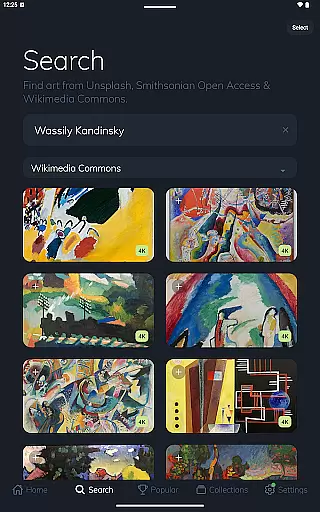
Beyond cropping, the app grants access to thousands of high-resolution images sourced from prestigious platforms like Smithsonian Open Access, Unsplash, and Wikimedia Commons. Users can explore diverse categories including art, animals, and landscapes. Furthermore, integration with the SmartThings app enables easy switching of displayed art, providing a dynamic and customized viewing experience that adapts to any occasion or setting.
Real-time capture and preview functionality is essential for photography apps as it allows users to see exactly what the camera sees before taking a shot. Frame Crop offers an intuitive interface that ensures users can accurately frame their subjects, providing a seamless transition from capturing to displaying on Samsung Frame TV or Hisense CanvasTV.
The app's real-time capabilities are enhanced by its integration with libraries such as Smithsonian and Unsplash, enabling users to browse and download artwork, paintings, and photos that perfectly fit their TV displays. This feature not only saves time but also enhances the overall user experience by offering high-quality previews of images before they are downloaded and displayed.
Users benefit from the ability to match their mood or home decor by cropping photos and artwork in real-time, ensuring that the final display on their TVs is exactly as envisioned. With thousands of stunning, high-resolution images available, Frame Crop makes it easy to switch out art using the SmartThings app for a customized viewing experience.
AI beauty and enhancement features have become a staple in modern photography apps, allowing users to improve image quality while maintaining natural aesthetics. Frame Crop leverages advanced AI algorithms to optimize images for Samsung Frame TV or Hisense CanvasTV, ensuring that every photo or artwork looks its best without appearing overly processed.
The app supports portrait-mounted Frame TVs and provides tools for cropping and adjusting images to fit borderless displays. This attention to detail highlights Frame Crop's commitment to delivering a natural enhancement experience that respects the original composition and intent of the artwork or photograph.
By integrating with reputable sources like Smithsonian Open Access, Unsplash, and Wikimedia Commons, Frame Crop ensures that users have access to a vast library of professionally curated content. The AI enhancements work harmoniously with these high-quality images, allowing users to showcase their favorite memories or professional artwork with confidence, knowing that the final display will be both beautiful and true to life.
User-friendly interface
Extensive art library
Optimized cropping tools
Supports portrait mode
Regular updates
Limited device compatibility
Premium content costs
Requires SmartThings app
Occasional bugs
Internet connection needed

Effortlessly organize, view and share your photos & videos with Gallery app!
 4.40
4.40
How would you look like with a differently shaped nose, chin or lips?
3.90
Search, tag and rate your way to an organized image gallery
4.40
Easily stitch panoramas from multiple photos or video.
4.40
An interval timer to automate photo taking process for timelapse
2.90
Transform photos into videos! Create realistic or anime-style images easily!
4.50
A must-have app for landscape photographers
4.60
Raw Image Viewer. Gallery with support of raw images (.cr3, .cr2, .nef, .raf).
2.00
Unlock the full potential of your DJI drone with Litchi
4.50
Find time and duration of different sunlight phases at any location
4.90
Cartoon and artistic effects for your photos and videos
4.70
Enhance, upscale, and transform your images — on your device, without limits
4.70
PhotoSync Bundle Add-On License. Enables all features and services in PhotoSync.
4.60
Create AI photos & videos with Enhancer; restore, fix, beautify, enhance photos
4.50
Natural Beauty, Selfie Retouch
4.30
A light meter for true photographers.
4.20
Professional quality photo edits with the new Snapseed.
4.00
USB Storage Access for Photos, Videos, Music and Documents
3.80
Long exposure camera with computational photography
2.60


User Reviews