
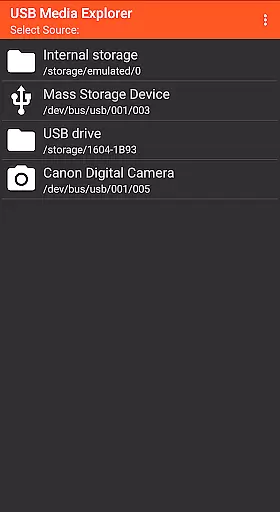
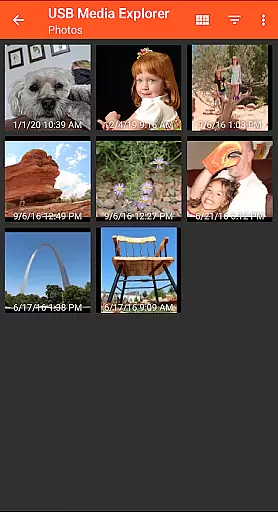
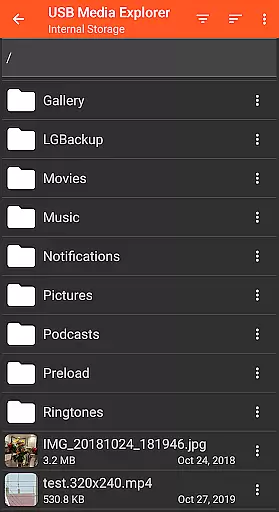
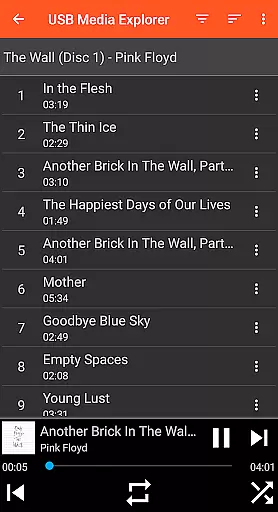
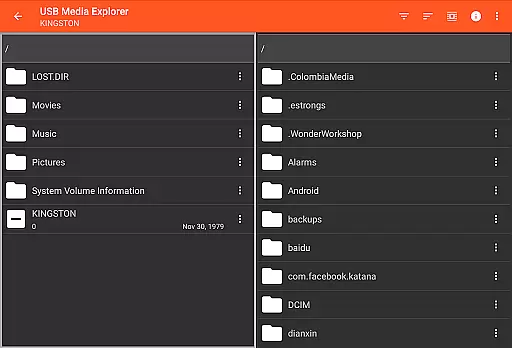
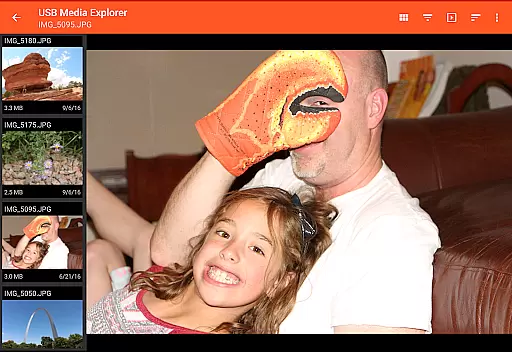
USB Media Explorer (UME) is a versatile photography app that enables users to view photos, stream videos, listen to music, and manage documents from various USB storage devices. With specialized screens for different media types, it offers a seamless experience for photographers and content creators.
The app supports a wide range of devices including flash drives, card readers, hard drives, cameras, and even other Android devices. Its standout feature is the ability to view full-size photos and videos without importing them, making it an essential tool for professionals who need quick access to their media files.
Whether you're a photographer needing to review RAW images on-the-go or a videographer previewing footage, USB Media Explorer provides a reliable solution for accessing and managing your media files directly from USB devices.
USB Media Explorer stands out with its comprehensive feature set tailored for photography professionals. The app's specialized viewing modes for photos, videos, music, and documents provide optimized experiences for each media type.
A key feature is the ability to copy files to and from USB devices, allowing for efficient file management. The app also supports various video and audio formats, though some may require third-party players like VLC for playback.
Additional hardware requirements include microUSB OTG cables or USB C adapters, while power-hungry devices like hard drives might need external power sources. These features make USB Media Explorer a powerful tool for managing media across multiple devices.
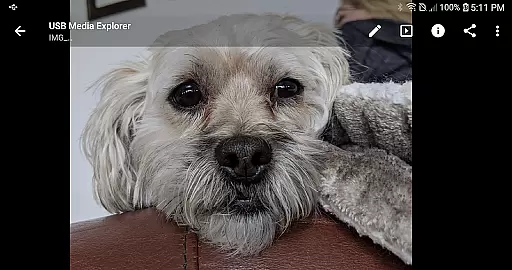
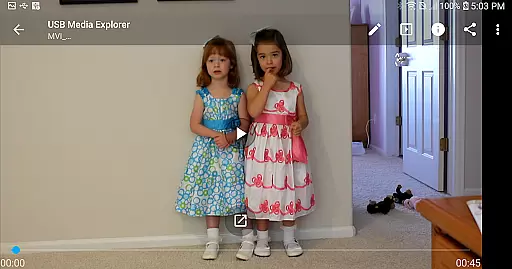
USB Media Explorer offers a unique real-time capture and preview feature that allows users to view photos and stream videos directly from USB storage devices without the need for importing. This functionality is crucial for photographers and videographers who require immediate access to their files on the go.
The application supports both Jpeg and Raw photo formats, ensuring that professionals can work with high-quality images directly from their cameras or storage devices. The specialized screens for photos and videos provide an optimal viewing experience, maintaining the integrity of the original content while offering smooth playback and detailed imagery.
Users benefit from the ability to view full-size photos and videos instantly, which enhances workflow efficiency and allows for quick decision-making in critical situations. Whether on location or in the studio, this feature ensures that creatives can review their work promptly and make necessary adjustments without delay.
While USB Media Explorer does not focus heavily on AI beauty enhancements, it provides essential tools for managing and viewing multimedia content with natural enhancement options. This approach respects the authenticity of the original material while still offering features that improve the viewing experience without artificial alterations.
The app supports various video formats, although some may require third-party players like VLC for optimal playback. This flexibility ensures that users can enjoy a wide range of media types while maintaining the natural quality of their footage. Additionally, the specialized screens for different media types allow users to engage with their content in the most suitable environment.
By prioritizing natural enhancement over heavy editing, USB Media Explorer caters to professionals who value genuine representation. Users can trust that their media is displayed as intended, preserving the creator's vision and ensuring that the final output remains true to the source material.
User-friendly interface
Wide device compatibility
Efficient file management
RAW image support
Quick media preview
Requires additional hardware
Limited native format support
Power source needed for HDDs
No live image device support
Proprietary protocol limitations

AI photo editor with hair editor, retouch tools, hair color changer & filters!
 4.50
4.50
Create AI Photos, Improve and restore quality of blurry, old or damaged pics.
4.20
A reflected light meter with spot metering and incident light metering.
4.40
Create AI photos & videos with Enhancer; restore, fix, beautify, enhance photos
4.50
GCamera allows all GCam features on all phone models! Better photos with GCamera
3.30
Collage your moments in one tap: 1000+ layouts, filters, stickers, and texts.
4.90
Easily create custom gifts, cards, photo books & more on the Shutterfly app!
4.60
Transform Photos: Edit, Beautify and Craft Memories & Make Collages!
4.10
RAW video capture with advanced controls
4.40
Light-weight Media Gallery app for Android made with Jetpack Compose
4.60
Viewfinder, Light meter, Reciprocity failure time, DOF & Bellows Extension
4.60
Enhance, retouch & create your story - Share the moment with Photoshop Express.
4.60
Transform photos into videos! Create realistic or anime-style images easily!
4.50
AI photo enhancer with Sora 2! Enhance, descratch, and colorize your old photos.
4.50
Edit like a pro with Hypic. Apply filters, AI effects, & magic touch.
4.40
All-in-One Editor & AI Photo Enhancer, Beautify & Retouch, Collage, Cartoonify
4.20
Photo editor: face & body editor, beauty cam, filters and quality enhancer.
4.00
Create amazing frames with up to five photos. Rounded corners, effects and more!
3.60
Superimpose one photo on top of another using the original Superimpose app!
3.20


User Reviews