

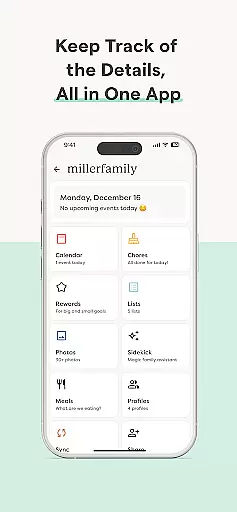
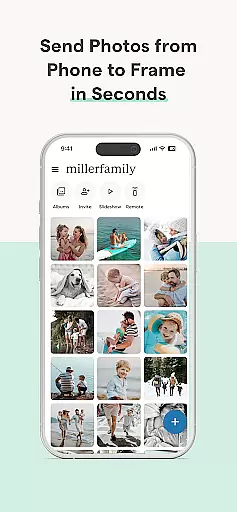

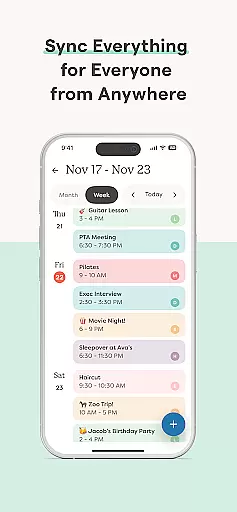
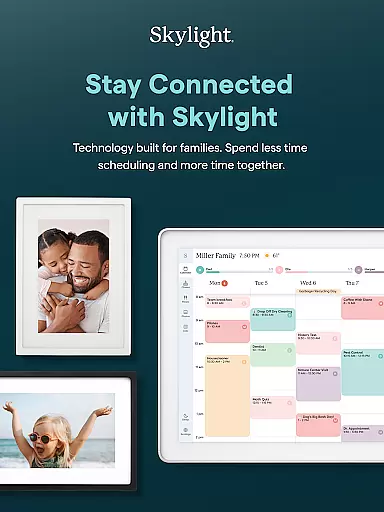


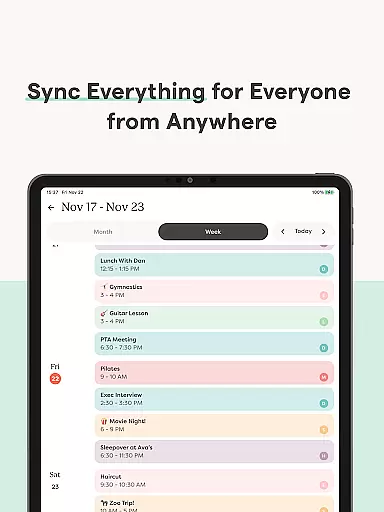
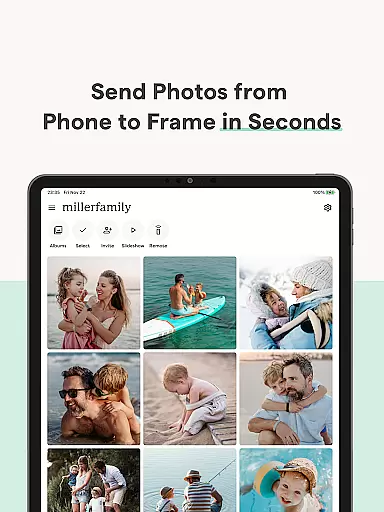
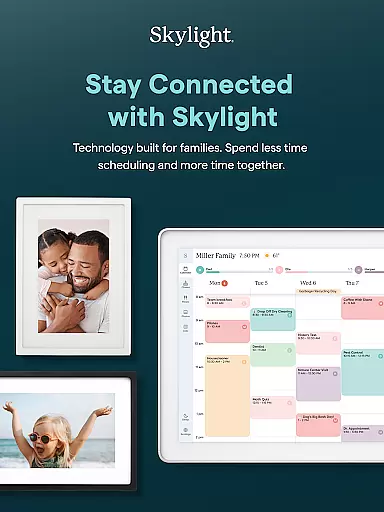


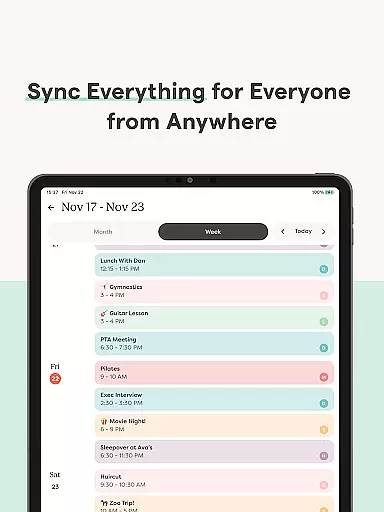
Skylight is a comprehensive family management application that serves as the central hub for organizing your household. The app combines calendar management, task tracking, and media sharing into one intuitive platform. With dedicated features for both Skylight Calendar and Skylight Frame, it enables families to streamline their daily routines while preserving precious memories.
The application allows users to sync unlimited calendars, create recurring tasks, and share essential lists with family members. Additionally, Skylight Frame offers an innovative way to display photos and videos on digital frames, making it perfect for keeping loved ones connected through visual memories. Whether you're managing chores or curating family moments, Skylight provides the tools to simplify and enhance your home life.
Skylight stands out with its robust feature set tailored specifically for family needs. The Skylight Calendar functionality supports unlimited calendar syncing, enabling users to manage events, routines, and grocery lists from a single interface. Advanced features like earning rewards for completed tasks and building a family recipe book are available in the PLUS version, offering additional value for power users.
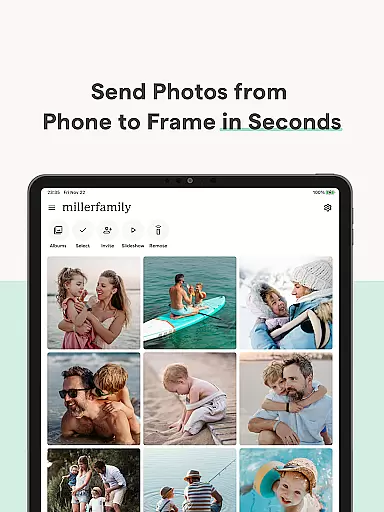
For those using Skylight Frame, the app provides seamless photo and video uploading capabilities. Users can easily create albums with captions and customize their digital frame displays. The ability to add content via email ensures convenience and accessibility for all family members. These features collectively create a unique ecosystem that blends practical family management with thoughtful memory preservation.
Real-time capture and preview functionality is essential for ensuring that users can instantly see the results of their photography efforts. This feature allows photographers to adjust settings and compositions on the fly, which is crucial for capturing the perfect shot.
Skylight provides an intuitive interface where users can easily activate and manage their Skylight Calendar and Frame. The app ensures that every photo taken is immediately visible on the connected device, allowing users to make necessary adjustments before finalizing their captures.
The benefit of real-time capture in Skylight is the seamless integration with both the calendar and frame functionalities. Users can upload photos and videos directly to be used as screensavers, ensuring that their most cherished memories are always on display.
This instant feedback loop enhances the overall user experience by providing immediate visual confirmation, thus improving the quality of the content being captured and shared across the family network.
AI beauty and enhancement features have become a staple in modern photography apps, offering users the ability to refine and enhance their images with natural-looking results. The importance of maintaining authenticity while enhancing photos cannot be overstated, as overly processed images can appear artificial.
Skylight incorporates advanced AI algorithms that automatically enhance photos uploaded to the Skylight Frame. These enhancements include color correction, lighting adjustments, and detail sharpening, all designed to preserve the natural essence of each photograph.
Users benefit from these enhancements as they build their family recipe books and meal plans, ensuring that every image accurately represents the dish being prepared. Additionally, the AI enhancements help maintain consistency across all displayed content.
By focusing on natural enhancement, Skylight ensures that every photo, whether it's part of a screensaver or an album, retains its original charm while benefiting from subtle improvements that elevate its visual appeal.
User-friendly interface
Comprehensive calendar tools
Family task management
Media sharing capabilities
Customizable frame displays
Limited free features
PLUS subscription required
WiFi connectivity needed
Occasional syncing issues
Device compatibility limits

How would you look like with a differently shaped nose, chin or lips?
 3.90
3.90
Add Watermark - Sign your pictures with a text or logo. Effective, quick, easy!
4.50
Pet Camera
3.70
USB Storage Access for Photos, Videos, Music and Documents
3.80
Future baby face generator: AI kids generator, kid face! What my baby look like?
4.40
See your baby AI baby face generator AI baby maker Face generator babymaker fun!
4.70
live datamoshing
4.00
PhotoSync Bundle Add-On License. Enables all features and services in PhotoSync.
4.60
Enhance, upscale, and transform your images — on your device, without limits
4.70
Find time and duration of different sunlight phases at any location
4.90
Cartoon and artistic effects for your photos and videos
4.70
Amazing Photo Effects - The most fun you can have with your photos!
4.70
A must-have app for landscape photographers
4.60
Search, tag and rate your way to an organized image gallery
4.40
Trendy TikTok time warp scan funny filter app brings you unique photos & videos.
4.40
AI portrait generator and polaroid AI selfie, fun AI generated AI photo creator!
4.30
Luminar: Photo Editor - easy picture editing with AI
4.20
Professional quality photo edits with the new Snapseed.
4.00
An interval timer to automate photo taking process for timelapse
2.90


User Reviews