
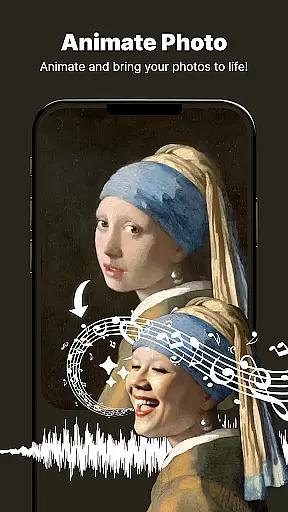
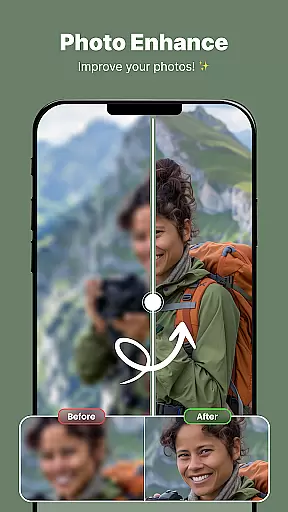
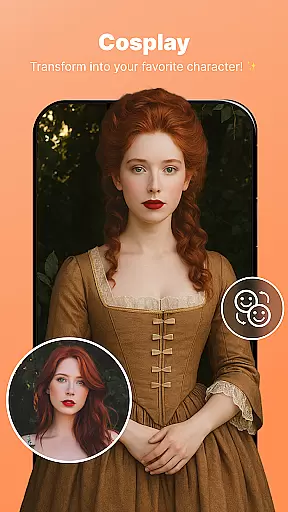
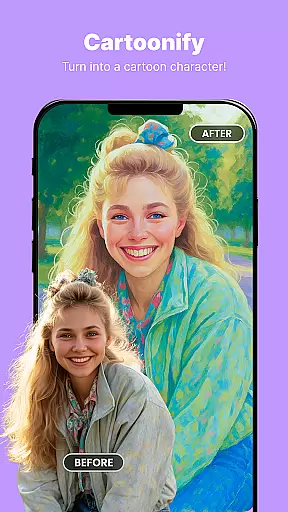
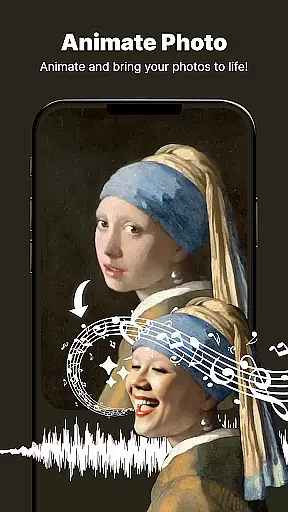
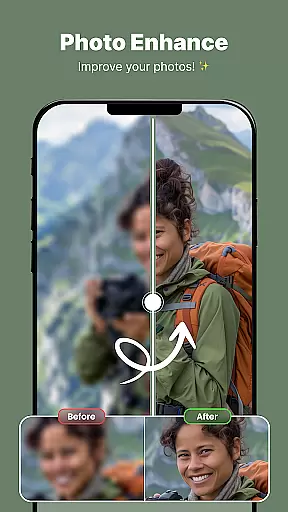
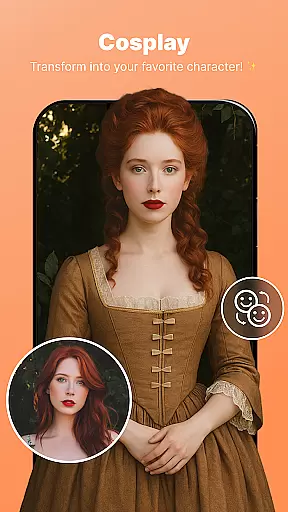
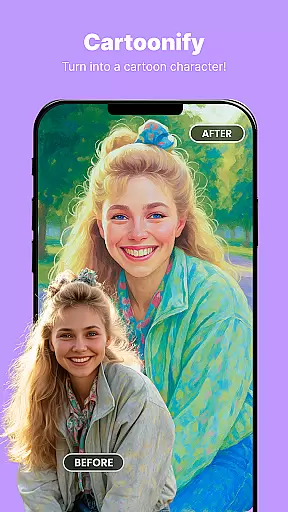
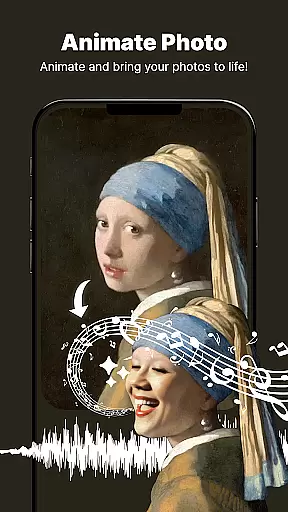
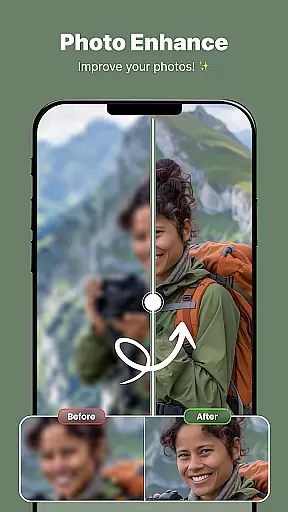
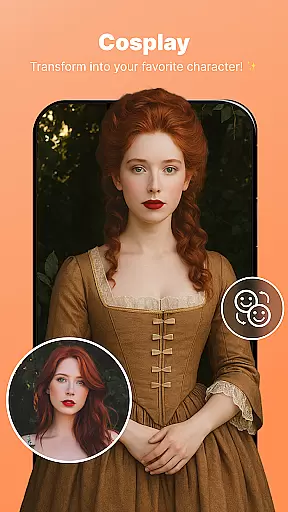
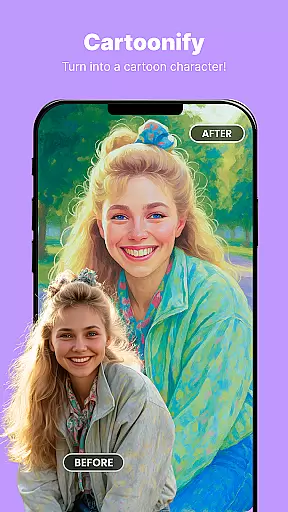
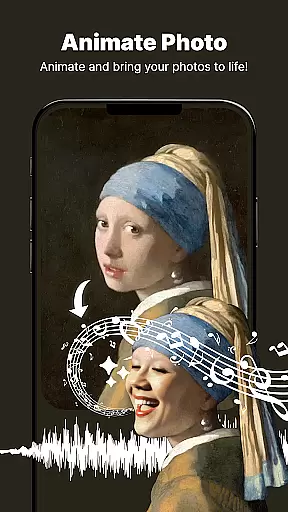
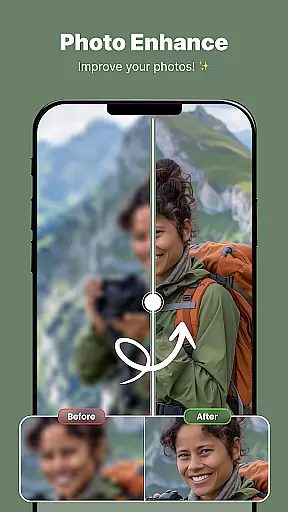
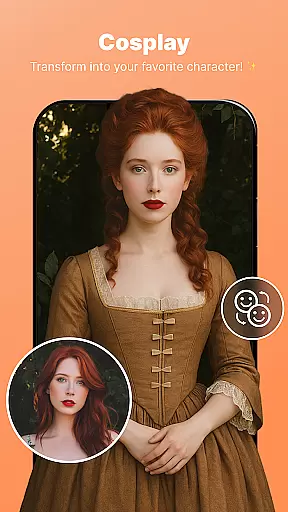
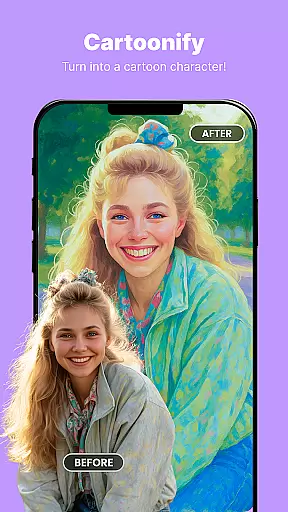
ShotCam is a comprehensive photo editing app designed to enhance your photography experience. This all-in-one solution offers powerful tools for body shaping, background editing, and creating stunning collages.
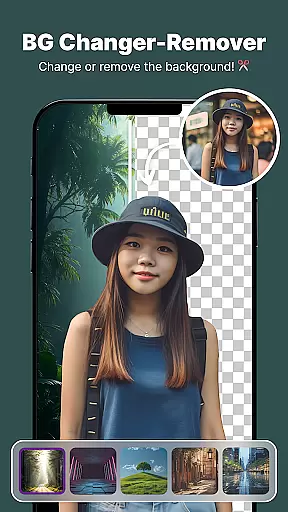
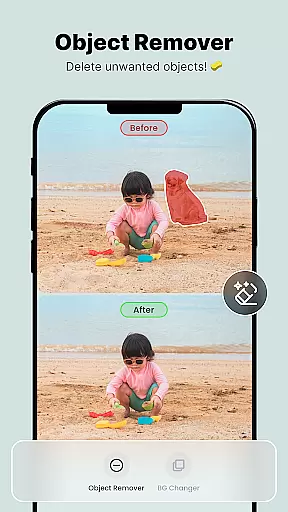
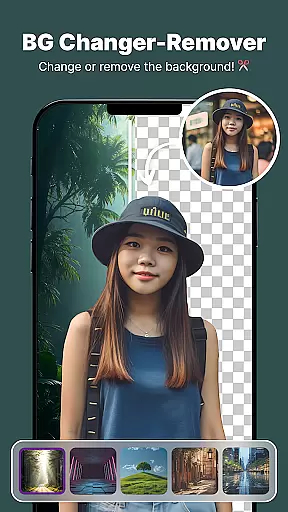
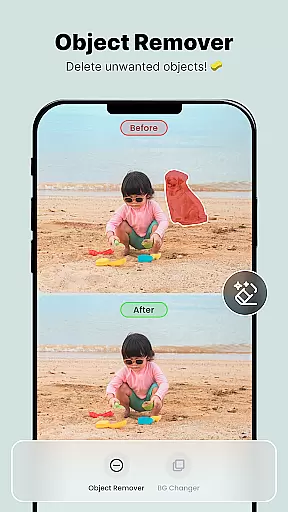
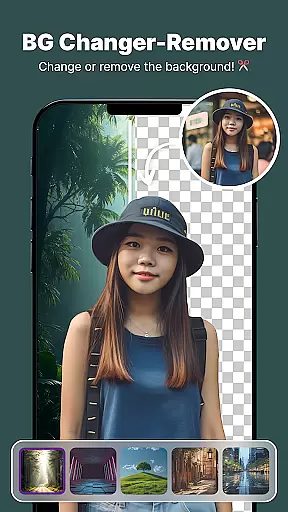
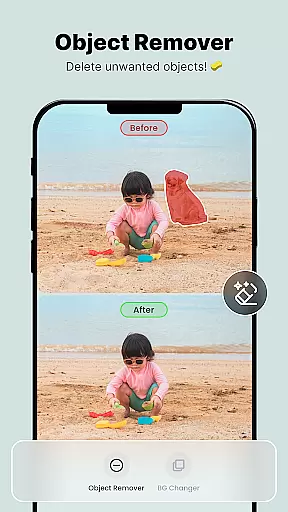
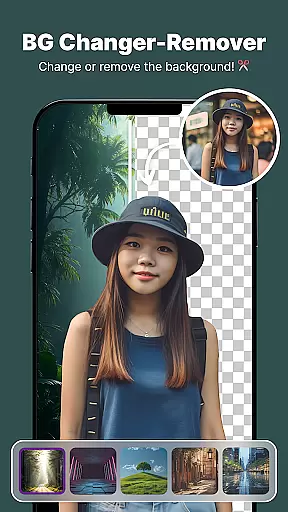
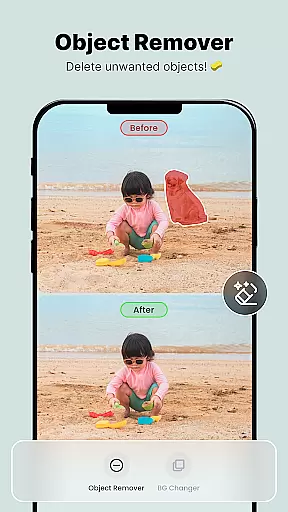
The app's standout features include Body Shaper for figure adjustments, Background Changer for instant scenery replacement, and Object Remover for cleaning up unwanted elements. Its professional-grade Background Blur tool creates captivating portrait effects while the new Animate Photo feature brings static images to life.
Ideal for both casual users and photography enthusiasts, ShotCam enables you to transform ordinary photos into professional-looking masterpieces. Whether you're editing social media photos or creating artistic compositions, this app provides everything you need in one convenient package.
ShotCam distinguishes itself through its diverse range of advanced editing tools. The Body Shaper feature employs sophisticated algorithms to help users achieve their desired physique without compromising image quality.
The app's Background Editing suite includes three powerful tools: Background Changer for complete replacement, Background Eraser for precise removal, and BG Blur for professional depth-of-field effects. These tools work seamlessly to create polished, magazine-quality results.
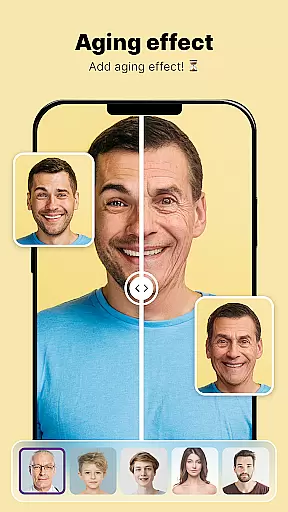
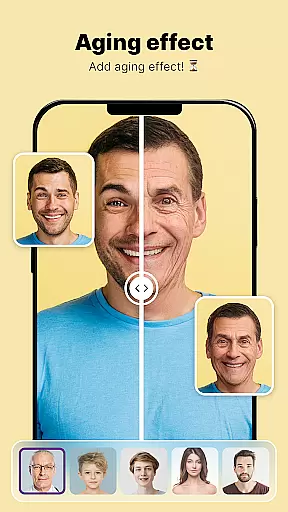
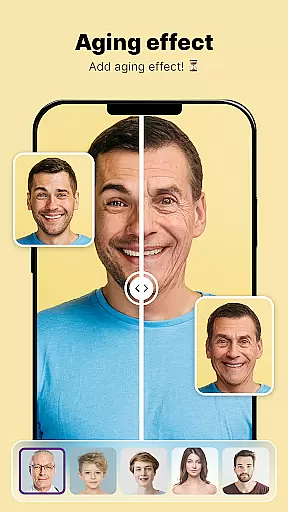
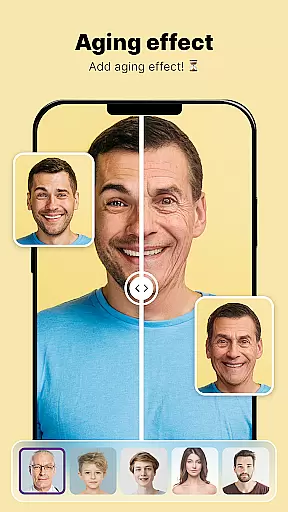
Additional innovative features include the Animate Photo tool that converts static images into dynamic animations, and the Aging Effects filter that provides a glimpse into future appearances. The intuitive Collage Maker and precise Object Remover further expand creative possibilities while maintaining user-friendly interfaces.
Real-time capture and preview functionality is essential for ensuring that users can see the results of their photo edits immediately. This feature allows photographers and casual users alike to make adjustments on the fly, ensuring that every edit meets their expectations before finalizing.
ShotCam offers an intuitive real-time editing experience where changes such as body shaping, background replacement, or object removal are instantly visible. The app's powerful processing capabilities ensure that even complex edits like aging effects or animation features provide immediate visual feedback without lag.
The benefit of real-time capture and preview in ShotCam is significant. Users can experiment with different tools and settings confidently, knowing they can fine-tune their images until they achieve the desired outcome. This interactive approach not only saves time but also enhances creativity by allowing users to visualize their ideas instantly.
Ultimately, this feature empowers users to produce high-quality edited photos efficiently. By offering a seamless and responsive editing process, ShotCam ensures that whether you're enhancing portraits or creating dynamic animations, your creative vision can be realized swiftly and accurately.
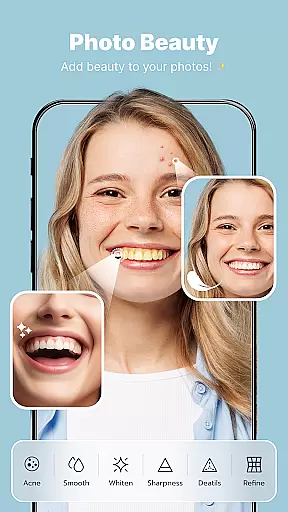
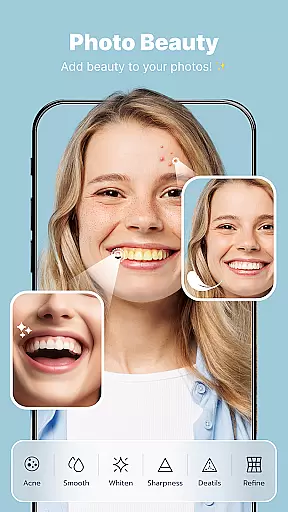
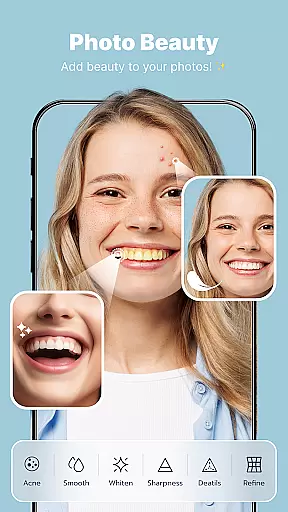
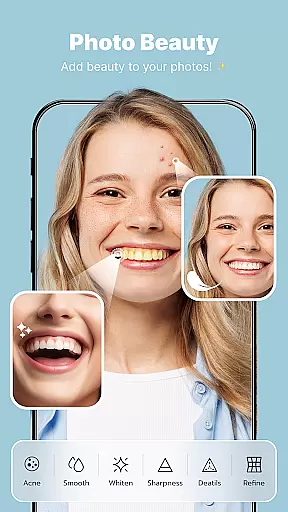
AI beauty and enhancement features have become pivotal in modern photo editing applications. These tools leverage advanced algorithms to enhance facial features, smooth skin textures, and apply beautification effects while maintaining a natural look. The importance lies in delivering professional-grade enhancements without making the image appear overly processed or artificial.
In ShotCam, AI-driven enhancements include body shaping, aging effects, and portrait blurring. Each tool is designed to subtly improve the subject's appearance while preserving authenticity. For instance, the Body Shaper tool refines figures delicately, ensuring that edits remain realistic and proportional.
Users benefit from these sophisticated AI capabilities by achieving polished yet genuine-looking results. Whether itu2019s refining facial features or adjusting body contours, ShotCam's AI ensures that every modification enhances the photo naturally. This balance between enhancement and realism boosts user confidence in sharing their edited work.
By prioritizing naturalness in AI enhancements, ShotCam stands out among photography apps. It delivers a suite of powerful editing tools that cater to both amateur and professional photographers who seek to elevate their images with authentic, high-quality edits.
User-friendly interface
Comprehensive editing tools
High-quality results
Fast processing speed
Regular updates
Contains in-app purchases
Some features are premium
Occasional bugs
Learning curve
Ads present

Safe & smart flight with Go Fly drone controller for 40+ drone camera, zone map
 4.50
4.50
Photobooth mini FULL app will allow you to add more fun to your parties
4.00
Cut and paste photo editor & eraser to customize photos easy and swap faces fun
4.50
Superimpose one photo on top of another using the original Superimpose app!
3.20
Movie camera, supports pro recording settings for filming. Try it and be amazed!
4.50
Astrophotography with your smartphone, photo live stacking and much more!
3.90
RAW video capture with advanced controls
4.40
Your personal guide to the sun and moon. Plan ahead, visualize and predict!
4.70
PhotoSync Bundle Add-On License. Enables all features and services in PhotoSync.
4.60
Find time and duration of different sunlight phases at any location
4.90
Photo prints, cards, & gifts at Walgreens. Easy ordering & fast local pickup !
4.80
Cartoon and artistic effects for your photos and videos
4.70
Easily view, share, delete photos with Gallery.
4.70
Automatically backup your photos and videos to computer, NAS and Cloud services
4.60
Enhance, retouch & create your story - Share the moment with Photoshop Express.
4.60
AI photo editor with hair editor, retouch tools, hair color changer & filters!
4.50
Professional photography on your mobile phone
4.20
Transform Photos: Edit, Beautify and Craft Memories & Make Collages!
4.10
Turn photos into cartoons & avatars! - Photo Editor, Cartoon Face!
3.90


User Reviews