
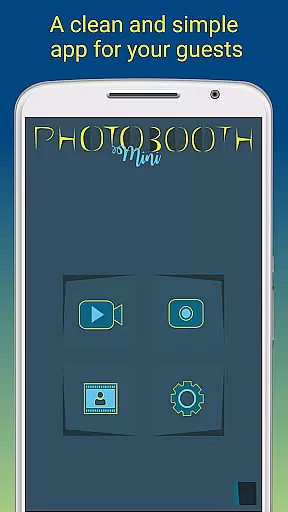
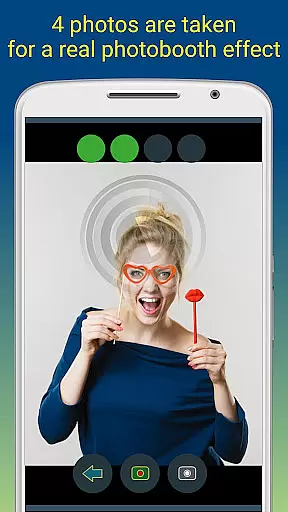
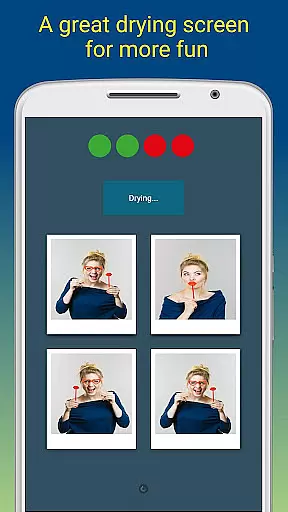
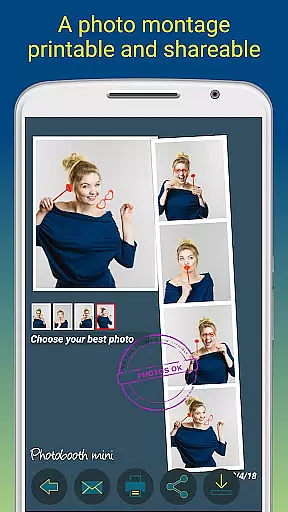
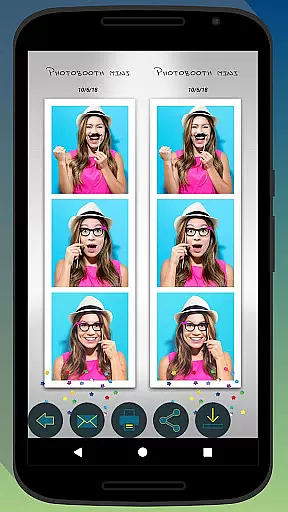
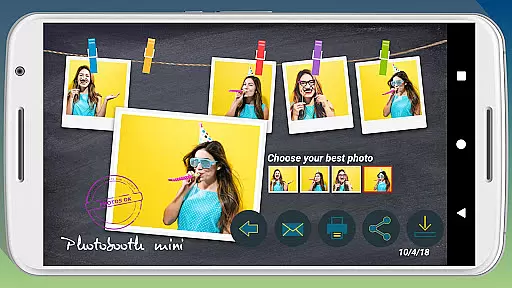
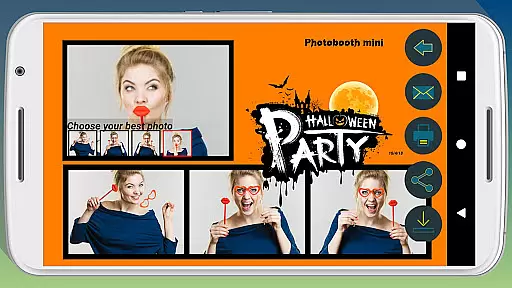
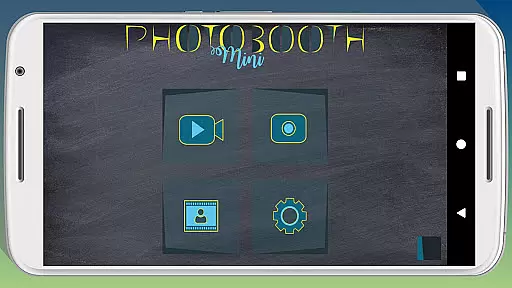
Photobooth mini FULL is a feature-rich photography app designed to capture fun moments at parties and events. The app offers a full-screen preview that adapts to the user's distance, mimicking a real photo booth experience. With functionalities like a timer, multiple picture capture, and video messaging, it ensures an engaging experience. Users can take 4-5 photos per session, enjoy a realistic drying effect with sound, and customize their experience with text and date stamps.
The application is optimized for social gatherings, remaining active for extended periods while saving countless photos. It allows direct printing, sharing, and emailing of images. Its configurability extends to background image replacement and timer settings, making it adaptable to various event setups. Even without an internet connection during the event, the app queues email requests and sends them once connectivity is restored.
Photobooth mini FULL stands out with its specialized features tailored for event photography. The full-screen preview adjusts based on the user's distance, providing an authentic photo booth feel. The app includes a timer function and captures 4-5 images per session, adding enjoyment with a drying effect accompanied by blowing sounds. Video messaging capability further enhances creative expression.
Designed for seamless use during parties, the app operates continuously and is easy to use for all guests. Photos can be printed, shared, or emailed directly from the app. Extensive customization options allow users to modify background images, set timers, and add personalized text and dates to photos. Additionally, the app intelligently manages email requests, queuing them if there's no internet and sending them later, ensuring no requests are missed.
Real-time capture and preview functionality is essential for ensuring that users can take high-quality photos with precise framing and focus. Photobooth mini FULL offers a full-screen preview feature that adapts to the distance of the face, mimicking the experience of a real photo booth cabin.
This app allows you to maintain the chosen distance even when zooming in or out using the volume buttons, providing an authentic photo booth feel. The timer function adds to the seamless experience, giving users time to prepare before the photo is taken.
With this application, users can take multiple pictures in one sessionu2014typically four but sometimes five for added fun. This feature ensures that there are plenty of options to choose from, increasing the likelihood of capturing the perfect shot.
The ability to customize background images and configure settings like the timer makes Photobooth mini FULL highly adaptable to different environments and user preferences, enhancing the overall photography experience.
AI beauty and enhancement features have become increasingly popular in photography apps, allowing users to improve their photos' aesthetic appeal while maintaining a natural look. Photobooth mini FULL incorporates such enhancements subtly, ensuring that edited photos do not appear overly processed.
One notable feature is the drying effect accompanied by a pleasant blowing sound, which adds a playful touch to the photo-taking process. Additionally, the app supports video messages, enabling users to capture more dynamic memories.
Photobooth mini FULL is designed for social gatherings, making it easy for friends to print, share, and email photos directly from the app. It includes functionalities like adding text lines and dates, which help preserve memories in a personalized manner.
Furthermore, the app's capability to store email requests and send them once an internet connection is available ensures no data loss and enhances user convenience, making it a reliable choice for events without consistent network access.
User-friendly interface
Customizable settings
Realistic photo booth experience
Extended event usability
Queue and send emails later
Requires learning for customization
Internet needed for email feature
Consumes device storage
Limited to event scenarios
No advanced editing tools

Photo editor: face & body editor, beauty cam, filters and quality enhancer.
 4.00
4.00
Perfect photos with body shaping, BG changer and object remover.
3.70
Find time and duration of different sunlight phases at any location
4.90
Viewfinder, Light meter, Reciprocity failure time, DOF & Bellows Extension
4.60
What celebrity do you look like? Celebs will find your celebrity match!
4.10
Photo prints, cards, & gifts at Walgreens. Easy ordering & fast local pickup !
4.80
AI photo editor with hair editor, retouch tools, hair color changer & filters!
4.50
Easily create custom gifts, cards, photo books & more on the Shutterfly app!
4.60
Discover How to Plan any Sun, Moon and Milky Way Photo You Imagine in Seconds
4.70
See your baby AI baby face generator AI baby maker Face generator babymaker fun!
4.70
Amazing Photo Effects - The most fun you can have with your photos!
4.70
Easily view, share, delete photos with Gallery.
4.70
Your personal guide to the sun and moon. Plan ahead, visualize and predict!
4.70
Unblur, enhance & restore photos with powerful AI photo enhancer tools.
4.60
Safe & smart flight with Go Fly drone controller for 40+ drone camera, zone map
4.50
Cut and paste photo editor & eraser to customize photos easy and swap faces fun
4.50
Create Business Headshots, Polaroid Filter, Retake Photos,Profile Pics,AI Photos
4.50
Virtual makeup, hair filters & body tuner—edit from face to full body!
4.20
Pet Camera
3.70


User Reviews