
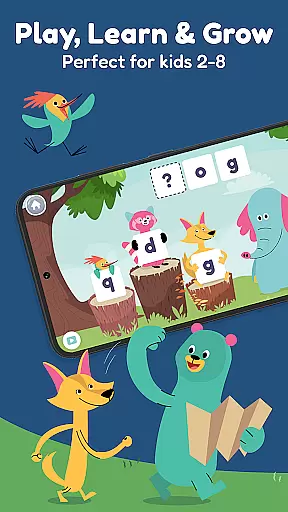
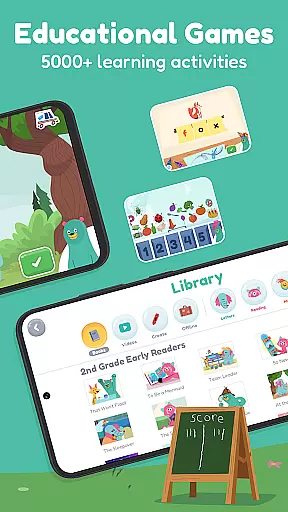
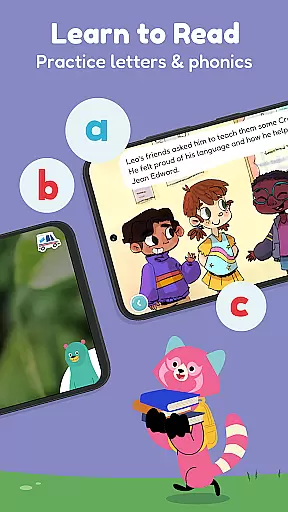
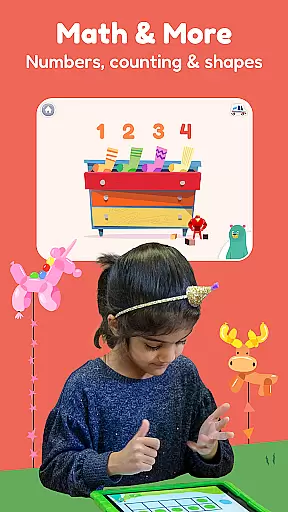
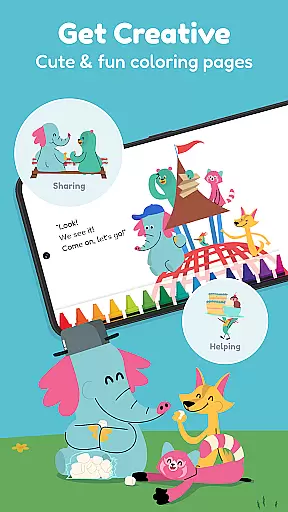
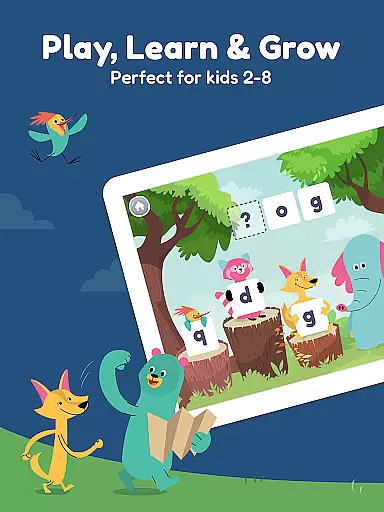
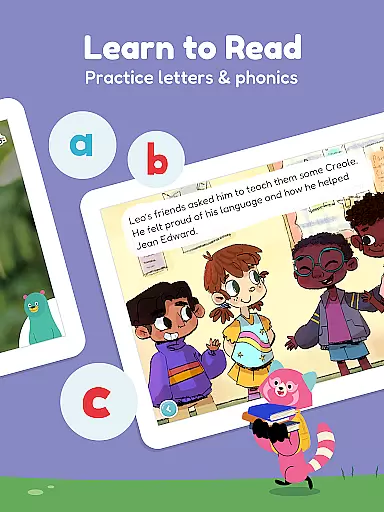
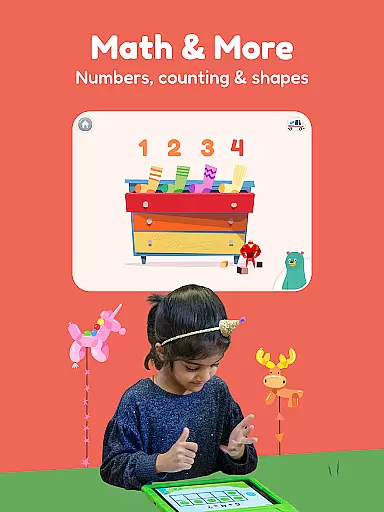
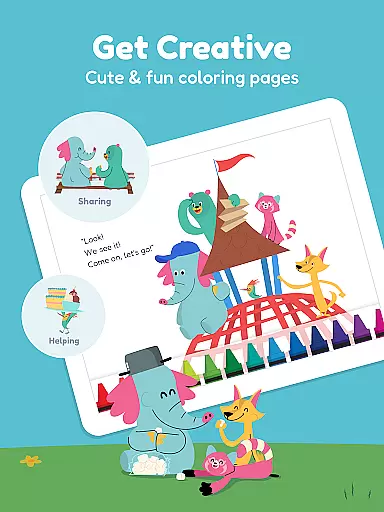
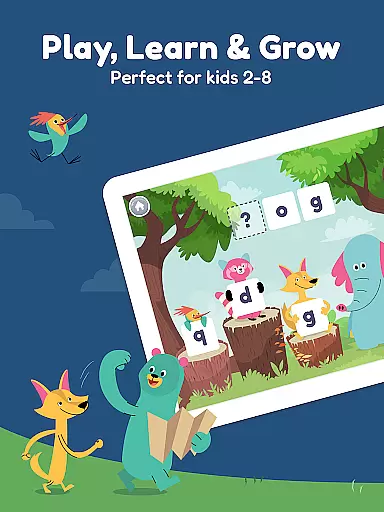
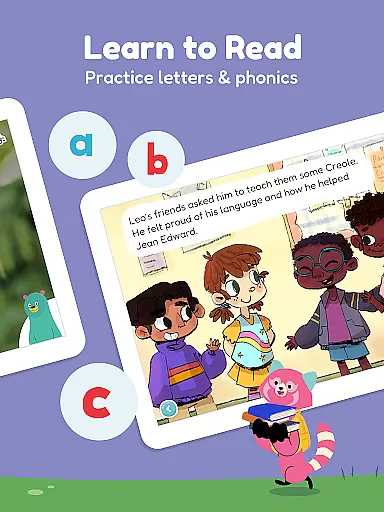
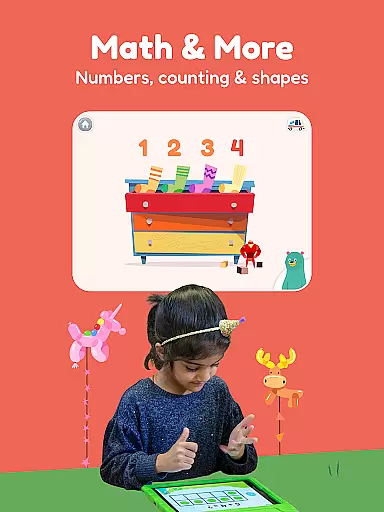
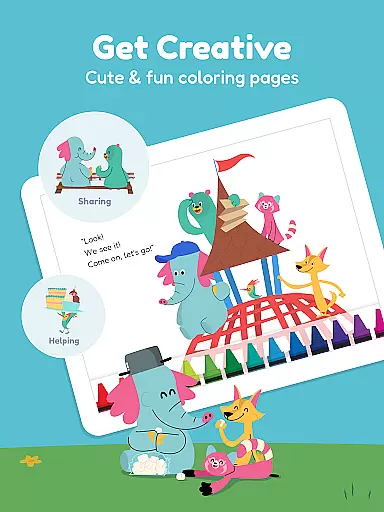
Khan Academy Kids is an award-winning educational app designed for children aged 2-8, offering a comprehensive suite of learning tools that include reading games, math exercises, phonics lessons, and interactive storybooks. Trusted by over 21 million families, this app supports early learners through engaging activities featuring characters like Kodi the Bear and friends, who guide kids on educational adventures.
The app's content spans essential academic areas such as ABCs, phonics, counting, addition, and shapes, with specialized characters focusing on different skills. It also features a vast library of storybooks and educational videos, including content from National Geographic and Super Simple Songs, all available in English and Spanish. The app grows with the child, adapting from preschool to second grade levels, ensuring continuous learning progression.
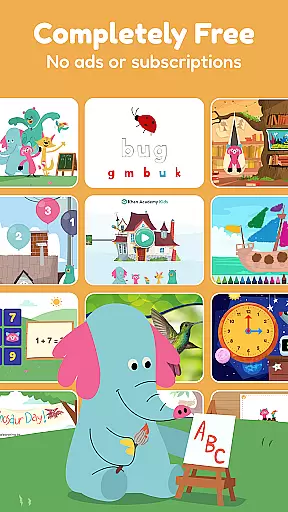
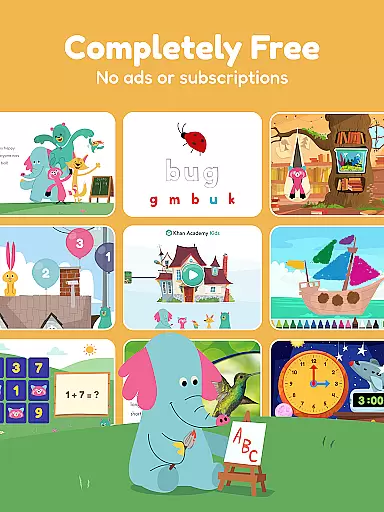
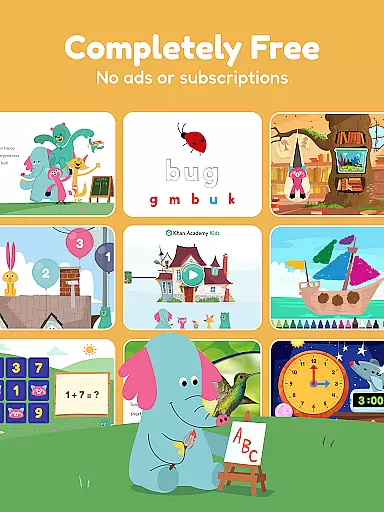
Parents and educators appreciate Khan Academy Kids for its adherence to educational standards, safety compliance, and complete cost-free access. With no ads or subscription fees, it provides a trusted, enriching environment for young learners to explore and develop foundational skills at home, school, or on the go.
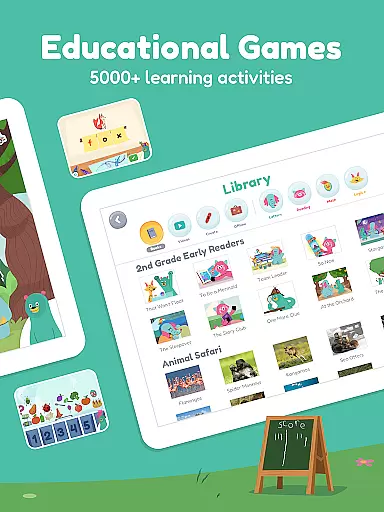
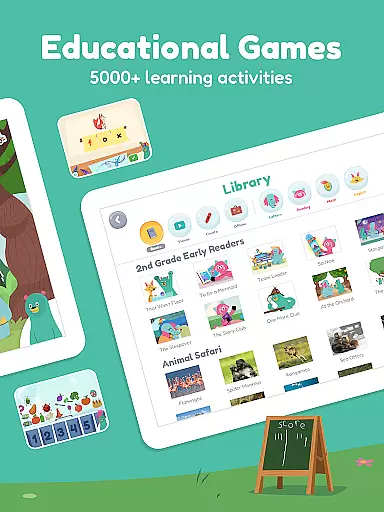
Khan Academy Kids stands out with its diverse range of interactive educational content tailored for young learners. The app includes over 5,000 activities and games led by engaging characters like Ollo the Elephant for phonics, Reya the Red Panda for writing, Peck the Hummingbird for math, and Sandy the Dingo for problem-solving. These characters make learning personalized and fun, sparking curiosity and confidence in children.
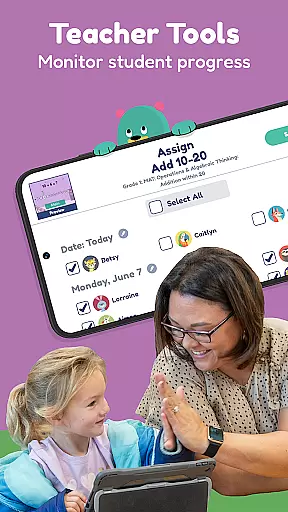
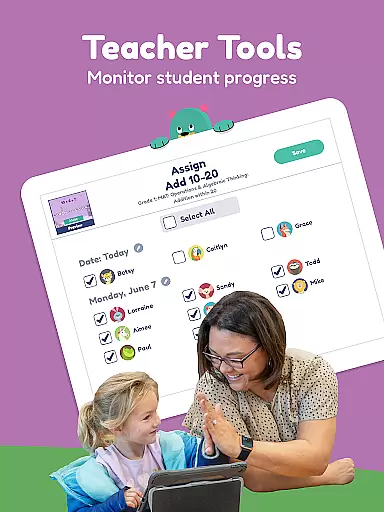
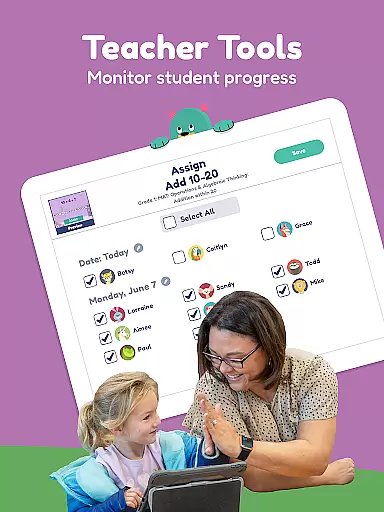
One of the app's key strengths is its extensive library of storybooks and videos, which cover topics ranging from animals and science to sing-along songs. This multimedia approach caters to various learning styles and keeps children engaged. Additionally, the app offers tools for educators, including assignment creation and progress tracking, making it suitable for classroom use.
Designed for flexibility, Khan Academy Kids works offline, allowing uninterrupted learning during travel or in areas with limited connectivity. Its alignment with educational standards and COPPA compliance ensures a safe, high-quality learning experience that parents and teachers can trust.
In the realm of educational applications, content accuracy is paramount, and Khan Academy Kids excels in this area. The app offers a vast array of educational games and activities that are not only engaging but also meticulously aligned with educational standards. This ensures that the learning material presented to children from preschool through second grade is both age-appropriate and academically sound.
Khan Academy Kids has forged partnerships with reputable educational institutions, such as the Stanford Graduate School of Education, to develop its curriculum. This collaboration guarantees that the phonics lessons, math games, and interactive storybooks are crafted by experts who understand child development and educational theory. As a result, parents and educators can trust that the content their children interact with is authoritative and designed to build foundational skills effectively.
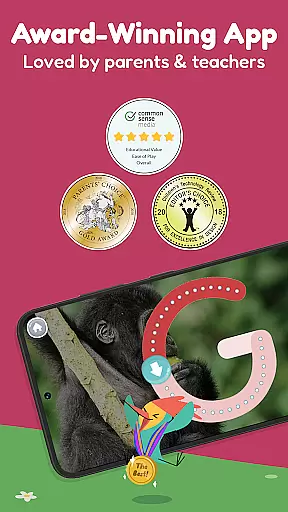
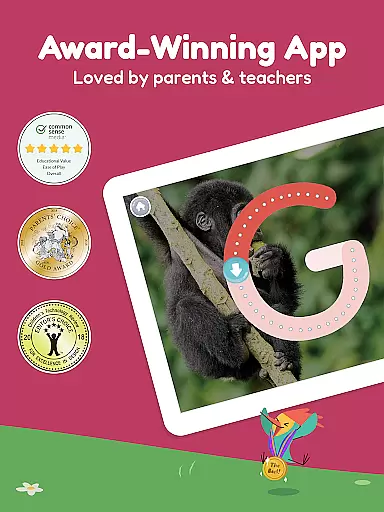
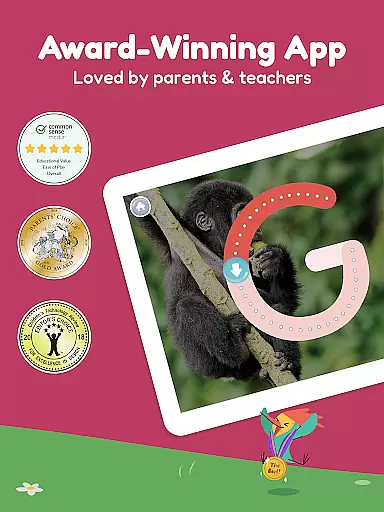
Furthermore, the app's dedication to providing high-quality, reliable educational resources is reflected in its recognition and awards. With endorsements like Common Sense Mediau2019s Top Rated Educational App and Childrenu2019s Technology Reviewu2019s Editoru2019s Choice, families and educators worldwide can be confident in the app's ability to deliver accurate and beneficial educational content. These accolades underscore the app's commitment to excellence and validate its role as a trusted educational tool for young learners.
One of the standout features of Khan Academy Kids is its ability to offer personalized learning paths for each child. Understanding that every learner is unique, the app provides a tailored educational experience that adapts to individual needs and paces. This personalization is crucial in maintaining engagement and ensuring that learning remains a positive and effective experience.
The adaptive technology within Khan Academy Kids monitors a child's progress across various subjects, including reading, math, and life skills. Based on performance and interaction with the app's activities, it dynamically adjusts the difficulty level and suggests new challenges or reinforces concepts as needed. This responsive approach helps build confidence and encourages a deeper exploration of subjects without overwhelming the learner.
Moreover, the app grows with the child, offering increasingly complex lessons that align with their advancing grade level. From foundational learning games for preschoolers to more sophisticated reading comprehension and problem-solving tasks for early elementary students, Khan Academy Kids ensures that each child's journey is as unique as they are. By fostering an environment where kids can learn at their own pace and according to their interests, the app inspires a lifelong love of learning and discovery.
User-friendly interface
Extensive educational content
Completely free with no ads
Supports multiple learning styles
Offline functionality
Limited to ages 2-8
No advanced placement options
Content may feel repetitive
Dependent on device storage
Requires occasional updates

Ignite curiosity, spark learning: All babybus videos &games
 4.30
4.30
Learn math, step-by-step
4.30
Universe simulator: Find & explore planets system, outer space, astronomy events
4.60
Designed for Calculator 84 users
4.20
Practice Casino Roulette Payouts for Table Game Dealers and Croupiers
4.40
The official CCM Glossary app, including 700+ terms and definitions.
2.90
Study for your 608 certification.
4.50
Explore the City of the Sun in Augmented Reality
3.70
Stargazing Guide App. Stars and constellations map. Solar system planets finder.
4.60
Learn & Speak New Languages
4.70
Learn Words Daily in Just Minutes - Boost Your Language Skills Fast!
4.60
An easy to use yet powerful and full-featured flashcard study app.
4.50
Build math skills in: addition, subtraction, multiplication and division.
4.10
An aviator’s preparation, study and test tool for FAA Knowledge Exams.
4.00
Our most popular app series returns, better than ever!
3.90
Deal Craps (Practice Craps Payouts)
3.80
A must-have app for mastering Japanese verb/adjective conjugations.
3.60
MONOPOLY JUNIOR brings Hasbro's classic the board game to life.
3.00
Study the questions most likely to be asked during the Oral & Practical Exams.
2.80


User Reviews