
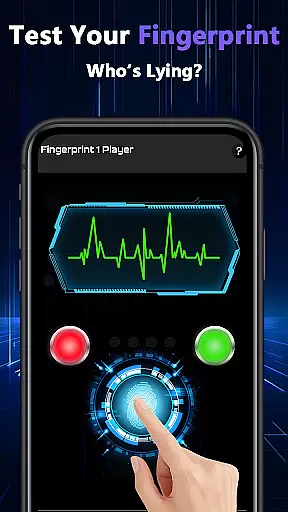
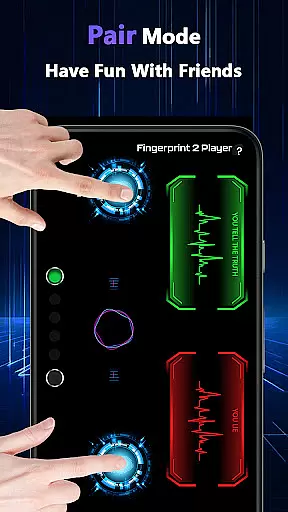
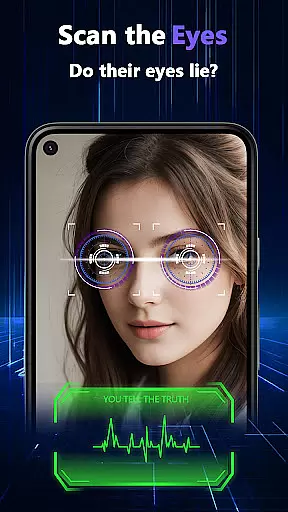
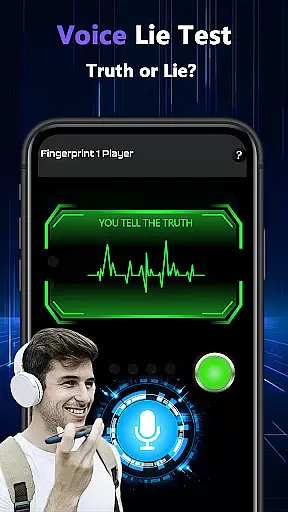
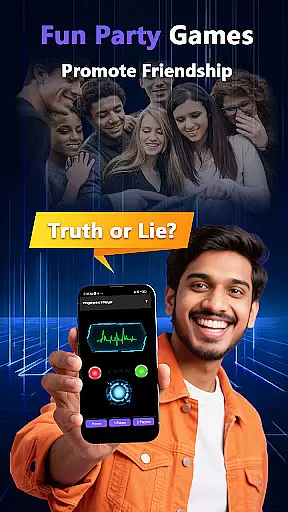
Lie Catcher Pro is a playful tool designed to add fun and laughter to social gatherings through simulated lie-detection experiences. The app features interactive tests such as fingerprint scans, eye scans, voice analysis, and a unique pair mode for engaging with friends.
While the results are purely for entertainment purposes and carry no scientific accuracy, Lie Catcher Pro excels in creating light-hearted moments. Whether you're hosting a party or simply hanging out with friends, this app sparks friendly banter and encourages whimsical interactions.
Lie Catcher Pro offers a variety of entertaining features that make it stand out as a playful social tool. Its standout feature is the pair mode, which allows users to engage in mock lie-detection challenges with friends, enhancing group interactions.
The app includes multiple simulation methods such as fingerprint tests, eye scans, and voice analysis, each designed to heighten the fun factor. These features are crafted to encourage shared laughter and memorable moments, making it ideal for parties and casual get-togethers.
Lie Catcher Pro offers a variety of playful features designed to entertain users during social gatherings. The app includes fingerprint tests, eye scans, and voice lie checks that are crafted to spark friendly banter and fun interactions.
While the results provided by the app are not scientifically accurate, they serve their purpose in creating light-hearted moments. Each feature is implemented with an emphasis on user engagement rather than precision, ensuring that the experience remains enjoyable and whimsical.
The pair mode allows friends to interact and test each other in a group setting, making it perfect for parties or casual meet-ups. This feature enhances the overall user experience by encouraging collaborative play and shared laughter.
Ultimately, Lie Catcher Pro focuses on delivering a delightful and amusing experience. By prioritizing entertainment value over serious functionality, it successfully brings a unique form of interaction that is both engaging and memorable for users.
The interface of Lie Catcher Pro is designed to be straightforward and easy to navigate, ensuring that users can quickly start enjoying its features without a steep learning curve. The design emphasizes simplicity, allowing users to focus on the fun aspects rather than complex controls.
Each feature, such as fingerprint tests and eye scans, is presented in a clear and intuitive manner. Users can easily access these functions from the main screen, promoting seamless interactions during social events like parties or gatherings.
Additionally, the app incorporates visual and auditory cues that guide users through each playful test. These elements contribute to an engaging yet simple user experience, enhancing the overall enjoyment without overwhelming the participants.
By maintaining an intuitive layout and focusing on ease of use, Lie Catcher Pro ensures that users of all ages can participate in its whimsical activities. This approach helps create memorable moments while keeping the interface accessible and entertaining.
User-friendly interface
Fun party enhancement
Interactive pair mode
Variety of playful tests
Encourages social bonding
No scientific accuracy
Limited practical use
Requires willing participants
Results are purely random
Not suitable for serious scenarios

 4.50
4.50 4.50
4.50
A powerful, easy-to-use flight computer on your phone or tablet!
3.80
HD Camera captures every special moment.
4.60
Just swipe the edge to do something!
4.40
App that Recover your pictures, videos or files after you delete them.
4.20
Best leveling tool for your Android device. Hang paintings like a pro.
4.90
Support Fossify apps with a warm thank you!
5.00
Mirror your screen to Fire TV - Super fast and simple
4.40
Connect wirelessly to your computer to watch movies, browse the web, play games
5.00
Unit and currency converter with easy and simple UI.
4.80
NFC Tools can read and write NFC tags.
4.70
Canon PRINT is a companion app for your Canon printer.
4.60
Mirror your screen to Chromecast and Android TV - Super fast and simple
4.60
Screen Mirroring for Roku Sticks, Roku TCL TV and Roku Hisense TV
4.50
Button mapper, mouse toggle, sleep timer and a lot of another features
4.50
Introducing Smart Printer, your ultimate destination for printing solutions!
4.00
Unleash gamepad precision for ultimate mobile gaming dominance.
3.90
Download any file easily and quickly with Downloader
4.0
Honest Scratch app review—is it actually good for teaching kids to code? Real user insights on features, limitations, and learning outcomes.



User Reviews