
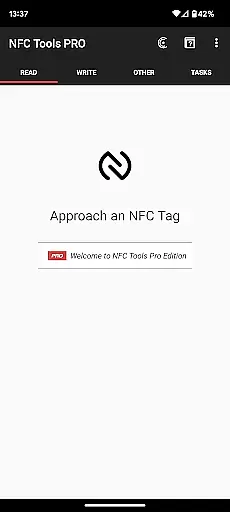
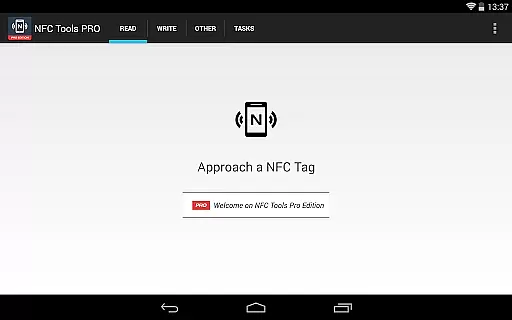
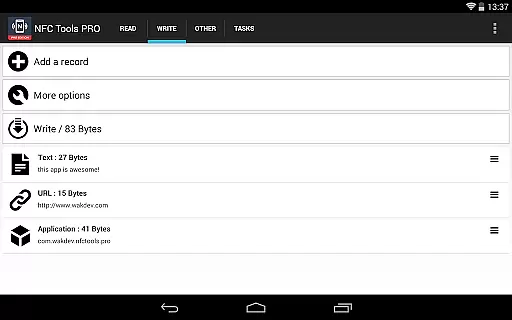
NFC Tools - Pro Edition is a powerful tool designed to unlock the full potential of NFC technology. This application allows users to read, write, and program tasks on NFC tags and compatible chips through an intuitive interface. It offers unlimited access to all available tasks within NFC Tools, enabling users to create imaginative routines for both fun and utility.
With exclusive features such as profile management, importing from existing NFC tags, executing tasks without physical tags, emulating NFC tags, conditional blocks for complex actions, and over 200 tasks for limitless combinations, this app is indispensable for anyone looking to maximize their NFC capabilities.
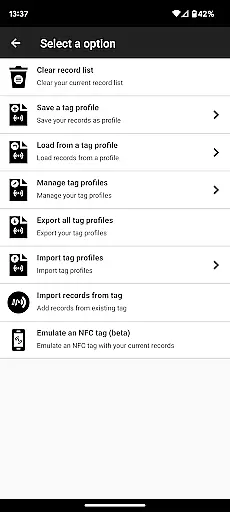
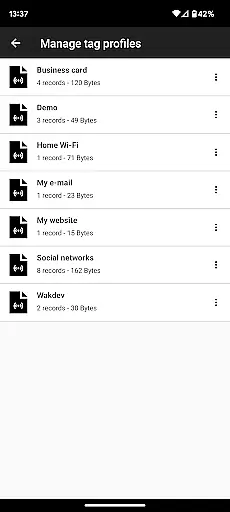
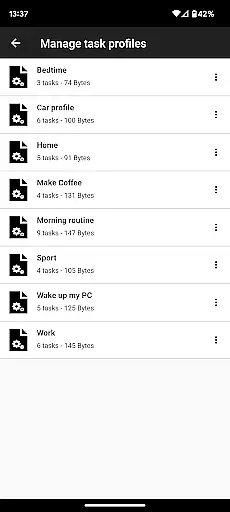
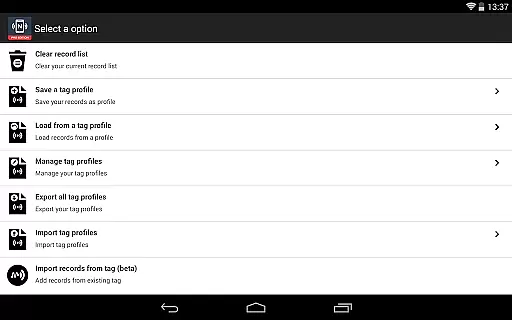
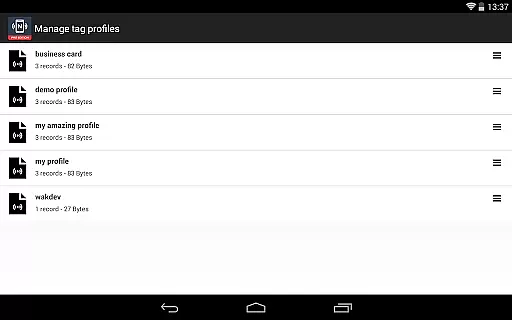
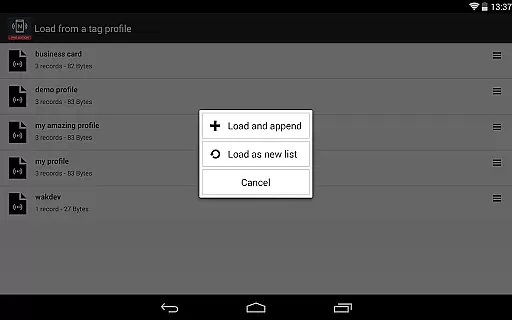
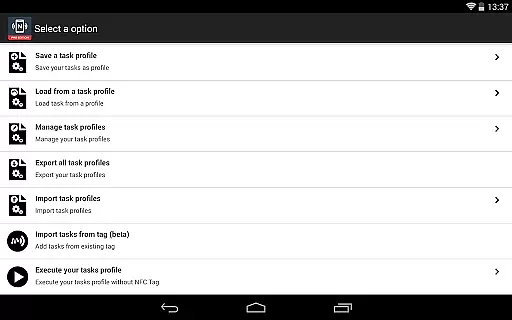
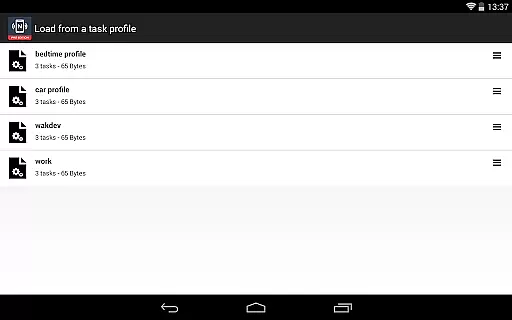
The NFC Tools - Pro Edition stands out with its comprehensive suite of features tailored for advanced NFC usage. The profile management system lets users save and reuse profiles containing records and tasks, streamlining workflow and enhancing productivity.
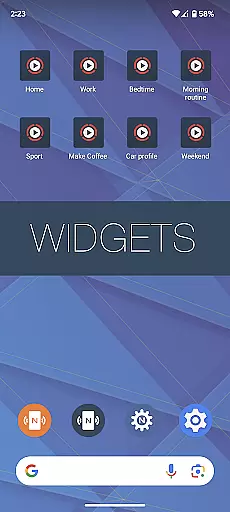
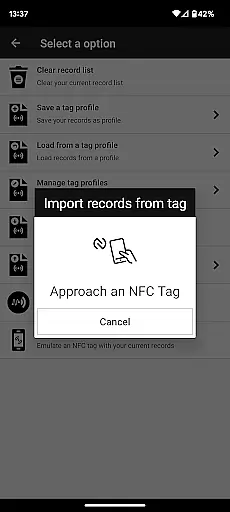
Additional functionalities include importing data from existing NFC tags for quick edits, executing tasks via home screen shortcuts without needing physical tags, and emulating NFC tags using the device itself. Conditional blocks allow for sophisticated action sequences, while the vast array of more than 200 tasks ensures that users can achieve virtually any NFC-based automation they desire.
NFC Tools - Pro Edition is designed to provide users with an accurate and effective way to interact with NFC tags. The app allows for reading, writing, and programming tasks on NFC tags through a simple and lightweight user interface. This ensures that even those new to NFC technology can easily understand and utilize its features without a steep learning curve.
The application offers access to all available tasks without limitations, empowering users to create routines that are both fun and useful. With over 200 tasks at their disposal, users can combine functionalities in infinite ways, ensuring that the app meets a wide variety of needs and preferences. Whether automating everyday processes or experimenting with creative projects, NFC Tools - Pro Edition delivers reliable performance.
Exclusive features such as profile management, importing from existing NFC tags, executing tasks without NFC tags, and emulating NFC tags further enhance the core functionality. These tools not only improve efficiency but also expand the possibilities of what users can achieve with their NFC-enabled devices. Such comprehensive support makes this app a powerful ally in harnessing the full potential of NFC technology.
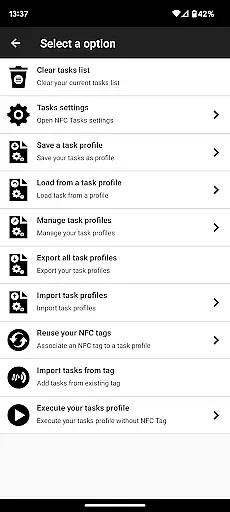
A standout feature of NFC Tools - Pro Edition is its commitment to interface simplicity and intuitiveness. The app boasts a clean, user-friendly design that makes navigation straightforward and stress-free. Users can quickly find and activate the functions they need without wading through complex menus or settings, which significantly enhances the overall user experience.
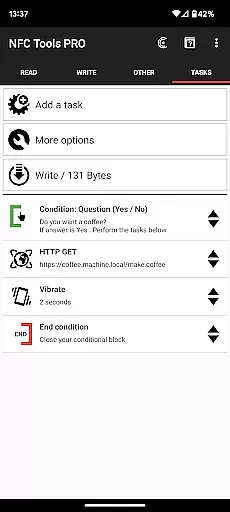
In addition to basic read and write capabilities, the app includes advanced options like conditional blocks for creating complex actions with conditions. Despite these sophisticated features, the interface remains accessible, ensuring that users of all skill levels can take full advantage of the app's capabilities. This balance between power and ease-of-use is a testament to the thoughtful design behind NFC Tools - Pro Edition.
Furthermore, exclusive functionalities such as executing tasks via home screen shortcuts and emulating NFC tags using the device itself are seamlessly integrated into the UI. This intuitive layout not only simplifies task execution but also encourages users to explore more advanced features confidently. Overall, NFC Tools - Pro Edition sets a high standard for how technical apps should prioritize user-centric design principles.
Unlimited task access
User-friendly interface
Advanced profile management
Over 200 customizable tasks
Comprehensive support options
Requires NFC-compatible device
Premium version cost
Dependent on external NFC Tasks app
Complexity may overwhelm beginners
Limited use without physical tags

Quickly switch to an encrypted DNS server on Android TV
 4.50
4.50
Remote for Roku, Fire TV, Samsung TV, LG TV, Android TV, Chromecast and VIZIO TV
4.20
Safely recover deleted photos, videos, and files with a single easy tap.
3.70
App to pay for FUTO Keyboard
4.60
Making emulation easy for everyone!
4.30
With videos, electrical calculators, and built-in ebook, Ugly’s has your answer.
4.50
Create your own custom widget with endless possibilities
3.90
Screen Mirroring with sound for Samsung TV, LG TV, Sony TV, Smart TV and Browser
4.20
Fast VPN USA for any country. Super secure VPN for calls, streaming, games, TV.
4.40
Easily install aab(Android App Bundle) files on your Android device with our app
4.80 4.50
4.50
PC precision for mobile gaming: dominate with keyboard and mouse!
4.30
Quickly check the frequency of the Earth
4.30
A simple app to back up and restore SMS & MMS messages and call logs.
4.10
Amateur Radio app for APRS: Track friends, exchange messages, get tactical info.
3.90
Create your own live wallpaper or check out thousands already made presets
3.90
Smart and comfortable browsing experience.
3.80
Transfer Files, APK from Phone to Watch & Install.
4.0
Save any video in HD - paste the link, download fast and watch offline.
4.4
Honest Scratch app review—is it actually good for teaching kids to code? Real user insights on features, limitations, and learning outcomes.



User Reviews