
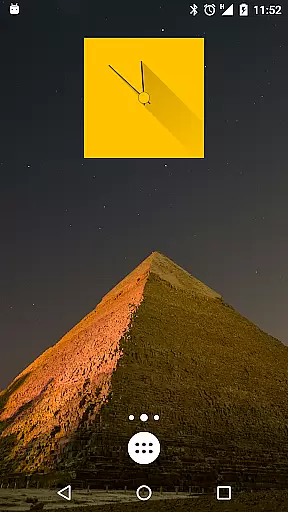
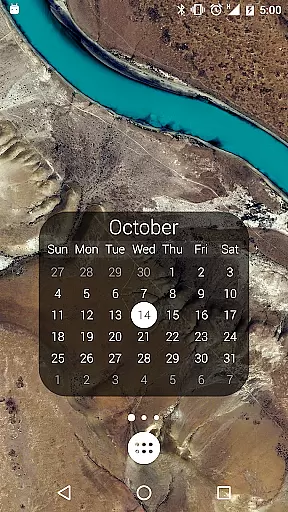
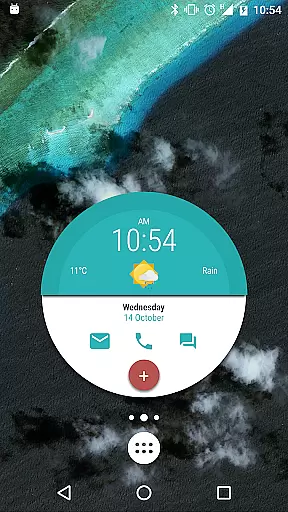
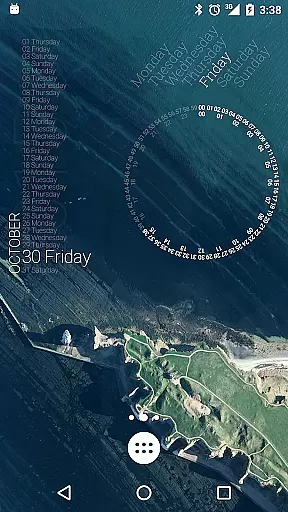
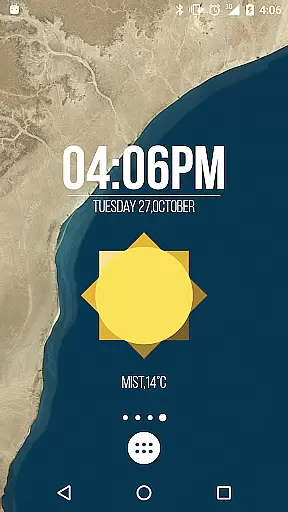
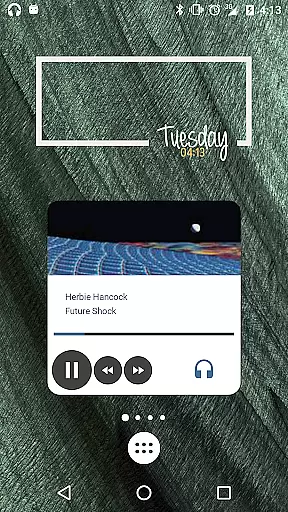
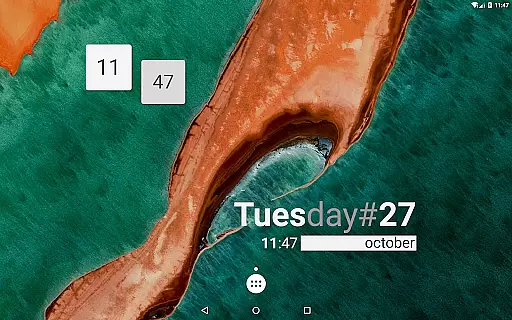
KWGT Kustom Widget Pro Key is a powerful customization tool designed to enhance the functionality of the Kustom Widget app. This pro key unlocks advanced features that allow users to create unique and sophisticated widgets for their Android devices.
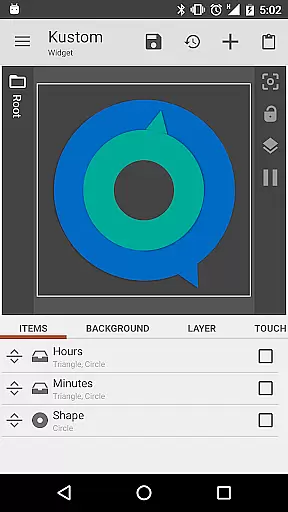
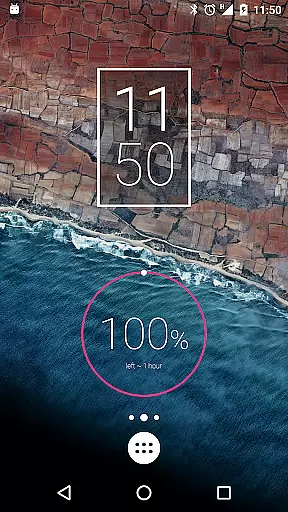
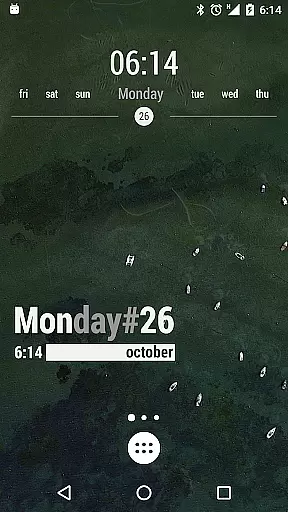
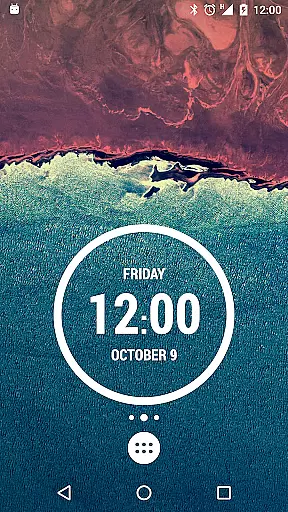
The application supports creating custom digital and analog clocks, weather widgets, battery meters, and more. With its intuitive WYSIWYG editor, users can design personalized widgets that display necessary information without compromising device performance. The pro version removes ads, enables SD import, and provides additional customization options.
This premium key adds significant value to the standard Kustom Widget app by enabling professional-grade features. Users gain access to advanced customization options including custom fonts, shapes, 3D transformations, and gradient effects.
The application supports complex programming capabilities with conditionals and variables, allowing widgets to change appearance based on various triggers like time or weather. It also includes Tasker integration, Google Fitness support, and dynamic content downloading via HTTP. These features make KWGT a versatile tool for both casual users and advanced designers.
KWGT Kustom Widget Pro Key is designed to enhance the functionality of the Kustom Widget app by providing users with advanced tools for creating highly customized widgets. The core functions include the ability to design unique digital and analog clocks, live map widgets, weather displays, and sophisticated battery or memory meters.
The app ensures accuracy through its powerful WYSIWYG editor, which allows users to see their designs in real-time as they create them. This feature eliminates guesswork and ensures that the final widget will look exactly as intended, providing an effective solution for personalizing your Android device's launcher or lock screen.
With support for custom fonts, colors, sizes, and effects, KWGT offers a versatile platform for expressing creativity. Users can also incorporate complex programming language features such as functions, conditionals, and global variables, making it possible to display a vast array of data types including date, time, battery status, weather conditions, and more.
This level of customization not only enhances aesthetic appeal but also improves usability by allowing users to access important information at a glance without compromising on design quality or consuming excessive battery life.
The interface of KWGT Kustom Widget Pro Key is crafted to offer simplicity and intuitiveness, ensuring that even those new to widget creation can navigate and utilize its features effectively. By integrating seamlessly with the Kustom Widget app, it provides a streamlined experience where users can unlock additional capabilities without facing a steep learning curve.
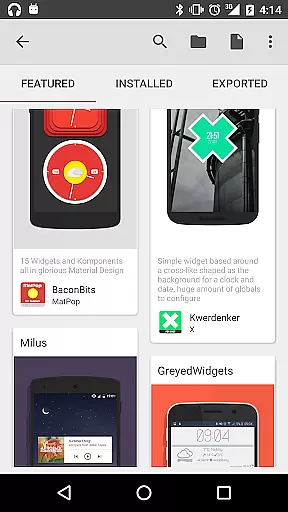
One key aspect of this intuitive design is the availability of pre-made skins and components (referred to as Komponents) that serve as starting points for customization. These resources help users quickly grasp how different elements like text, shapes, gradients, and layers work together within the editor environment.
Moreover, touch actions and hotspots can be assigned to any object created within the app, adding interactive dimensions to static designs. This interaction model simplifies the process of making dynamic widgets that respond to user inputs based on time, location, weather, or other variables.
Overall, KWGT's interface empowers users to bring their creative visions to life while maintaining ease-of-use throughout the entire widget-building process, thus catering to both beginners and experienced designers alike.
Unlimited customization options
Advanced programming capabilities
Battery-efficient widget operation
Professional design tools included
Comprehensive data display options
Requires separate app installation
Steep learning curve for beginners
Some features need technical knowledge
Premium price point
Occasional compatibility issues

 4.50
4.50
A recovery soft,it features photo recovery, video recovery, file recovery.
3.40
Universal TV remote control all TVs, Roku, LG, Samsung, Fire, Vizio, Sony, TCL.
4.40
Keep track of your Palia friendships, tasks, and inventory with Palia Notebook
4.60
card-reader app
2.20
Small and simple app to Verify Root Access and BusyBox Install!
4.70
Signal Strength, Mobile, Wifi, Speed Test, Bad Signals, Cellular, 5G, LTE, 4G
4.20
Quickly check the frequency of the Earth
4.30
A clean app.
4.50
Best leveling tool for your Android device. Hang paintings like a pro.
4.90
Creation, Learning, Entertainment & More — The All-in-One AI Search Engine
4.70
eXtended Permission Manager - a small app to manage permissions and AppOps
4.50
Complete kernel toolbox with features to manage and tweak your rooted device
4.30
View detailed information about your Nissan Leaf the dealer never shows you.
4.10
Detect hidden spy camera with advanced scanning {{ Premium version }}
4.00
Smart and comfortable browsing experience.
3.80
Undelete and recover your lost or deleted files with DiskDigger!
3.40
PDF Reader - Document Viewer: Read, Manage & Organize Your Documents
3.10
Save any video in HD - paste the link, download fast and watch offline.
4.4
Honest Scratch app review—is it actually good for teaching kids to code? Real user insights on features, limitations, and learning outcomes.



User Reviews