
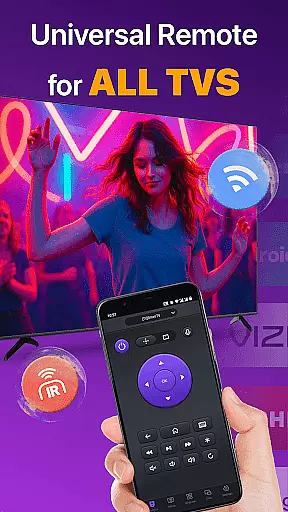
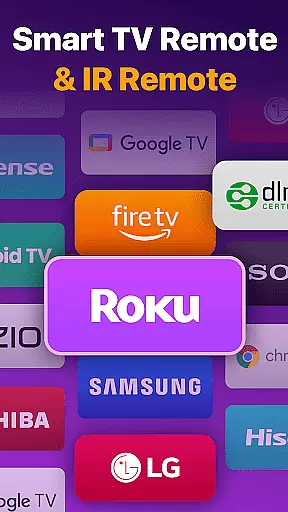
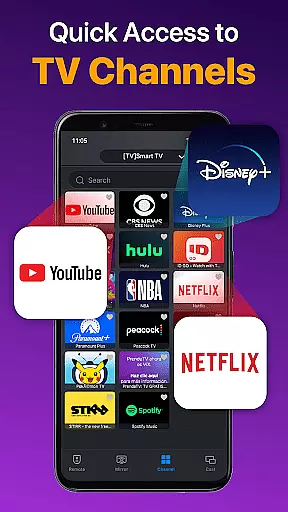
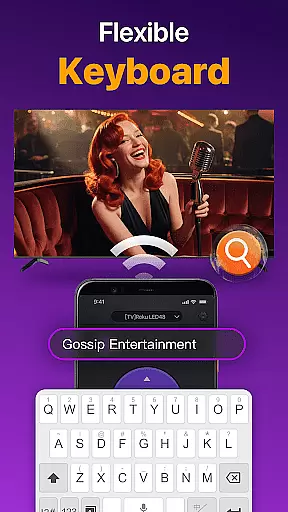
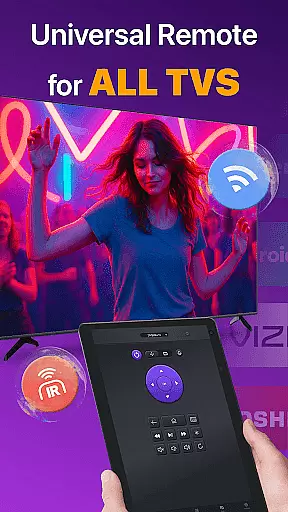
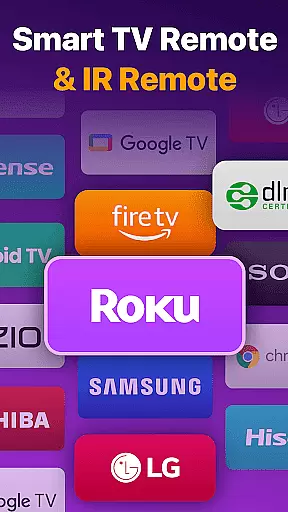
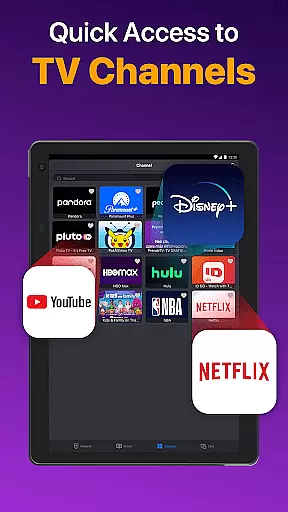
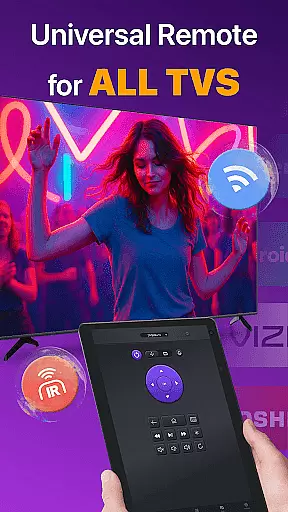
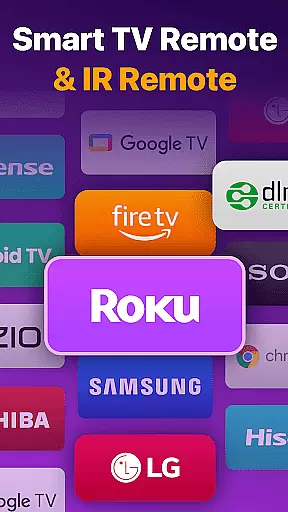
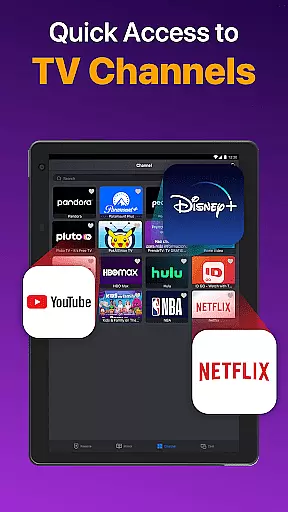
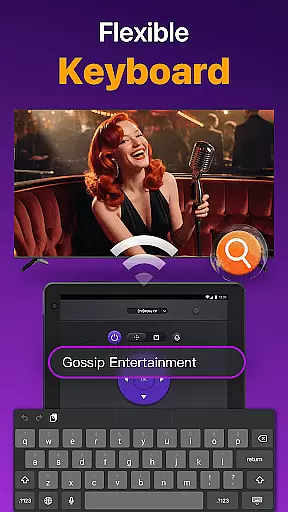
Universal TV Remote for All TV is a versatile remote control application designed to simplify the management of multiple smart TVs. This app supports major brands like Roku, LG, Samsung, and TCL, allowing users to seamlessly control their devices through WiFi or IR modes. The core functionality includes power management, channel navigation, volume adjustment, and media playback control.
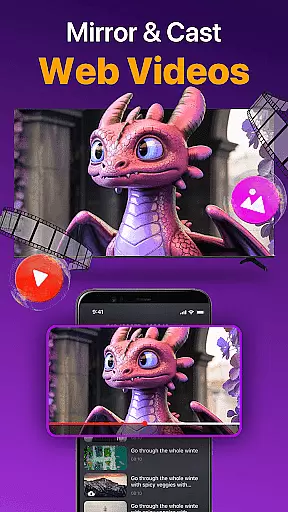
Beyond basic remote operations, the app offers advanced features such as screen mirroring, photo casting, and efficient text input for searching content. Whether you're at home or in the office, this tool eliminates the need for multiple physical remotes, providing a unified control solution that enhances convenience and saves time.
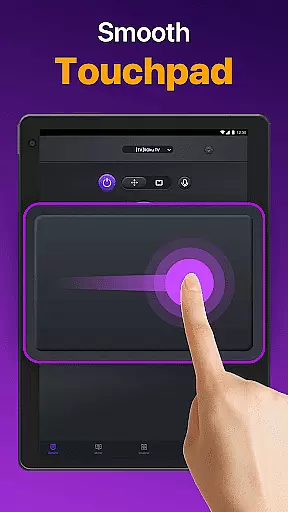
The app's auto-detection feature identifies all compatible smart TVs on the same network, making setup quick and intuitive. Its responsive touchpad interface ensures smooth navigation, while the ability to mirror your phone screen to a larger display adds significant value for presentations and entertainment purposes.
Universal TV Remote stands out with its comprehensive feature set tailored for smart TV users. The app automatically detects all Smart TVs on the same WiFi network, enabling effortless device connection without manual configuration. Users can enjoy precise control over volume, playback functions like reverse and fast forward, and even manage power settings directly from their mobile device.
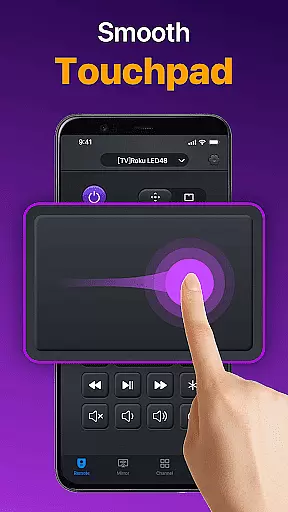
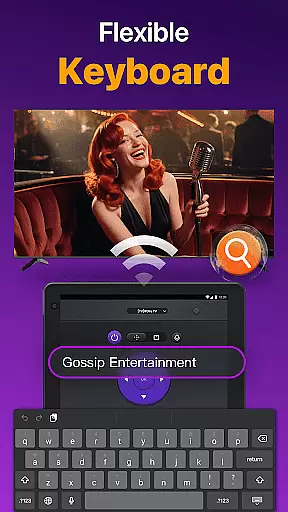
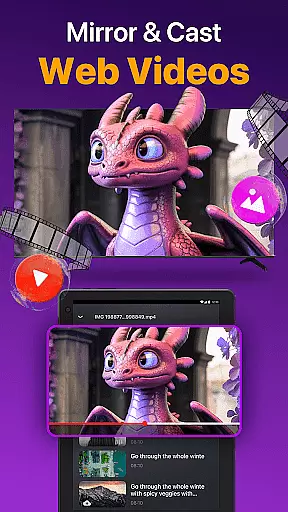
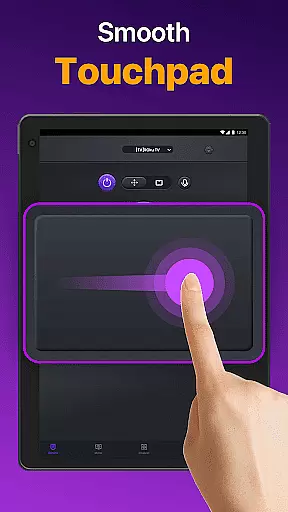
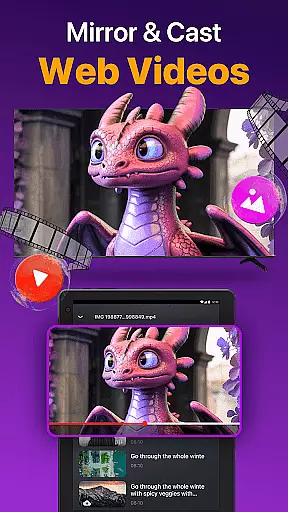
A standout feature is the responsive touchpad interface, which allows for intuitive navigation across different TV menus and apps. The quick text input function makes searching for movies and shows faster than ever before. Additionally, the app supports multimedia sharing, enabling users to cast photos and videos from their local albums directly to their TV screens.
For enhanced versatility, the app provides screen mirroring capabilities with low latency, perfect for presentations or sharing mobile content on a larger display. These features collectively create a seamless user experience that combines convenience with advanced functionality, setting it apart from traditional remote controls.
Universal TV Remote for All TV delivers exceptional core functionality by providing accurate and effective control over a wide range of smart TVs. The app auto-detects all Smart TVs on the same WiFi network, enabling users to seamlessly manage their devices without the need for multiple physical remotes.
The remote app offers precise control features such as volume adjustment, channel management, and content playback controls. These functions mimic the responsiveness and reliability of traditional remote controls while adding the convenience of smartphone accessibility. Additionally, the app's support for IR modes ensures that users can maintain control even when WiFi is unavailable.
By offering quick text input and search capabilities, the app enhances the user experience, allowing efficient navigation to favorite shows or movies. This level of functional accuracy not only simplifies daily TV interactions but also significantly boosts user productivity by consolidating control into a single, intuitive interface.
The Universal TV Remote for All TV boasts an interface designed for simplicity and intuitiveness, ensuring users can effortlessly navigate its features. Upon launching the app, users are greeted with a clean layout that highlights essential functions such as power on/off, volume control, and channel management, making it easy to locate and use these tools.
A responsive touchpad further augments the user experience, providing an efficient way to interact with the TV. This feature eliminates the frustration often associated with complex remote controls, offering a streamlined alternative that responds promptly to user inputs. Moreover, the straightforward setup process requires just a few taps to connect to a compatible TV brand, enhancing overall usability.
With clear instructions and an uncluttered design, the app minimizes the learning curve for new users. This simplicity ensures that individuals of all tech-savviness levels can enjoy the convenience of controlling their smart TVs directly from their smartphones without any hassle.
User-friendly interface
Wide device compatibility
Quick setup process
Advanced touchpad control
IR and WiFi support
Limited to same network
Occasional connectivity issues
Not officially endorsed by brands
Requires careful troubleshooting
May not support older models

Easily install aab(Android App Bundle) files on your Android device with our app
 4.80
4.80
Just one-tap to easy translate in any language after calls within seconds.
4.20
card-reader app
2.20
ADB support Android 4.X-Android 13(Support wireless pair mode).No root required!
4.70
Signal Strength, Mobile, Wifi, Speed Test, Bad Signals, Cellular, 5G, LTE, 4G
4.20
PC precision for mobile gaming: dominate with keyboard and mouse!
4.30
Clean up large files and similar photos, fast and easy to use
4.40
Mobile Security with Scam Protection | Malware & Virus Cleaner | Safe Browser
4.70
Your personal health butler
3.60
Connect wirelessly to your computer to watch movies, browse the web, play games
5.00
Planner and Tracker for Stardew Valley
4.60
Mirror your screen to Chromecast and Android TV - Super fast and simple
4.60 4.50
4.50
Complete kernel toolbox with features to manage and tweak your rooted device
4.30
Fluid navigation gestures for all of us!
4.30
Carry a FTP server in your pocket and avoid USB cables for file transfer
4.20
Introducing Smart Printer, your ultimate destination for printing solutions!
4.00
Transfer Files, APK from Phone to Watch & Install.
4.3
Download any file easily and quickly with Downloader
4.0
Honest Scratch app review—is it actually good for teaching kids to code? Real user insights on features, limitations, and learning outcomes.



User Reviews