
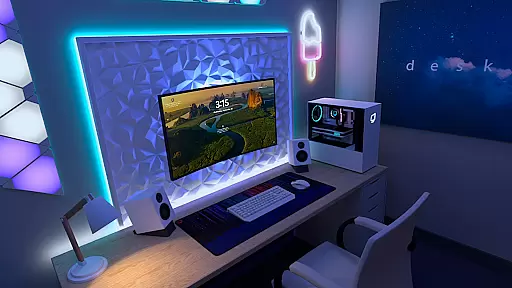
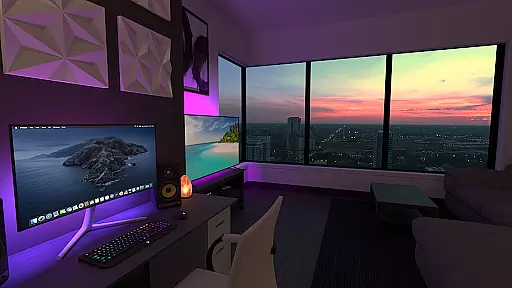
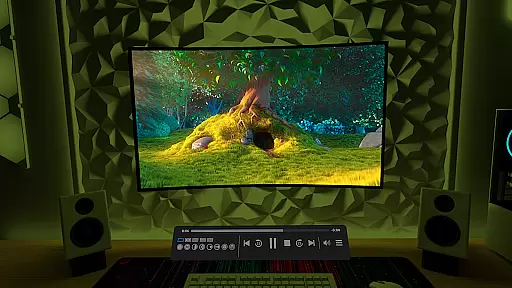
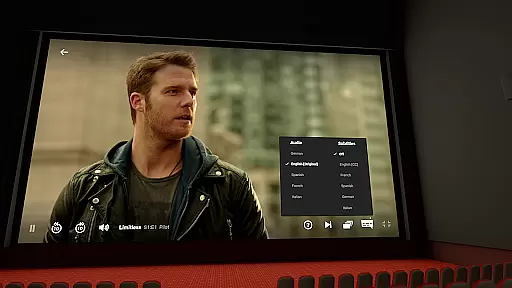
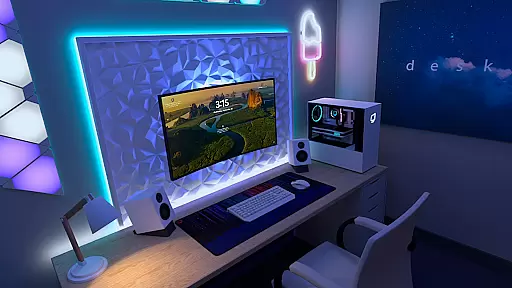
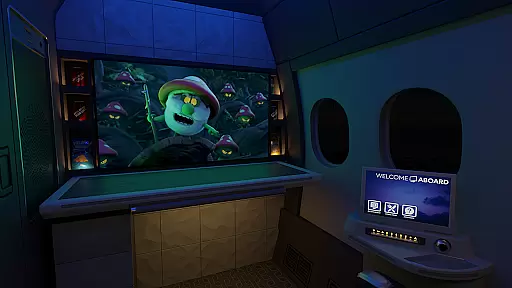
Virtual Desktop is a powerful tool that allows users to connect wirelessly to their computers for an immersive experience. With the ability to watch movies, browse the web, and play games on a giant virtual screen, this app transforms any device into a versatile workstation. The application supports streaming PCVR games, making it ideal for gaming enthusiasts who want to enjoy their favorite titles in a virtual environment.
Designed for low latency and high-quality streaming, Virtual Desktop is optimized for performance. It requires a computer connected via a Gigabit Ethernet cable to a 5 or 6 GHz router, ensuring stable and fast connections. Whether you're using a Windows or macOS system, this app provides a seamless experience across multiple platforms, enhancing productivity and entertainment.
Virtual Desktop boasts a range of features that cater to various user needs. One standout capability is its support for multi-monitors, allowing users to extend their workspace across several displays. This feature is complemented by compatibility with Bluetooth mice, keyboards, and gamepads, providing a comprehensive and flexible setup for both work and play.
The app also includes a Videos tab, enabling users to download or stream regular, 180, and 360 videos directly from their computers. Additionally, Virtual Desktop supports 3D Side-by-Side and Over-Under content, enhancing the viewing experience for 3D media. With options like Microphone passthrough and remote connections over the internet, users can enjoy a fully integrated virtual desktop environment tailored to their preferences.
Virtual Desktop excels in delivering a seamless and high-quality streaming experience. The application is optimized for low latency, ensuring that users can enjoy their content without frustrating delays. This is particularly important when streaming PCVR games or watching high-definition movies.
The app supports both local network streaming and remote connections over the internet. To achieve optimal performance, it requires a computer connected via a Gigabit Ethernet cable to a 5 or 6 GHz router. This setup guarantees stable and fast data transmission, which is crucial for maintaining video quality and responsiveness during interactive sessions.
Users benefit from an impressive range of supported content types. Virtual Desktop handles regular, 180, and 360-degree videos with ease, making it versatile for different entertainment needs. Additionally, its compatibility with multi-monitors and 3D content enhances the viewing experience, providing flexibility and immersion that are hard to match.
A user-friendly interface is essential for productivity tools, and Virtual Desktop delivers on this front. The design emphasizes simplicity and ease of use, allowing users to quickly connect to their computers and start streaming without a steep learning curve. Clear instructions guide users through the setup process, ensuring they can take full advantage of the app's capabilities.
One standout feature is the Videos tab, which lets users download or stream videos directly from their computer. This intuitive functionality simplifies media management and access, enhancing the overall user experience. Furthermore, support for Bluetooth peripherals like mice, keyboards, and gamepads adds another layer of convenience.
For those who require voice interaction, the Microphone passthrough option ensures clear communication. These thoughtful design choices contribute to an interface that feels natural and responsive, catering to both casual users and tech-savvy individuals looking for advanced features.
User-friendly interface
High-quality streaming
Multi-monitor support
Wide platform compatibility
Comprehensive input device support
Requires wired connection
Internet-dependent features
Limited mobile OS support
Premium pricing model
Complex setup process

Transfer Files, APK from Phone to Watch & Install.
 4.2
4.2
FV File Manager Pro, Fast and powerful file manager for Android
4.60
This app unlocks the Pro features of the Central for DayZ app
3.60
Canon PRINT is a companion app for your Canon printer.
4.60
Small and simple app to Verify Root Access and BusyBox Install!
4.70
Bedrock Together: Join any bedrock server on Xbox/PS
4.80
Button mapper, mouse toggle, sleep timer and a lot of another features
4.50
Fast VPN USA for any country. Super secure VPN for calls, streaming, games, TV.
4.40
The ideal app to be the digital eye of your family
3.40
The one-and-only remote control for PC, Mac, and Linux
4.70
HD Video player and downloader for all formats, fast & smooth 4K video playback.
4.60 4.50
4.50
Forza Tuning Calculator App for Forza Horizon 5, Motorsport and Earlier Titles
4.40
Mirror your screen to Fire TV - Super fast and simple
4.40
Pro Emulator is an easy to use game console emulator for a range of consoles.
4.40
Complete kernel toolbox with features to manage and tweak your rooted device
4.30
pdf merge, word to pdf, jpg to pdf, edit pdf, convert to pdf and much more!
4.20
MS-DOS in your pocket. Play old DOS games anywhere you are ;)
4.10
A simple app to back up and restore SMS & MMS messages and call logs.
4.10
Honest Scratch app review—is it actually good for teaching kids to code? Real user insights on features, limitations, and learning outcomes.



User Reviews